
Why Upper Back Support Is the Missing Piece in Your Office Chair
When we talk about ergonomic seating, the conversation almost always starts and ends with the lower back. But if you've ever felt a dull ache between your shoulder blades after a long day of meetings, you know the upper back demands attention, too. The thoracic spine—the twelve vertebrae connecting your neck to your lower back—is designed for stability, but poor seating posture forces it into a constant C‑curve, straining muscles and ligaments.
Office chair upper back support isn't just a luxury; it's a biomechanical necessity. A chair that cradles the shoulder blades and maintains the natural slight curve of the upper spine can reduce muscle fatigue by up to 40%, according to ergonomic studies. Think of it like this: if your spine is a tower of blocks, the lower back is the foundation, but the upper back is the critical mid-section that keeps the whole structure from toppling. Without it, your shoulders roll forward, your neck compensates, and by 3 PM you're battling tension headaches.
In this guide, we'll explore exactly how to choose and adjust an office chair that supports your upper back. Whether you're a remote worker, a manager, or someone dealing with chronic upper back tightness, you'll find actionable advice, feature breakdowns, and product insights—all designed to help you sit taller and work more comfortably.
The Anatomy of Upper Back Support: What Your Chair Must Do
Upper back support goes beyond a tall backrest. It involves a combination of contour, adjustability, and materials that work together to keep your thoracic spine in a neutral position. Here are the core mechanical requirements:
1. Backrest Height & Contour: Reaching Your Shoulder Blades
A standard office chair backrest stops mid-back, leaving the area around the shoulder blades unsupported. For genuine upper back support, you need a high-back chair—typically at least 22‑24 inches from the seat pan. But height alone isn't enough. The backrest should have a gentle S‑curve that follows your spine, with a pronounced lumbar curve below and a slightly recessed or gently padded area in the upper region that allows your shoulders to relax without being pushed forward.
- Look for: “High-back” or “executive height” specifications. Some chairs offer adjustable backrest height, so you can align the curve precisely with your spine.
- Avoid: Flat, slab-like backrests that force your upper back to conform unnaturally.
2. Adjustable Lumbar (That Moves Up)
Most people think lumbar support is only for the lower back, but many modern chairs feature lumbar mechanisms that can be raised to support the mid-back as well. Adjustable lumbar with a height range of 4‑6 inches allows you to target the area just below the shoulder blades, which helps maintain an upright posture and prevents slumping.
Pro tip: When testing a chair, sit upright and slide your hand behind your back. The lumbar support should fit snugly into the curve of your lower back, but its upper portion should also provide gentle contact with the thoracic area. If there's a gap between the chair and your upper back, you'll likely hunch forward.
3. Shoulder Support: The “Wing” or Contoured Upper Frame
Some high-end ergonomic chairs incorporate a slight flare or wing in the upper backrest that gently hugs the shoulder blades. This design, often inspired by automotive seating, provides a subtle reminder to keep your shoulders back without restricting movement. It’s especially useful for people who tend to round their shoulders while typing.
4. Recline with Synchronized Movement
Static sitting is the enemy of the upper back. A chair with a synchronized recline mechanism allows your backrest to tilt while keeping your feet planted. When you recline 10‑15 degrees, the weight on your spinal discs decreases, and the upper back muscles can relax. Look for a chair that lets you lock the recline at various angles, so you can switch between active typing and relaxed thinking positions.
Material Matters: Mesh vs. Fabric vs. Leather for Upper Back Comfort
The material covering the backrest directly affects how well the chair supports your upper back. Here’s a breakdown tailored to thoracic support:
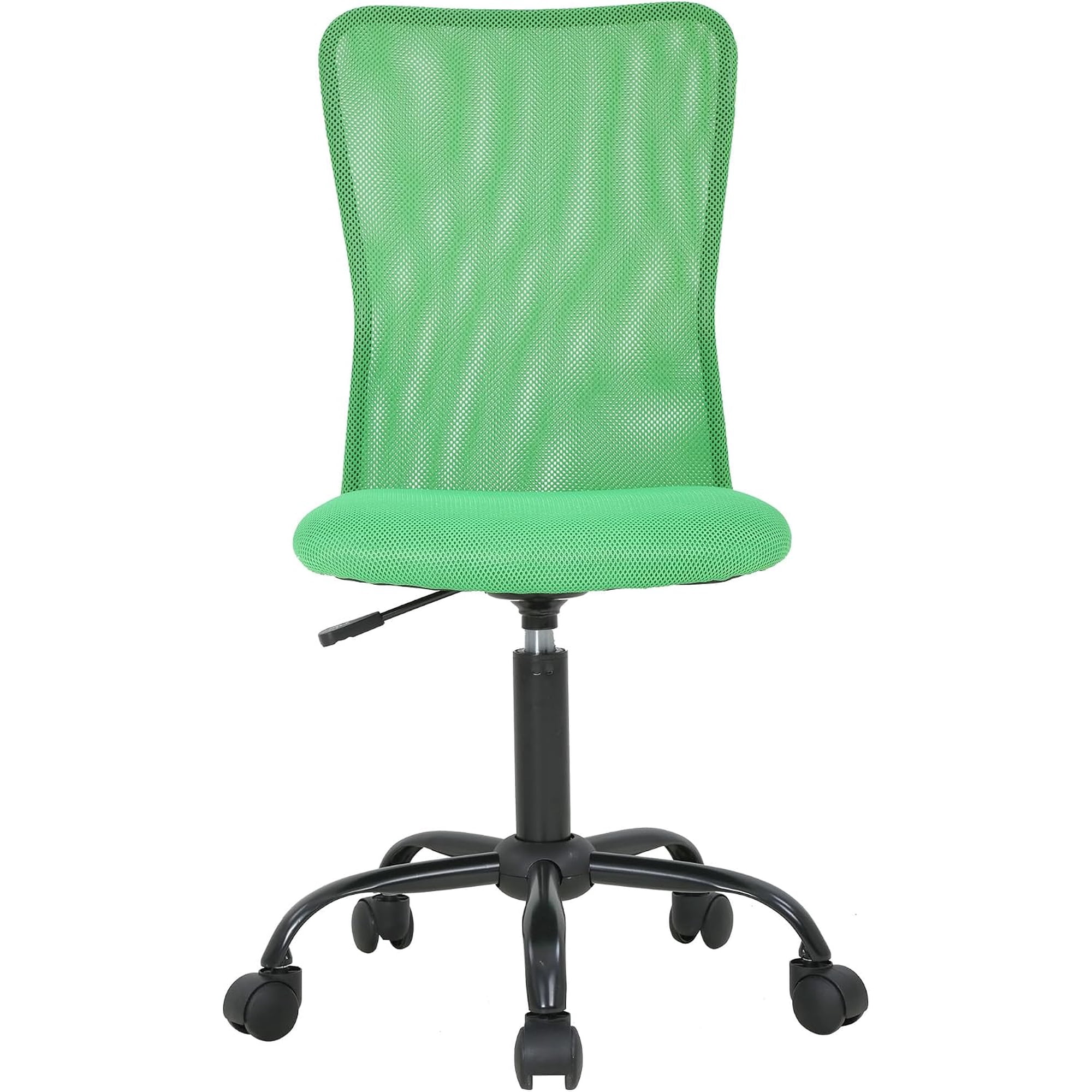
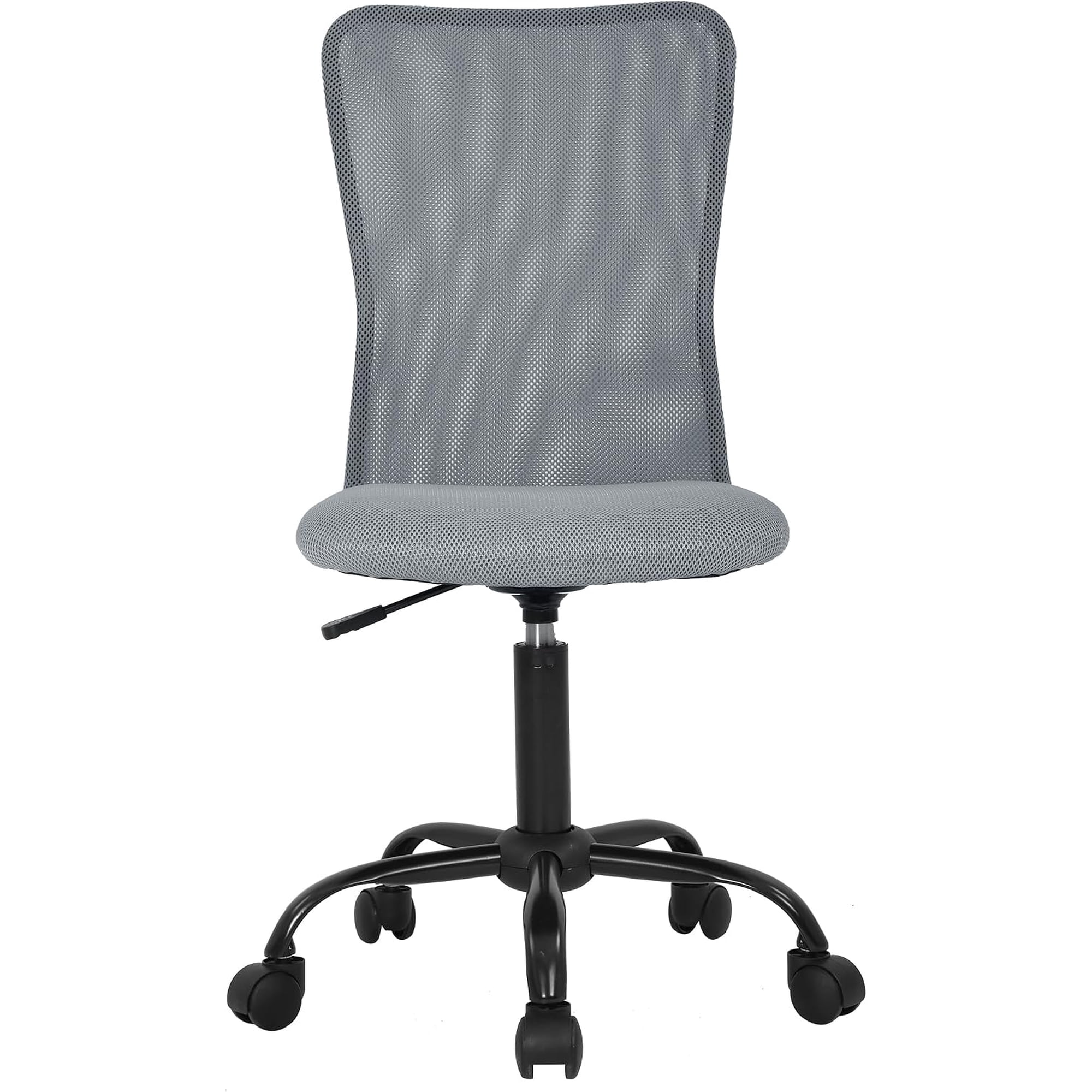
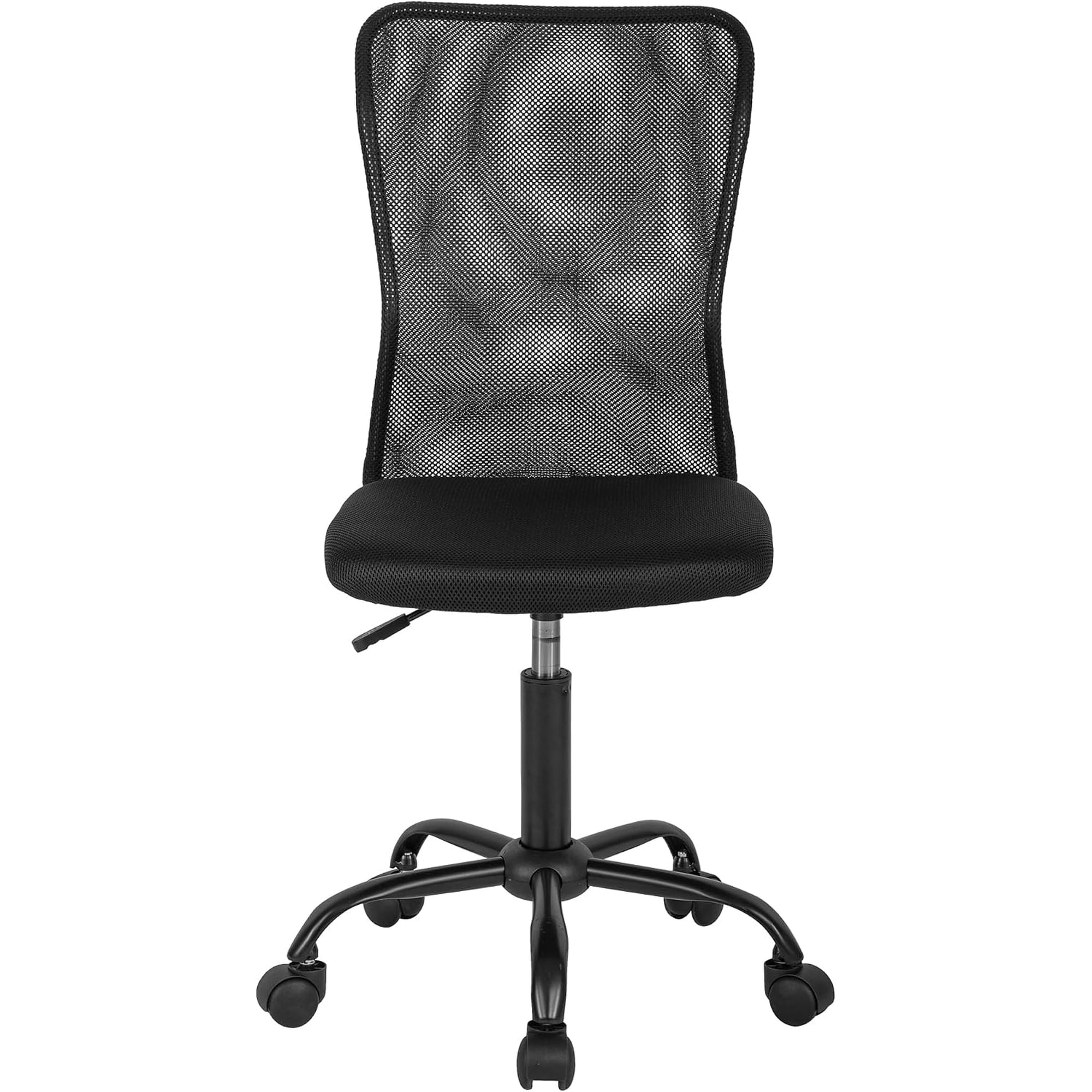
Mesh Backs – The Gold Standard for Upper Back Support
- Breathability: Keeps you cool, encouraging you to lean back fully.
- Dynamic Conforming: High‑quality mesh (like 3D knitted or Pellicle) stretches slightly to fit the shape of your shoulder blades, providing continuous contact.
- Firmness: Offers consistent tension that reminds you to maintain posture.
- Ideal for: Warm climates, people who move a lot, and those who prefer responsive support.
Leather / Faux Leather – Aesthetic but Requires Contouring
- Support: Can be excellent if the chair has sculpted foam padding that includes upper back contouring.
- Maintenance: Wipes clean easily, but can get sticky or hot.
- Caution: Cheap leather chairs often have flat padding that offers no upper back definition. Always test for foam density and shape.
- Best for: Executive settings where appearance is key, provided the ergonomic shape is present.
Fabric – Balanced Choice
- Comfort: Soft, warm, and often comes with layered foam that can be molded for upper back support.
- Variety: Available in many colors and patterns.
- Support longevity: High-density foam retains shape; look for chairs with distinct upper back bolstering.
5-Step Adjustment Guide: Dial in Upper Back Support Like a Pro
Even the best chair fails if it's not adjusted to your body. Follow this sequence to optimize your chair for upper back comfort:
- Seat height: Feet flat, knees at 90°, thighs parallel to floor. This foundation stabilizes your pelvis, which influences the whole spine.
- Seat depth: You should have 2‑3 fingers gap between the back of your knee and the seat edge. This prevents you from sliding forward and collapsing your upper back.
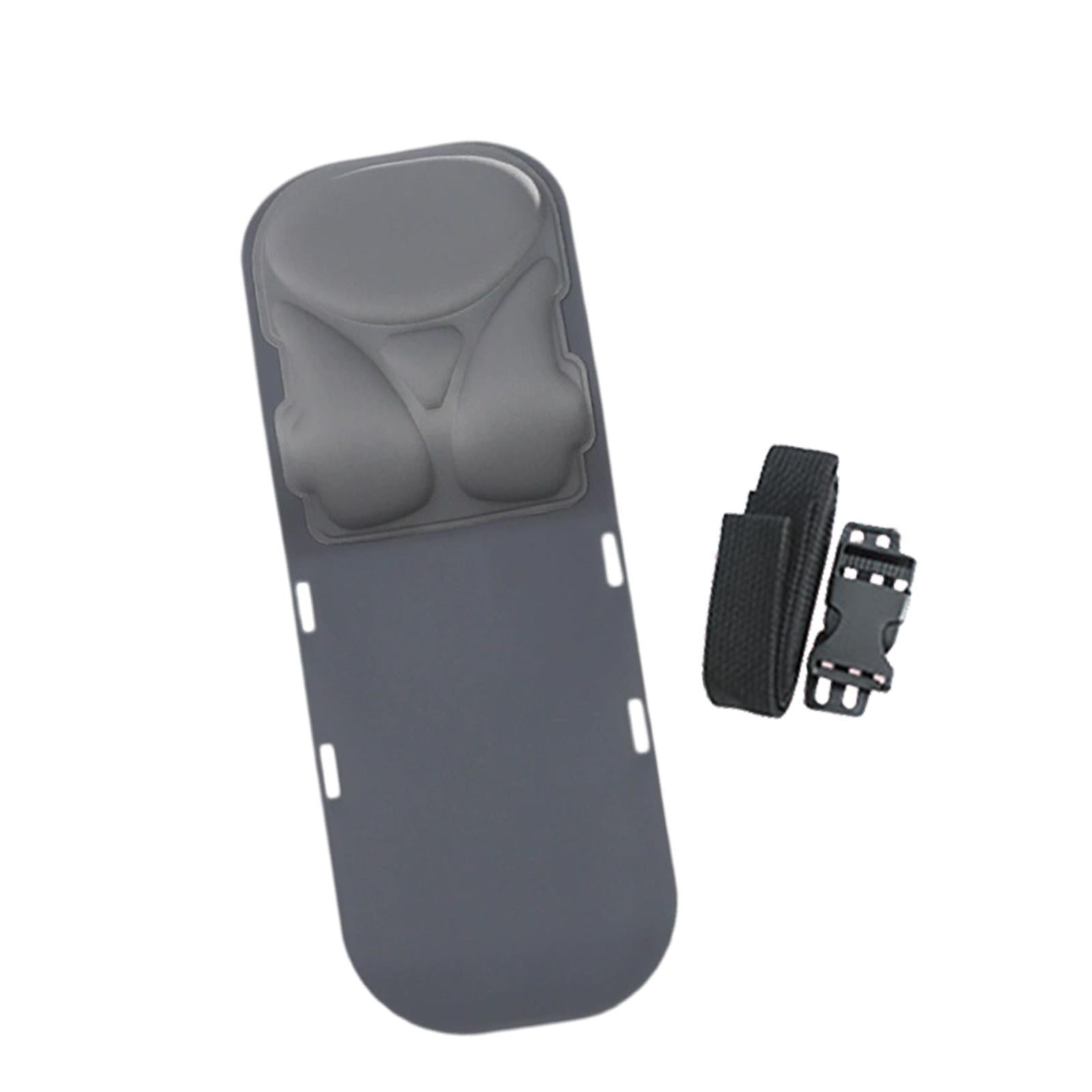
- Lumbar height: Adjust the lumbar support so its peak fits into the curve of your lower back. Then, check if the upper part of the backrest contacts your shoulder blades. If not, raise the entire backrest (if adjustable) or use an external upper back pad.
- Armrests: Set them so your elbows are at 90°, shoulders relaxed. Proper arm support prevents your shoulders from hiking up, which strains the upper back.
- Recline tension: Adjust so you can lean back with gentle effort, and the chair supports you at a 100‑110° angle for working, and up to 130° for micro-breaks.
Ergonomic Insight: A study from the Spine Health Institute found that workers who used chairs with adjustable upper back profiles reported a 53% reduction in upper back pain after 4 weeks, compared to those using standard task chairs.
Who Benefits Most from Dedicated Upper Back Support?
Frequently Asked Questions About Upper Back Support in Office Chairs
Conclusion: Invest in Your Upper Back, Invest in Your Well‑Being
Your upper back works hard every day to keep you upright, focused, and productive. Yet it's often the most neglected area in office seating. By choosing a chair with intentional upper back support—whether through a high mesh back, adjustable lumbar, or sculpted foam—you're making a proactive investment in your long‑term health. The right chair won't just make you more comfortable; it will help you breathe easier, think clearer, and leave work without that familiar ache between your shoulders.
Use the tips in this guide to evaluate your current setup or shop for a new one. And remember: even the best chair works best when you take movement breaks every 30‑45 minutes. Your spine will thank you.