
Why Your Upper Back Hurts at Work — And How the Right Chair Helps
If you’re dealing with a nagging ache between your shoulder blades or stiffness in your neck, you’re not alone. Studies show that over 60% of office workers experience upper back discomfort, often caused by prolonged sitting and improper seating support. Unlike lower back pain, which gets more attention, upper back pain (thoracic pain) is frequently linked to forward head posture and rounded shoulders — both of which can be corrected by choosing an office chair for upper back pain with targeted features.
Ergonomics insight: The thoracic spine is naturally designed for stability, but when forced into a slouched position for hours, the muscles (trapezius, rhomboids) become overstretched and fatigued. A quality chair acts as an external support system, keeping your spine in a neutral position.
Key Ergonomic Features That Directly Impact the Upper Back
Not every “ergonomic” chair is created equal. For upper back relief, prioritize these specific mechanisms:
- Adjustable lumbar support (height & depth): Proper lumbar support prevents the lower back from collapsing, which indirectly stops the upper back from curving forward. Look for chairs where the lumbar can be positioned to fit your curve.
- Headrest or cervical support: A 3D or 4D adjustable headrest supports the neck and upper thoracic region. It should move up/down, tilt, and sometimes forward/back to keep your ears aligned with your shoulders.
- Seat depth adjustment: When the seat is too long, you’re forced to lean back incorrectly; too short and you lack thigh support. Proper depth (usually 2-4 inches of space behind the knees) encourages better posture.
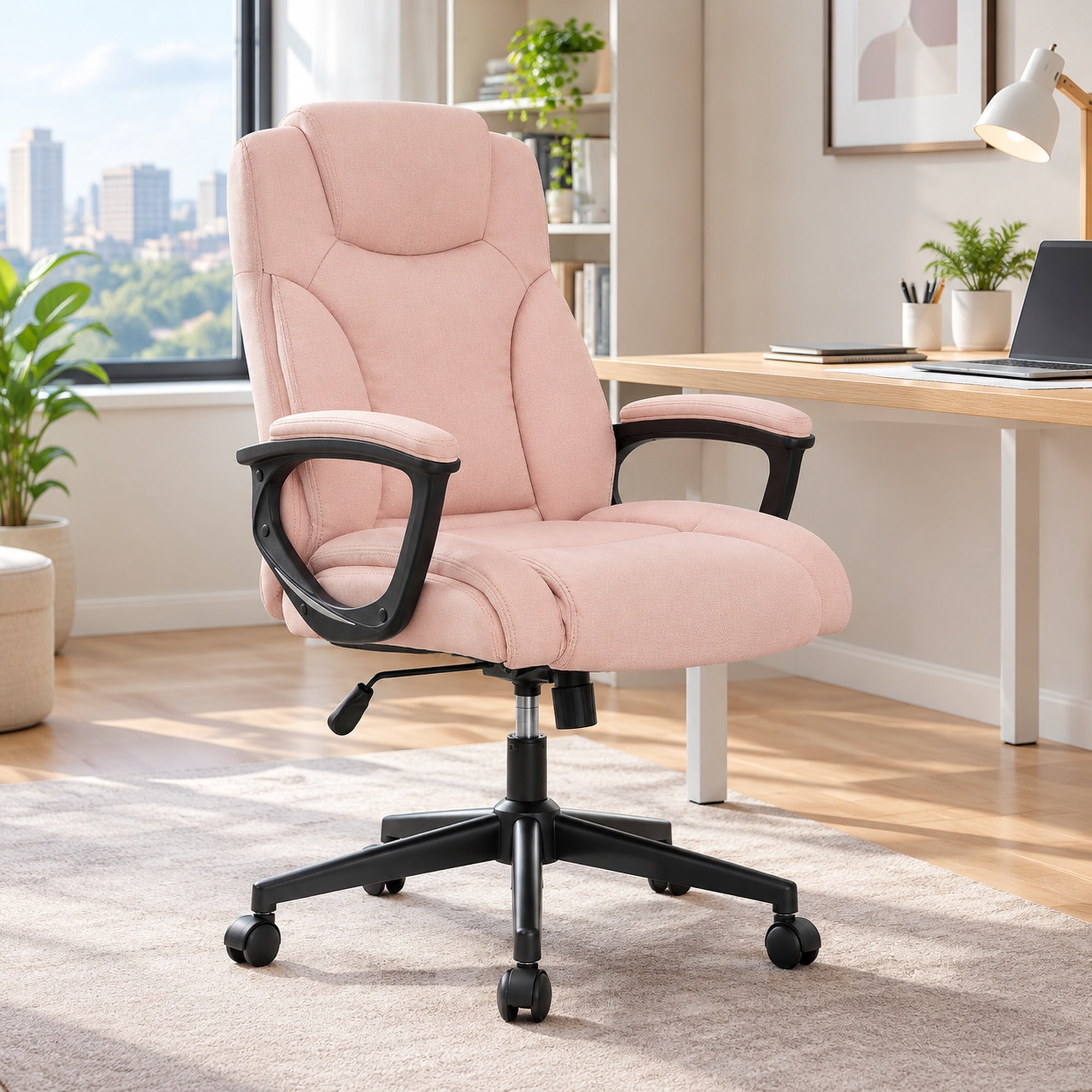
- Shoulder-friendly backrest: A backrest that’s wide enough and contoured to accommodate shoulder blades (scapulae) prevents hunching. Some chairs have a “wing” design that supports the upper back without restricting movement.
- Recline and tilt tension: A chair that allows dynamic movement (like synchro-tilt) lets you lean back slightly, opening up the chest and reducing forward shoulder strain.
According to the Journal of Physical Therapy Science, workers using chairs with adjustable lumbar and head support reported a 47% reduction in upper back muscle activity after just two weeks, highlighting the biomechanical impact of proper seating.
Material Matters: How Upholstery Affects Upper Back Comfort
While adjustability is king, material plays a role in how your upper back feels after eight hours:
| Material | Effect on Upper Back | Best For |
|---|---|---|
| Breathable Mesh | Prevents heat buildup; ideal for those who lean back frequently. Offers slight flexibility, conforming to shoulder blades. | Warm climates, people who prefer airy feel |
| Memory Foam + Fabric | Contours to the upper back, providing gentle pressure relief. Can be too warm for some. | Cold offices, extra cushioning needs |
| Premium Leather | Firm support; promotes good posture if the foam is dense. Requires maintenance to avoid stiffness. | Executive settings, durability seekers |
The Headrest Debate: Necessary for Upper Back Pain?
Short answer: absolutely. A well-positioned headrest supports the cervical spine (neck) and prevents the “text neck” or “forward head” posture that pulls on the upper back muscles. When your head (which weighs 10-12 lbs) drifts forward, the load on your upper back increases dramatically. An adjustable headrest acts as a reminder to keep your head back. Look for headrests that allow height and angle adjustments so you can rest the back of your skull lightly while working.
5 Steps to Adjust Your Current Chair for Upper Back Relief
If you’re not ready to buy a new chair, try these adjustments first — they can make a surprising difference:
- Set seat height: Feet flat on floor, knees at 90° (or slightly lower). This aligns your pelvis, which is the foundation for upper back posture.
- Adjust seat depth: Slide forward/back so there’s 2-3 finger widths between the seat edge and the back of your knee.
- Position lumbar support: The pad should sit in the small of your back (around belt line). If your chair lacks lumbar, use a small rolled towel.
- Check armrest height: Elbows at 90°, shoulders relaxed. Armrests that are too high cause shoulder shrugging, leading to upper back tension.
- Use a headrest or cervical pillow: If your chair has a headrest, position it so it touches your head when sitting upright — this prevents forward jutting.
Posture vs. Chair: Which Matters More?
Think of the chair as a tool and posture as the technique. Even the best office chair for upper back pain won’t help if you sit on the edge or slump forward. However, a good chair makes correct posture effortless. The synergy between an active sitting habit (micro-breaks, stretching) and a supportive chair yields the best results. A study from Cornell University suggests that combining ergonomic seating with hourly posture resets reduces thoracic discomfort by 54%.
Reduced Muscle Fatigue
Upper back muscles don't have to work overtime to hold you upright.
Better Breathing
Open chest posture allows full lung expansion — you literally breathe easier.
Fewer Headaches
Tension in the upper back often radiates to the neck and causes cervicogenic headaches.
Professional Focus
Pain is distracting. Comfort = sharper focus during meetings and deep work.