
Why Your Office Chair Could Be the Culprit Behind Your Back Pain
If you're one of the millions who spend 8+ hours a day at a desk, you've likely felt that familiar ache in your lower back. It's not just fatigue—it's often a sign that your chair is failing to support your spine's natural architecture. Think of your spine as a delicate stack of building blocks; a poor chair forces it into a 'C' shape, compressing discs and straining muscles. According to the American Chiropractic Association, 80% of the population will experience back pain at some point, and prolonged sitting in non-ergonomic seating is a leading contributor.
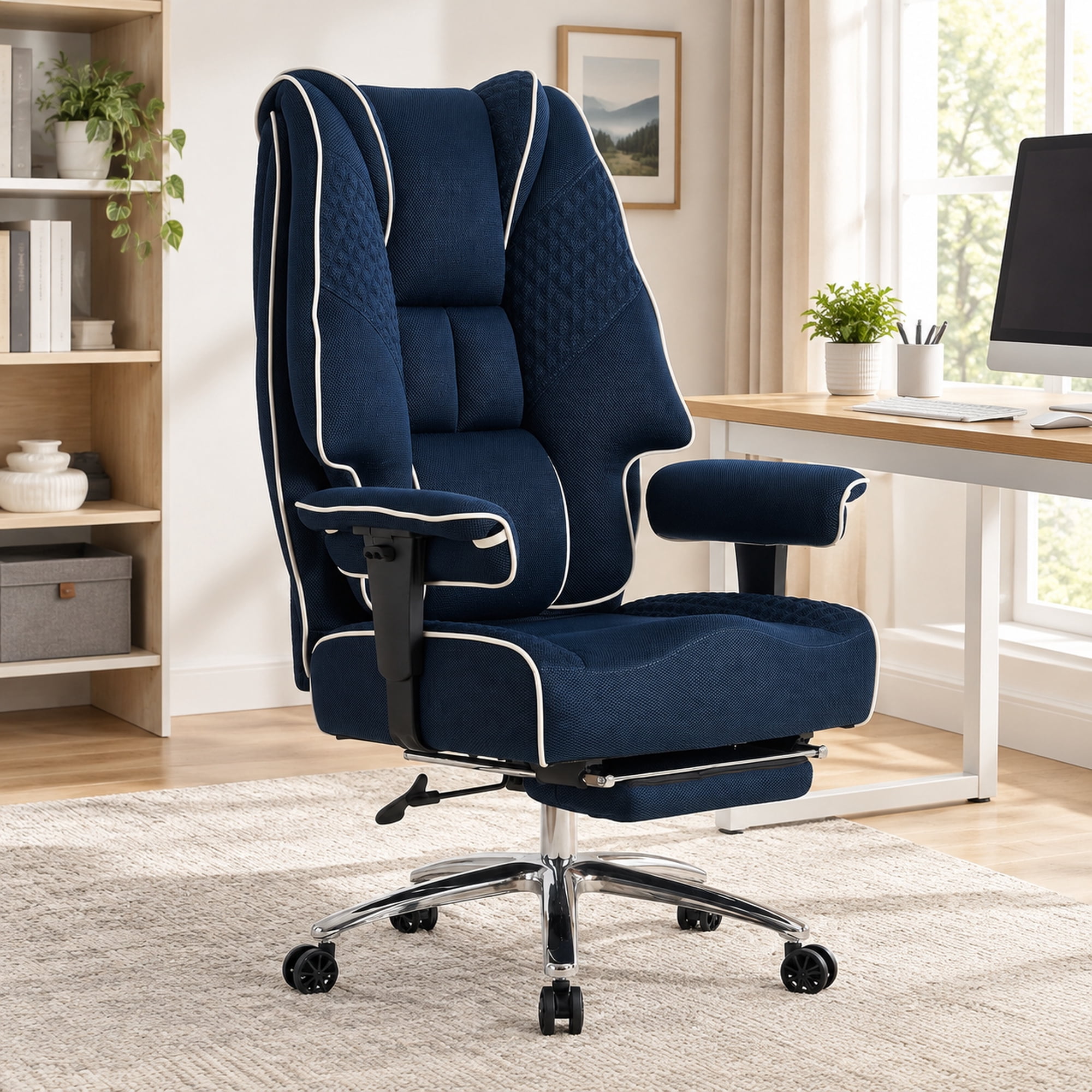
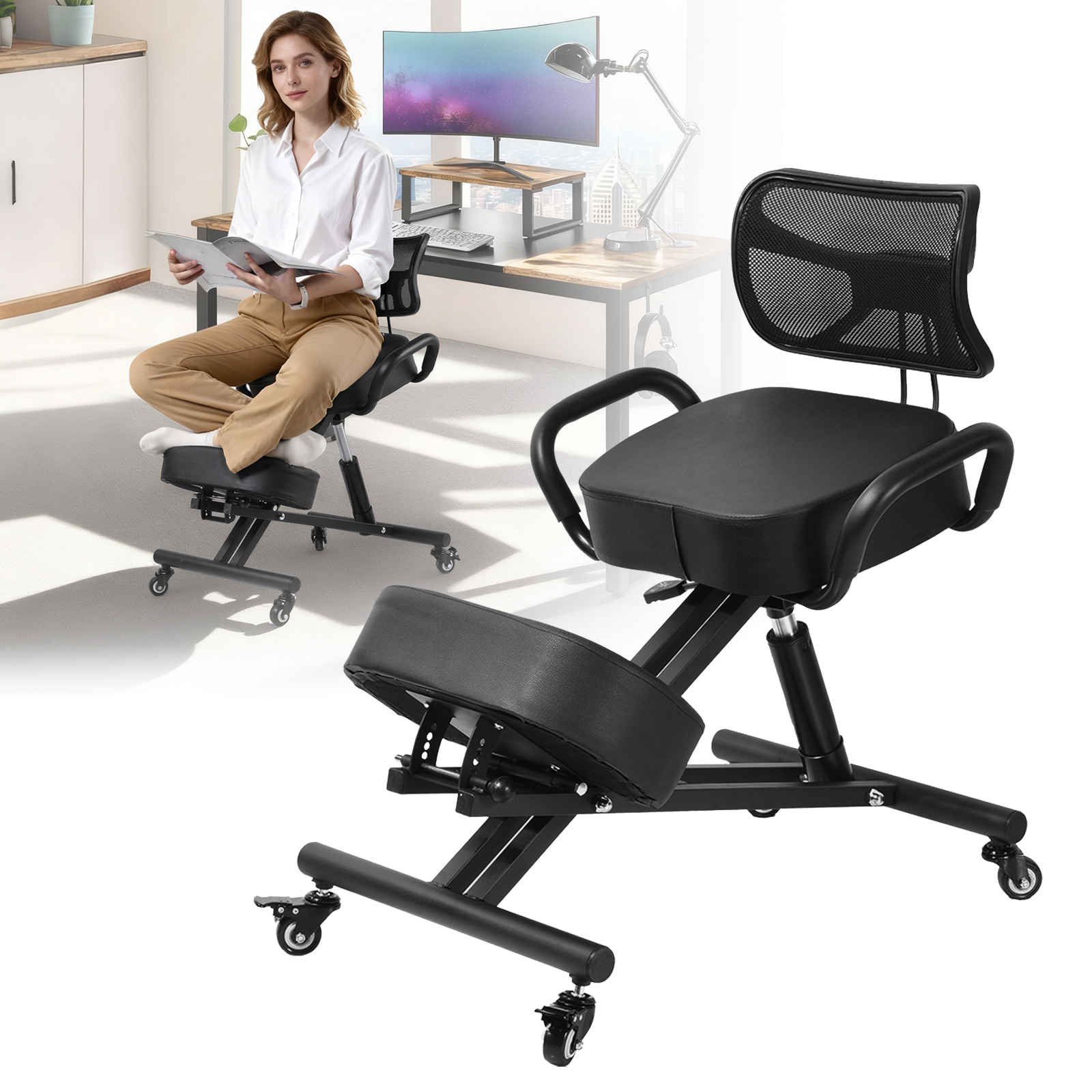
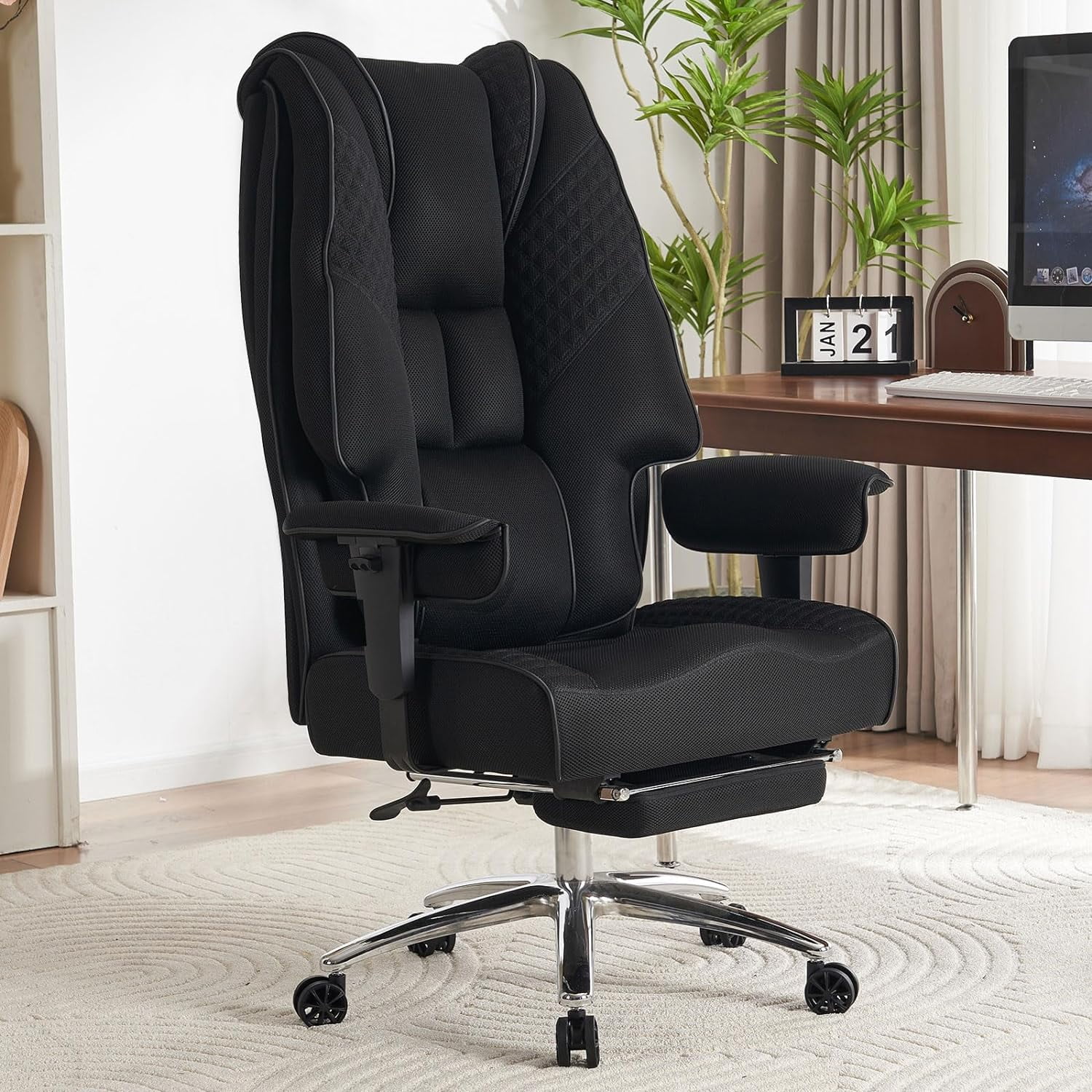
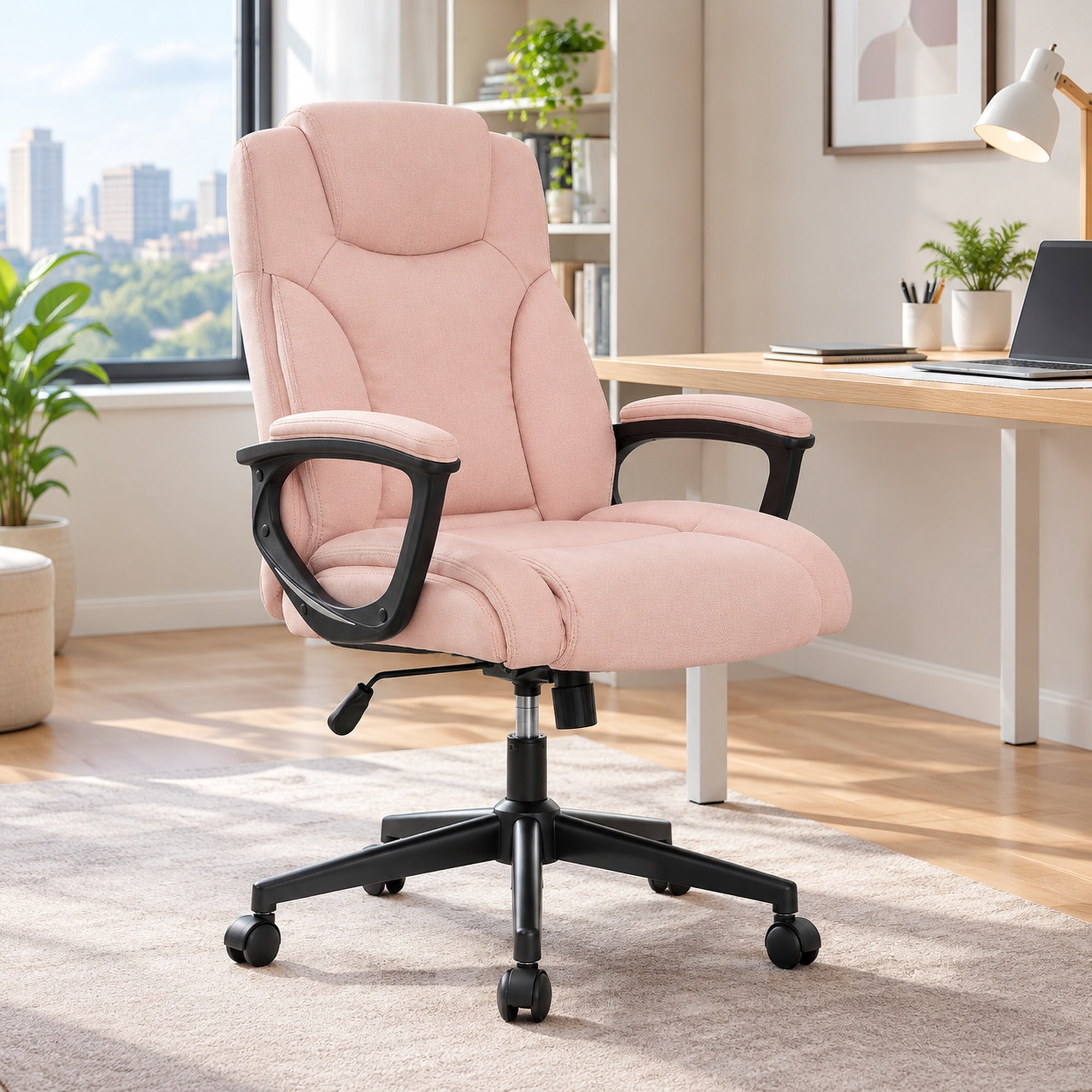
Investing in a dedicated ergonomic office chair for lower back pain is like giving your spine a personalized suspension system. It's designed to maintain the lumbar curve (the inward curve of your lower back), distribute pressure evenly, and encourage movement. This isn't just about comfort—it's about long-term spinal health, sustained energy, and focus. A study in the Journal of Physical Therapy Science found that workers using ergonomic chairs reported a 54% decrease in low back pain intensity. Let's dive into what makes these chairs work and how to choose your perfect match.
The Anatomy of Relief: Key Features That Combat Lower Back Pain
Not all "ergonomic" chairs are created equal. To effectively tackle lower back pain, a chair must possess specific, non-negotiable features. Here’s a breakdown of the critical components, moving beyond generic advice.
1. The Lumbar Support System: More Than Just a Bump
The hallmark of any chair designed for back pain is its lumbar support. However, the quality lies in its adjustability.
- Height-Adjustable Lumbar: Everyone's spine is a different length. The ability to move the lumbar support up and down ensures it hits the exact apex of your lumbar curve, not your middle back or hips.
- Depth-Adjustable Lumbar (Dynamic Support): This is a game-changer. It allows you to increase or decrease how much the support protrudes forward, filling the gap between your back and the chair. A shallow curve won't help; too much can poke uncomfortably. Look for chairs with an air bladder or a mechanical slider for precise control.
- Split Back Design: Some advanced chairs feature a backrest split into two halves (often found in "kinesthetic" chairs). These halves move independently to support the natural rotation of your pelvis and spine as you shift, providing continuous contact and support.
2. Seat Dynamics: The Foundation of Posture
Your pelvis is the foundation of your spine. If your seat doesn't support your pelvis correctly, your spine will suffer.
- Waterfall Edge: A seat with a "waterfall" front edge curves downward, relieving pressure on the back of your thighs. This prevents numbness and allows blood to circulate freely, which is crucial for long sits.
- Seat Depth Adjustment (Slider): This feature lets you shorten or lengthen the seat pan. When done correctly, you should be able to sit with your back firmly against the lumbar support while having about 2-3 finger widths of space between the back of your knee and the seat edge. This supports your thighs fully without impeding circulation.
- Forward Tilt: This lesser-known feature tilts the entire seat forward slightly. It can be a lifesaver for those with lower back pain because it opens up the angle between your torso and thighs, reducing stress on the hip flexors and encouraging a more neutral pelvic position, especially during focused desk work.
3. Backrest Recline & Synchronized Movement
Static sitting is the enemy of a healthy back. A good ergonomic chair promotes movement.
- Synchronized Mechanism: This means the backrest and seat tilt together at a specific ratio (often 2:1 or 3:1). As you lean back, the seat tilts up slightly, keeping you centered and preventing the "shirt-pulling" effect that happens when only the back moves. This maintains a natural, open angle between your torso and legs.
- Adjustable Tilt Tension: You should be able to adjust how much force is needed to recline. A tension that's too loose offers no support; too tight discourages movement. The right setting allows you to rock gently and feel supported in any position.
- Multi-Position Lock: The ability to lock the backrest in several recline angles is important. For instance, a slight recline (110-120 degrees) is often recommended for reducing spinal disc pressure compared to sitting bolt upright at 90 degrees.
4. Armrests: The Shoulder-Spine Connection
While they don't directly touch your lower back, armrests play a vital role in upper body posture, which affects the whole spine.
- 4D Armrests (Height, Width, Depth, Pivot): Ideally, you want armrests that can be adjusted so your shoulders can relax, your elbows are at a 90-degree angle, and your forearms are parallel to the floor. This prevents you from hunching your shoulders, which can trigger a chain reaction of tension down to your lower back.
Research Insight: A study from Cornell University's Department of Ergonomics found that using a chair with a synchronized mechanism and adjustable lumbar support reduced spinal disc compression by up to 35% compared to a standard fixed-back office chair. This directly translates to less fatigue and lower risk of chronic pain.
Quick Guide: Chair Features vs. Back Pain Causes
| Pain Pattern | Likely Cause | Ergonomic Solution to Look For |
|---|---|---|
| Ache after 1-2 hours | Static posture, lack of lumbar curve | Dynamic lumbar support + synchronized recline |
| Sharp pain when standing up | Seat edge pressure on sciatic nerve | Waterfall edge + proper seat depth adjustment |
| Stiffness in lower back & hips | Closed hip angle (90 degrees) for too long | Forward tilt function + seat angle adjustment |
| Pain between shoulder blades | Rounded shoulders from poor armrests | 4D armrests to support elbows and relax shoulders |
Material & Construction: What Works Best for Back Pain?
The material of the chair affects both support and comfort, influencing how well it can accommodate your back.
High-End Mesh
- Breathable: Prevents sweating during long hours.
- Conforming Support: High-tension mesh (like in chairs from Haworth or Steelcase) flexes to distribute weight evenly and supports the spine's contour without creating hard pressure points.
- Durable: High-quality mesh retains its tension for years, ensuring consistent lumbar support.
Memory Foam / Multi-Layer Foam
- Plush Comfort: Excellent for those who prefer a "sink-in" feeling.
- Pressure Relief: High-density foam can cradle the pelvis and reduce pressure on the tailbone (coccyx).
- Caution: Foam can break down over time. Look for chairs with replaceable foam or a strong warranty to prevent sagging, which ruins support.
The Verdict: For pure back support, high-quality mesh is often preferred by ergonomists because it provides consistent, breathable contouring. However, a well-designed foam chair with a firm density can be equally effective, especially for users who need extra cushioning for the tailbone.
Frequently Asked Questions: Your Back Pain & Ergonomic Chairs
Conclusion: Your Path to a Pain-Free Workday
Choosing an ergonomic office chair for lower back pain is one of the most impactful investments you can make for your career and well-being. It's not a luxury; it's a tool for maintaining your most valuable asset—your health. Remember, the perfect chair is the one that fits your body. Use the features discussed—adjustable lumbar, seat depth, and synchronized recline—as your checklist. Don't be afraid to test chairs if possible, and always prioritize adjustability over aesthetics. A chair that moves with you and supports your spine's natural curves will pay dividends in comfort, focus, and freedom from pain for years to come.