
Why Your Next Chair Should Be an Ergonomic High Office Chair
Imagine your spine as a column of blocks. When you slouch in a standard chair, those blocks tilt forward, straining muscles and discs. An ergonomic high office chair acts like a custom-built scaffold, keeping that column aligned from your pelvis to your head. It's not just a luxury—it's a tool for sustained energy, focus, and long-term spinal health. According to the American Posture Institute, 80% of people will experience back pain at some point, often due to prolonged poor sitting. A high-quality ergonomic chair is your first line of defense.
Did you know? A study in the Journal of Physical Therapy Science found that using an ergonomic chair with proper lumbar support reduced spinal shrinkage (a cause of back pain) by nearly 50% compared to a standard office chair after four hours of sitting.
The Anatomy of an Ergonomic High Office Chair
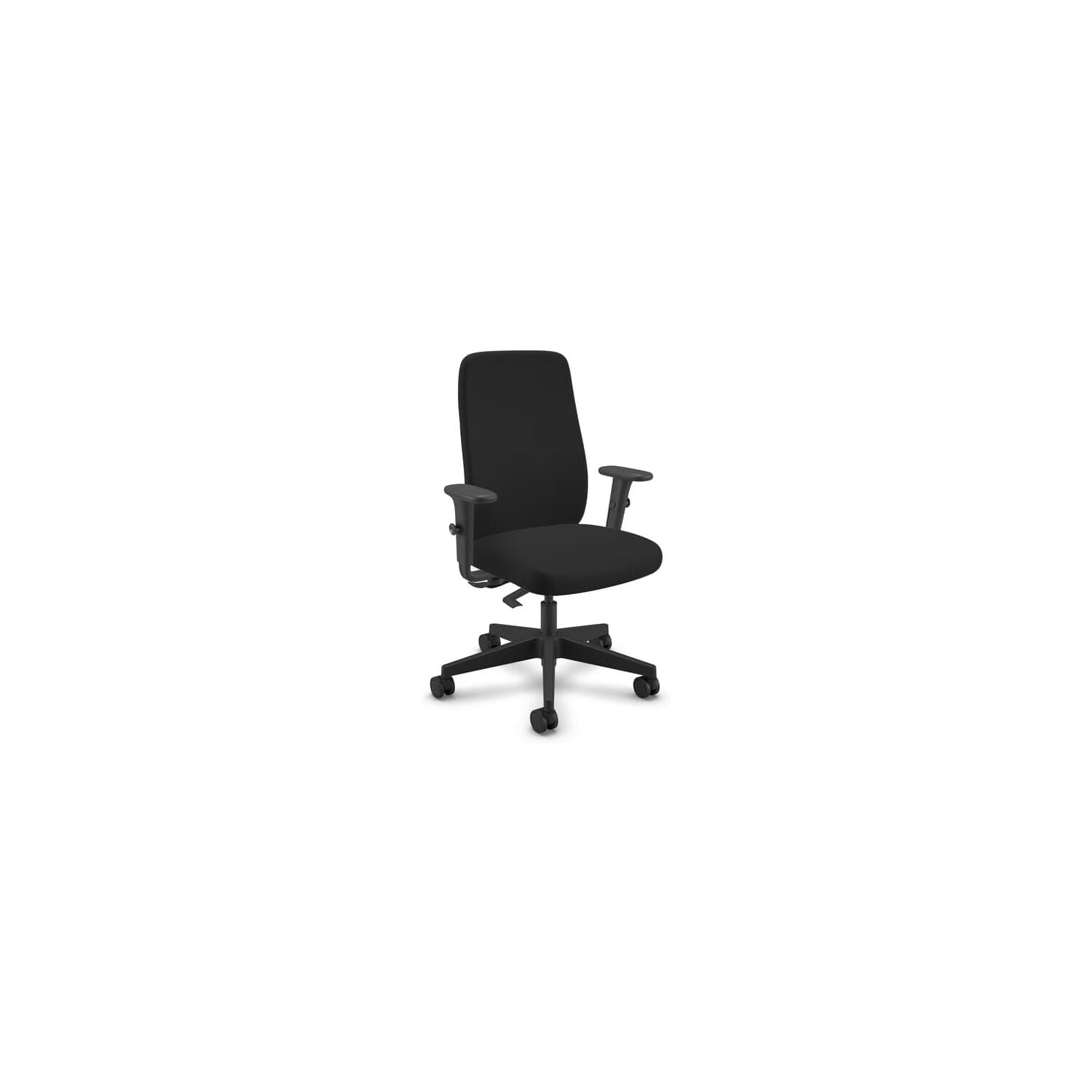
To make an informed choice, you need to understand the key components. A true ergonomic high chair is more than just a tall back; it's a system of adjustments working in harmony.
1. The High Backrest & Headrest Synergy
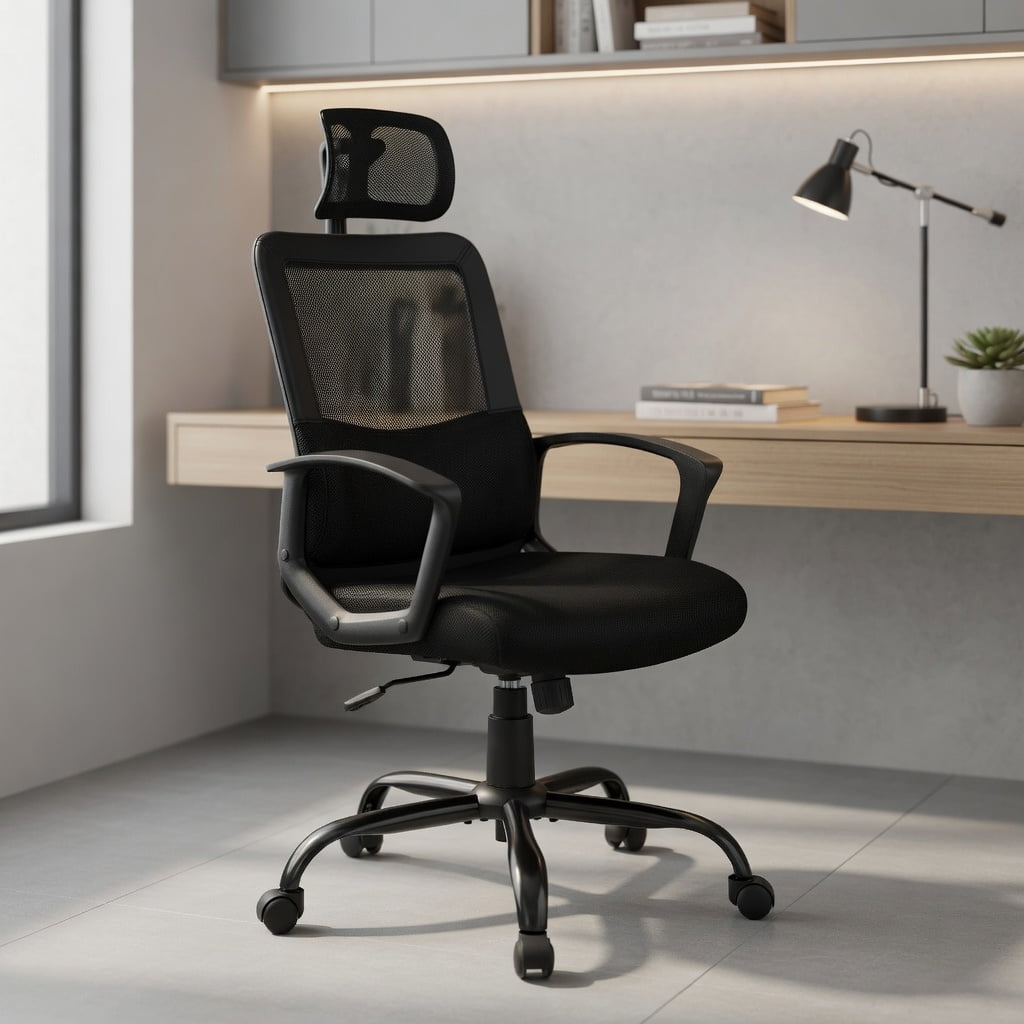
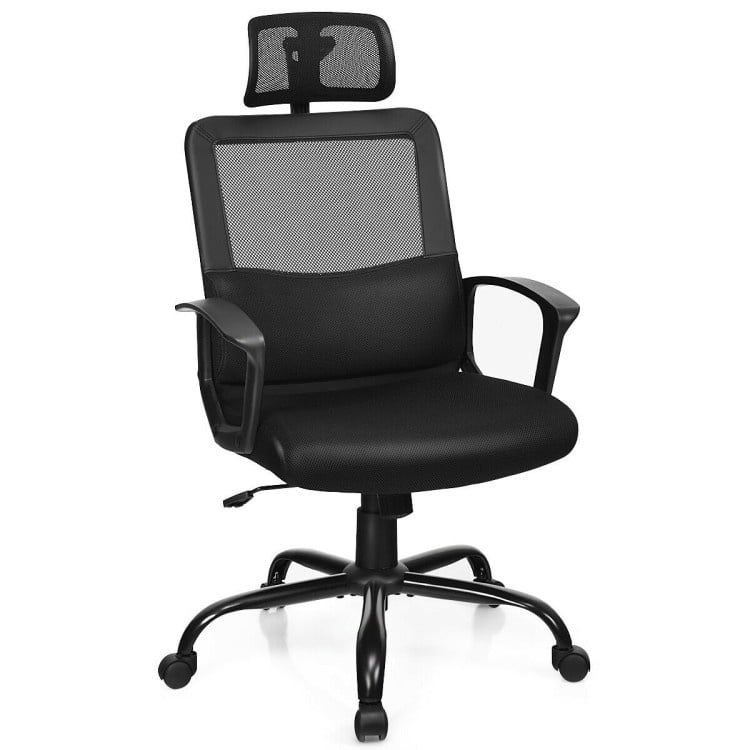
The defining feature is the backrest height, typically 28 inches or taller. This isn't just for tall people. It provides a surface for the entire back to rest against, distributing pressure. The headrest, often overlooked, is crucial for cervical spine support. Look for 2D or 3D headrests that adjust up/down and tilt to support the natural curve of your neck, especially when reclining.
2. Lumbar Support: The Heart of Ergonomics
Static lumbar pads are outdated. Modern ergonomic chairs offer:
- Height Adjustment: The lumbar curve must hit the correct spot on your spine (usually between the bottom of your ribs and your pelvis).
- Depth Adjustment: This controls how much the support pushes into your back. A depth-adjustable system allows you to fine-tune the firmness of the curve.
- Dynamic Support: Some high-end models feature a lumbar system that moves with you as you shift positions.
3. Seat Pan Depth and Edge Design
A common mistake is a seat that's too long, cutting off circulation behind the knees. An ergonomic chair features a sliding seat pan. When adjusted correctly, you should have 2-3 finger widths of space between the back of your knee and the seat edge. A waterfall front edge further relieves pressure on the thighs.
4. Adjustable Armrests (4D is the Gold Standard)
Armrests should support your arms while keeping your shoulders relaxed. 4D armrests allow adjustment in four directions: up/down, forward/back, left/right (width), and pivot angle. This ensures your elbows are at a 90-degree angle and your forearms are parallel to the floor, reducing shoulder and wrist strain.
5. Recline Mechanism and Tension Control
Movement is ergonomic. A good chair allows you to rock or recline. Look for:
- Synchro-tilt: The seat and backrest move in a coordinated, healthy ratio (usually 2:1 or 3:1 back to seat tilt).
- Adjustable Tension: Lets you set how much force is needed to recline, accommodating different body weights.
- Multi-lock Positions: The ability to lock the chair at various recline angles for focused work or relaxed reading.
Material Matters: Mesh vs. Upholstery in High Chairs
For a high-backed chair, material choice impacts breathability and comfort, especially around the shoulders and head.
Breathable Mesh
- Airflow: Ideal for warm environments or those who tend to get hot. Prevents sweaty back and shoulders.
- Flexibility: Conforms to the back's shape, providing dynamic support.
- Durability: High-quality mesh (like from Desmopan) resists sagging for years.
- Best for: Modern offices, intense focus work, warmer climates.
Comfort Upholstery (Fabric/Leather)
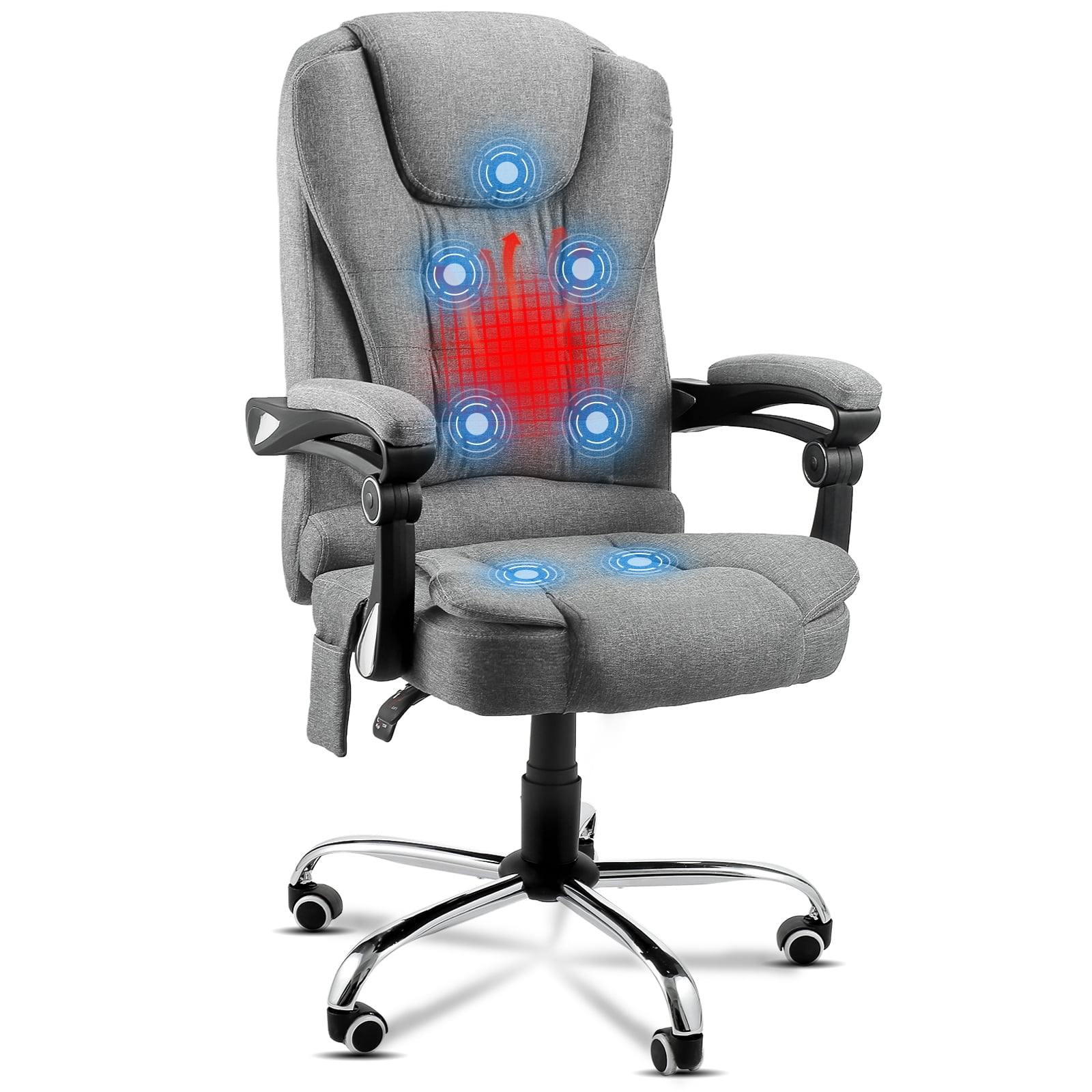
- Plush Feel: Offers a premium, cozy sensation. Often paired with thick foam cushioning.
- Aesthetics: Conveys a classic or luxurious look.
- Warmth: Can be less breathable, though high-end fabrics with breathable backings exist.
- Best for: Executive settings, cooler climates, those prioritizing softness over airflow.
Step-by-Step Guide to Testing an Ergonomic High Chair
Before you buy (or even after it arrives), use this checklist to ensure a perfect fit.
- Set Seat Height: Adjust so your feet are flat on the floor, knees at a 90-degree angle, and thighs parallel to the ground.
- Adjust Seat Depth: Slide the pan until you have a 2-3 finger gap behind your knees.
- Position Lumbar Support: Slide the lumbar pad up/down so it fits snugly into the curve of your lower back. Adjust the depth to feel firm support, not pressure.
- Set Backrest Angle: Sit upright and engage the recline or lock the backrest at a slight recline (100-110 degrees).
- Tune the Armrests: Raise them so your elbows form a 90-degree angle. Slide them in so your forearms rest lightly.
- Check the Headrest: Tilt your head back. The headrest should support the base of your skull, not the middle of your head. Adjust height and angle to achieve this.
Health Benefits Quantified
Investing in a proper ergonomic high office chair yields measurable returns.
- Reduced Spinal Load: Proper lumbar support can reduce intradiscal pressure by up to 35% compared to slouching (source: CCOHS).
- Decreased Muscle Fatigue: A high backrest supports the trapezius and rhomboid muscles, reducing upper back and shoulder tension by an estimated 20-30%.
- Improved Circulation: A waterfall seat edge and proper seat depth prevent compression of the popliteal artery, maintaining healthy blood flow to the legs.
- Lower Risk of 'Tech Neck': A correctly adjusted headrest supports the cervical spine, reducing the forward head posture that strains neck muscles.
Frequently Asked Questions About Ergonomic High Office Chairs
Conclusion: Elevate Your Workday with the Right Support
Choosing an ergonomic high office chair is a decision to prioritize your body's most critical structural component—your spine. It's an investment that pays dividends in comfort, focus, and long-term health. By focusing on key adjustments like lumbar support, seat depth, and headrest positioning, you transform a simple seat into a personalized wellness tool. Use this guide to navigate the options, and remember that the best chair is the one that fits you perfectly. Your back will thank you for years to come.