
Why Your Office Chair Could Be Causing Your Pain
If you're reading this, chances are you've experienced that familiar ache in your lower back after a long day at the desk, or a nagging stiffness in your hips that makes getting up a chore. You're not alone. According to the American Chiropractic Association, back pain is one of the most common reasons for missed work, and poor seating is a primary contributor. The average office worker sits for 15 hours a day. That's 15 hours of pressure on your spine and hip joints. A standard, one-size-fits-all office chair simply doesn't support the natural S-curve of your spine or the width of your pelvis. This misalignment leads to muscle fatigue, compressed discs, and pinched nerves.
Think of your office chair as the foundation of your home. If the foundation is cracked, everything built on top—your posture, your focus, your energy—will be unstable. Investing in the right office chair for lower back and hip pain isn't a luxury; it's a necessity for your long-term health and productivity. This guide will walk you through exactly what to look for and how to choose a chair that works with your body, not against it.
Understanding the Connection: Lower Back, Hips, and Your Chair
To fix the problem, you need to understand the mechanics. Your lower back (lumbar spine) and hips are biomechanically linked. When you sit for long periods, your hip flexors (the muscles at the front of your hips) shorten and tighten. This pulls your pelvis forward, which in turn flattens the natural curve of your lower back, leading to slouching and strain. A poor chair exacerbates this cycle.
The Anatomy of a Pain-Relieving Chair
1. The Lumbar Support System
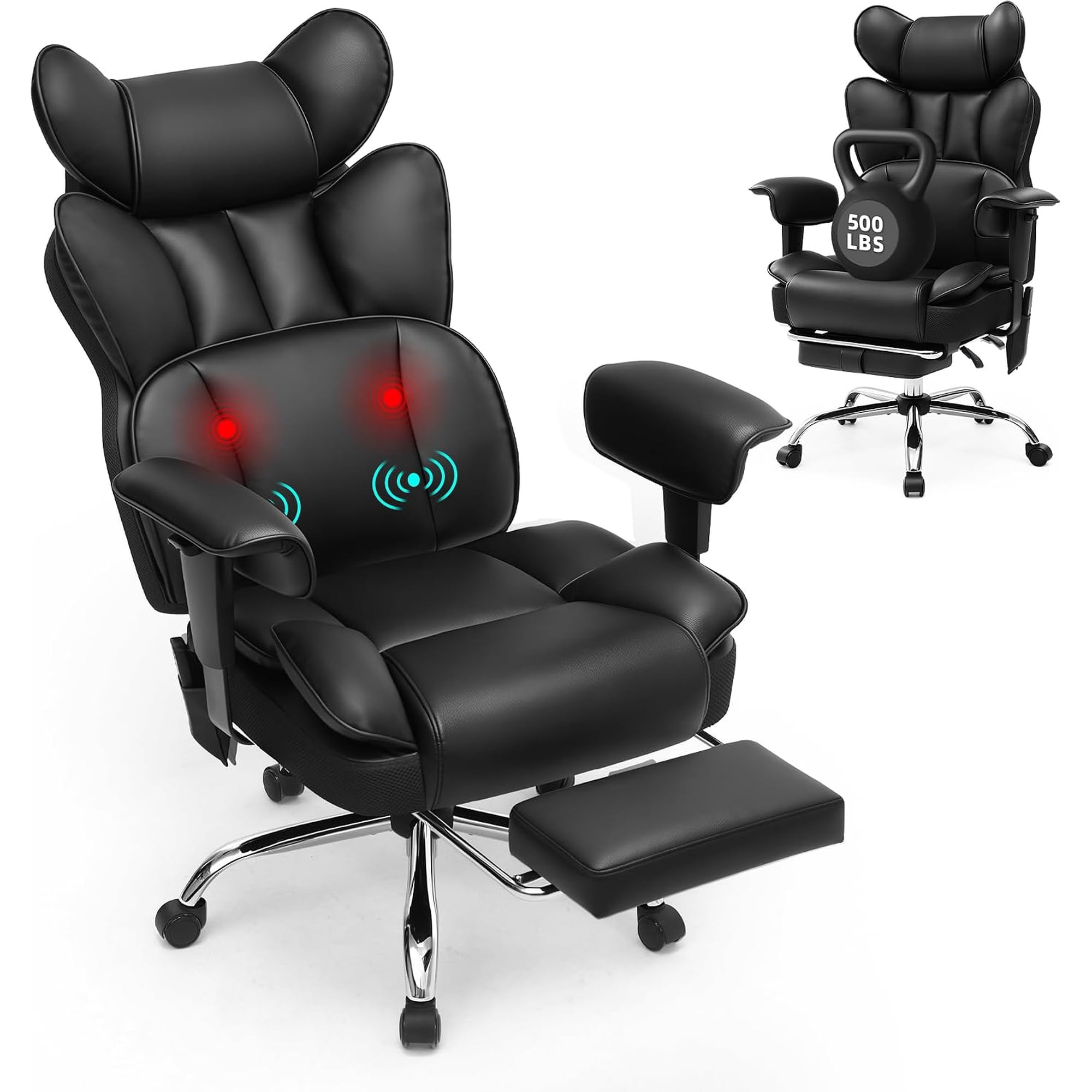
This is your primary weapon against back pain. Static backrests are useless. You need adjustable lumbar support that can be moved up and down to fit the small of your back. Even better is lumbar support with depth adjustment, which pushes the support forward to fill the gap between your back and the chair, maintaining that inward curve.
2. The Seat Pan (Critical for Hips)
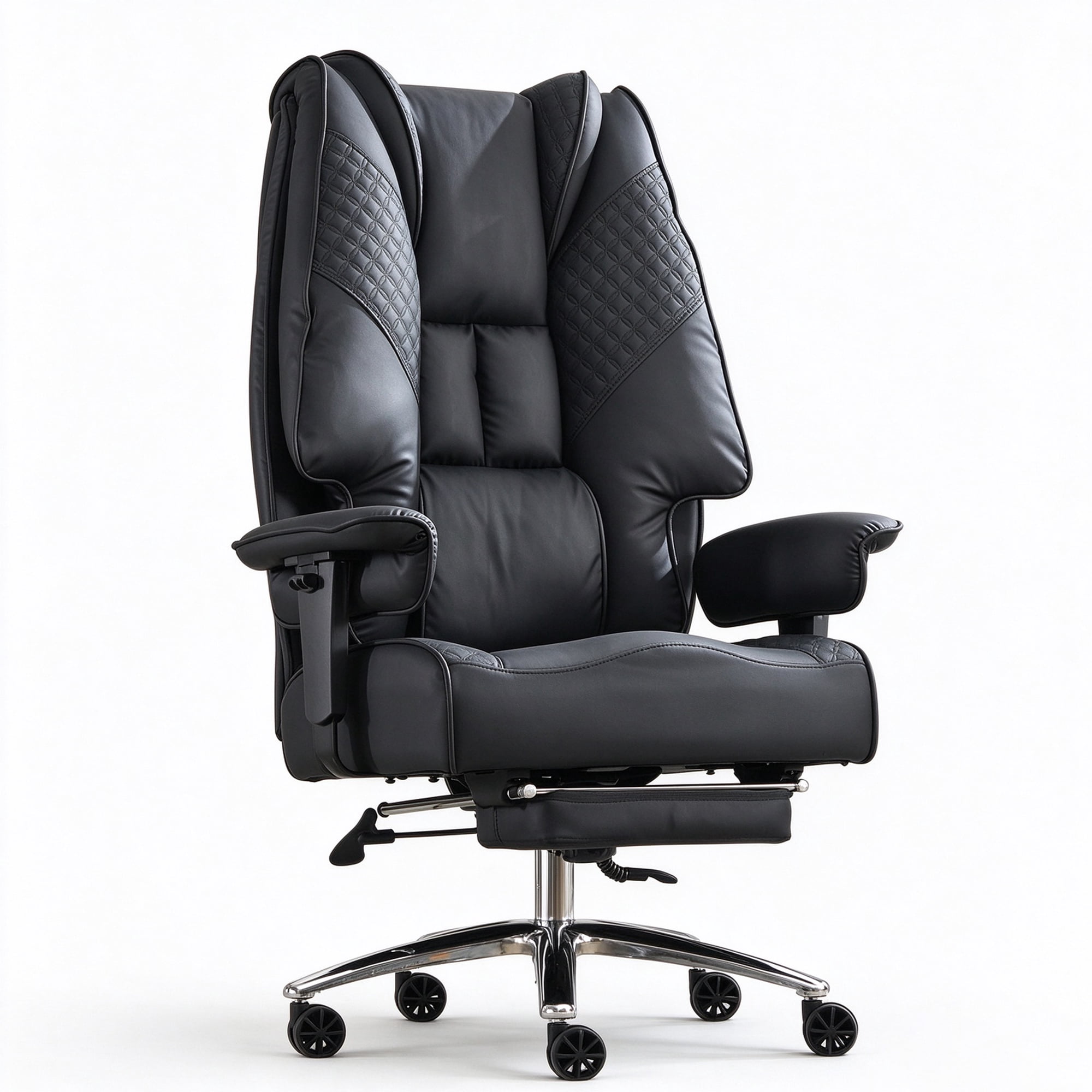
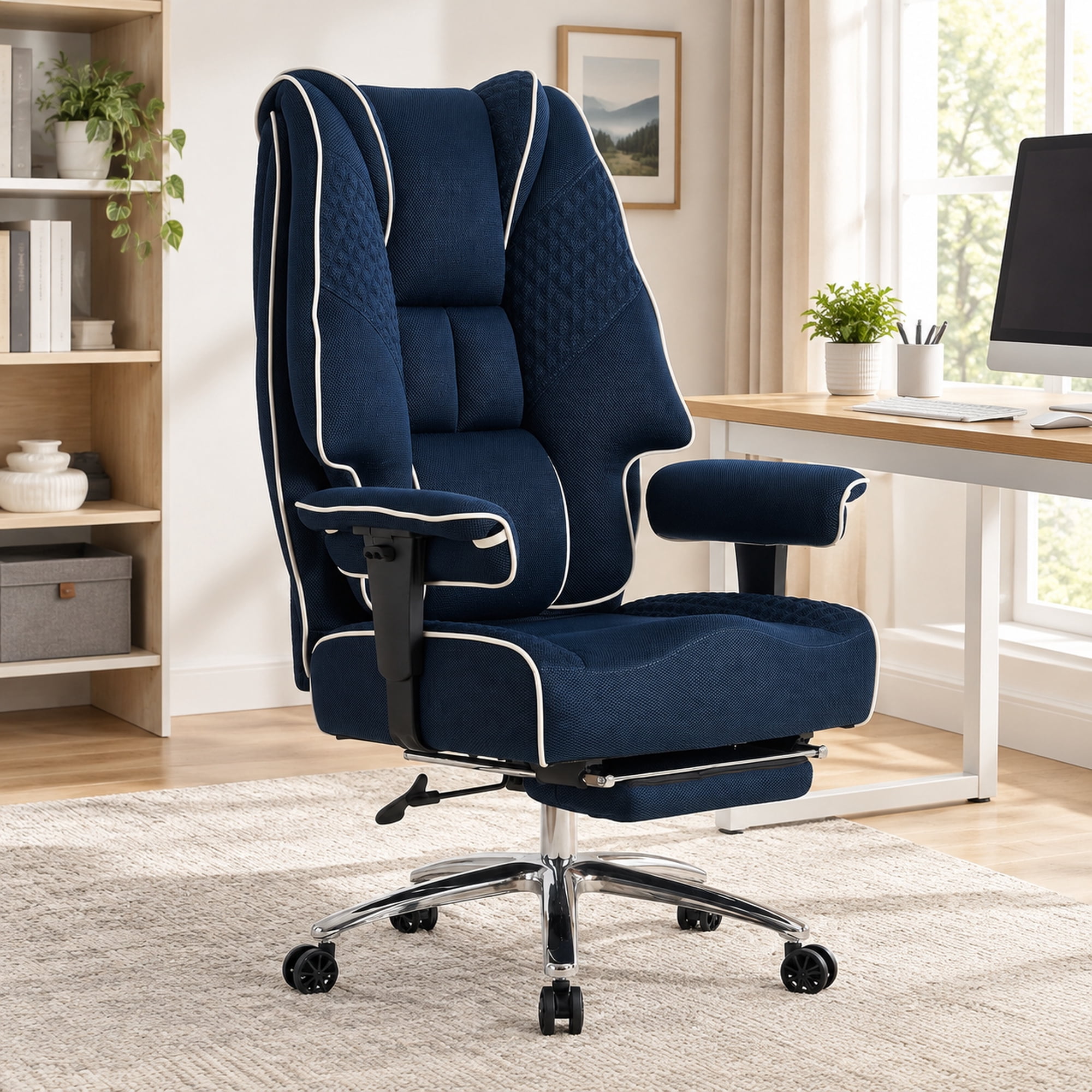
This is often overlooked but vital for hip pain. Look for a "waterfall edge"—a gently sloping front edge that reduces pressure on the underside of your thighs, improving circulation to your hips. The seat pan should also have adjustable depth so you can shorten or lengthen it to fit your femur length. This ensures your hips are positioned correctly against the backrest without excess pressure behind your knees.
3. Cushioning and Material
For hip pain, the cushion is everything. High-density foam retains its shape and provides consistent support, preventing you from sinking down and putting pressure on your sit bones (ischial tuberosities). Some chairs use memory foam or gel-infused foam to contour to your hips, distributing weight evenly and eliminating pressure points that cause numbness and pain.
4. Recline and Tilt Mechanism
Static sitting at 90 degrees actually increases pressure on spinal discs. A good chair allows you to recline (up to 135 degrees) with synchronized movement, where the seat and backrest move together. This opens up the hip angle, reducing stress on both the hips and lower back. Look for a tilt tension adjustment to control how easily you recline.
5 Non-Negotiable Features for Pain Relief
Beyond the basics, here is a checklist of features that separate a good chair from a therapeutic one. When shopping, use this list as your guide.
Step-by-Step: How to Choose Your Perfect Chair
Follow this practical guide to narrow down your options and make a confident purchase.
- Measure Yourself: Sit on a flat surface. Measure from the back of your knee to your heel (seat height needed). Measure from the back of your knee to your buttocks (seat depth needed). Measure your hip width while sitting.
- Identify Your Primary Pain Point: Is it a sharp pain in the lower back, or a dull ache in the hips? If it's back, prioritize lumbar adjustability. If it's hips, prioritize seat contour and waterfall edge.
- Match Features to Your Needs: Use the checklist above. Don't pay for features you won't use, but never compromise on seat depth and lumbar support.
- Read Reviews from People Like You: Look for reviews that mention "back pain" or "hip pain" specifically. See what worked for others with similar body types.
- Check the Warranty: A 5- to 12-year warranty is a sign of confidence from the manufacturer. It protects your investment in your health.
💡 Pro Tip from Ergonomists: Even the best chair won't fix you if you sit still all day. Aim to change your posture every 30-45 minutes. Use the chair's recline function to lean back for a few minutes, or stand up and walk for 60 seconds. Movement nourishes spinal discs and loosens hip flexors.
Leather vs. Mesh: Which Material Wins for Pain?
This is a common dilemma. Mesh is generally better for those who get hot or want a flexible, forgiving backrest that conforms to the spine. It's excellent for the back, but the seat cushion is still key. Leather or fabric chairs often have thicker, plusher cushioning that can be more comfortable for tender hips. However, cheaper leather can be stiff and unyielding. The rule of thumb: prioritize a high-resilience foam seat, regardless of the upholstery. If you choose leather, ensure it's top-grain or high-quality PU with a soft, padded feel.
The Science of Sitting: Data That Matters
A study published in the journal "Spine" found that sitting in a chair with poor lumbar support increases disc pressure by up to 40% compared to standing. Conversely, a study from the University of California noted that using an ergonomic chair with adjustable lumbar and seat features reduced reported low back pain by 54% over a 6-month period. For hip pain, research highlights the importance of a "dynamic" seat—one that allows for micro-movements and tilt—which reduces static loading on the hip joints by 30%. This isn't just about comfort; it's measurable science.
Frequently Asked Questions: Office Chairs for Back & Hip Pain
Final Verdict: Invest in Your Most Valuable Asset – Your Body
Choosing an office chair for lower back and hip pain is one of the most important decisions you'll make for your career and health. It's not just about a piece of furniture; it's about creating a workspace that supports your body's natural structure. We've covered the key features: adjustable lumbar support, a waterfall seat with depth adjustment, high-quality foam, and a recline mechanism.
Remember, the most expensive chair isn't always the best for *you*. Use your body measurements and your specific pain points as your guide. A chair that fits you perfectly will feel like a natural extension of your body, allowing you to focus on your work, not your ache. Start with the product grid above—these are chairs specifically filtered for the keyword "office chair for lower back and hip pain" to give you a head start. Take the next step toward a more comfortable, productive, and pain-free workday. Your back and hips will thank you.