
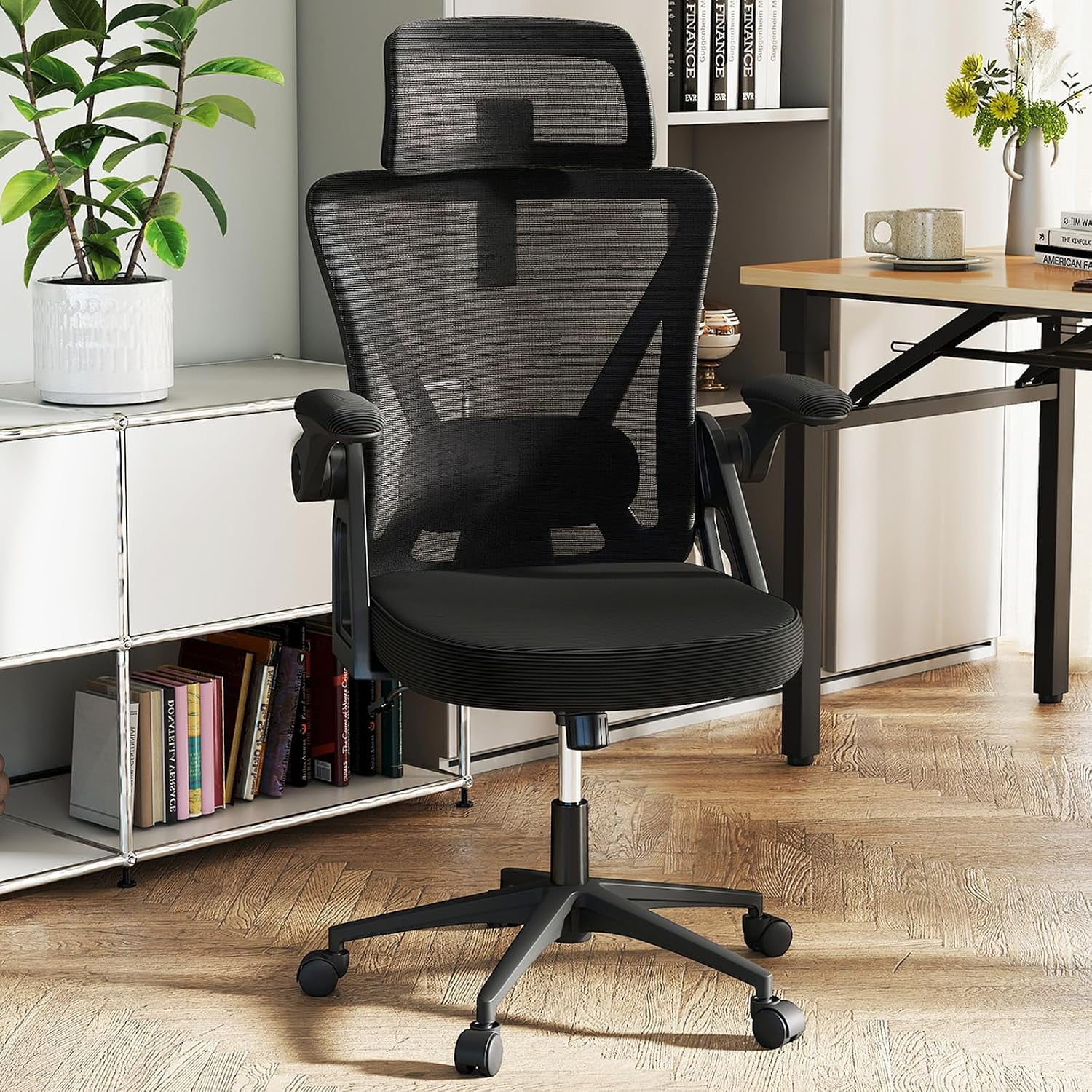
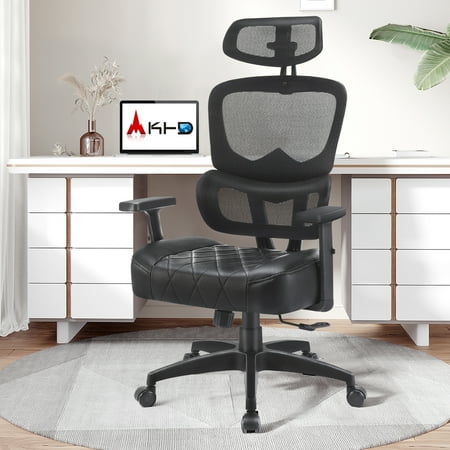
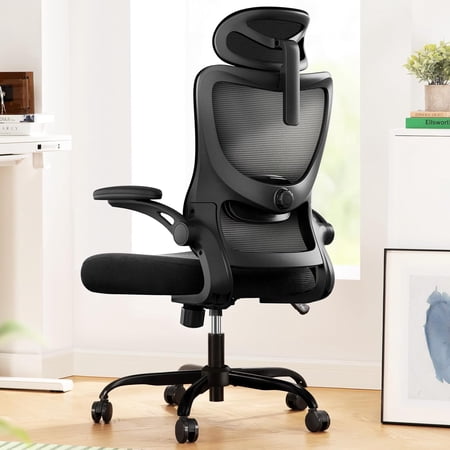
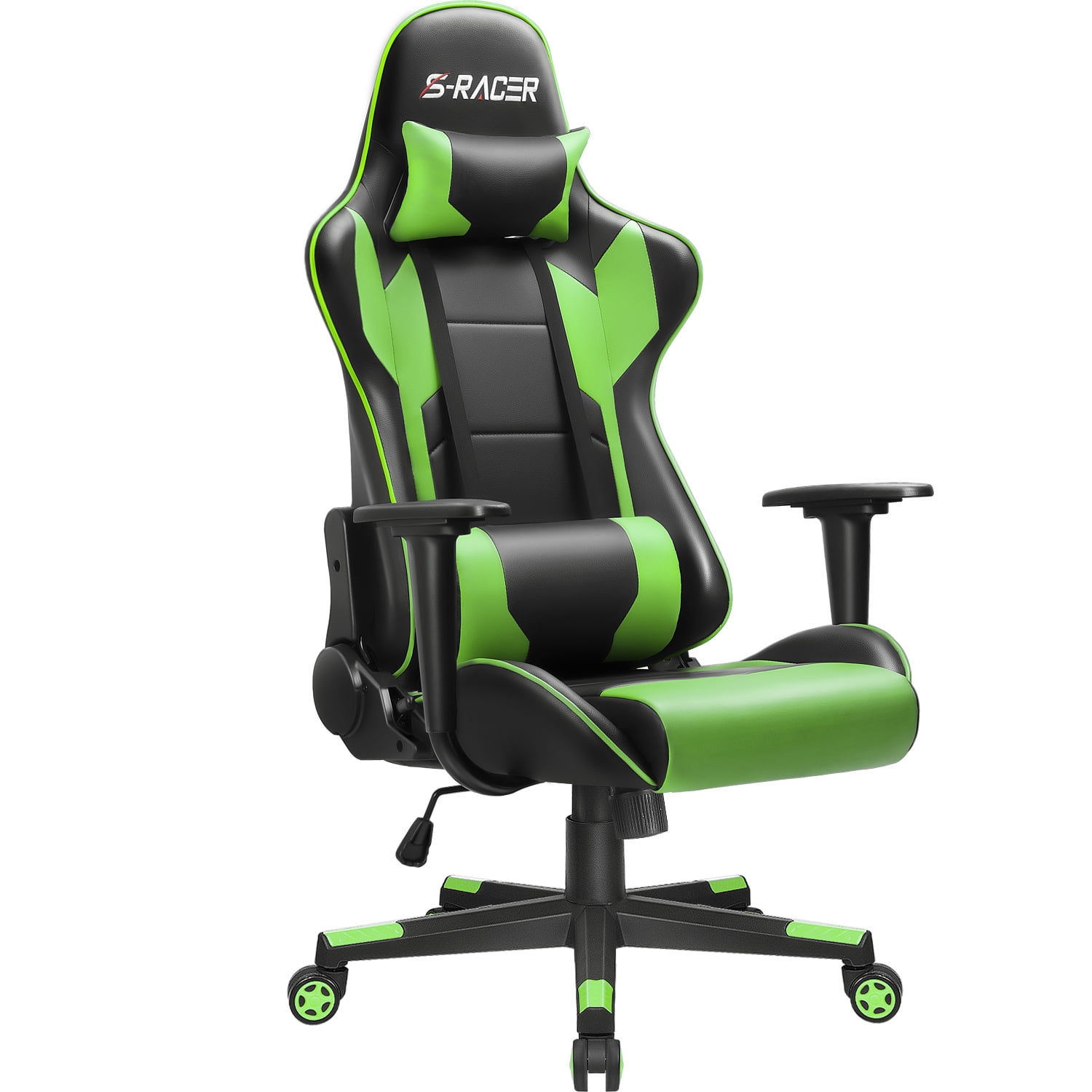
1. Why Your Next Chair Must Support Both Ends of Your Spine
Imagine your spine as a suspension bridge: the lumbar region is the main deck, and your cervical spine (neck) is the control tower. If either sags, the whole structure suffers. An office chair with lumbar support and headrest acts as the cable system that keeps everything aligned. According to the American Chiropractic Association, 80% of people will experience back pain, and poor seating is a leading contributor. Adding a headrest might seem minor, but it completes the ergonomic circle.
Unlike basic task chairs, this combination allows you to maintain the natural S-shape of your spine—even when you recline. Let's break down what makes these chairs indispensable for home offices, executives, and anyone logging 6+ hours seated.
2. Anatomy of a Perfect Ergonomic Chair: Lumbar & Headrest
Not all lumbar supports and headrests are created equal. Here’s what to look for when evaluating models:
2.1 Lumbar Support: The Engine of Posture
- Adjustable depth & height: A fixed bump won't fit everyone. Seek at least 3 cm of depth adjustment and 8-10 cm of vertical movement.
- Dynamic vs static: Dynamic lumbar moves with you as you recline; static stays put. For all-day use, dynamic is superior.
- Material matters: memory foam contours, plastic frames with tension offer aggressive support, and air-bladder systems let you fine-tune pressure.
2.2 Headrest: More Than a Neck Pillow
- 2D / 3D / 4D adjustability: 2D (height + angle) is the minimum. 3D adds depth (forward/back), 4D includes side-to-side pivot. For shared chairs, 3D is ideal.
- Curve and padding: The headrest should support the curve of your neck, not push your head forward. Look for a concave shape with breathable foam.
- Mounting type: Integrated into the back frame (more stable) or attachable via straps (less stable). Integrated is almost always better.
Data point: A 2023 survey of 1,200 remote workers revealed that those using chairs with both adjustable lumbar and a headrest reported 47% less upper back stiffness by the end of the week compared to those with only lumbar support.
3. Material & Mechanism: What Works Best for This Duo?
When you combine lumbar and headrest, the frame and upholstery play a bigger role. Here's a quick comparison of popular configurations:
| Material combo | Lumbar effectiveness | Headrest comfort | Best for |
|---|---|---|---|
| Mesh back + fabric headrest | Excellent (breathable, flexible) | Good (soft, but may retain heat) | Warm climates, modern offices |
| Full leather (high-back) | Good (firm support) | Excellent (premium feel) | Executive settings, colder offices |
| Hybrid (mesh lumbar zone + leather edges) | Very good | Very good (breathable back, leather headrest) | Balanced luxury & airflow |
| Fabric upholstery | Good (often plusher) | Good (warm, cozy) | Home offices, creative studios |
3.1 Mechanisms that elevate comfort
- Synchro-tilt with weight tension: Ensures that as you lean back, the headrest moves with you, maintaining neck contact.
- Seat slider: A must for tall users to keep the right distance between lumbar and headrest.
- Headrest lock: Prevents the headrest from drooping under slight pressure. Test it before buying.
4. Who Benefits Most? (And Who Might Skip the Headrest?)
4.1 Ideal candidates
- Tall individuals (6'0+): Standard chairs often end at mid-back, leaving neck unsupported. A headrest bridges the gap.
- People with desk jobs + frequent calls: Leaning back during calls without neck strain.
- Those with existing neck/shoulder tension: A headrest allows muscles to relax intermittently.
4.2 When a headrest might not be critical
- If you're under 5'4 and sit perfectly upright all day, a low-back chair with excellent lumbar might suffice. However, even then, a small headrest helps during micro-breaks.
5. Common Myths About Chairs With Lumbar and Headrest
- Myth: "Headrests are only for napping." Reality: They provide passive neck support when reading or screen viewing, reducing "text neck" posture.
- Myth: "Lumbar support is only for people with back pain." Reality: Preventative ergonomics is like insurance — you don't wait for the accident.
- Myth: "One size fits all." Reality: Lumbar position and headrest height must be adjustable. A fixed "comfort bump" often misses the mark.
6. Step-by-Step: How to Adjust Your New Chair for Perfect Fit
- Set seat height: Thighs parallel to floor, feet flat. (Elbows at 90° to desk).
- Adjust lumbar depth: Sit fully back. The support should fill the small of your back — not too high (thoracic) or too low (sacrum).
- Headrest height: The pad should contact the back of your head (not your neck) when upright; for reclined, it should support the base of the skull.
- Tilt headrest angle: Slight backward tilt (~10°) is natural. Never tilt forward as it juts your head out.
- Recline tension: Set so you can lean back with moderate effort but return easily.
💡 Pro tip: Spend 5 minutes fine-tuning these settings after a week—your body will tell you what needs tweaking.
7. Long-Term Value: Durability & Warranty
Because these chairs have more moving parts (headrest mechanism, lumbar adjusters), check the warranty. A quality office chair with lumbar support and headrest should offer at least:
- 5 years on mechanisms (gas lift, tilt)
- 2-3 years on foam/padding
- 1 year on upholstery (wear and tear excluded normally)
Higher-end brands provide 10+ years on frame and components.
8. Frequently Asked Questions (FAQ)
9. Conclusion: Invest in Your Spine, Reap the Focus
Choosing an office chair with lumbar support and headrest is not about buying furniture—it's about buying energy, focus, and physical ease. The right chair pays for itself within months through fewer sick days, better concentration, and less need for massage therapy. Whether you're a CEO, a coder, or a work-from-home parent, your body deserves the full arc of support. Use the checklist above, test adjustments, and don't settle for a chair that leaves your head or lower back unsupported. Your future self will thank you.