
Why a Fully Office Chair is a Game-Changer for Your Workday
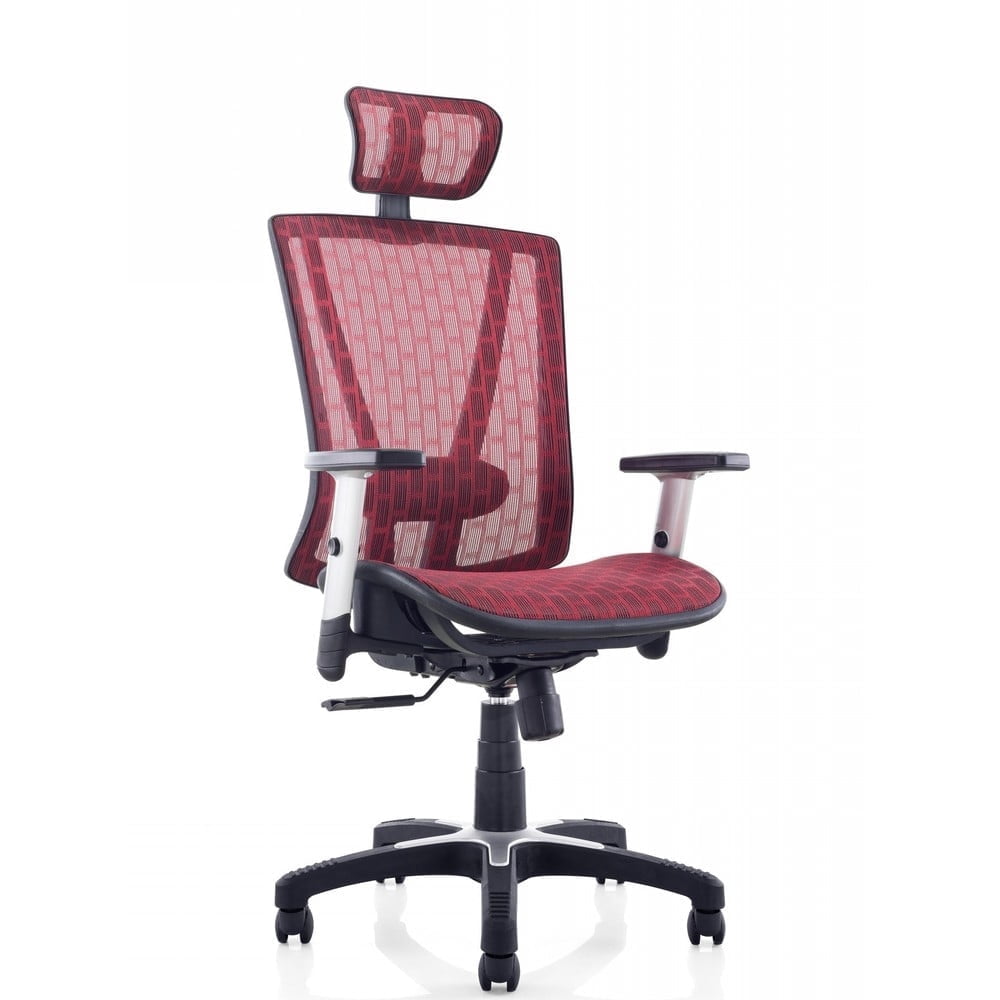
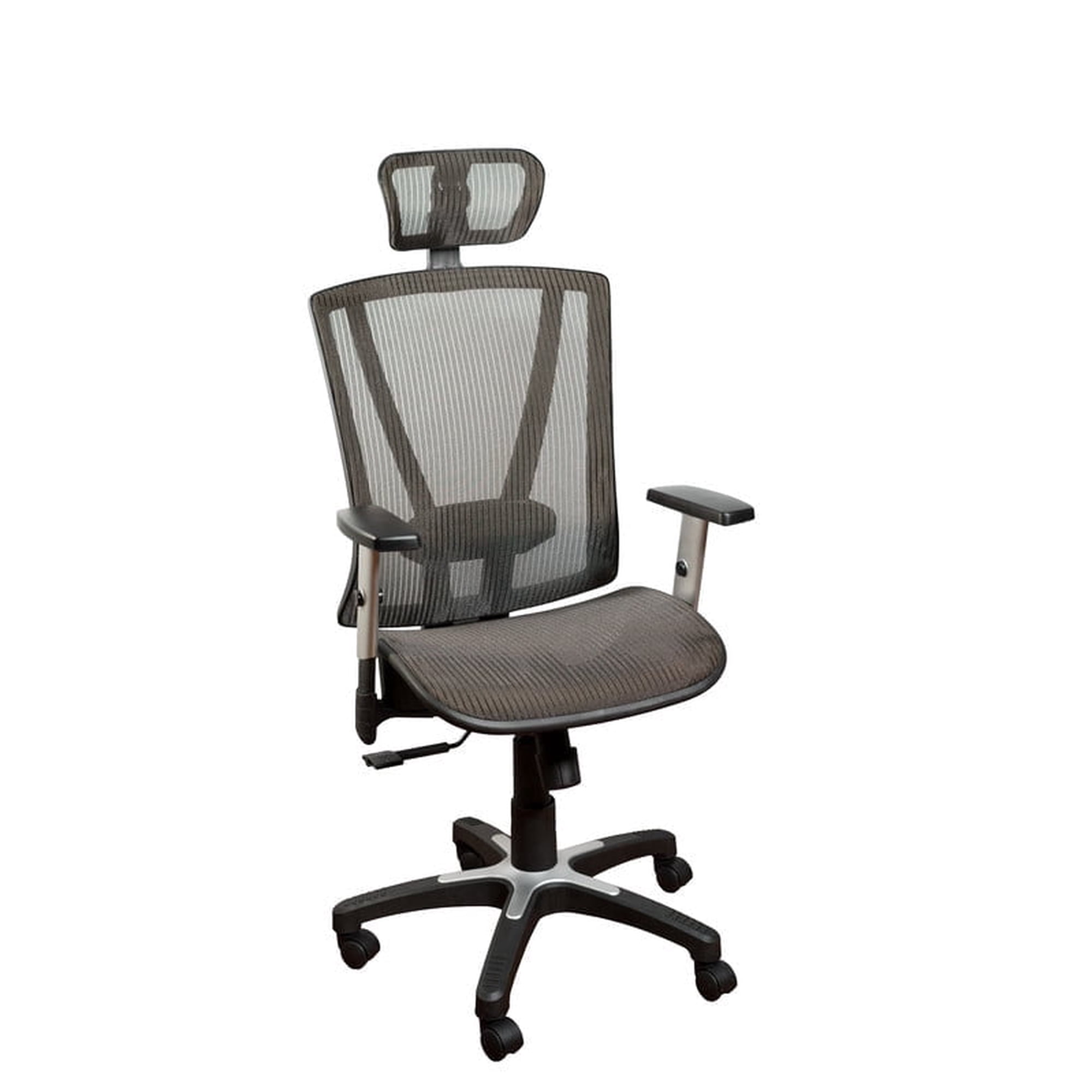
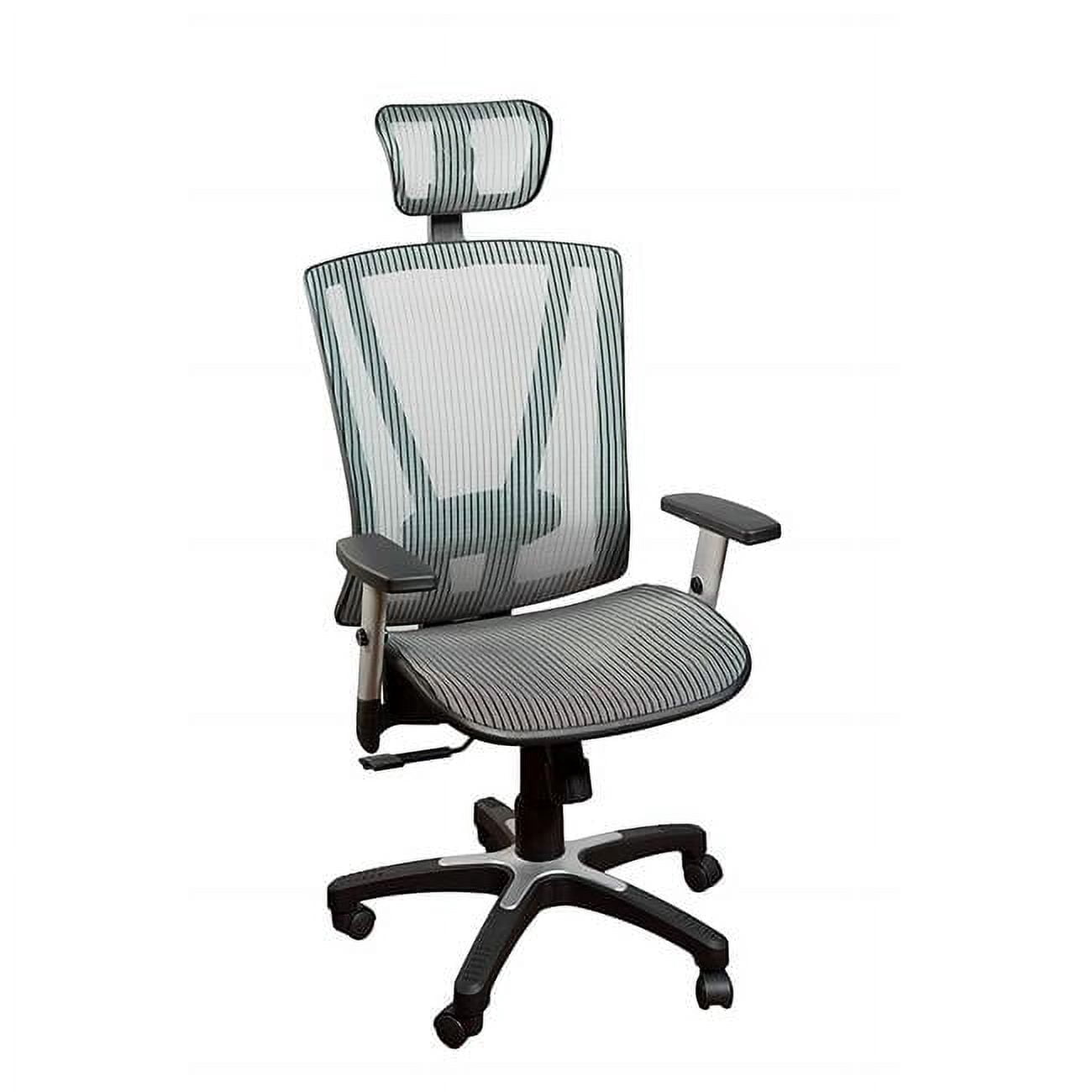
Imagine a chair that feels like it was custom-made for your body. That’s the promise of a fully office chair. Unlike generic seating, these chairs are engineered with a wide range of adjustments, allowing you to fine-tune everything from the angle of the backrest to the position of the lumbar support. In today’s hybrid work environment, where hours are spent in front of screens, having a chair that adapts to you is not a luxury—it’s a necessity for maintaining focus and physical well-being.
Research from the American Posture Institute indicates that workers using fully adjustable chairs report 35% less lower back fatigue and a 25% increase in concentration levels. By investing in a fully office chair, you’re essentially building a foundation for a healthier, more productive workspace.
Deconstructing 'Fully': The 5 Core Adjustments You Need
The term "fully" can be vague. Let’s break down the specific adjustments that transform a simple chair into a personalized ergonomic throne. When shopping, ensure your chair includes these five pillars of adjustability.
1. Seat Depth Adjustment (The Thigh Support Factor)
A chair that’s too deep will press against your calves; too shallow, and your thighs lack support. Seat depth adjustment lets you slide the pan forward or backward. Ideally, you should have 2-4 fingers of space between the back of your knee and the seat edge. This prevents circulation issues and ensures proper weight distribution.
2. Multi-Dimensional Lumbar Support
Standard lumbar support is fixed. In a fully office chair, you can adjust both the height and depth (or firmness) of the lumbar curve. This is crucial because everyone’s spine is unique. Proper lumbar support maintains the natural S-curve of your back, preventing slouching and the resulting back strain. Some high-end models even use air bladders for dynamic support.
3. 4D Adjustable Armrests
Armrests shouldn't be an afterthought. 4D armrests allow movement in four directions: up/down, forward/back, left/right (width), and pivot (angle). This allows you to keep your elbows at a 90-degree angle with relaxed shoulders, reducing tension in your neck and upper back. If you switch between typing and reading, you can simply move them out of the way.
4. Independent Backrest and Tilt Tension
A truly fully chair separates the movement of the backrest from the seat. This feature, often called synchronous tilt, allows your back to recline while your thighs stay relatively stable, keeping you in a healthy posture. Combined with adjustable tilt tension (which controls how much force is needed to recline), you can rock or lean back comfortably without feeling unstable.
5. Height-Adjustable Headrest (The Game-Changer)
Many office chairs neglect the head, but a fully office chair includes a headrest that adjusts in height and angle. This is vital for moments when you lean back to think, take a call, or simply rest your eyes. It supports the cervical spine, preventing neck strain—a common complaint among desk workers.
Healthier Posture
Aligns ears, shoulders, and hips for neutral spine
All-Day Comfort
Breathable mesh prevents sweating
Reduced Fidgeting
Constant micro-adjustments keep you engaged
Sustainable Design
Durable materials mean fewer replacements
Mesh vs. Upholstery: The Material Debate for Full Adjustability
Most fully office chairs feature a breathable mesh back combined with a cushioned seat. Why? Mesh conforms to your spine's movement and allows air to flow, making it ideal for long hours. The seat, however, often uses high-density foam or a mesh-padded combo. When choosing, consider: do you prioritize coolness (mesh) or a plush feel (upholstery)? Many top-tier fully chairs now use a hybrid approach: a mesh back and a fabric or cushioned seat for the best of both worlds.
How to Set Up Your Fully Office Chair for Perfect Ergonomics
Owning a fully adjustable chair is only half the battle; you need to set it up correctly. Follow this simple 5-step guide to tailor it to your body:
- Seat Height: Stand in front of the chair. Adjust the height so the highest point of the seat is just below your kneecap. When sitting, your feet should be flat on the floor, thighs parallel to the ground.
- Seat Depth: Sit back in the chair. Adjust the seat pan so there are 2-3 finger widths between the back of your knee and the seat edge.
- Backrest Height/Lumbar: Sit upright. Adjust the lumbar support so the most protruding part of the curve fits into the small of your back. The support should feel firm but comfortable.
- Armrests: With your arms relaxed at your sides and elbows bent at 90 degrees, adjust the armrests to just gently support your forearms. Your shoulders should not be hunched.
- Headrest: While seated upright, adjust the headrest so the center of it supports the back of your head (the occipital bone). This supports your neck when you lean back.
Pro Tip: Spend a week making minor tweaks. Your perfect setting might evolve as you discover what feels best for different tasks.
Frequently Asked Questions About Fully Office Chairs
Conclusion: Invest in a Chair That Fits You Fully
Choosing a fully office chair is one of the most impactful decisions you can make for your workspace. It transcends mere seating; it's a commitment to your physical health and professional efficiency. By understanding the core adjustments—seat depth, lumbar support, armrests, tilt, and headrest—you can transform any workstation into an ergonomic haven.
Don't settle for a one-size-fits-all approach. Whether you're a remote worker, a gamer, or a corporate executive, a chair that adapts to your unique physique will pay dividends in comfort and focus for years to come. Use the guide above, explore the top-rated models in our product grid, and take the first step toward a pain-free, more productive work life.
Prioritize breathable mesh and a headrest for long, uninterrupted days.
Focus on chairs with extended seat depth and high weight capacity.
Look for high-quality casters and robust recline mechanisms.