
Why Your Next Office Chair Needs a Headrest and Lumbar Support
Think of your spine as a chain of 33 vertebrae, each relying on the other for stability. When you sit for hours, gravity pulls you forward, breaking the natural 'S' curve of your back. An ergonomic office chair with headrest and lumbar support acts like a custom-built scaffolding for this chain, holding it in its ideal, healthy position. Without it, you're essentially asking your muscles to do the job of your skeleton, leading to fatigue, tension, and long-term damage.
Research Insight: Studies from the National Institute for Occupational Safety and Health (NIOSH) indicate that proper lumbar support can reduce intra-discal pressure in the lower back by up to 40%, significantly lowering the risk of herniated discs and chronic lower back pain.
The Anatomy of a Truly Ergonomic Chair
Not all chairs labeled "ergonomic" are created equal. A chair designed for genuine spinal health is a system of interdependent adjustments. Here are the critical components you must evaluate:
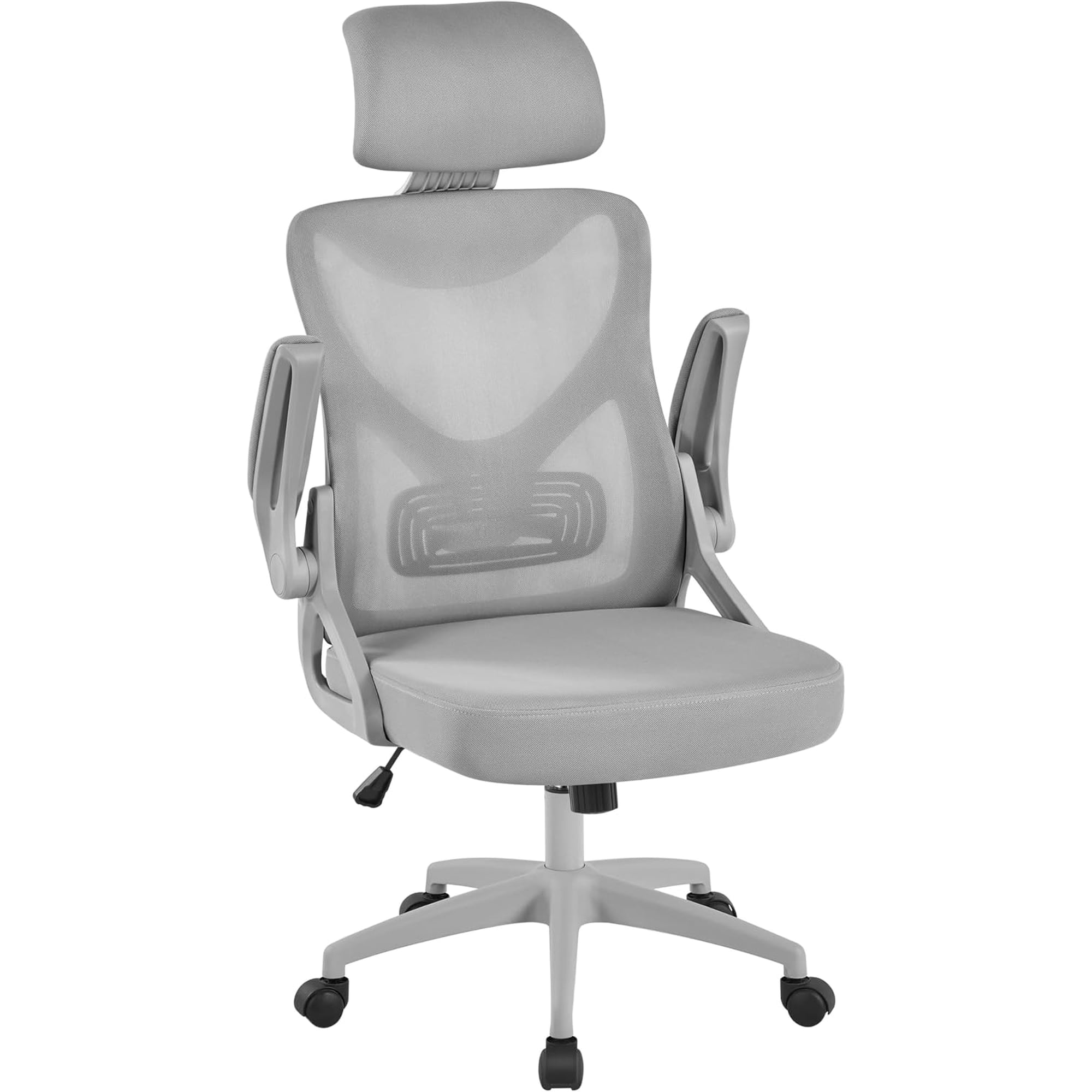
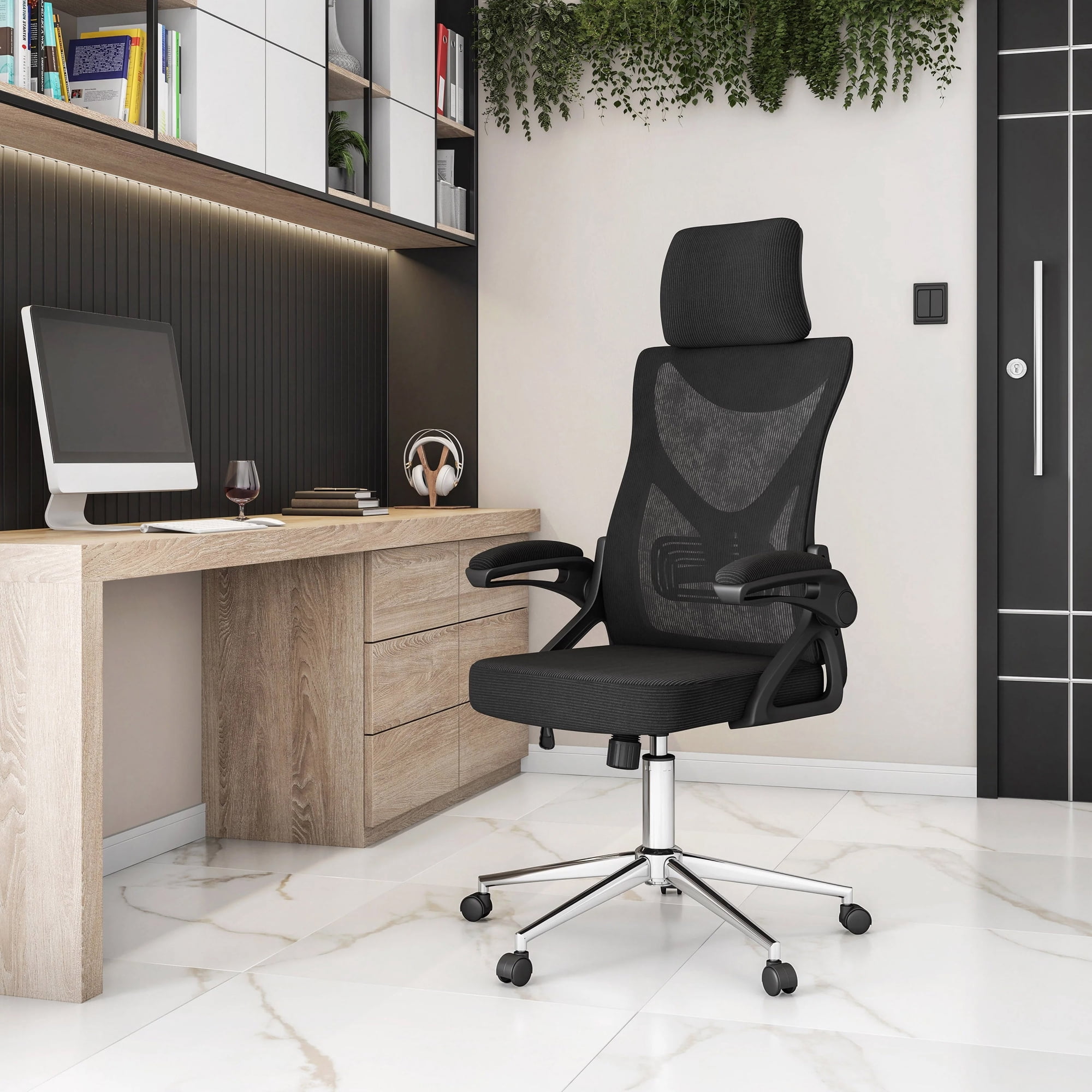
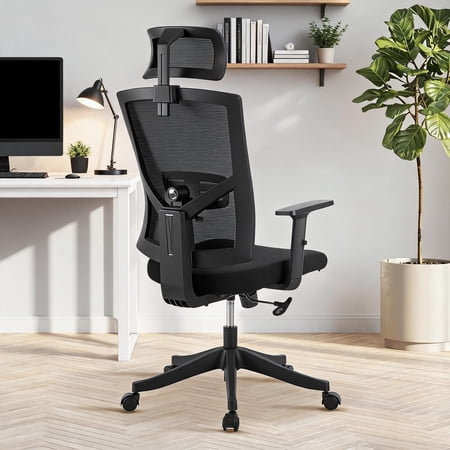
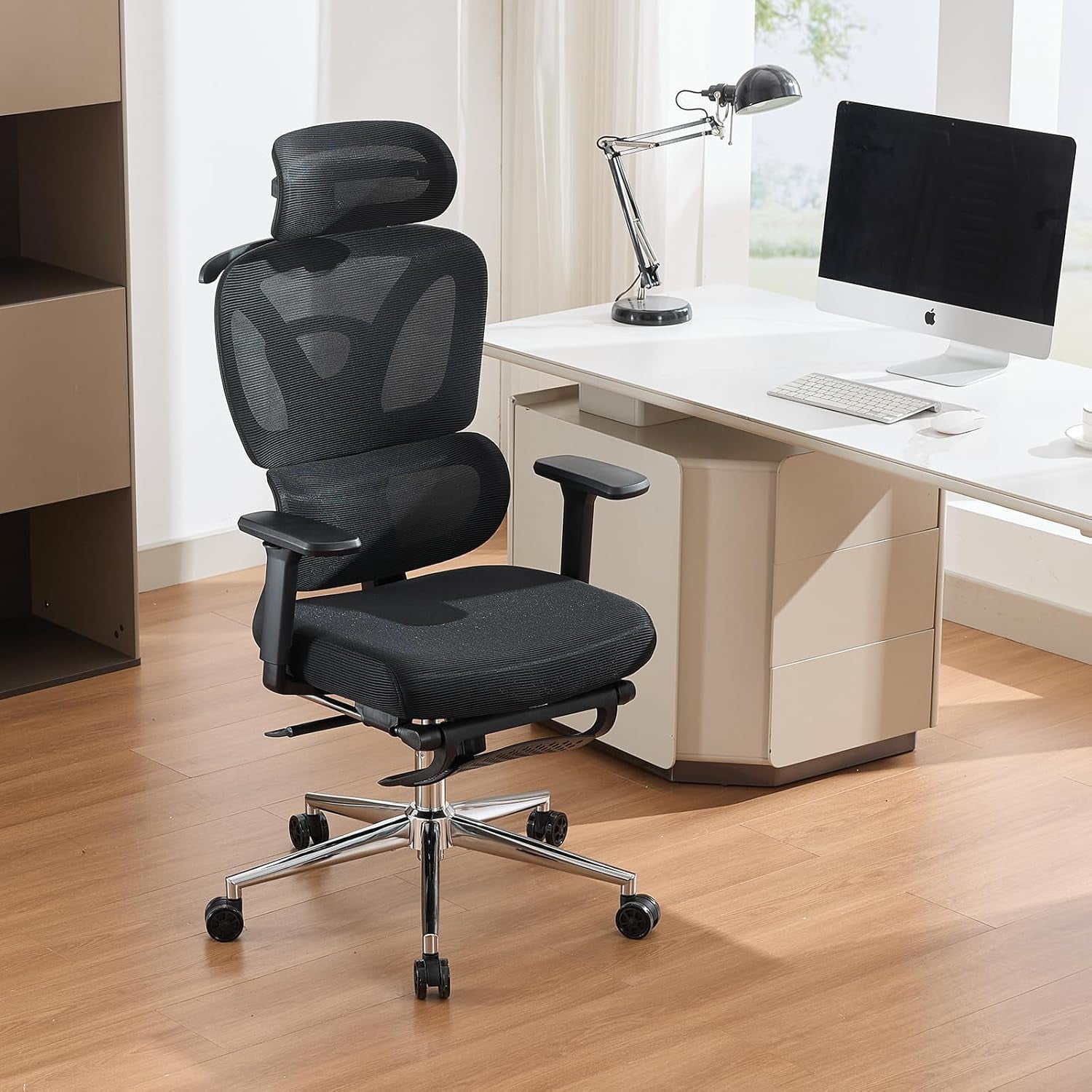
- Independent Headrest Adjustment: Look for a headrest that adjusts not just up/down, but also tilts forward and back. This allows you to support your neck whether you're sitting upright to type or reclined to read or think.
- Multi-Dimensional Lumbar Support: The best systems offer both height and depth adjustment. Depth adjustment pushes the support into the curve of your back, providing active, not passive, support.
- Synchronous Tilt Mechanism: This feature allows the backrest and seat to move in a pre-set ratio (often 2:1 or 3:1). It keeps you supported as you recline, preventing your shirt from pulling out and maintaining visual contact with your screen.
- Seat Depth Adjustment (Slide): Essential for proper thigh support. When you sit back, you should have 2-3 finger widths of space between the back of your knee and the seat edge. A sliding seat pan ensures this for any leg length.
- Waterfall Seat Edge: A gently sloping front edge relieves pressure on the back of your thighs, promoting healthy blood circulation to your legs and feet, preventing that pins-and-needles feeling.
Mesh vs. Fabric vs. Leather: Choosing Your Material Wisely
The material of your chair dictates not only its look but its thermal comfort and longevity. Your choice should align with your office environment and personal physiology.
High-Performance Mesh
Mesh is the dominant choice for high-end ergonomic chairs for a reason. It's like wearing a breathable athletic shirt. It conforms to your shape, provides firm yet flexible support, and, most importantly, allows air to circulate constantly. If you run warm or live in a hot climate, a chair with a mesh back (and potentially a mesh seat) is your best defense against a sweaty, uncomfortable workday.
Supportive Fabric
Modern performance fabrics offer a great middle ground. They are soft, warm, and available in a wider range of colors than mesh. High-quality fabric is durable and breathable, though not as cool as mesh. It's an excellent choice for a more "living room" feel in a home office, provided it has adequate foam density in the seat to prevent bottoming out.
Premium Leather
Leather in an ergonomic context is often for the executive aesthetic. While genuine leather is durable and looks professional, it is not breathable. For chairs with headrests and lumbar support, leather can be comfortable in climate-controlled offices but may become sticky in warmer conditions. Look for chairs with perforated leather inserts if you prefer this material.
The "Sit Test": A 5-Step Method to Evaluate a Chair
Before you commit, if possible, try a chair using this method. It's more systematic than just sitting down and saying "this feels nice."
- The Initial Sink-In: Sit in your normal work posture. Does the seat cushion feel supportive without being rock-hard? Does the mesh or foam cradle your sitting bones (ischial tuberosities) without creating pressure points?
- The Lumbar Check: Reach back and feel the lumbar support. Is the curve hitting the right spot (your beltline area)? If adjustable, cycle through the settings. You should feel a gentle, supportive push, not a painful prod.
- The Headrest Hover: Lean your head back slightly. Does the headrest meet the curve of your neck and the base of your skull, or does it poke you in the middle of your head? Adjust it until your neck feels lengthened and relaxed.
- The Recline and Read: Push back in the chair and recline. Does the headrest stay in contact with your head? Does the lumbar support maintain its pressure, or does it slide out of place? Your chair should move with you as a single unit.
- The Armrest Alignment: With your arms at your sides and elbows bent to 90 degrees for typing, your forearm should rest gently on the armrest. Adjust the armrest height, width, and angle to achieve this "neutral shoulder" position.
This process ensures the chair adapts to you, not the other way around.
Long-Term Health Benefits: More Than Just Comfort
Investing in a quality ergonomic chair is an investment in your long-term physical capital. It's like buying good tires for your car; it's not about luxury, it's about performance and safety.
Reduced Spinal Fatigue
Proper lumbar support preserves the spine's natural curves, reducing muscle effort by up to 30% and delaying the onset of fatigue.
Prevention of 'Tech Neck'
A supportive headrest discourages forward head posture, which can add up to 60 pounds of force on your cervical spine.
Enhanced Productivity
Comfort is directly linked to focus. When you're not subconsciously shifting to alleviate pain, your cognitive resources are freed up for work.
Improved Breathing
Slouching compresses your ribcage and diaphragm. An open, supported sitting posture allows for deeper, more efficient breathing, which increases oxygen flow to the brain.
Frequently Asked Questions About Ergonomic Chairs
Conclusion: Build Your Pain-Free Workspace
Selecting the right ergonomic office chair with headrest and lumbar support is one of the most impactful decisions you can make for your daily well-being. It's a tool, not just a piece of furniture. By prioritizing adjustability—specifically in the headrest, lumbar region, and seat depth—you are creating a foundation for sustained focus, energy, and long-term spinal health. Remember the "sit test" and choose materials that match your environment. Your body will thank you at the end of each workday, and for many years to come.
Quick Recommendation Guide
| Your Priority | Key Feature to Focus On | Material Suggestion |
|---|---|---|
| Maximum Breathability | Full mesh back & seat | High-tensile mesh |
| Severe Lower Back Pain | Independent lumbar depth adjustment | Mesh back with firm foam |
| Chronic Neck/Shoulder Tension | 3D adjustable headrest | Any breathable material |
| All-Day Mixed Tasks | Synchronous tilt & 4D armrests | Hybrid mesh/fabric |