

Beyond Sitting: Understanding the "Work" in Office Chair Work
Choosing an office chair for work is fundamentally different from picking a chair for a conference room or a lobby. It’s about creating a dynamic support system for a body in motion—even when you're seated. The modern workday involves typing, reading, video calls, and moments of intense focus. Your chair must adapt to these tasks as seamlessly as you do.
Did you know? A study by the British Journal of Sports Medicine suggests that for every hour spent sitting, workers should move for at least two minutes. However, the right chair can mitigate the negative effects of static posture by promoting micro-movements and proper alignment. We'll explore how to choose a chair that works with your body, not against it.
The Ergonomic Trinity: Adjustability, Support, and Motion
A true workhorse chair isn't defined by a single feature, but by how well it integrates three core principles. Think of them as a stool with three legs—if one is weak, the whole system fails.
1. Synchronized Adjustability
Your chair should be a customizable tool, not a one-size-fits-all bench. Unlike a static stool, a high-quality work chair allows you to fine-tune multiple points of contact.
- Seat Height & Depth: Ensures your feet are flat and knees at a 90-degree angle, with 2-3 finger widths between the seat edge and the back of your knee.
- Lumbar Support (Height & Depth): The curve of the chair back must align with the inward curve of your lower spine. Look for chairs where this support can be moved up/down and in/out.
- Armrests (4D Adjustability): Height, width, depth, and pivot allow your shoulders to relax and your arms to rest comfortably while typing, preventing neck and shoulder tension.
2. Intelligent Back Support & Tension
Passive support is only half the equation. A work chair must actively respond to your movements. This is where the recline mechanism and tilt tension come into play.
- Synchro-Tilt Mechanism: This allows the seat and back to move in a coordinated ratio (often 2:1 or 3:1) as you lean back. This keeps you supported and prevents your shirt from pulling out or your legs from rising unnaturally.
- Adjustable Tilt Tension: Whether you weigh 110 lbs or 250 lbs, you should be able to adjust the resistance so you can recline smoothly without feeling like you're fighting the chair or tipping back too easily.
- Multi-Position Lock: The ability to lock the chair in a slight recline (110-120 degrees) is crucial for taking pressure off spinal discs during long analytical tasks or while on the phone.
3. Material Science & Durability
The materials dictate not just comfort, but longevity and hygiene. For a chair used daily for work, material choice is a critical decision.
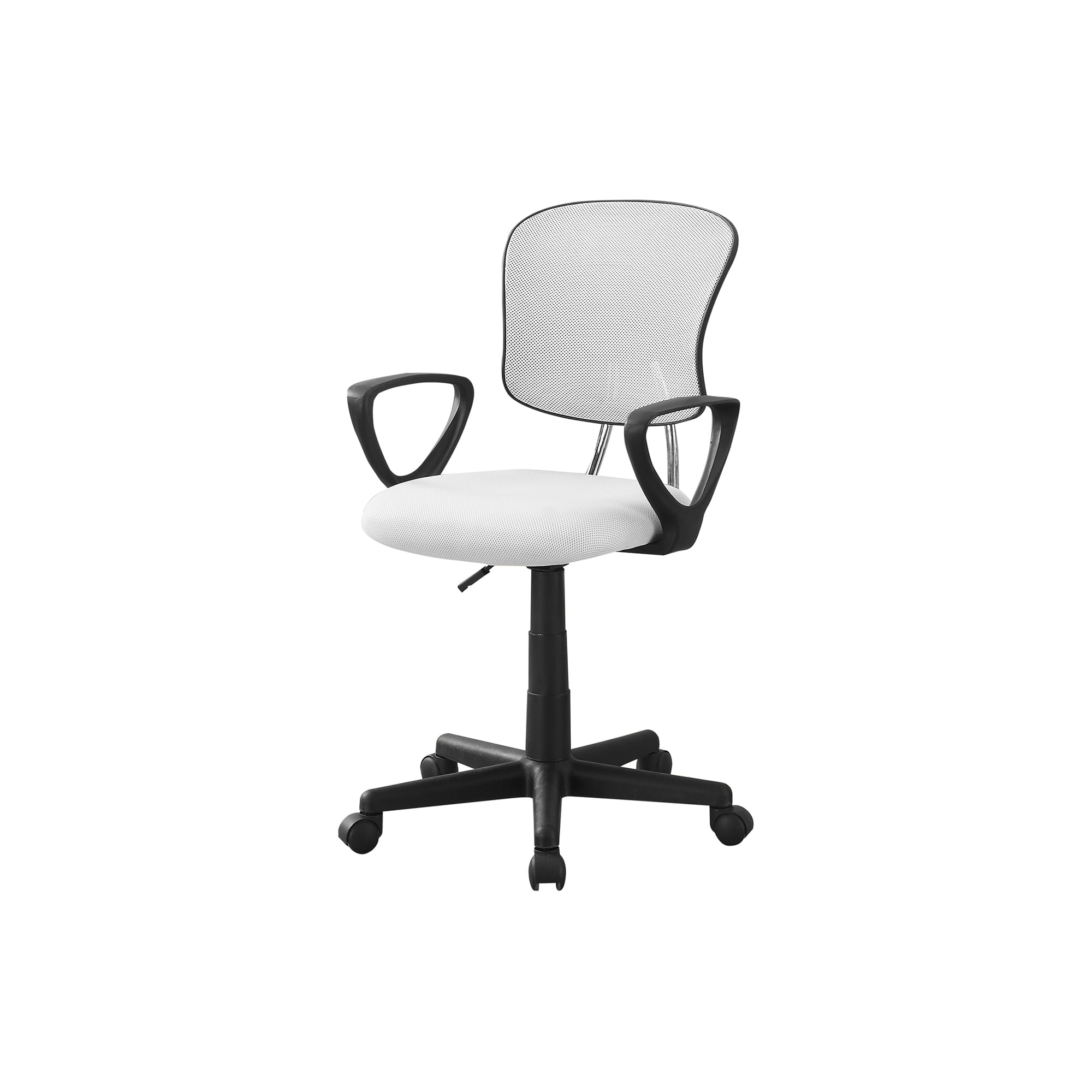
- Breathable Mesh: Ideal for warm climates or those who tend to overheat. Modern 3D mesh conforms to the back's shape while allowing constant airflow, preventing that sticky, sweaty feeling.
- High-Quality Fabric: Offers a softer, warmer feel. Look for tightly woven, stain-resistant fabric with high-density foam that won't compress after a few months.
- Hybrid Designs: Many modern work chairs combine a mesh back for breathability with a cushioned, fabric or faux-leather seat for comfort. This offers a best-of-both-worlds approach.
Matching Chair to Task: A Work-Style Matrix
Not all "work" is the same. A graphic designer, a customer service rep, and a CEO have vastly different physical needs. Here’s how to match your chair to your primary work style:
| Work Style | Primary Need | Recommended Chair Focus | Key Feature |
|---|---|---|---|
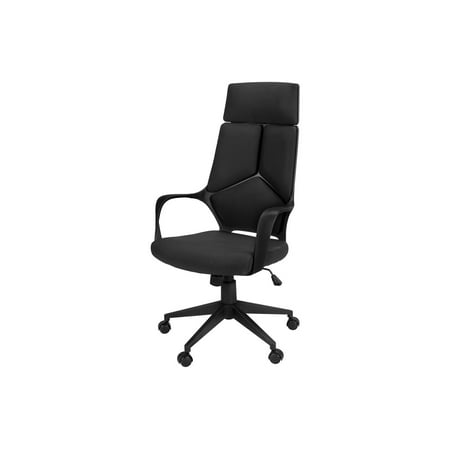
| Data Analyst / Programmer | Static focus, long hours | Superior lumbar & headrest | High back with adjustable headrest to support neck during deep focus. |
| Customer Support / Chat Agent | High typing volume | Armrest & seat comfort | 4D armrests and a deep, padded seat to reduce wrist and thigh fatigue. |
| Creative / Designer | Movement & sketching | Freedom of motion | Chair that allows perching on the edge (good forward tilt) and easy gliding casters. |
| Manager / Hybrid Worker | Versatility & presence | Balanced aesthetics & ergonomics | Professional-looking chair (e.g., fabric or leather) that's still highly adjustable for video calls. |
Health Beyond the Chair: The Ecosystem of a Healthy Workday
Even the world's best office chair for work can't single-handedly guarantee perfect health. It's the cornerstone of a healthy workstation ecosystem. Consider these complementary tools to maximize your investment:
1. Sit-Stand Desk
Alternating between sitting and standing every 30-45 minutes dramatically reduces the risks of prolonged sitting. A quality chair pairs perfectly with a height-adjustable desk.
2. Footrest
If your chair is adjusted correctly but your feet don't quite reach the floor, a footrest provides stability and prevents pressure on the backs of your thighs.
3. Monitor Arms
Positioning your screen at eye level prevents "tech neck." This, combined with chair lumbar support, aligns your entire spine from the base to the cervical spine.
4. Movement Reminders
Use a smartwatch or app to remind you to stand, stretch, or walk for 1-2 minutes every hour. The chair supports you while you're seated; you must support yourself by moving.
Investing in Longevity: Reading the Fine Print
A work chair is a long-term investment in your physical and professional well-being. When comparing models, look beyond the photos and read the specifications carefully. The warranty is often the best indicator of a manufacturer's confidence in their product. A 10-year warranty on the frame and mechanism suggests a chair built to last through years of daily use. Also, pay attention to the weight capacity—even if it's above your weight, a higher rating (e.g., 350 lbs vs. 250 lbs) often indicates stronger gas lifts, thicker casters, and a more robust frame.