

Your Complete Guide to Choosing an Ergonomic Office Chair for Back Pain
Imagine your spine as a carefully stacked column of bricks, with gel-like cushions (your discs) between each one. Now, imagine sitting slumped for eight hours—the column bends, the cushions get squeezed unevenly, and eventually, something protests. That protest is back pain. For millions of office workers, it's a daily reality. But it doesn't have to be. The right ergonomic office chair for back pain acts like a precision support system, keeping that column aligned and those cushions happy. This guide goes beyond basic lists; we'll explore the anatomy of a back-friendly chair, debunk common myths, and help you become an informed buyer.
Quick Fact: The American Chiropractic Association states that 80% of the population will experience a back problem at some point in their lives. Prolonged sitting in a non-supportive chair is a major contributing factor. Investing in an ergonomic chair is investing in your long-term health.
Decoding the "Back Pain" Chair: Key Ergonomic Zones
Not all ergonomic chairs are created equal. When your primary goal is pain relief, you need to focus on specific support zones. Think of these as the non-negotiable features for a healthy seated posture.
1. The Lumbar Support: Your Spine's Best Friend
This is the most critical feature. The lower back (lumbar spine) has a natural inward curve. Sitting flattens this curve, straining muscles and discs. Effective lumbar support fills the gap between your back and the chair, maintaining that natural curve. Look for chairs with adjustable lumbar support—not just a fixed bump. You want to adjust both the height (to hit the right spot on your spine) and the depth (how much it pushes into your back). Some high-end chairs even use air-bladders for fine-tuned pressure.
2. Seat Depth and Edge (Waterfall Front)
Do your thighs feel pressured behind the knees? That's a sign of incorrect seat depth. When you sit, there should be 2-3 finger widths of space between the back of your knee and the seat edge. A waterfall edge (sloping downward) reduces pressure on the underside of the thighs, promoting better blood circulation to your legs and feet. Proper seat depth ensures your back is against the lumbar support while your legs are fully supported.
3. Adjustable Armrests: Taking Load Off Your Upper Body
Tension in your shoulders often radiates down to your lower back. Armrests should allow your arms to rest comfortably with your shoulders relaxed, not hunched. 4D armrests (adjustable in height, width, depth, and angle) are ideal. They let you customize the support for typing, reading, or simply relaxing, which reduces strain on your neck, shoulders, and upper back.
4. Recline and Tilt Tension: Movement is Lotion
The old adage "motion is lotion" applies perfectly to your spine. A good ergonomic chair allows you to recline and change your posture throughout the day. The synchronous tilt mechanism is a gold standard—it allows the seat and backrest to move at a slightly different ratio, keeping you supported even as you lean back. Adjustable tilt tension lets you control how much force is needed to recline, so you're not fighting the chair.
Think of your chair like a high-performance racing seat. A racing seat doesn't just hold you; it hugs you in the perfect position for control and endurance. Your ergonomic chair does the same for your spine, holding you in a neutral posture that minimizes fatigue and maximizes stamina for the long workday ahead.
The Science of Sitting: Posture vs. Support
There's a common misconception that an ergonomic chair will "force" you to sit up straight. In reality, its job is to make maintaining a good posture effortless. A study published in the journal "Applied Ergonomics" indicated that workers using highly adjustable chairs reported a 35% decrease in low back pain severity compared to those using fixed chairs. Why? Because the chair adapts to them, not the other way around.
Beyond the Basics: Advanced Features for Specific Pain
- Seat Slider: Allows you to move the seat pan forward independently of the backrest. Essential for getting the perfect seat depth without losing lumbar contact.
- Forward Tilt: Tilts the seat pan forward slightly. This can be a game-changer for tasks requiring you to lean over a desk, as it opens up your hip angle and reduces lower back flexion.
- Adjustable Headrest: While not for lower back pain, a well-placed headrest supports your neck and upper spine, preventing the "forward head posture" that can cascade into mid-back tension.
- Material Choice: High-density foam retains its shape and support for years. Breathable mesh backs are excellent for keeping you cool and providing flexible yet firm support.
How to "Test Drive" a Chair for Back Pain (Your 5-Step In-Store/Online Checklist)
- The 15-Minute Sit: Spend at least 15 minutes in the chair. Set a timer. Pay attention to any emerging pressure points in your back, tailbone, or thighs.
- The Lumbar Test: Adjust the lumbar support. Does it hit the curve of your back? Slide your hand behind you—is the support there, or is there a gap?
- The Knee Test: Sit with your back against the chair. Make a fist and try to slide it between the front edge of the seat and the back of your calf. If it's too tight, the seat is too deep. If there's lots of room, you may need a deeper seat.
- The Armrest Reach: Adjust the armrests and type on an imaginary keyboard. Are your shoulders relaxed? Can you get them low enough to not lift your shoulders, and high enough to support your forearms?
- The Recline Check: Lean back in the chair. Does it feel smooth? Can you lock it at different angles? Does your back stay in contact with the lumbar support, or does your shirt pull up?
Ergonomics in Practice: Research from the University of California suggests that combining a sit-stand desk with an ergonomic chair can reduce perceived back pain by over 50% in just four weeks. The chair provides support when seated, while the desk allows for posture variation.
Mythbusting: Common Misconceptions About Back Pain Chairs
Myth 1: "A firm chair is better for my back." Not necessarily. While excessive softness can be bad, a chair that's too firm creates pressure points. The ideal is "high-density foam" that provides firm, even support and conforms slightly to your body.
Myth 2: "Expensive chairs are only for people with severe pain." Think of it as preventive maintenance. Just as you wouldn't wait for your car's engine to seize before changing the oil, you shouldn't wait for debilitating back pain to buy a good chair. It's a tool for long-term health.
Myth 3: "Lumbar support pillows on any chair work just as well." A separate pillow can help, but it's a patch, not a solution. It can shift, be too soft, or provide pressure in the wrong spot. An integrated, adjustable lumbar mechanism is engineered to provide consistent, reliable support.
Comparison: Chair Types for Back Pain Relief
| Chair Type | Best For | Key Consideration |
|---|---|---|
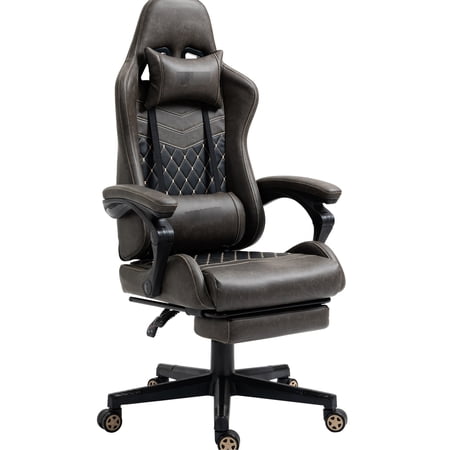
| High-Back Ergonomic | Full spine support, including upper back | Ensure the headrest is adjustable to avoid pushing your head forward. |
| Mid-Back Task Chair | Focus on lower back, maximum arm mobility | Excellent lumbar support is non-negotiable. |
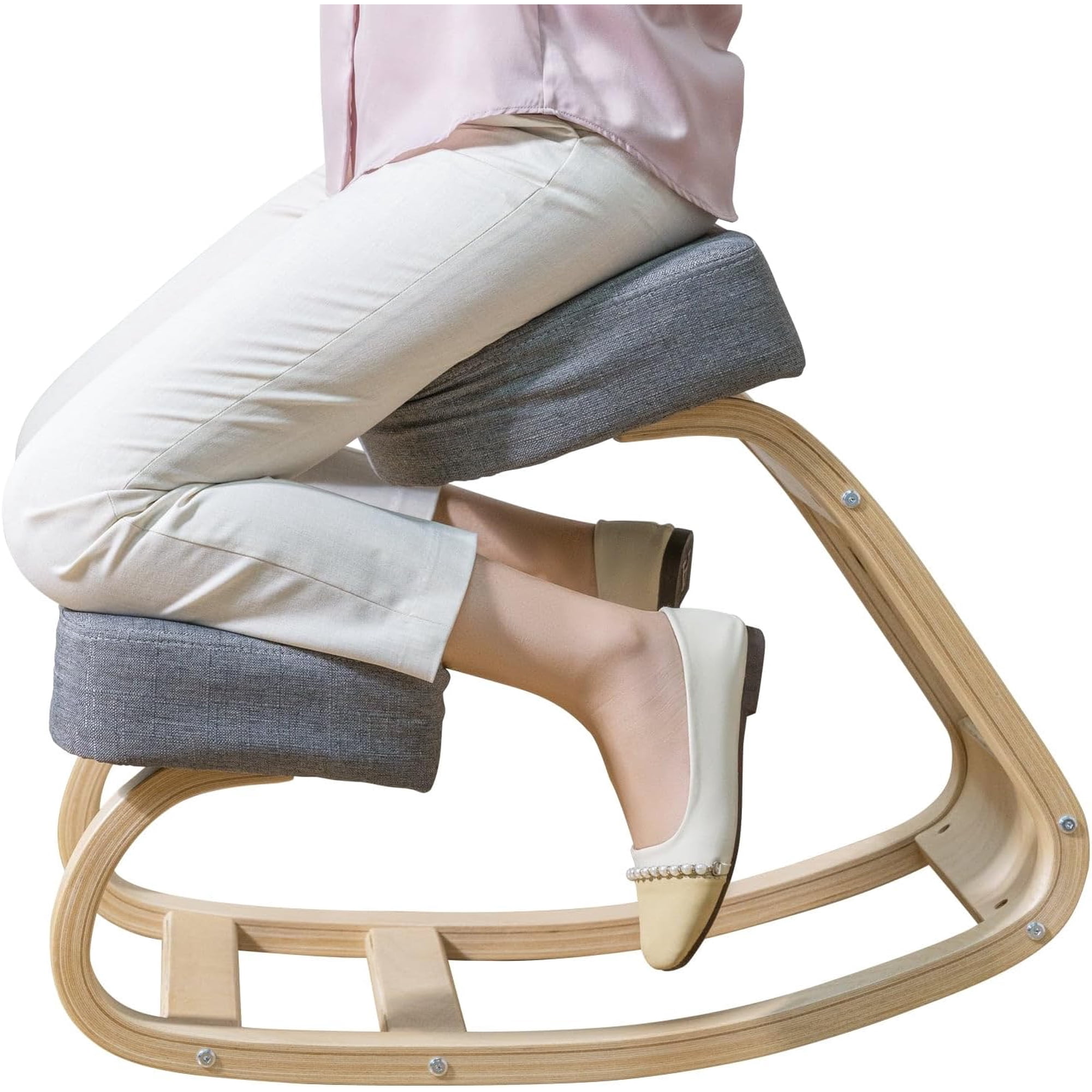
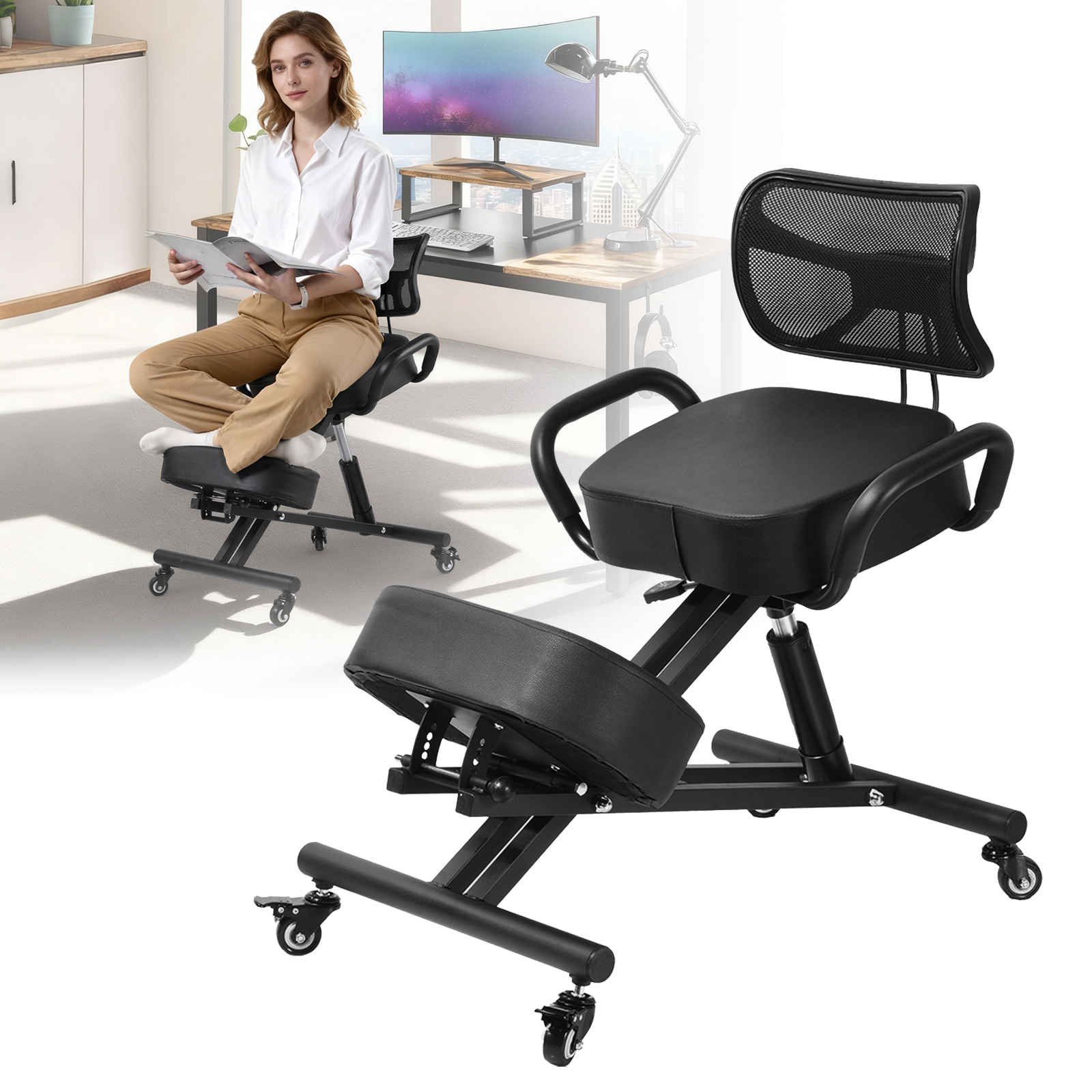
| Kneeling Chair | Opening hip angle, reducing lower back slump | Takes time to get used to; not for all-day use for everyone. |
| Active/Stool Chair | Encouraging micro-movements and core engagement | Requires good balance and can be tiring initially. |
Frequently Asked Questions About Ergonomic Chairs and Back Pain
Conclusion: Your Path to a Pain-Free Workday
Choosing an ergonomic office chair for back pain is one of the most important investments you can make for your career and well-being. It's not about buying a "magic bullet," but about acquiring a sophisticated tool that supports your body's natural design. Remember the key zones: adjustable lumbar support, proper seat depth, versatile armrests, and a smooth recline. By understanding these features and how they relate to your own body, you can cut through the marketing hype and find a chair that truly makes a difference. Combine your new chair with regular movement and stretches, and you'll be well on your way to conquering back pain for good.
Use the affiliate grid above to explore current top-rated models that match the criteria we've discussed. Your back will thank you.