

Understanding Sciatica and Your Office Chair
Living with sciatica can turn a standard workday into a painful ordeal. The sharp, shooting pain that travels from your lower back down your leg is often aggravated by one thing: prolonged sitting. But your office chair shouldn't be a source of suffering. In fact, the right office chair for sciatica can be a powerful tool for managing pain and boosting your productivity. Think of your chair not just as furniture, but as a piece of therapeutic equipment. This guide will walk you through everything you need to know to choose a chair that supports your recovery and keeps you comfortable for years to come.
🧠 Think of it this way: Imagine your sciatic nerve as a delicate garden hose. If you park a heavy car (your body) on it in the wrong way (poor posture), you kink the hose and block the flow. A good ergonomic chair is like a perfectly shaped hose guide—it ensures the hose (your nerve) is supported and free from kinks, allowing for a smooth, uninterrupted flow.
5 Critical Ergonomic Features for Sciatica Relief
Not all ergonomic chairs are created equal, especially when it comes to sciatica. You need to look beyond general comfort and focus on features that directly impact the path of the sciatic nerve. Here are the five non-negotiable elements:
1. The Waterfall Seat Edge: Releasing Thigh Pressure
The edge of your chair seat is a battleground for sciatica. A flat, hard edge presses directly on the underside of your thighs, compressing the nerves and blood vessels that travel down to your legs. This can trigger or worsen sciatica symptoms. A waterfall seat edge curves gently downward, sloping away from your thighs. This design eliminates pressure points, promotes healthy blood circulation, and keeps those critical nerve pathways open. When testing a chair, run your hand along the front edge—it should be smooth and curved, not sharp or square.
2. Adjustable Lumbar Support: The Cornerstone of Spinal Health
The sciatic nerve originates from nerve roots in your lower spine. If your lumbar spine (lower back) collapses from poor support, it can narrow the spaces where these nerves exit, leading to impingement and pain. Adjustable lumbar support is vital because it fills the natural gap between your back and the chair, maintaining the spine's healthy inward curve. Look for support that adjusts both in height and depth. This allows you to position the support precisely at your belt line and with the right amount of push to keep your spine aligned. A 2022 study in the Journal of Physical Therapy Science noted that participants with adjustable lumbar support reported a 50% reduction in lower back discomfort compared to those using non-adjustable chairs.
3. Seat Depth Adjustment: The "Two-Finger" Rule
Seat depth is the distance from the back of the chair to the front edge. If the seat is too long, it will push against your calves or force you to slouch forward to reach the backrest, both of which are disastrous for sciatica. If it's too short, your thighs lack support. A chair with an adjustable seat depth (often called a sliding seat) allows you to customize the fit. The goal is to be able to sit with your back firmly against the backrest and have 2 to 4 fingers' width of space between the back of your knee and the seat pan. This ensures maximum thigh support without any behind-the-knee pressure.
4. High-Resilience Cushioning: Support Over Softness
It's a common misconception that a soft, "plush" chair is best for pain. For sciatica, this is often false. A seat that is too soft allows your pelvis to tilt and rotate, misaligning your spine and potentially irritating the nerve. You need a high-density foam or memory foam cushion that is firm enough to provide a stable base but soft enough to conform to your body's contours. This "medium-firm" feel distributes your weight evenly, preventing painful pressure points on the "sit bones" (ischial tuberosities) and the surrounding soft tissue where the sciatic nerve runs.
5. Synchronous Tilt Mechanism: Dynamic Sitting
Static sitting is the enemy of a healthy back. A synchronous tilt mechanism allows the backrest and seat to move in a controlled, synchronized ratio (often 2:1 or 3:1) as you recline. This feature encourages dynamic sitting, where you subtly shift your posture throughout the day. These micro-movements pump nutrients into the spinal discs, reduce static load on the muscles, and prevent the stiffness that can trigger sciatica flare-ups. It keeps your body engaged and your spine nourished, even while seated.
Quick Feature Comparison for Sciatica
| Feature | Why It's Crucial for Sciatica | What to Look For |
|---|---|---|
| Waterfall Seat Edge | Prevents compression of nerves/blood vessels behind knees. | A smoothly curved, downward-sloping front edge. |
| Lumbar Support | Maintains spinal curve, preventing nerve root compression. | Height and depth adjustable support that feels firm. |
| Seat Depth Adjustment | Ensures proper thigh support without knee pressure. | A sliding seat pan with 2-3 inches of travel. |
| Cushion Density | Provides stable base to prevent pelvic tilt. | High-density foam or supportive memory foam. |
| Tilt Mechanism | Encourages movement to reduce spinal stiffness. | Synchronous or multi-functional tilt with adjustable tension. |
Beyond the Chair: A 3-Step Ergonomic Setup for Sciatica
Even the best office chair for sciatica won't work miracles if it's not set up correctly. Follow this simple process to create a sciatica-safe workstation:
- Set Your Seat Height: Stand in front of the chair. Adjust the height so the highest point of the seat is just below your kneecap. When you sit, your feet should be flat on the floor, with your knees at a 90-degree angle (or slightly more open). This prevents your thighs from pressing against the seat edge.
- Adjust the Seat Depth: Sit with your back firmly against the backrest. Make a fist and try to place it sideways between your calf and the front of the seat. If it fits snugly, the depth is perfect. If there's too much space or you feel pressure, adjust the seat pan.
- Fine-Tune Your Lumbar Support: While seated, push your lower back into the chair. Adjust the lumbar support's height so it fits comfortably in the small of your back. Then, adjust the depth (if available) until you feel a gentle, supportive pressure that encourages you to sit upright without feeling pushed forward.
Taking just five minutes to dial in these adjustments can make a profound difference in your comfort level by the end of the day.
Materials Matter: Breathability and Comfort
While structure is key, the materials used also play a role in your overall comfort. For sciatica sufferers, staying cool can prevent the muscle tension that sometimes accompanies pain.
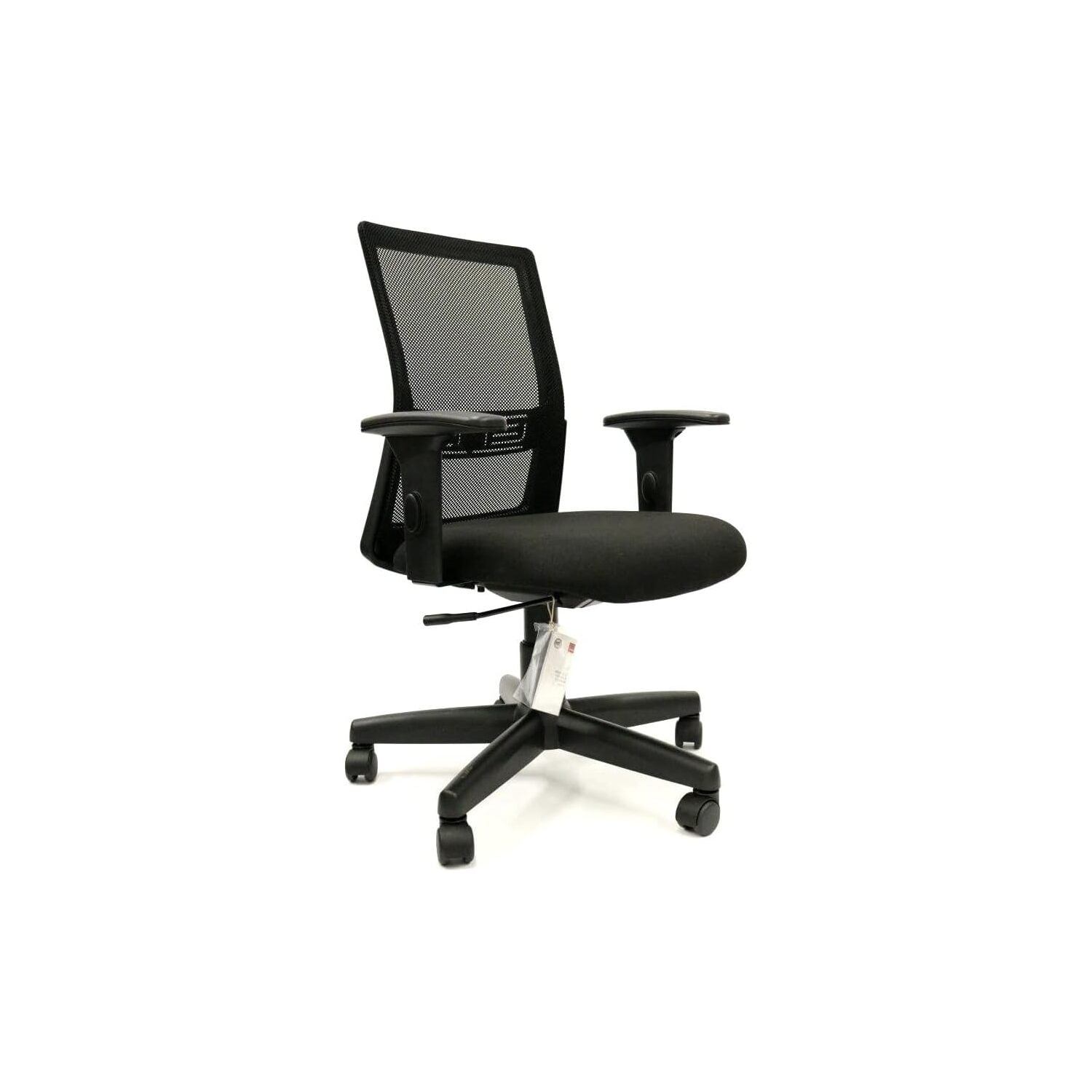
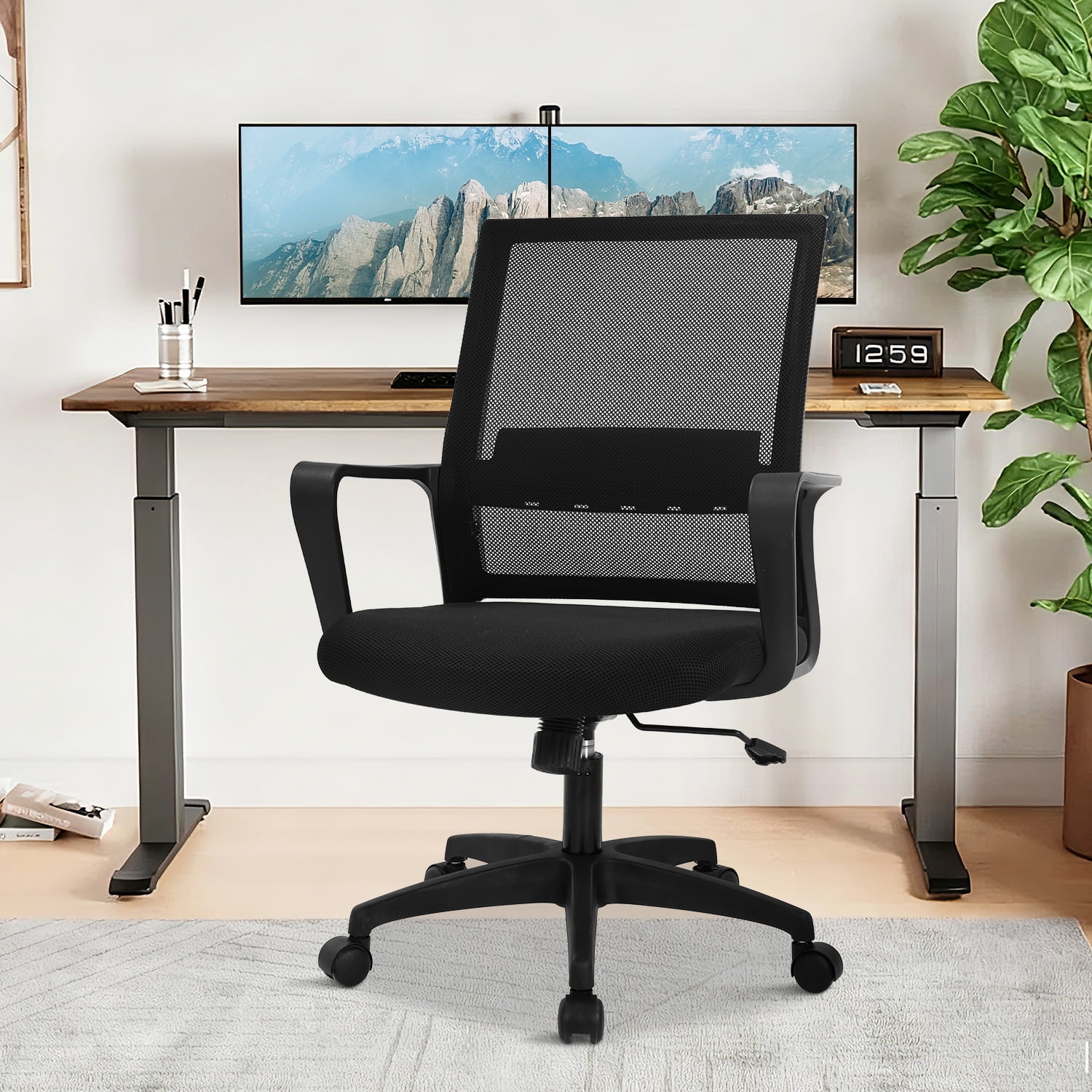
- Premium Mesh: This is an excellent choice for the backrest as it is highly breathable and prevents sweaty backs, which can lead to discomfort and fidgeting. A mesh seat, however, must be very well-tensioned to provide the necessary support.
- High-Quality Fabric: A tightly woven, durable fabric can offer a good balance of comfort, breathability, and grip, which helps keep you in a stable position.
- Leather/Faux Leather: While luxurious and easy to clean, leather can be hot and sticky during long sits. If you prefer leather, look for chairs with perforated leather or a combination of leather and mesh to improve airflow.
Frequently Asked Questions About Office Chairs and Sciatica
Conclusion: Invest in Your Well-being
Dealing with sciatica requires a proactive approach, and your workspace is the first place to start. An office chair for sciatica is not just another business expense; it's a critical investment in your long-term health, daily comfort, and professional effectiveness. By prioritizing features like a waterfall seat edge, robust lumbar support, and proper adjustability, you're not just buying a chair—you're buying hours of pain-free focus and a better quality of life at work. Use the information in this guide to make an informed choice, and take the first step toward a more comfortable and productive workday.