
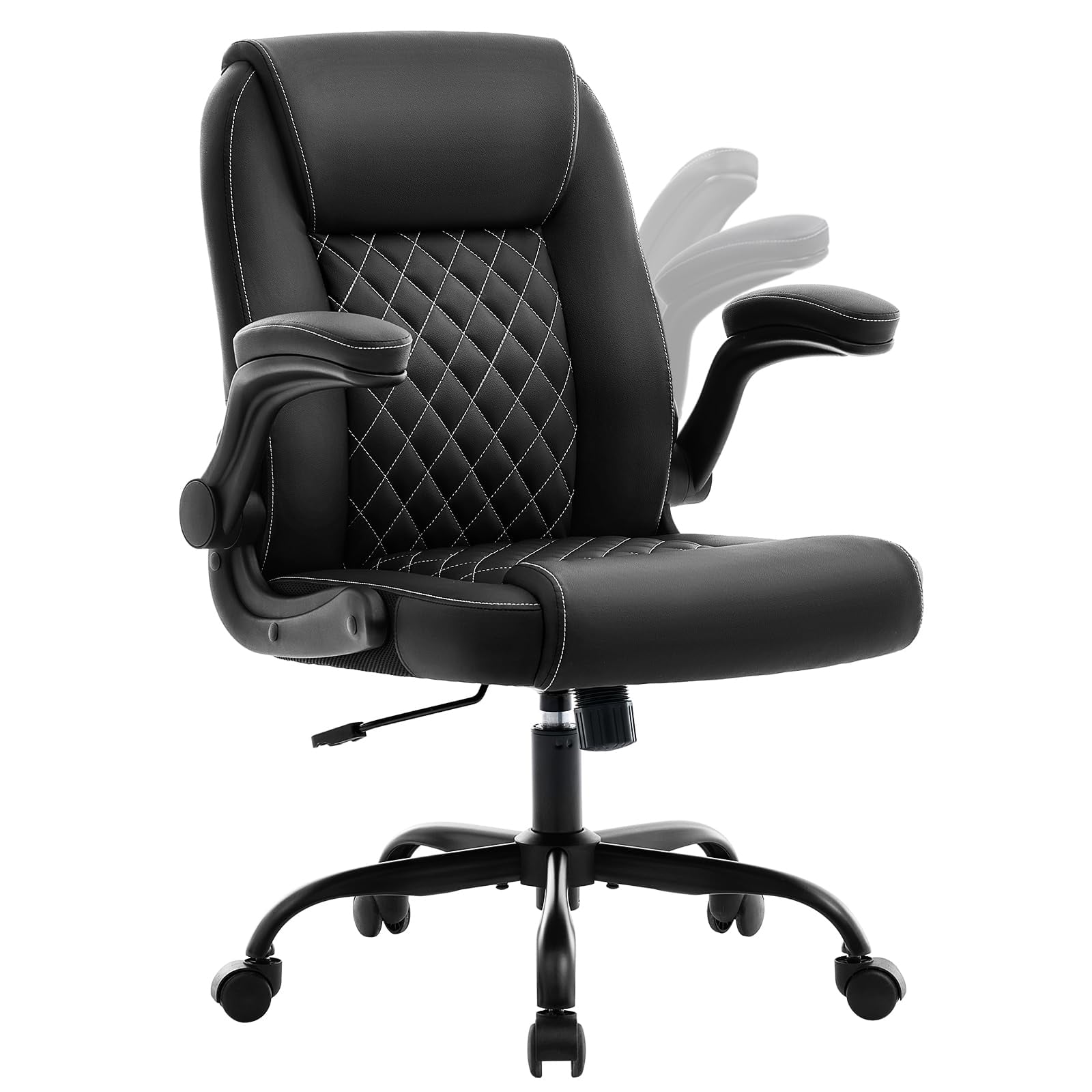
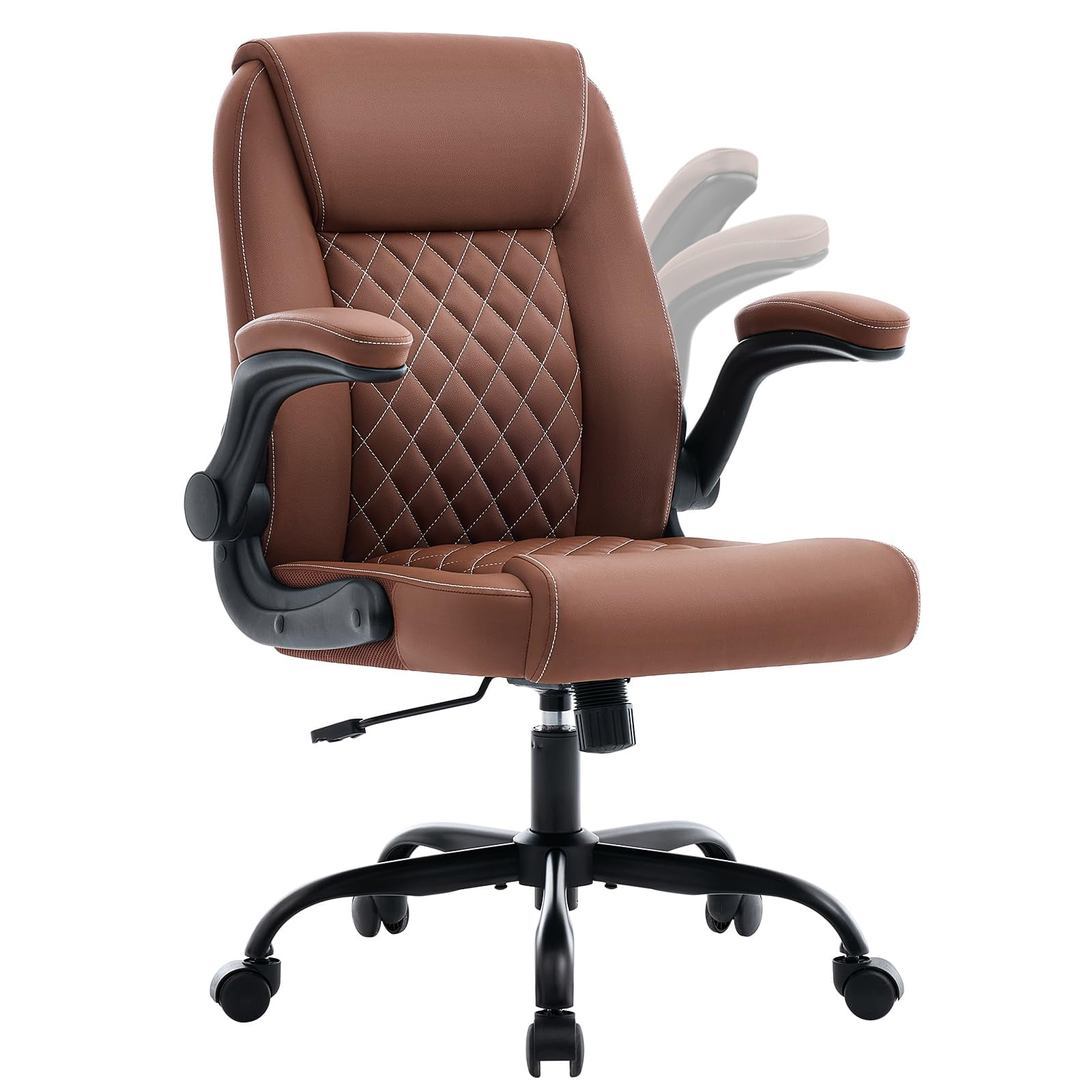
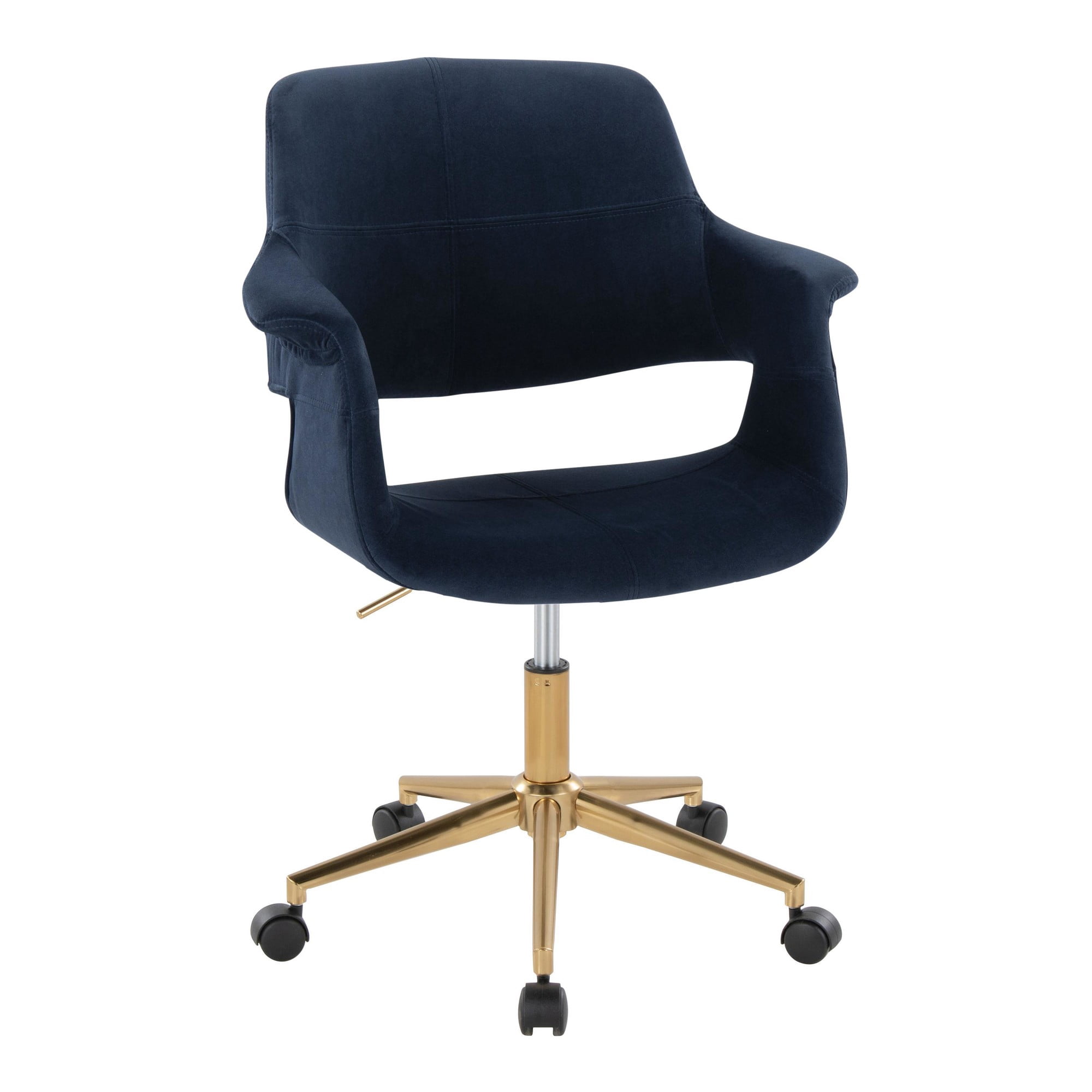
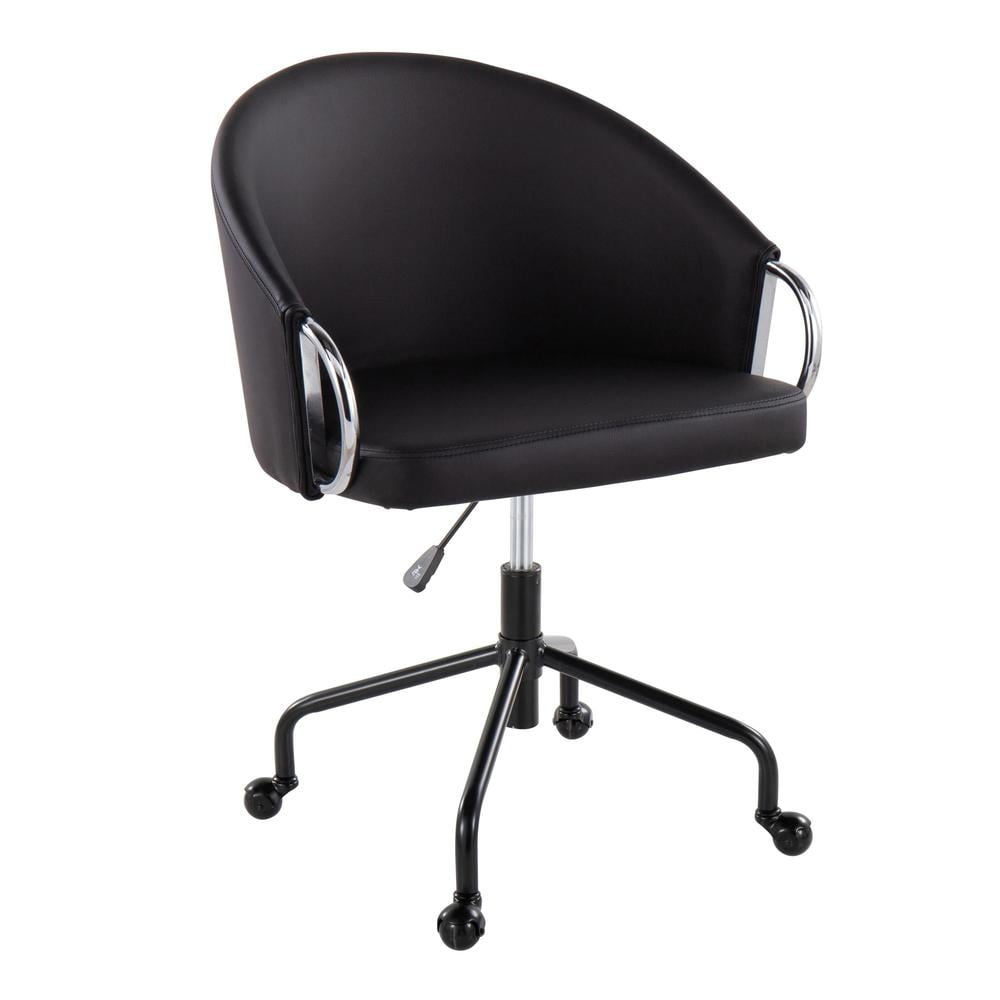
Why the Starmore Home Office Desk Chair is a Must-Have
In the modern work environment, the line between home and office has blurred. A well-designed desk chair is no longer a luxury but a necessity. The Starmore home office desk chair emerges as a top contender, offering a compelling mix of ergonomic features, stylish design, and robust construction. This chair is engineered to support you through long workdays, ensuring you stay focused and free from discomfort.
Did You Know? Ergonomic studies show that a good office chair can reduce lower back pain by up to 35%. The Starmore chair is designed with this in mind, featuring adjustable lumbar support and a high back to maintain proper posture.
Key Ergonomic and Design Features
The Starmore home office desk chair isn't just another office chair; it's a carefully crafted piece of furniture that adapts to your needs. Its standout features include:
- Advanced Lumbar Support: An adjustable lumbar system that moves with you, providing targeted support to your lower back to prevent fatigue and strain.
- Breathable Mesh Back: The backrest is made of high-quality mesh, promoting air circulation to keep you cool and comfortable during extended periods of sitting.
- Plush, High-Density Seat Cushion: The seat is filled with thick, high-density foam that offers a perfect balance of comfort and support, preventing the feeling of sitting on a hard surface.
- Multi-Dimensional Adjustments: Customize your seating experience with adjustable seat height, armrests, and tilt tension. This ensures the chair perfectly fits your body and work style.
- Durable Construction: Built with a sturdy base and premium materials, the Starmore chair is designed to withstand the rigors of daily use, offering long-term reliability.
Comparing the Starmore Chair to Other Seating Options
To help you make an informed decision, here's a comparison between the Starmore home office desk chair and other common types of office seating.
| Feature | Starmore Home Office Chair | Standard Office Chair | Basic Gaming Chair |
|---|---|---|---|
| Ergonomic Support | High (Lumbar support, high back) | Medium (Basic support) | Medium (Often focused on racing style) |
| Material Quality | Premium (Mesh, high-density foam) | Standard (Fabric, basic foam) | Varies (PU leather, basic foam) |
| Adjustability | Extensive (Seat height, tilt, arms) | Basic (Seat height, tilt) | Medium (Recline, seat height) |
| Design Aesthetic | Modern, Sophisticated | Functional, Corporate | Sporty, Bold |
| Target User | Home office professionals, remote workers | General office workers | Gamers, casual users |
Health Benefits of an Ergonomic Chair
Investing in a proper ergonomic chair like the Starmore home office desk chair is an investment in your health. Prolonged sitting has been linked to various health issues, and the right chair can help mitigate these risks.
Alleviates Back Pain
Consistent lumbar support reduces pressure on the spine and helps maintain its natural S-curve, preventing common aches and pains.
Promotes Better Posture
By supporting your back and encouraging you to sit upright, the chair helps improve your overall posture over time.
Reduces Fatigue
When you are comfortable and properly supported, you can work for longer periods without feeling tired or distracted by discomfort.
Increases Productivity
A comfortable and healthy work environment directly contributes to higher focus, energy levels, and overall productivity.
Setting Up Your Starmore Chair for Optimal Comfort
Getting the most out of your Starmore home office desk chair involves a few simple adjustments. Follow these steps to create the perfect seating position.
Step 1: Adjust the Seat Height
- Sit with your feet flat on the floor.
- Your knees should be at a 90-degree angle, level with or slightly lower than your hips.
- Use the pneumatic lever under the seat to adjust the height until your thighs are parallel to the floor.
Step 2: Adjust the Lumbar Support
- Locate the lumbar adjustment knob or lever on the backrest.
- Adjust it up or down to fit the curve of your lower back.
- You should feel gentle but firm support on your lower back, keeping you upright and preventing slouching.
Step 3: Adjust the Armrests
- Ensure your arms rest comfortably on the armrests.
- Your elbows should be at a 90-degree angle, and your shoulders should be relaxed, not hunched.
- The armrests should be at a height where your forearms are parallel to the desk.
Step 4: Adjust the Tilt Tension
- Find the tilt tension knob, usually located under the seat.
- Adjust the tension to control how much resistance you feel when leaning back.
- You should be able to recline smoothly while maintaining control.