
Why a Reclining Office Chair is a Game-Changer for Your Workday
Imagine this: after hours of intense focus, you simply push back, let the chair gently recline, and allow your spine to decompress while you think through your next big idea. An office chair that can lean back is not just a luxury—it’s a functional tool that supports the natural need for movement and posture variation. For professionals spending 8+ hours seated, static sitting is the enemy of health. Dynamic seating with a controlled recline can reduce spinal disc pressure by up to 30% compared to upright sitting, according to ergonomic studies.
Ergonomic Insight: Research from the Journal of Physical Therapy Science indicates that allowing the backrest to recline between 110-130 degrees significantly reduces intradiscal pressure and promotes relaxation of the lumbar muscles. An office chair that can lean back isn't just about comfort; it's about sustainable work habits.
Key Mechanisms: How Leaning Back Chairs Work
Not all reclining chairs are created equal. Understanding the tilt mechanism is crucial for choosing the right chair. Here are the primary types you'll encounter:
- Synchro-Tilt Mechanism: The gold standard for ergonomic office chairs. As you lean back, the seat and backrest move together in a synchronized ratio (commonly 2:1). This keeps your feet flat on the floor and maintains a natural line of sight with your monitor.
- Knee-Tilt Mechanism: The pivot point is near the front edge of the seat, causing the entire chair to tilt backward. This is great for deep relaxation but may lift your legs, which isn't ideal for typing-intensive tasks.
- Multi-Lock Tilt: Allows you to lock the chair at various recline angles. Essential for those who want to lean back at specific positions for reading, video calls, or thinking sessions.
- Center-Tilt / Pivot Point: A single point under the seat, often less stable but simpler. Not recommended for heavy daily use.
Critical Features for the Perfect Reclining Experience
When shopping for an office chair that can lean back, don't just look at the recline angle. Pay attention to these make-or-break features:
| Feature | Why It Matters for Leaning Back | What to Look For |
|---|---|---|
| Tilt Tension Adjustment | Controls the resistance when leaning back. Without proper tension, you might fall back too quickly or struggle to recline. | A large, easy-to-reach tension knob with a wide range of adjustment to match your body weight. |
| Adjustable Lumbar Support | When you recline, your lower back needs continuous support. Static lumbar may lose contact. | Height-adjustable and depth-adjustable lumbar pads that move with you, or dynamic lumbar that automatically adapts. |
| Headrest Integration | Without a headrest, leaning back can strain the neck. A good headrest supports the cervical spine. | Height and angle adjustable headrest, preferably with a forward tilt for active recline positions. |
| Seat Depth Adjustment | Ensures proper thigh support when the chair tilts. Prevents pressure behind the knees. | At least 2-3 inches of slide adjustment to accommodate different leg lengths. |
| Armrest Adjustability | Armrests that stay level or pivot with the recline maintain ergonomic support for shoulders and wrists. | 4D armrests (height, width, depth, pivot) that can be set independently of the backrest angle. |
Health & Productivity Benefits of a Leaning-Back Chair
Beyond the immediate comfort, integrating a recline into your sitting habits offers measurable benefits:
Reduced Spinal Compression
Leaning back shifts weight from the spine to the backrest, lowering pressure on lumbar discs by up to 40%.
Improved Circulation
Opening the hip angle reduces pressure on the femoral arteries, promoting better blood flow to legs.
Enhanced Cognitive Focus
Micro-movements and postural changes keep the brain alert; many users report better ideation in a slightly reclined position.
Stress Reduction
Controlled recline activates the parasympathetic nervous system, helping lower cortisol levels during breaks.
Step-by-Step Guide: How to Choose Your Ideal Reclining Office Chair
Step 1: Assess Your Recline Needs
- Work Type: Are you mainly typing (need minimal recline with tension) or doing creative/reading work (need deeper recline with lock)?
- Duration: For all-day use, prioritize synchro-tilt with adjustable lumbar and headrest.
- Space: Deep recline chairs require more clearance behind the desk.
Step 2: Test the Tilt Mechanism
Look for adjustable tilt lock at 90-100 degrees with firm tension to prevent accidental recline.
Choose chairs with multi-angle lock (100-115 degrees) and a stable headrest.
Seek chairs with deeper recline (120-135 degrees) and a footrest option if desired.
Consider chairs that allow easy transition with a smooth tilt mechanism that doesn't interfere with standing intervals.
Step 3: Evaluate Build Quality & Warranty
Since leaning back puts stress on the tilt mechanism and base, invest in chairs with:
- Class 4 gas lift (higher durability)
- Steel or aluminum base (not plastic for heavy-duty recline)
- Minimum 5-year warranty on moving parts, ideally 10+ years on frame
Material Considerations for Reclining Chairs
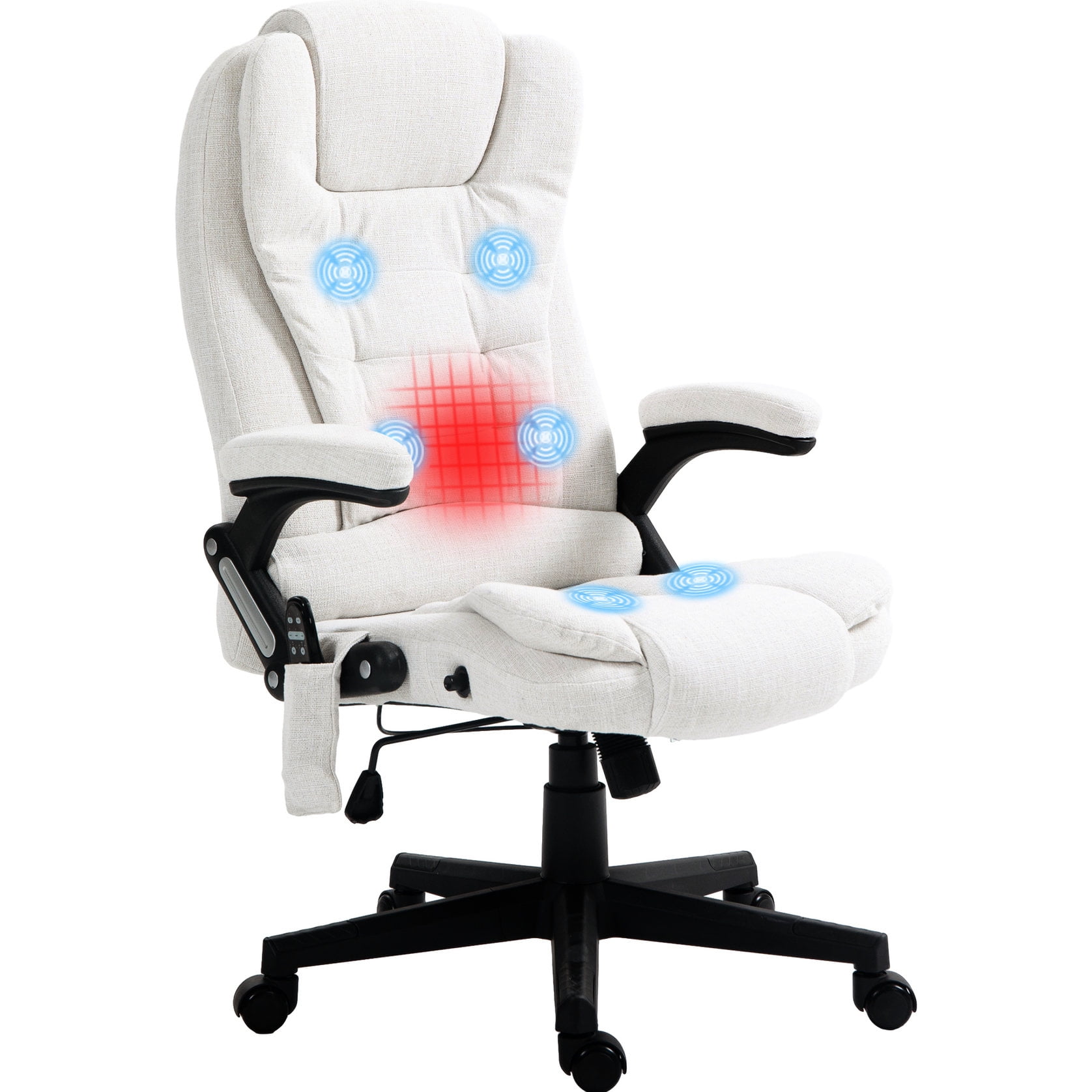
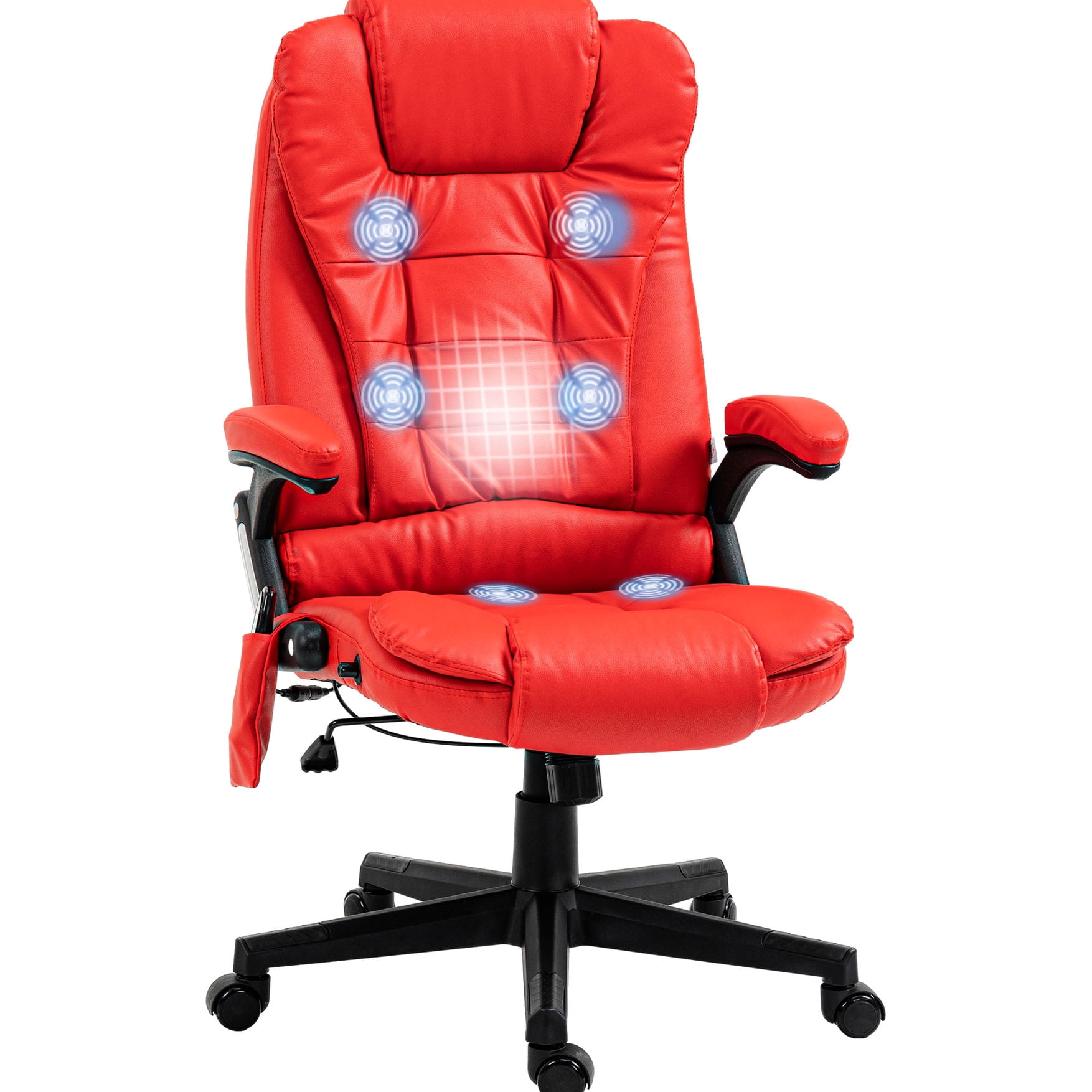
The upholstery affects how comfortable the chair feels during recline. Breathable materials prevent overheating when leaned back for extended periods, while leather offers a premium feel but may require climate control.
Mesh Back with Leaning
- Pros: Excellent breathability; conforms to spine; stays cool during long recline sessions; lightweight.
- Cons: May not feel as plush; some models lack headrest padding.
- Best for: Warm climates, modern offices, all-day active sitting.
Leather / Faux Leather
- Pros: Luxurious appearance; easy to wipe clean; supports body contouring.
- Cons: Can get warm; may require conditioning; heavy.
- Best for: Executive suites, cooler environments, users who prefer plush surfaces.
Frequently Asked Questions About Leaning Back Office Chairs
Conclusion: Invest in Movement, Reclaim Your Comfort
Choosing an office chair that can lean back is one of the most impactful decisions you can make for your work environment. It acknowledges that the human body is designed for movement, not rigid stillness. A quality reclining chair empowers you to shift postures throughout the day, reducing fatigue, enhancing circulation, and even sparking creativity.
Final Recommendations by Usage Scenario
Choose a mesh-back chair with synchro-tilt, adjustable lumbar, and multi-lock tilt. Prioritize 4D armrests and a headrest. This combination keeps you cool and supported from morning to evening.
Leather high-back executive chairs with knee-tilt or advanced synchro-tilt offer a commanding presence. Ensure the tension is adjustable and the chair includes a polished metal base for stability.
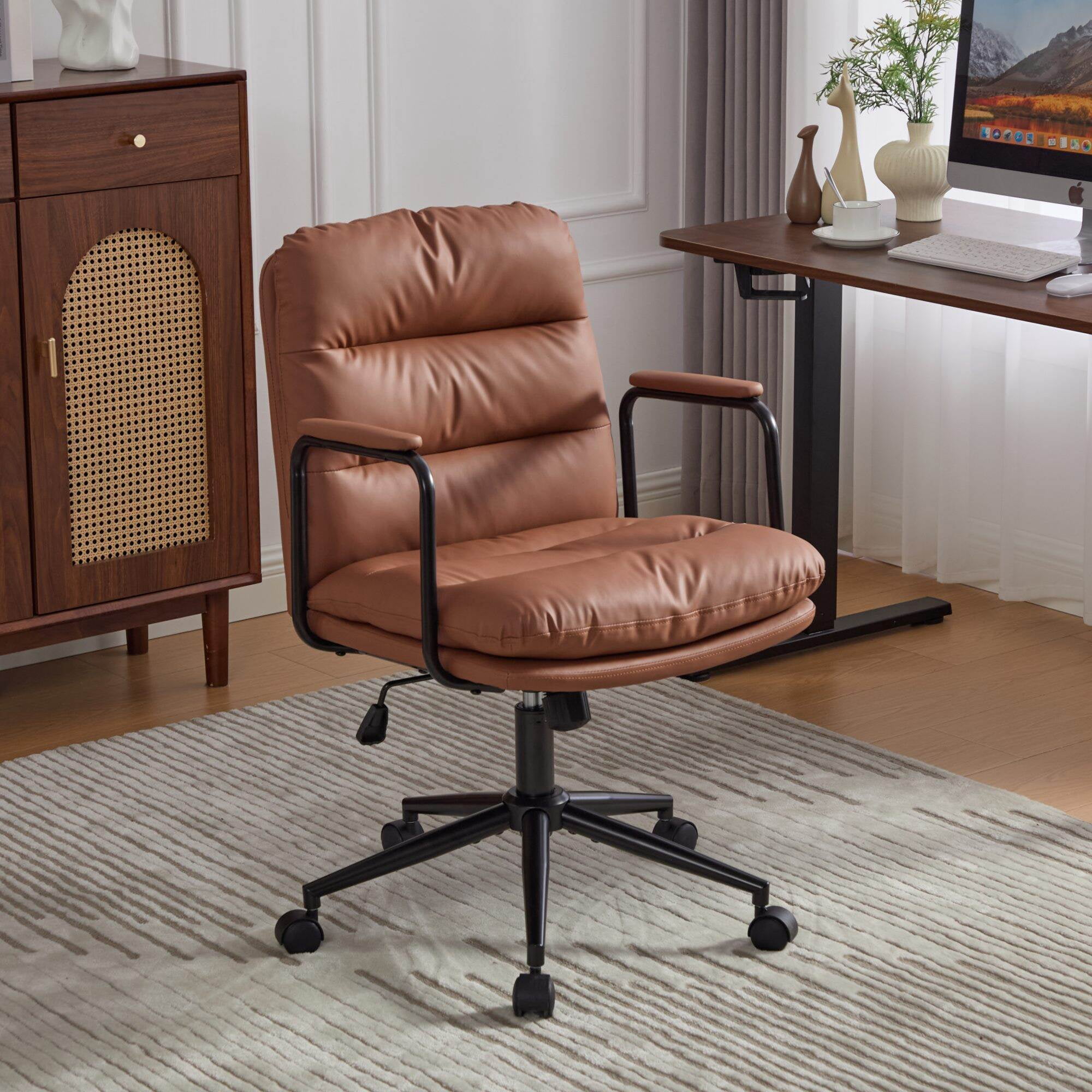
Focus on a chair with a compact footprint but full tilt functionality. A mid-back design with adjustable tension and breathable fabric provides flexibility without overwhelming a home workspace.
Remember, the best chair is the one that fits your body, supports your work habits, and encourages you to move. Take the time to test mechanisms, prioritize adjustability, and invest in a chair that will keep you productive and pain-free for years to come.