

Why Your Body Demands a 12‑Hour Office Chair
Imagine running a marathon – but instead of your legs, it's your back, shoulders, and hips that have to endure. That's what a 12‑hour workday feels like for your spine if you're sitting on an ordinary chair. A dedicated 12 hour office chair is the ergonomic equivalent of high‑performance running shoes: it absorbs shock, aligns your frame, and keeps you going long after standard seats would have given up.
Ergonomics at work: Studies from the Journal of Occupational Health show that workers using chairs with dynamic lumbar support reported 54% less lower back fatigue after 10+ hours compared to fixed‑back chairs. Your chair isn't just furniture – it's your most used tool.
The “3‑Zone Pressure Relief” Concept
A 12‑hour chair must manage pressure in three key areas: the ischial tuberosities (sit bones), the thighs, and the thoracic spine. High‑end models use variable‑density foam or suspended mesh to create a hammock‑like effect. For instance, some chairs combine a firm foam core (to prevent bottoming out) with a soft top layer (to reduce capillary restriction). This is similar to a high‑quality mattress – too soft and you sink, too hard and you fight pressure points.
✅ Signs of superior 12‑hour design
- Seat depth adjustment: at least 5 cm range to support thighs without pressing behind knees.
- Synchronous recline: seat and back move together, keeping your eyes at the same screen level.
- Breathable backrest: mesh or perforated leather to avoid sweaty shirts.
- Weight‑activated mechanism: adjusts recline tension based on your body.
❌ Red flags for long hours
- Fixed lumbar (one size fits none).
- Hard armrests that cause elbow soreness.
- Foam that feels like a park bench after 30 minutes.
- No tilt lock – you can't change posture.
Material Science: Cooling vs. Cushioning
For 12‑hour seating, material choice is a trade‑off. Here's a quick breakdown:
- Advanced mesh (e.g., 3D knitted): best breathability, good contouring. Brands like Steelcase or Haworth use mono‑mesh that doesn't sag.
- Cold‑cured foam: used by European manufacturers – it's resilient and doesn't soften quickly. Often combined with a breathable fabric cover.
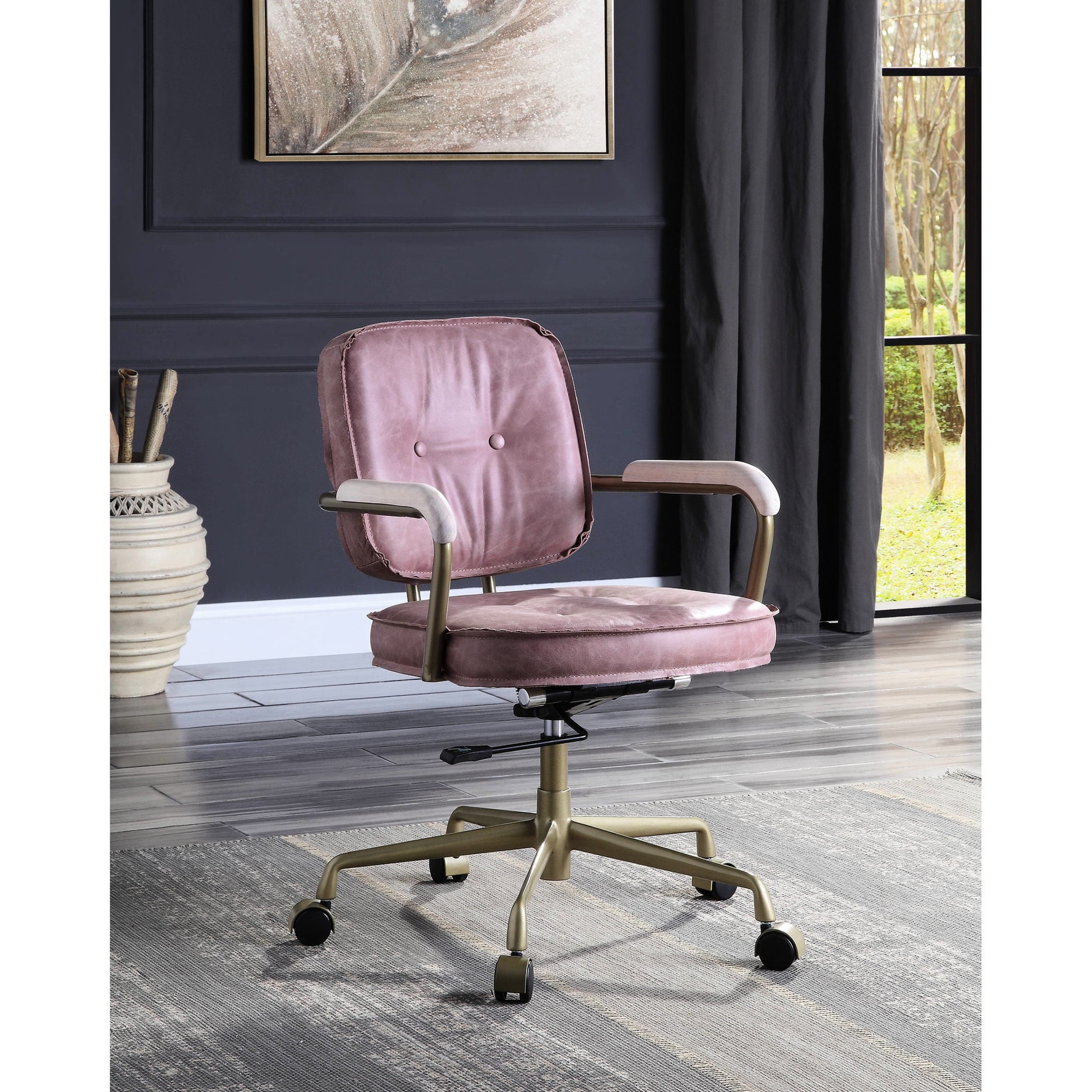
- Perforated leather: if you need a premium look, ensure the leather has laser‑cut holes and a breathable backing. Full‑grain without perforation can get hot after 4 hours.
🔬 Data point: In a 2023 office seating survey, 78% of users who sat 10+ hours preferred mesh backrests, while 62% preferred foam seats for better pressure distribution. Hybrid designs (mesh back + foam seat) had the highest satisfaction.
The “Invisible” Features: Mechanisms That Matter
Beyond padding and looks, the mechanical parts determine whether a chair lasts 12 months or 12 years.
- Class‑4 gas lift: must be tested for 20,000+ cycles. Cheaper lifts lose height or become wobbly.
- Aluminum vs. nylon base: aluminum dissipates heat better and is virtually unbreakable; reinforced nylon is lighter but should have a high weight rating.
- Caster hardness: for carpet, soft rubber casters (65mm) roll smoothly without damaging fibers. For hardwood, look for soft polyurethane that won't scratch.
- Multi‑function mechanism: some chairs offer a “forward tilt” – useful if you occasionally lean over a desk, but for 12‑hour use, a synchronous mechanism with adjustable tension is non‑negotiable.
Anthropometry: One Size Does Not Fit 12 Hours
Your body dimensions dictate the chair you need. A 12‑hour chair must accommodate the 5th to 95th percentile user. Check these specs:
- Seat width: at least 52 cm (20.5″) for average builds; 56+ cm for larger frames.
- Backrest height: for people over 6′ (183 cm), a backrest of at least 62 cm (24″) is needed to support the upper back.
- Armrest adjustability: 4D (up/down, forward/back, left/right, pivot) allows you to rest elbows at 90°, reducing shoulder strain.
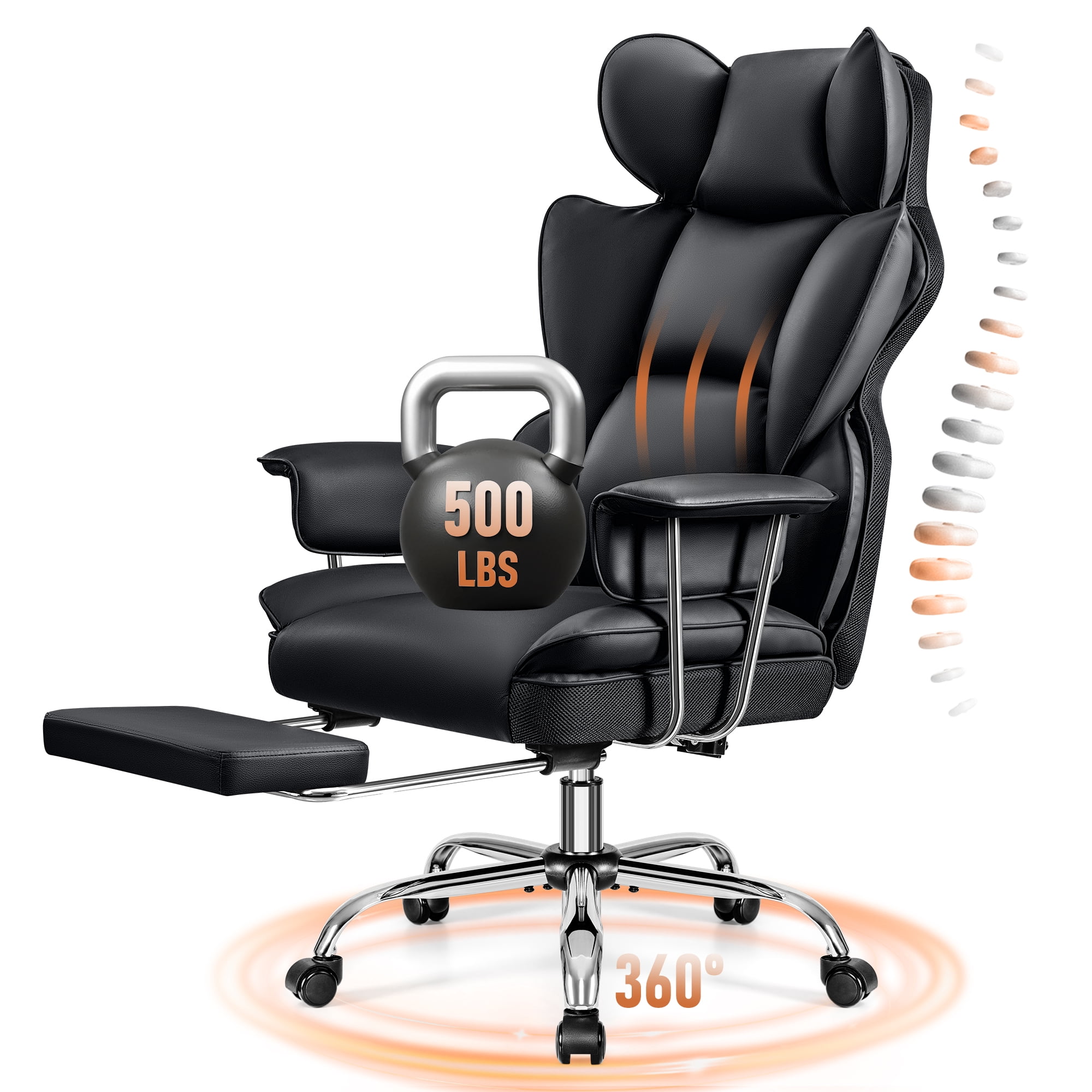
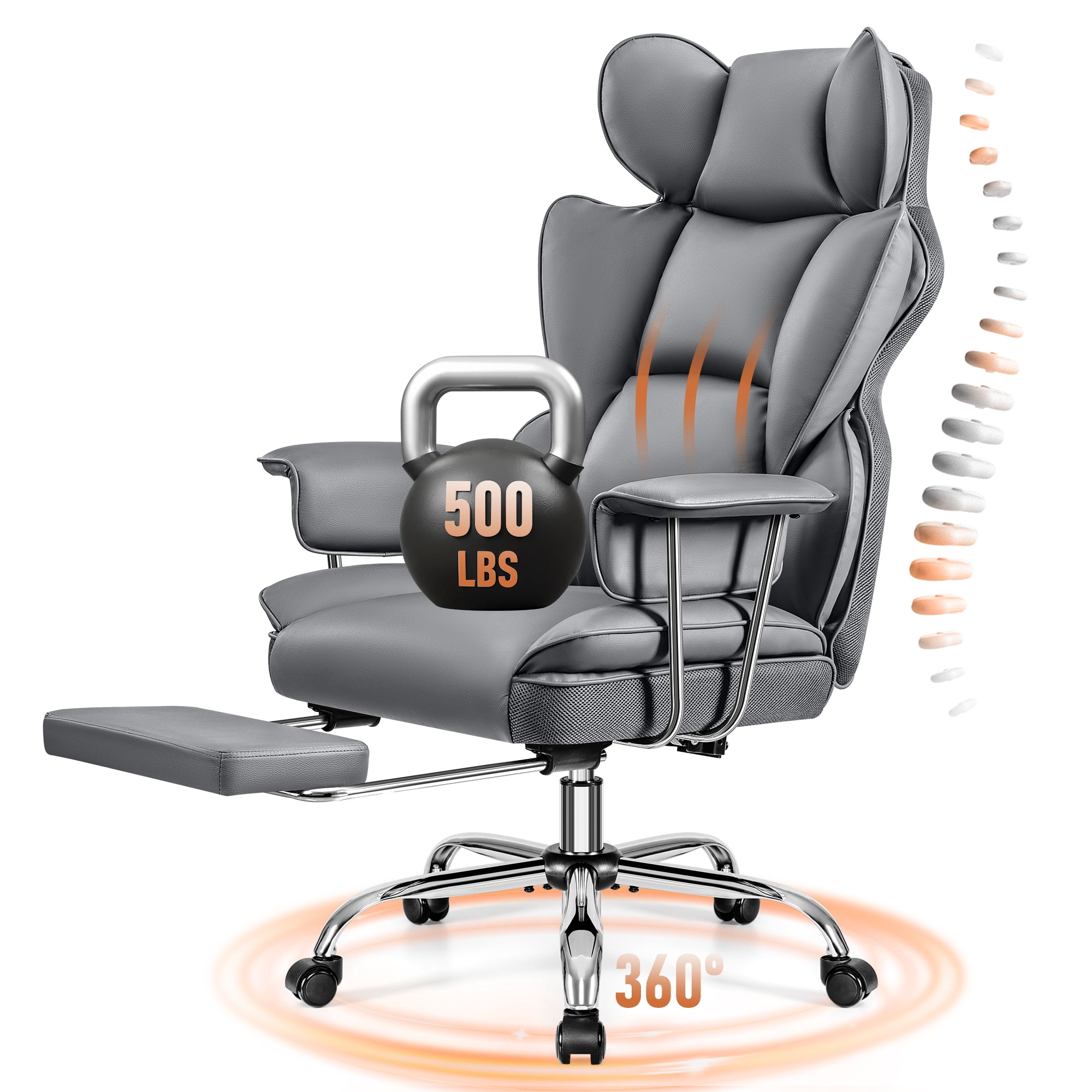
If you're a “big and tall” user, look for chairs specifically rated for 400+ lbs, often with wider seats and reinforced steel frames – these are true 12‑hour workhorses.
Why “Zero Gravity” Recline Helps 12‑Hour Stints
Zero‑gravity position (feet slightly above heart) reduces spinal compression by up to 30%. Some executive 12‑hour chairs now include a synchronized mechanism that allows you to recline while keeping your feet on the floor – or even a footrest extension. This is not just luxury; it's a way to reset your spine during micro‑breaks. A 2‑minute recline every hour can significantly improve comfort by the 10th hour.
Cost‑per‑Hour Analysis: Investing Wisely
Let's do simple math: If you buy a $1,200 chair and use it 12 hours a day for 5 years (approx. 15,000 hours), your cost per hour is $0.08. Compare that to back pain doctor visits or lost productivity – the chair pays for itself. Conversely, a $300 chair that lasts 2 years costs the same per hour but lacks support. Always view a 12‑hour chair as a long‑term investment in your well‑being.
Frequently Asked Questions: 12‑Hour Office Chairs
Conclusion: Your Chair, Your 12‑Hour Partner
Choosing a 12 hour office chair is about respecting your body's need for dynamic support. The right chair adapts to you, breathes with you, and encourages micro‑movements that keep blood flowing. Don't settle for a seat that quits at 5 PM – your workday might stretch longer, and your spine deserves a co‑pilot. Use the checklist above, test if possible, and remember: the best chair is the one you forget about because you're comfortably focused on your work.