
Why Upper Back Support Matters in an Office Chair
For millions of desk workers, upper back pain is an all-too-familiar foe. It creeps in during long meetings, intensifies while focusing on complex tasks, and often lingers long after you've logged off. The root cause? Inadequate upper back office chair support. When your chair fails to support the natural curve of your thoracic spine and shoulders, your muscles work overtime to maintain posture, leading to fatigue, stiffness, and chronic discomfort.
Did you know? According to the American Chiropractic Association, 80% of the population will experience back pain at some point. For office workers, upper back and neck pain are among the top three work-related musculoskeletal disorders. Investing in proper upper back support can reduce discomfort by up to 60% and improve concentration significantly.
Key Elements of Effective Upper Back Support
Not all office chairs are created equal. To effectively support your upper back, a chair must address several critical areas. Here's what to look for:
- Adjustable Backrest Height: The backrest must be tall enough to reach your shoulder blades and adjustable to fit your torso length perfectly.
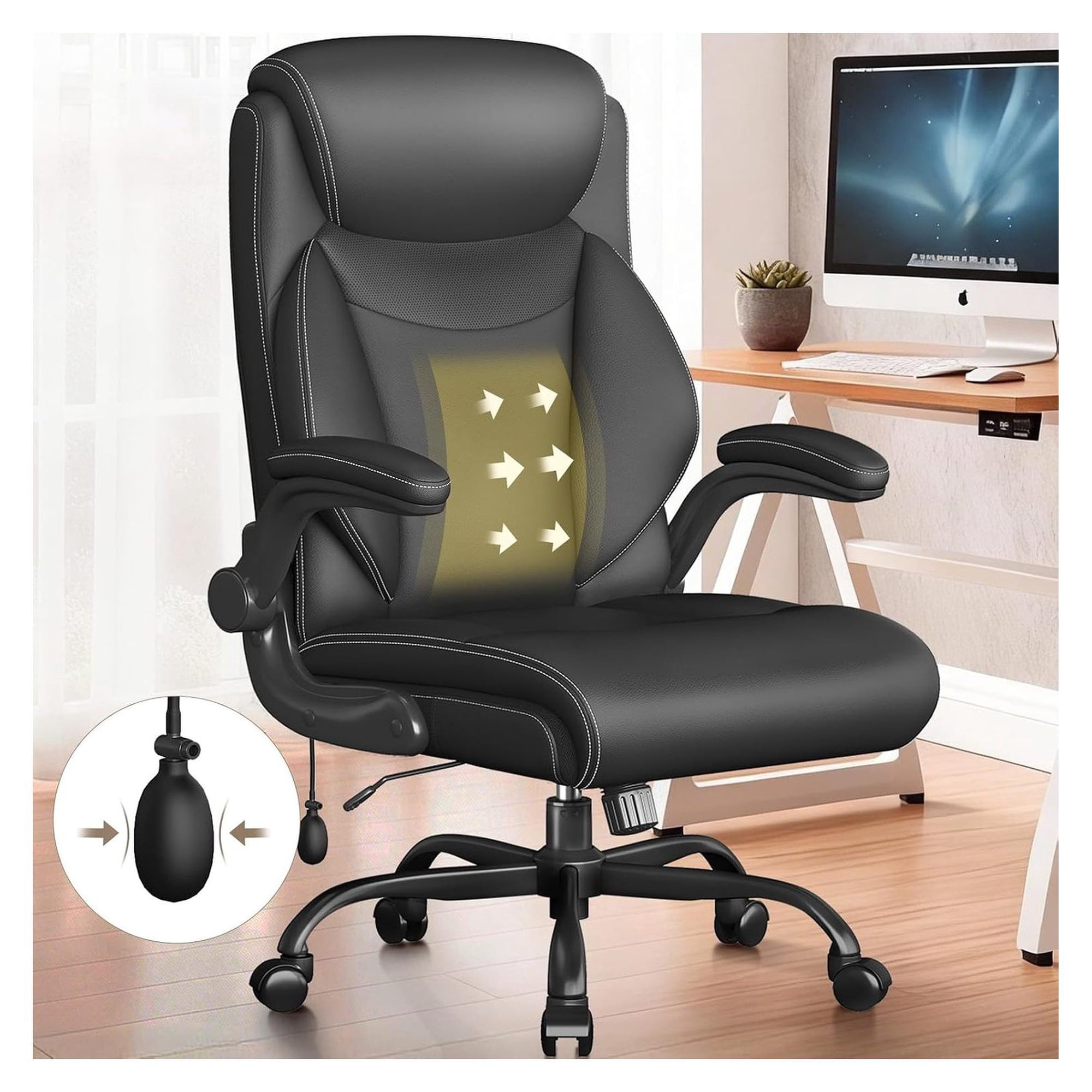
- Independent Lumbar & Thoracic Support: Some advanced chairs offer separate adjustments for the lower and upper back, allowing you to fine-tune support for both regions.
- Contoured Backrest: A backrest that mimics the natural 'S' curve of your spine provides passive support, reducing muscle strain.
- Headrest Integration: A good headrest supports your neck and upper back, especially during reclined postures, preventing forward head posture.
- Seat Depth Adjustment: Proper seat depth ensures your back can rest against the backrest without your knees bearing excess pressure.
Comparison: Built-in Support vs. Add-on Cushions
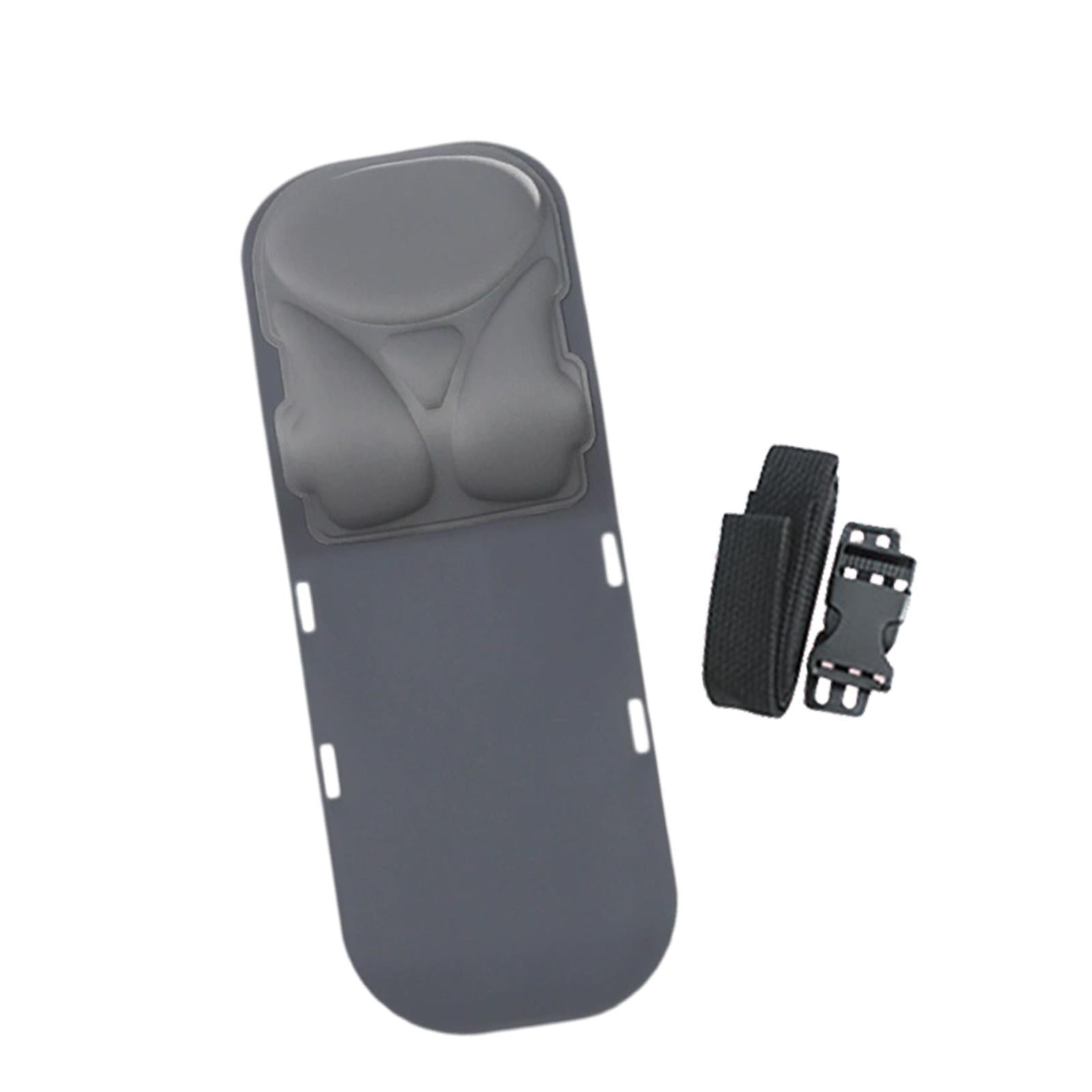
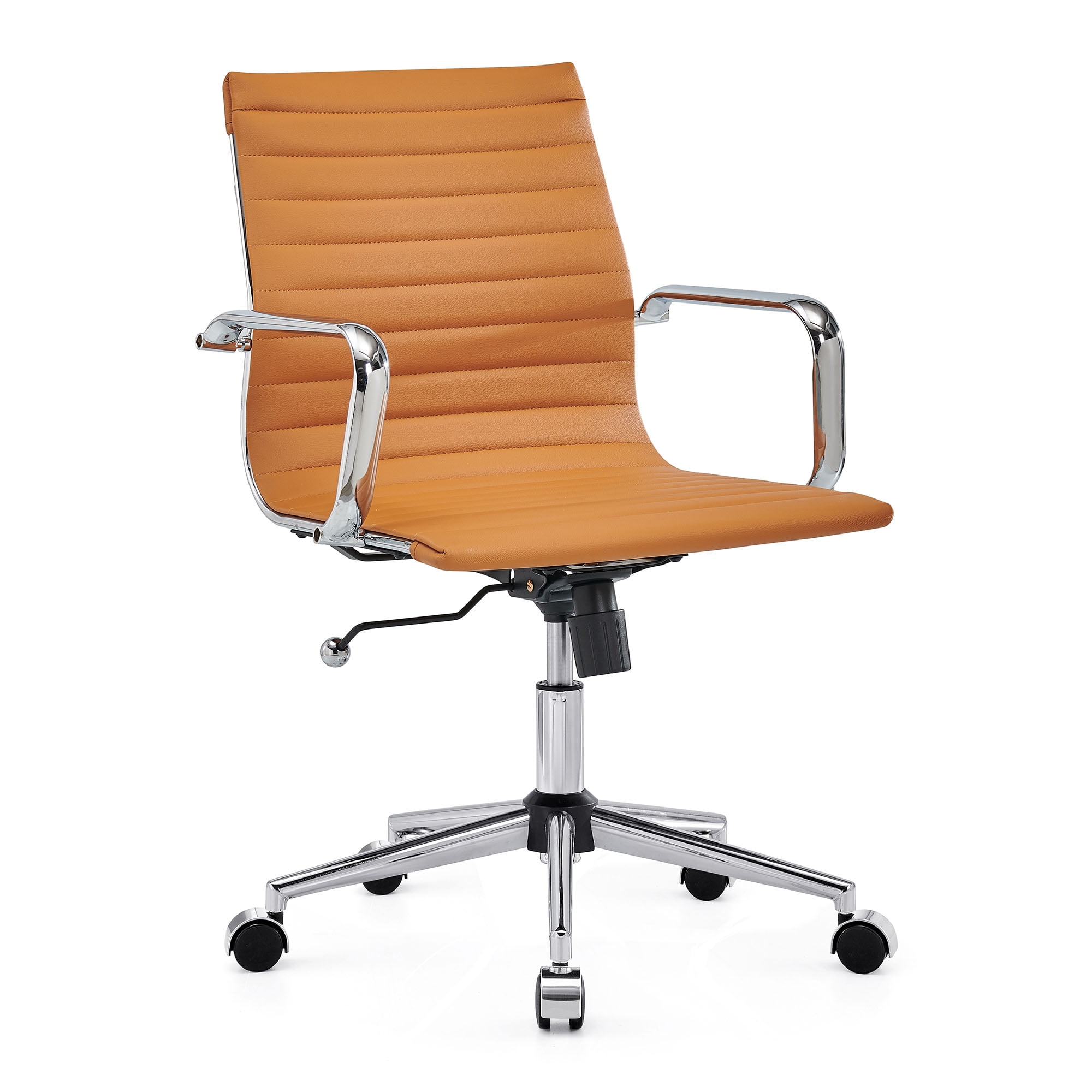
When improving upper back support, you have two primary paths: buying a new ergonomic chair with integrated support or adding a support cushion to your existing chair. Both have their merits.
| Feature | Built-in Ergonomic Chair | Add-on Upper Back Cushion |
|---|---|---|
| Cost | Higher ($300 – $1,500+) | Lower ($20 – $100) |
| Effectiveness | Excellent – supports entire spine dynamically | Good – adds targeted support to existing chair |
| Adjustability | Highly adjustable (height, depth, angle) | Limited – usually strap-based adjustment |
| Durability | Long-lasting (5–10+ years) | Moderate (2–4 years) |
| Best For | Long-term investment, severe pain, daily use | Budget-conscious, quick fix, testing needs |
Simple Exercises to Complement Your Upper Back Support
Even the best chair can't replace movement. Pair your ergonomic setup with these quick desk exercises to keep your upper back healthy:
- Shoulder Blade Squeeze: Sit tall, squeeze your shoulder blades together, hold for 5 seconds, and release. Repeat 10 times.
- Neck Retraction: Gently tuck your chin in, creating a double chin, hold for 3 seconds, and release. Do this 10-15 times to counteract forward head posture.
- Upper Trapezius Stretch: Gently tilt your head to one side, bringing your ear toward your shoulder. Hold for 20 seconds, then switch sides.
- Thoracic Extension: Place your hands on your lower back, lean back gently over your chair's backrest, and open your chest. Hold for 10 seconds.
Ergonomic Chair Settings for Upper Back Health
Proper chair adjustment is as crucial as the chair itself. Follow these steps to optimize your chair for upper back support:
- Backrest Height: Raise the backrest until the curve of the backrest fits into the small of your back, and the top of the backrest reaches just below your shoulder blades.
- Lumbar Depth: Adjust the lumbar support to feel firm but comfortable, filling the gap between your spine and the chair.
- Headrest Position: Set the headrest so it supports the curve of your neck, not the back of your head, to maintain a neutral spine.
- Seat Angle: A slight recline (100-110 degrees) reduces disc pressure and helps distribute weight across your upper back.
Remember, the goal is to maintain a natural, relaxed posture where your ears, shoulders, and hips are aligned.
Frequently Asked Questions About Upper Back Office Chair Support
Conclusion: Invest in Your Upper Back Health Today
Upper back pain is not a mandatory part of desk work. With the right upper back office chair support, you can transform your workday experience, boost your productivity, and safeguard your long-term spinal health. Whether you choose a premium ergonomic chair with built-in thoracic support or a cost-effective support cushion, the key is to prioritize your posture and comfort.
Remember, the best support solution is one that fits your body, your work style, and your budget. Take the time to evaluate your current setup, test different options, and don't hesitate to invest in your wellbeing—your back will thank you for years to come. Start your journey to a pain-free workday today.