
Why the Right Office Chair is Crucial for Neck and Shoulder Pain
If you spend more than six hours a day at a desk, you are likely familiar with the nagging ache that settles in your neck and shoulders. This discomfort, often termed "tech neck," is a direct result of poor posture and inadequate support. The solution is not just a quick stretch but a fundamental change in your workspace—starting with your chair. A specialized office chair for neck and shoulder pain is designed to support your body's natural alignment, reducing muscle strain and preventing chronic issues.
Ergonomic Insight: According to the American Chiropractic Association, 80% of the population will experience back pain, and neck pain is the second most common complaint. A significant portion of this is work-related, often exacerbated by non-ergonomic seating. The right chair can reduce muscle activity in the neck and shoulders by up to 75%, allowing for sustained focus and comfort.
Understanding the Connection Between Posture and Pain
Think of your spine as a stack of building blocks. When you slouch or crane your neck forward, the alignment of these blocks shifts, putting immense pressure on the supporting muscles and ligaments. This forward head posture can add up to 27 pounds of extra weight to your neck, forcing your muscles to work overtime. An ergonomic chair combats this by providing the necessary support to keep your spine in its natural, neutral position.
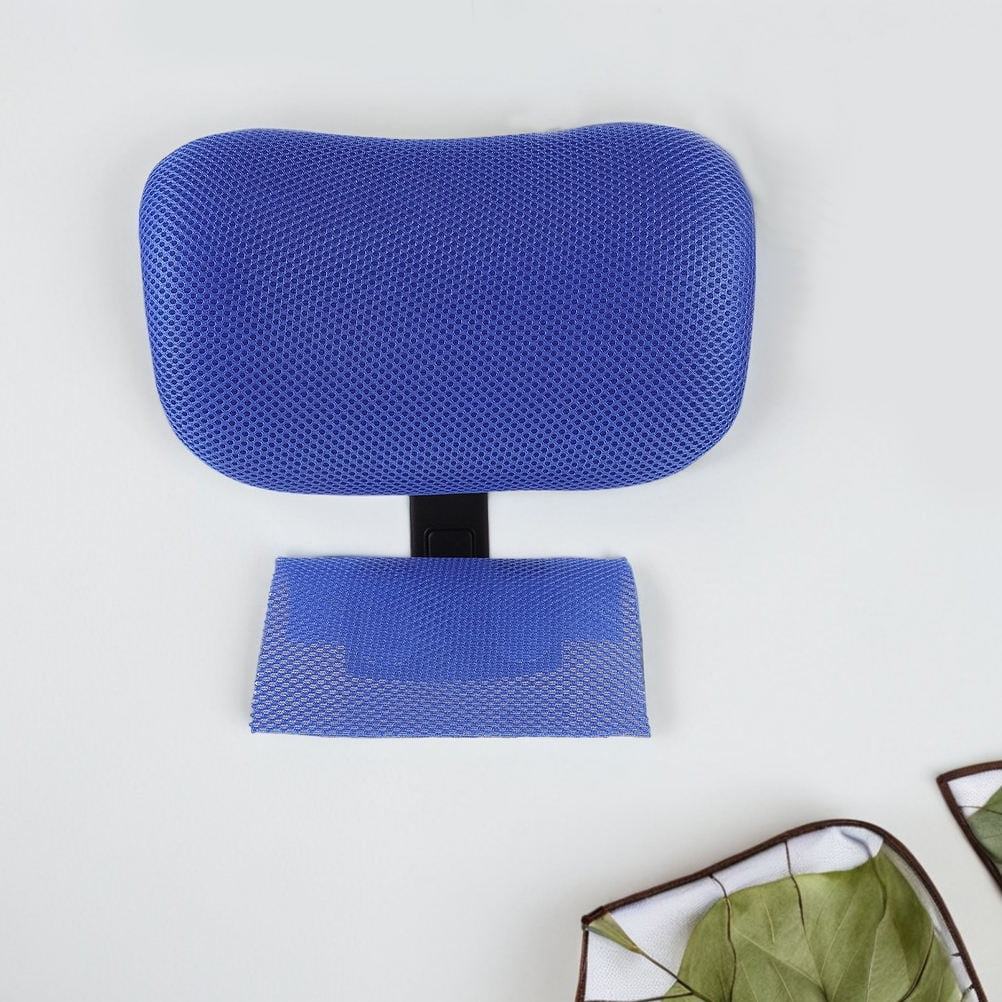
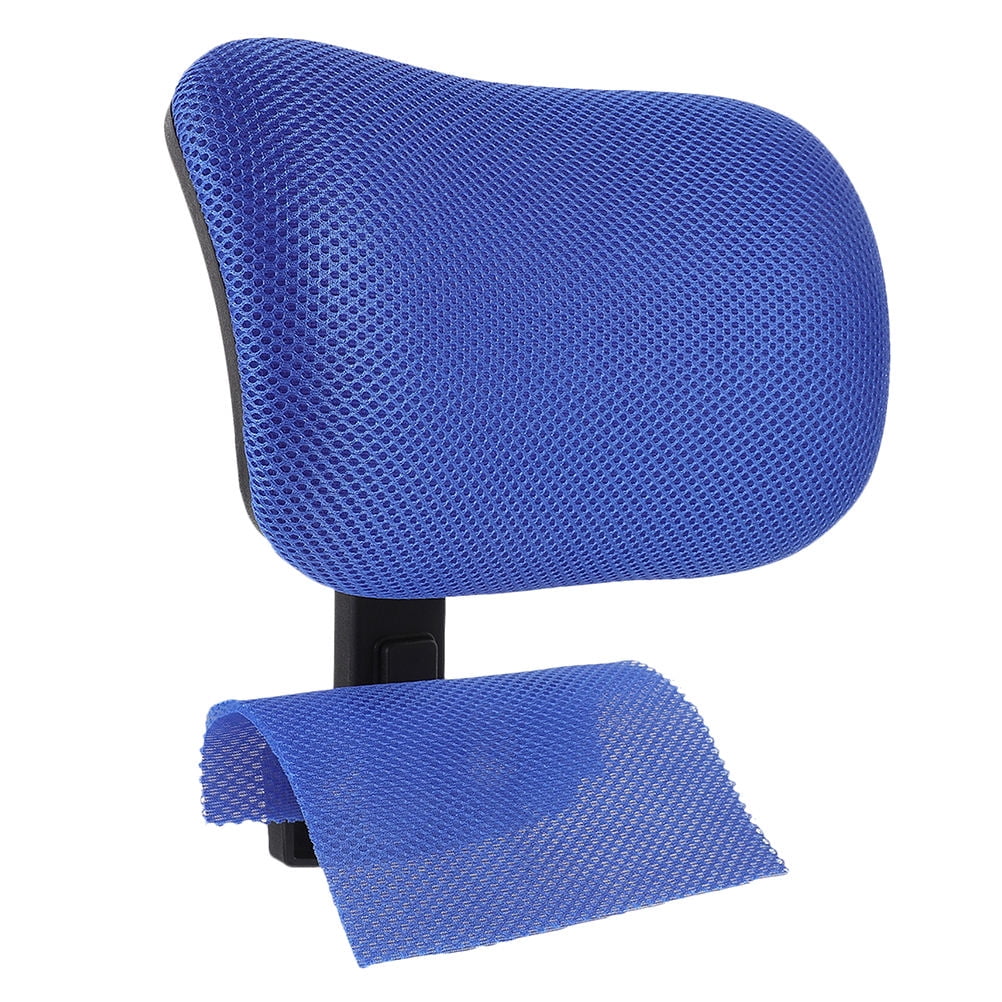
- Headrest Support: An adjustable headrest is not a luxury; it's a necessity for neck pain. It supports the weight of your head, allowing your neck muscles to relax.
- Lumbar and Upper Back Support: A high back that supports the entire spine, especially the upper back, helps keep your shoulders back and in a relaxed position.
- Adjustable Armrests: Proper armrests reduce the weight on your shoulders and help prevent slouching.
- Seat Depth Adjustment: Ensures proper thigh support, preventing you from sliding forward into a poor posture.
Key Ergonomic Features to Prioritize
When shopping for a chair to relieve neck and shoulder tension, you need to look beyond aesthetics. The following features are non-negotiable for effective pain relief and long-term comfort.
| Feature | How It Helps with Pain | What to Look For |
|---|---|---|
| Adjustable Headrest | Supports the cervical spine and prevents forward head posture. | Height and angle adjustment; contour that matches your neck curve. |
| High Back Design | Provides support for the upper back, shoulders, and neck. | Backrest height of at least 20 inches; optional adjustment. |
| Multi-Dimensional Armrests (4D) | Relieves shoulder tension by allowing arms to rest at a natural angle. | Height, width, depth, and angle adjustments. |
| Seat Pan Adjustment | Prevents slouching by ensuring your feet are flat and thighs are supported. | Seat depth (slide) and height adjustment. |
| Tilt Mechanism with Tension Control | Encourages dynamic sitting, reducing static muscle fatigue. | Multi-lock tilt lock and adjustable tilt tension. |
Reduced Muscle Tension
Proper support minimizes overcompensation in the trapezius and neck muscles.
Improved Blood Flow
Correct posture prevents blood vessel compression, reducing fatigue.
Enhanced Productivity
Pain-free sessions lead to better focus and output.
Long-Term Spinal Health
Prevents degenerative disc disease and chronic spinal issues.
Ergonomic Setup: How to Adjust Your New Chair
Purchasing a high-quality chair is only half the battle. To truly benefit, you must set it up correctly for your specific body. Follow this simple step-by-step guide to unlock the full pain-relieving potential of your chair.
Step 1: Adjust the Seat Height
- Sit with your feet flat on the floor (or a footrest).
- Your knees should be at a 90-degree angle, and your thighs should be parallel to the floor.
- Your eyes should be level with the top third of your computer screen.
Step 2: Fine-Tune the Seat Depth
- Sit all the way back in the chair.
- You should have about 2 to 3 fingers of space between the back of your knee and the edge of the seat.
- This ensures your lower back touches the backrest, and blood flow to your legs isn't restricted.
Step 3: Set the Lumbar and Upper Back Support
- Adjust the backrest height (if applicable) so that the curve of the backrest fits into the natural curve of your lower spine.
- Ensure the backrest comes up to at least mid-shoulder blade level to support your upper back.
Step 4: Position the Headrest
- Adjust the headrest so that the center of the cushion supports the back of your head, not your neck.
- Your head should feel gently cradled, especially when you lean back.
Step 5: Position the Armrests
- Rest your arms on the armrests. Your elbows should be at a 90-degree angle, and your shoulders should be relaxed, not hunched.
- Adjust the height so your forearm rests comfortably without lifting your shoulders.
Material Choices for Comfort and Health
The material of your chair plays a crucial role in your comfort and overall well-being. Here's a breakdown of the most common materials and how they affect your sitting experience.
Breathable Mesh
Advantages
- Excellent Airflow: Prevents sweating and keeps you cool, especially in warmer climates.
- Adaptive Support: Conforms to your body shape for distributed weight.
- Low Maintenance: Easy to clean and dust-resistant.
Limitations
- Less Plush: Might feel too firm for some users.
- Durability: Can sag over time with heavy use.
Premium Leather (Genuine and Faux)
Advantages
- Luxurious Feel: Offers a sophisticated, premium look and feel.
- Durable: Resists wear and tear; easy to wipe clean.
- Supportive: Offers firm, consistent support.
Limitations
- Temperature: Can be hot in summer and cold in winter.
- Maintenance: Requires conditioning to prevent cracking.
- Cost: Can be significantly more expensive than other options.
High-Quality Fabric
Advantages
- Comfortable: Soft, warm, and inviting texture.
- Cost-Effective: Usually more affordable than leather.
- Variety: Available in many colors and patterns.
Limitations
- Stain Prone: Absorbs spills and requires professional cleaning.
- Allergens: Can trap dust and allergens.
- Durability: Can show wear (pilling or flattening) faster.
Frequently Asked Questions (FAQ)
Conclusion: Invest in Your Health with the Right Chair
Neck and shoulder pain are not inevitable consequences of office work. By investing in a purpose-built office chair for neck and shoulder pain, you are investing in your health, comfort, and productivity. The modern workplace is demanding, but you don't have to sacrifice your physical well-being to meet its challenges.
Your Pain-Free Workspace Checklist
High-back, ergonomic chair with an adjustable headrest and 4D armrests.
Top of the monitor at or slightly below eye level to prevent neck craning.
Height adjustable or at a proper height to keep wrists straight and elbows at 90 degrees.
Take regular breaks to stand and stretch. Set a timer to ensure you move.
Final Recommendations
Based on our analysis, here are your best pathways to a pain-free work experience:
| User Profile | Recommended Chair Type | Must-Have Feature | Budget Range |
|---|---|---|---|
| Executive/CEO | Full-Grain Leather High-Back | Multi-adjustable headrest & dynamic tilt | $1,500-$2,500 |
| Design/Professional | Premium Mesh Ergonomic | 4D armrests & sliding seat depth | $800-$1,500 |
| Budget-Conscious | Quality Fabric Ergonomic | Adjustable lumbar and headrest | $500-$900 |
| Home Office/Remote | Multi-functional Ergonomic | Breathable material and recline | $600-$1,200 |