
Why the Right Office Seating Chair Matters More Than You Think
Imagine wearing shoes that are half a size too small during a marathon. That’s what sitting in the wrong office chair for 8 hours feels like for your body. Office seating chairs are the foundation of your workspace ergonomics. Whether you're a remote worker pulling double duty, a manager in meetings, or an intern logging hours, the chair you sit on directly influences your posture, energy levels, and even your focus.
According to a study by the American Posture Institute, 80% of people will experience back pain at some point, often linked to prolonged sitting in inadequate seating. This isn't just about comfort; it's about long-term health and daily productivity. In this comprehensive guide, we’ll navigate the diverse world of office seating—from active task chairs to welcoming visitor chairs—so you can make an informed choice that fits your work style, body, and space.
Understanding the Ecosystem of Office Seating Chairs
Think of your office as a small ecosystem. The CEO’s needs are vastly different from the receptionist’s, which are different from the conference room’s requirements. Choosing the right "species" of chair for each environment is key. Let's break down the main categories.
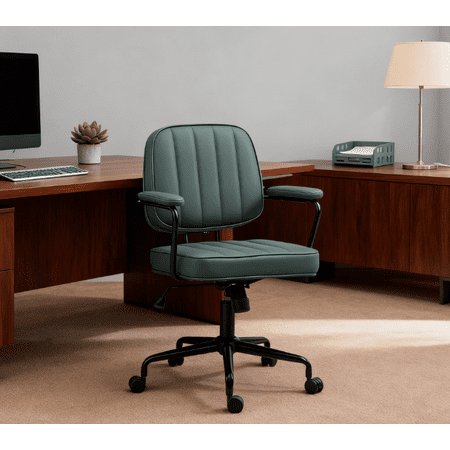
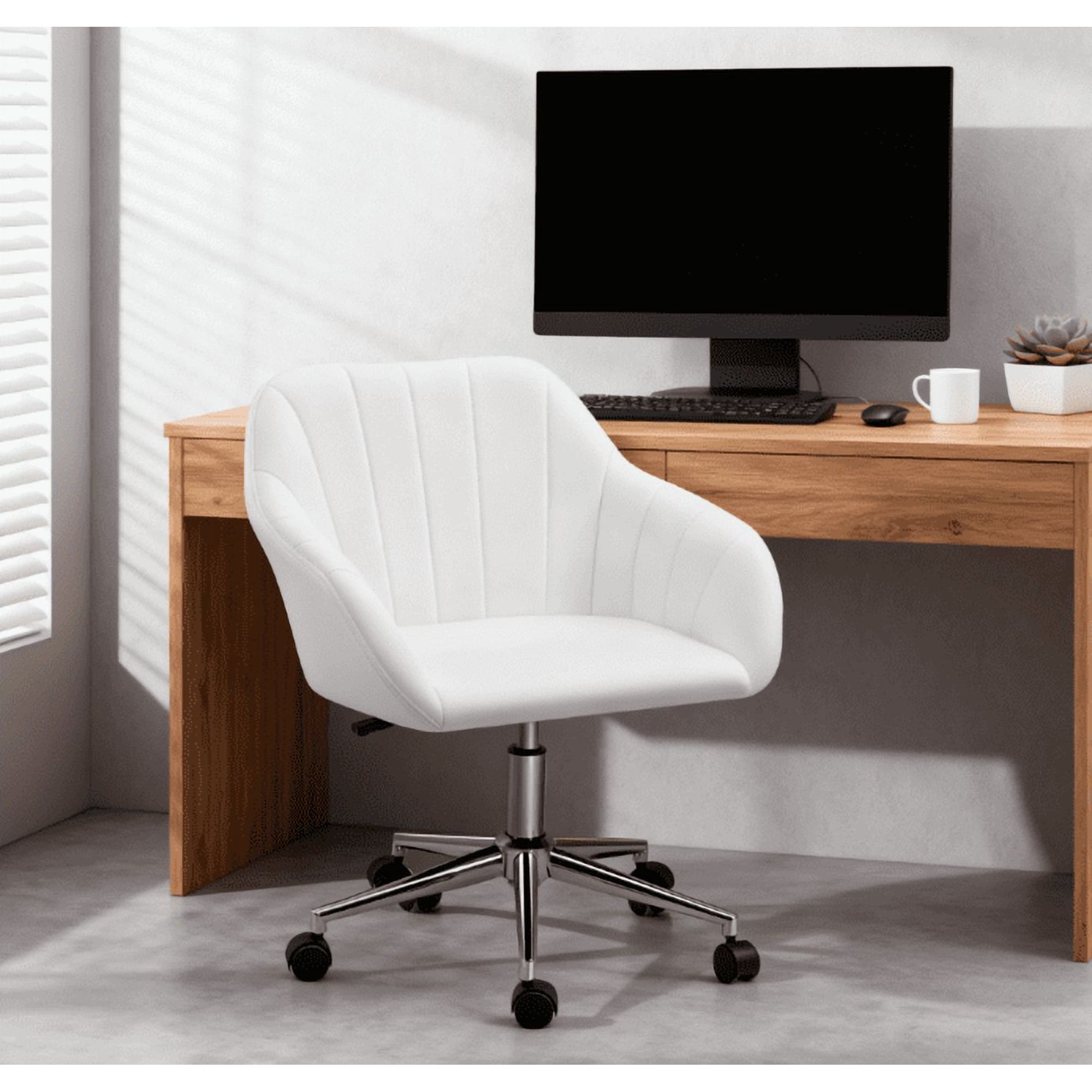
1. Task Chairs: The Workhorse of the Office
These are the most common office seating chairs, designed for active desk work. They prioritize ergonomics and adjustability. Key features include:
- Seat Height Adjustment: Essential for aligning your thighs parallel to the floor, with feet flat. Look for a pneumatic lever for smooth changes.
- Backrest Recline and Tension: Allows you to lean back and stretch. Tension control lets you adjust how much force is needed to recline.
- Lumbar Support: Often adjustable, this supports the natural curve of your lower spine, preventing slouching.
- Swivel and Casters: A 360-degree swivel and smooth-rolling casters (suitable for your floor type) are non-negotiable for mobility.
Analogy: A task chair is like a reliable sedan—comfortable, efficient, and built for the daily commute. It’s designed for function first.
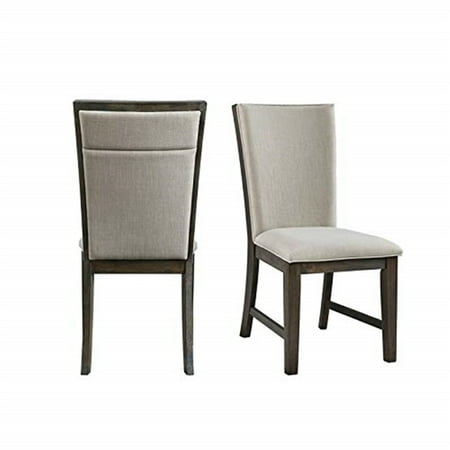
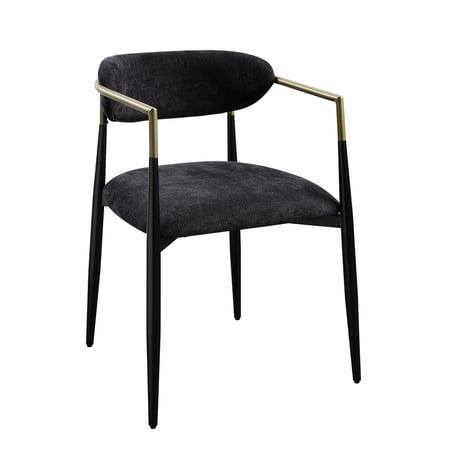
2. Visitor & Conference Room Chairs
These chairs are for short-term seating—meetings, waiting areas, or guest desks. Comfort is still important, but the focus shifts to aesthetics, stackability, and a smaller footprint.
- Armless or Low-Back Designs: Makes it easy to slide under tables and saves space.
- Stationary or Light Swivel: Often on casters or glides for easy movement, but without complex adjustments.
- Durable Upholstery: Materials like commercial-grade fabric or easy-clean vinyl are common because they withstand frequent use.
- Stackable Feature: A huge plus for conference rooms that need to be reconfigured quickly.
Think of these as comfortable, stylish "guest chairs" that represent your company’s image to visitors.
3. Stools & Specialty Seating
The modern office includes standing desks, high-top tables, and collaborative areas. This is where stools come in. They bridge the gap between standing and sitting.
- Drafting Chairs: Essentially tall task chairs with a foot ring, perfect for standing desks or drafting tables.
- Counter-Height Stools: Backless or with a low back, used in break rooms or high-top meeting areas.
- Active Sitting Stools: Chairs like kneeling chairs or wobble stools that encourage micro-movements to engage core muscles.
They are like the "utility vehicles" of seating—specialized for unique situations and promoting dynamic postures.
4. Ergonomic vs. Standard: A Critical Distinction
All chairs provide a place to sit, but not all are ergonomic. Ergonomic office seating chairs are designed to support the body’s natural posture and reduce strain. They are adjustable to fit a wide range of body types. A standard, non-ergonomic chair might look good but will likely lead to discomfort over long periods. Investing in ergonomic features is investing in your physical well-being.
Data Point: The Occupational Safety and Health Administration (OSHA) states that musculoskeletal disorders (MSDs) account for nearly 30% of all workplace injuries. Providing proper ergonomic seating is a primary preventative measure.
How to Match Office Seating to Your Work Style
To find your perfect chair, answer these three questions honestly:
- How many hours a day do you sit? (8+ hours = prioritize high-end ergonomic task chair with advanced lumbar support; 2-4 hours = a quality task or visitor chair may suffice).
- What is your primary activity? (Typing/focus = task chair with good armrests; meetings/conference calls = comfortable visitor chair or task chair with headrest; moving between desks = lightweight chair on casters).
- Who else uses the chair? (Personal dedicated chair = invest in adjustability; shared or guest chair = focus on durable, one-size-fits-most design).
Using this self-assessment as a compass will prevent you from getting lost in the sea of options.
Frequently Asked Questions About Office Seating Chairs
Conclusion: Building a Healthier, More Productive Workspace
Selecting the right office seating chairs is not a one-size-fits-all task. It's a strategic decision that impacts your comfort, health, and efficiency. By understanding the different categories—from the versatile task chair to the space-saving visitor chair and the dynamic stool—you can create a workspace that supports every activity.
Remember the analogy: a chair is like a tool. You wouldn't use a hammer to screw in a nail. Choose the seating that fits the job, your body, and your environment. Start by assessing your daily habits, prioritize ergonomic features for prolonged sitting, and don't underestimate the importance of materials and durability. Your back, and your productivity, will thank you.