
Understanding Spinal Stenosis and Your Seating Needs
Spinal stenosis is a condition characterized by the narrowing of the spinal canal, which can put pressure on the nerves within the spine. This often leads to pain, numbness, and weakness in the back, buttocks, and legs. For many professionals, spending long hours seated can exacerbate these symptoms. However, the right office chair for spinal stenosis can be a game-changer, helping to maintain a neutral spine position and reduce nerve compression.
Did you know? According to a study published in the Journal of Physical Therapy Science, proper seating support can reduce lower back pain by up to 45% in individuals with degenerative spine conditions. Choosing an ergonomic chair with adjustable features is one of the most impactful steps you can take to manage your symptoms and maintain productivity.
Why Ergonomic Design Matters for Spinal Stenosis
Unlike standard office furniture, chairs designed with spinal stenosis in mind focus on maintaining the natural curvature of the spine and reducing pressure on sensitive areas. A good chair will offer:
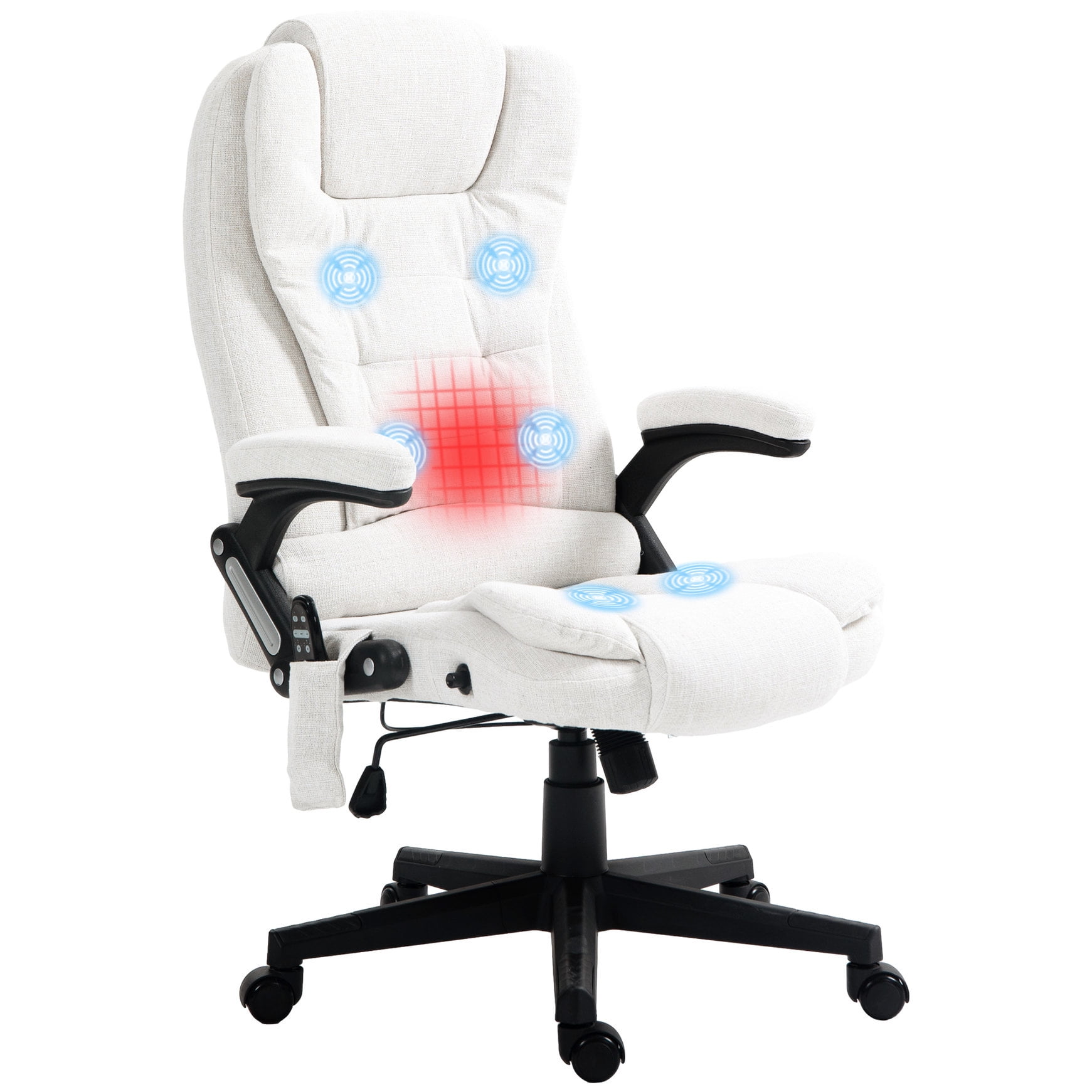
- Dynamic Lumbar Support: The lumbar region is the lower curve of your spine. A chair that provides adjustable, contoured support in this area helps prevent slouching and reduces the load on the facet joints.
- Seat Depth Adjustment: Also known as a seat slider, this feature allows you to adjust the depth of the seat pan. This ensures your thighs are fully supported without pressing against the back of your knees, which can worsen sciatica-like symptoms.
- Adjustable Armrests: 4D armrests (height, width, depth, and angle) help take the weight off your shoulders and neck, which often have to compensate for a poor lower back position.
- Recline Mechanism & Tilt Tension: Being able to lean back and shift your weight throughout the day is crucial. A recline with a tension adjustment ensures the chair moves with you, not against you.
Key Features to Look For in a Chair for Spinal Stenosis
When browsing for the best office chair for spinal stenosis, prioritize these specific features:
Seat Pan Tilt
A seat that tilts slightly forward (waterfall edge) helps open up the hip angle, reducing tension on the lower back and promoting better circulation.
Backrest Height
An adjustable backrest allows you to customize support for both the lumbar and thoracic regions, ensuring the entire spine is cradled.
High-Density Foam
Memory foam or high-density foam cushions provide pressure relief for the sit bones, reducing the risk of pressure sores and discomfort.
Stable Base
A five-star base with quality casters ensures stability and mobility, allowing you to move easily without straining your back.
Think of the right chair as a "back brace" that works passively; it supports you without restricting your movement. It should encourage micro-movements—shifting your weight, leaning back, and adjusting your posture—to prevent stiffness.
Step-by-Step Selection Guide
Follow these steps to find the best chair for your spinal stenosis:
- Assess Your Posture: Stand against a wall and note the natural curve in your lower back. Look for a chair that mimics that curve with adjustable support.
- Test the Lumbar Support: The lumbar support should be height-adjustable (to match your spine's curvature) and depth-adjustable (to provide enough push, but not too much).
- Check the Seat Depth: When seated, ensure there are 2-3 inches between the edge of the seat and the back of your knees. A seat slider is non-negotiable.
- Evaluate Armrests: Your forearms should rest parallel to the floor without raising your shoulders. 4D armrests offer the best customization.
- Test the Recline: A reclining chair that locks at different angles (up to 130 degrees) allows you to relieve pressure on the spine and rest your back.
- Consider the Material: Breathable mesh is excellent for ventilation, while premium leather provides a more professional look. Choose based on your comfort and office environment.
Pro Tip: Many manufacturers offer free trials or hassle-free returns. Take advantage of these to test the chair in your own workspace for at least a week before fully committing.
Ergonomic Accessories to Enhance Your Setup
In addition to a quality chair, consider these accessories to further alleviate spinal stenosis pain:
- Footrests: A footrest helps maintain a 90-degree angle at your knees, reducing lower back strain.
- Lumbar Cushions: These can add extra support to your existing chair if you're not ready to buy a new one, though they are not a permanent solution.
- Monitor Stands: Position your monitor at eye level to prevent forward head posture, which adds stress to the cervical spine.
| Feature | Benefit for Spinal Stenosis | Recommended Specification |
|---|---|---|
| Lumbar Support | Maintains lordotic curve, reduces nerve compression | Height & depth adjustable, memory foam |
| Seat Depth | Prevents pressure behind knees, improves circulation | Adjustable (slider mechanism) |
| Armrests | Reduces shoulder tension, supports posture | 4D adjustable (height, width, depth, angle) |
| Tilt Mechanism | Allows pressure redistribution, reduces fatigue | Multifunction: tilt lock & tension control |
| Weight Capacity | Ensures chair stability and durability | 250-350 lbs minimum |
How to Sit Correctly with Spinal Stenosis
Even the best chair requires correct posture to maximize its benefits. Follow these guidelines:
- Feet Flat on the Floor: Your knees should be at or slightly below hip height.
- Engage Your Back: Sit back in the chair so your back is fully supported.
- Use the Recline: Don't be afraid to lean back periodically. Reclining to 100-110 degrees reduces intradiscal pressure.
- Take Breaks: Stand up and stretch every 30-45 minutes to decompress your spine.