
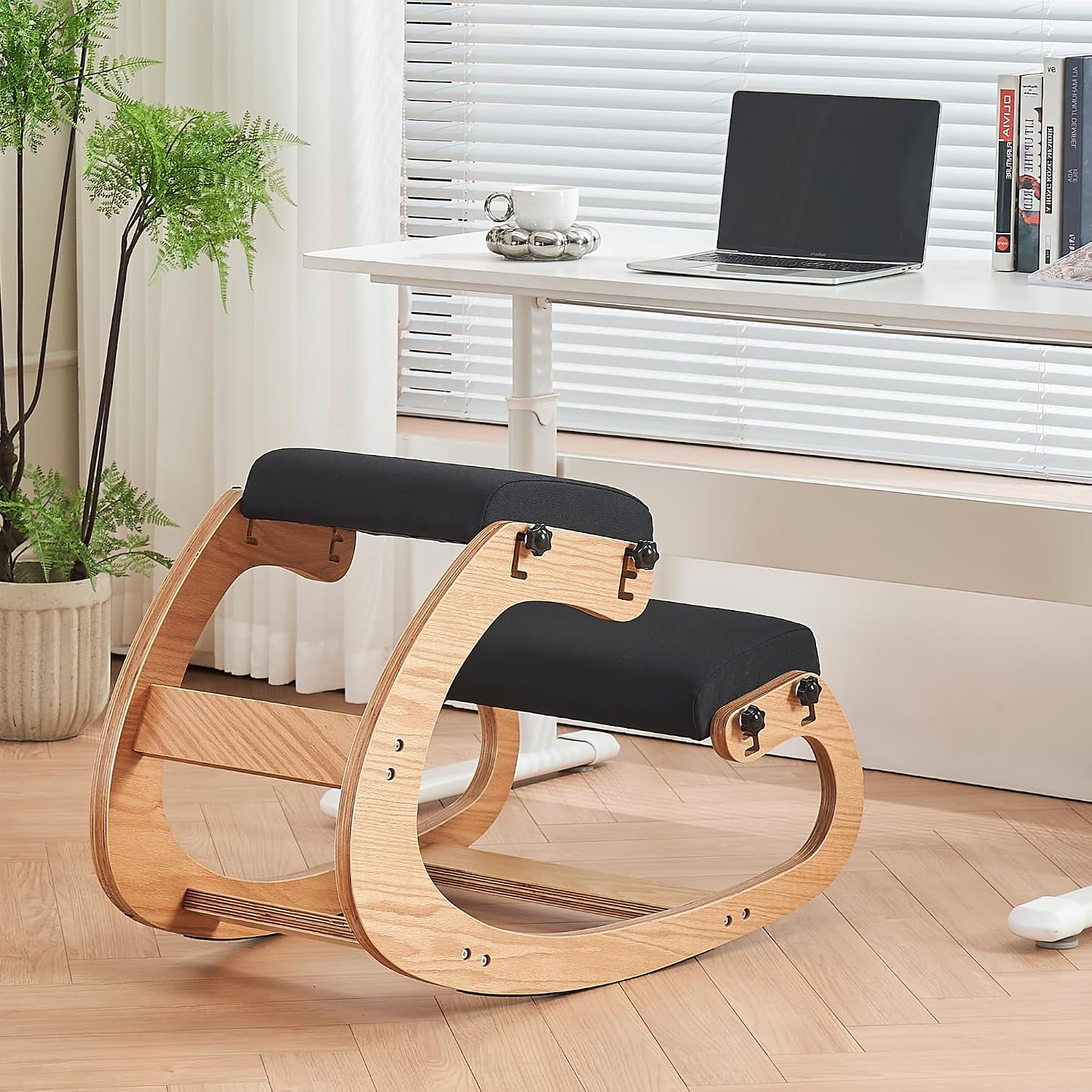
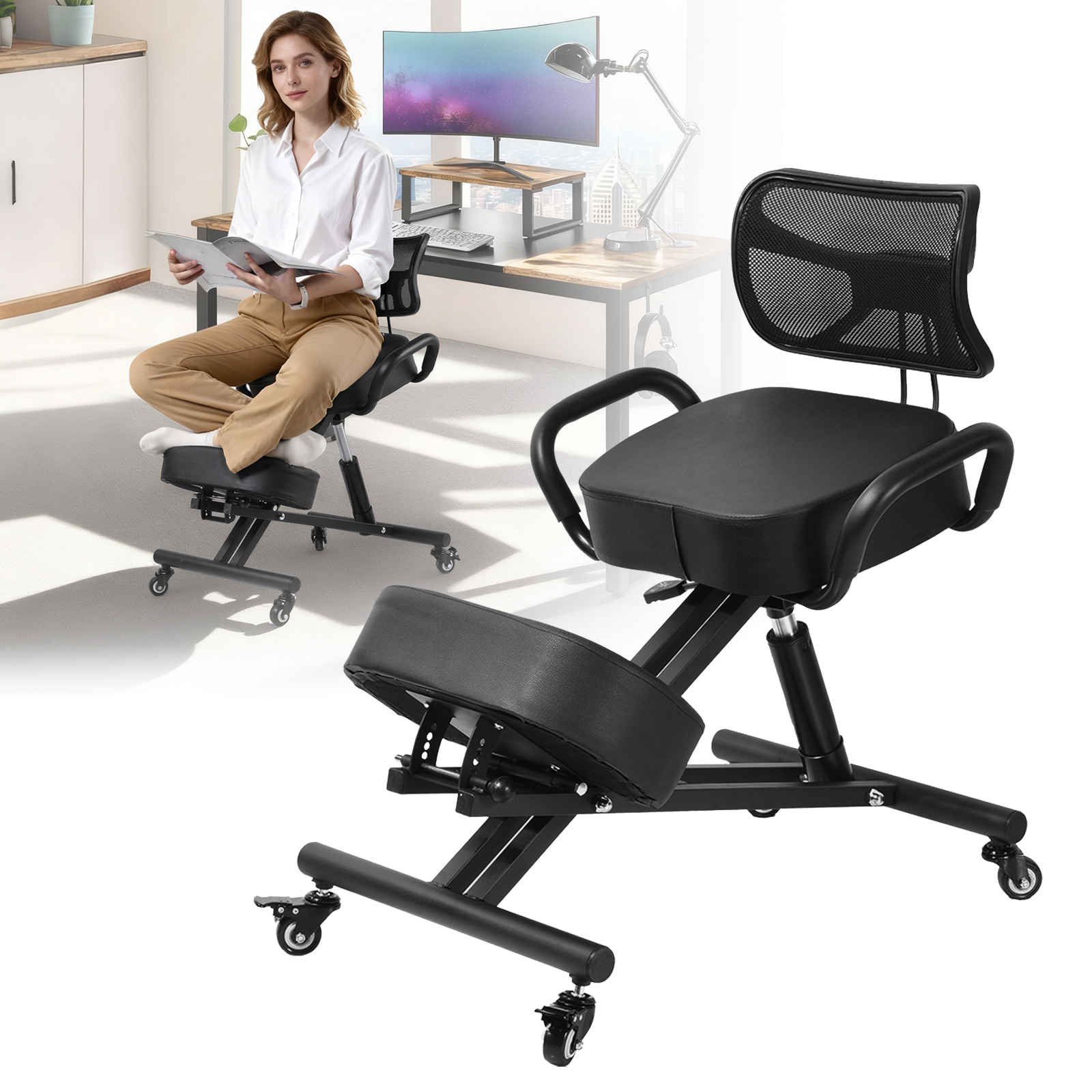
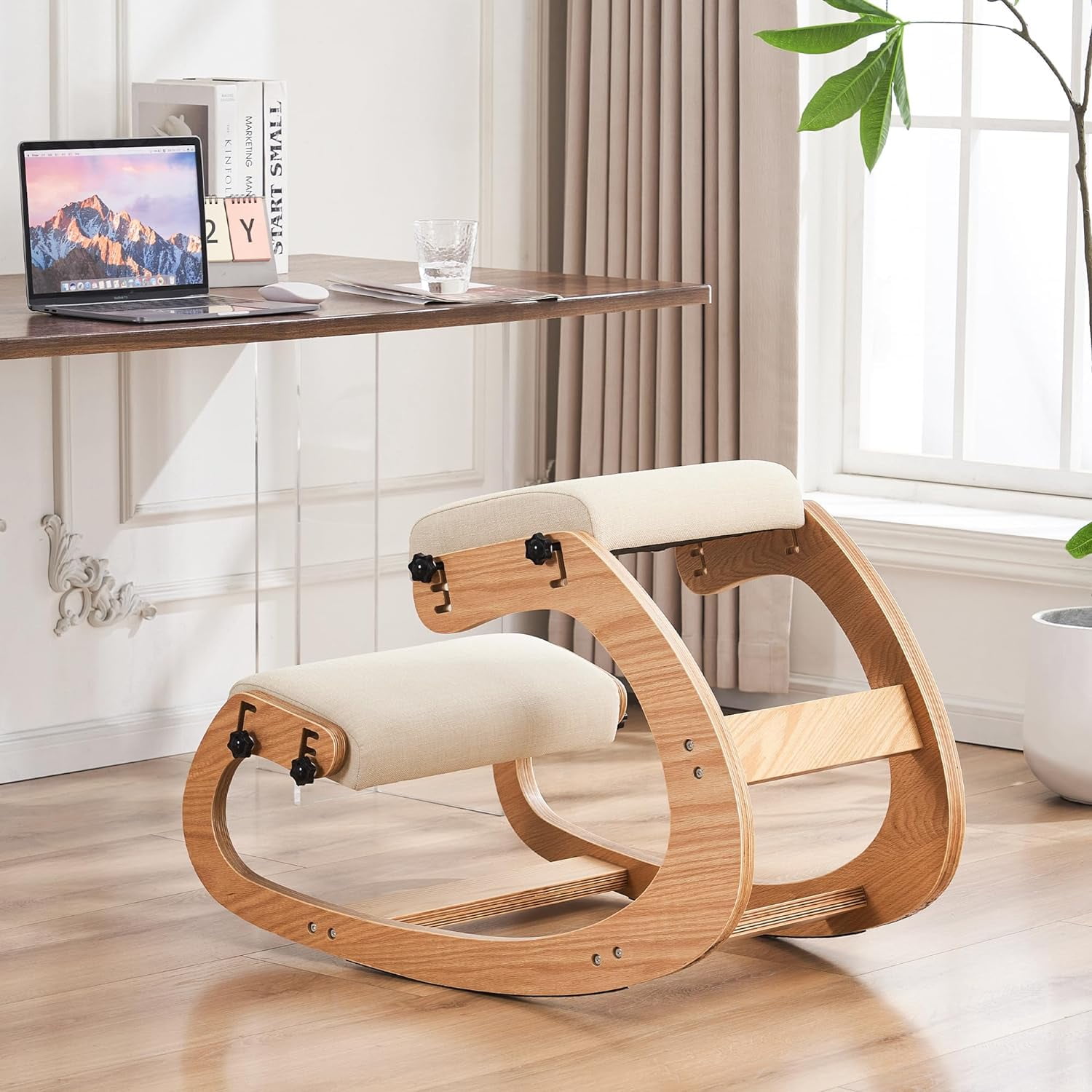
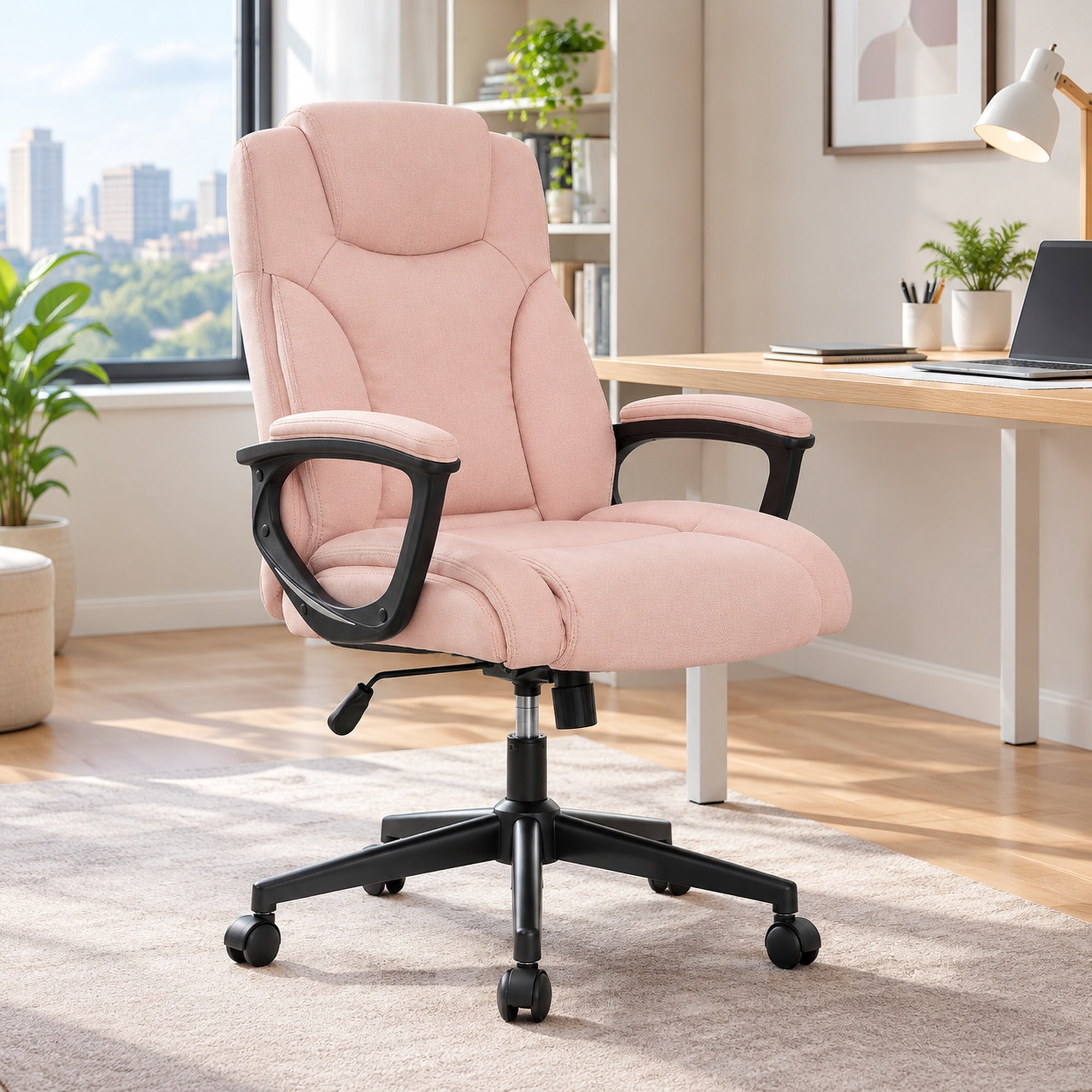
Introduction: Why Your Chair is the First Line of Defense Against Back Pain
If you've ever felt that familiar ache in your lower back after a long day at the computer, you're not alone. Studies show that up to 80% of adults will experience back pain at some point in their lives, and prolonged sitting in a non-supportive chair is a major contributor. Think of your spine like a stack of building blocks. When you sit with poor posture, those blocks fall out of alignment, straining muscles and putting pressure on your discs. A quality office chair for back pain relief acts like a scaffold, keeping that stack perfectly aligned even after hours of work. This guide will walk you through everything you need to know to choose a chair that supports your back, not hurts it.
The Anatomy of Relief: 5 Critical Features in a Chair for Back Pain
Not all "ergonomic" chairs are created equal. To get true relief, you need a chair with specific, non-negotiable features. Here’s what separates a fashion piece from a therapeutic tool.
1. The Holy Trinity of Adjustability: Lumbar, Seat Depth, and Tilt Tension
Imagine trying to wear a suit that's not tailored to you. It would be uncomfortable and look wrong. The same principle applies to your chair. An effective office chair for back pain relief must be adjustable to fit your unique body.
- Adjustable Lumbar Support: This is non-negotiable. Look for a support that moves up and down (to hit the small of YOUR back) and in and out (to fill the gap between your back and the chair). This maintains the natural inward curve of your spine, preventing slouching.
- Seat Depth Adjustment: You should be able to sit with your back against the chair and have 2-4 fingers of space between the back of your knee and the seat pan. This prevents pressure on your thighs, which can cut off circulation and lead to discomfort.
- Tilt Tension and Lock: A chair that reclines is vital, but the resistance must be adjustable. A synchronized recline mechanism allows your back to move while keeping your feet flat on the floor, opening up the hip angle and reducing stress on the spine.
💡 The "Neutral Posture" Check
When sitting correctly in your chair, your ears, shoulders, and hips should be in a straight vertical line. Your feet are flat on the floor, and your knees are at a 90-degree angle. Your chair's adjustments are the tools you use to achieve this neutral posture effortlessly.
2. Material Matters: High-Density Foam vs. Breathable Mesh
The material of your chair directly impacts comfort and support. Think of it as the difference between a saggy hammock and a firm, supportive mattress.
- High-Density Foam: Found in premium chairs, this foam is firm enough to provide support without "bottoming out." It contours to your body over time, offering personalized comfort. Avoid cheap, soft foam that loses its shape quickly.
- Breathable Mesh: Mesh is excellent for the backrest. It's like a cool breeze for your spine, preventing the heat buildup that can make you fidget and lose good posture. A mesh back combined with a firm foam seat is a powerful combination for all-day comfort.
3. The "Waterfall" Edge: Saving Your Legs and Hips
Look at the front edge of the seat. A good chair for back pain has a "waterfall" edge—a gentle downward curve. Why? A sharp, flat edge can cut off circulation behind your knees, leading to discomfort and encouraging you to shift into a bad posture. A waterfall edge promotes healthy blood flow and keeps your legs comfortable for the long haul.
4. 4D Armrests: Shoulder and Neck Relief Start Here
Back pain isn't just in your lower back; tension often travels up from the shoulders and neck. 4D armrests (adjustable up/down, left/right, forward/back, and swivel) allow you to rest your arms comfortably while typing. This takes the weight off your shoulders and prevents you from hunching, which in turn protects your upper and middle back. Your elbows should form an "L" shape, with your forearms parallel to the floor.
5. A Sturdy Base and Smooth-Rolling Casters
This might seem like a minor detail, but it's crucial for safety and effortless movement. A 5-point base made of aluminum or heavy-duty nylon provides stability and prevents tipping. The casters should match your floor type (soft casters for hard floors, hard casters for carpet) so you can move smoothly without twisting your torso, which can strain your back.
Your 3-Step Process to Finding the Perfect Fit
Armed with knowledge of the key features, here is a simple, actionable plan to find your ideal office chair for back pain relief.
- Step 1: The Self-Assessment (Know Your Pain)
- • Where is your pain located? (Lower back, mid-back, or neck/shoulders?)
- • How many hours do you sit continuously?
- • Do you prefer a firm or cushioned feel?
- Step 2: The Feature Match (What to Look For)
- • For Lower Back Pain: Prioritize adjustable lumbar support (both height and depth) and a seat with a waterfall edge.
- • For Neck/Shoulder Pain: Look for 4D armrests and consider a chair with an adjustable headrest.
- • For Sciatica: A waterfall edge and a seat that's not too deep are critical to relieve pressure on the sciatic nerve.
- Step 3: The "20-Minute" Test
- • If possible, sit in the chair for at least 20 minutes.
- • Adjust all the levers. Does it feel natural?
- • After 20 minutes, are you pain-free or is discomfort setting in? Trust how your body feels.
📊 Did You Know? A study published in the journal *Spine* found that using an ergonomic chair with adequate lumbar support can reduce spinal load by up to 40% compared to sitting in a standard, non-adjustable office chair. That's a massive reduction in daily stress on your back!
Avoid These Common Back-Pain Traps
❌ The Sloucher
Relying on the chair's backrest to hold you up while your pelvis slides forward. This flattens the natural curve of your spine.
❌ The Perch-Sitter
Sitting on the edge of the seat without using the backrest. This puts all the strain on your lower back muscles.
❌ The Recliner
Leaning too far back without foot support. This can create a sharp angle at the hips and strain the neck as you look at the screen.
Material and Its Direct Impact on Back Pain
The choice between leather, mesh, or fabric isn't just about looks. It affects how your body interacts with the chair throughout the day, which can either help or hinder your back pain.
| Material | Effect on Back Pain | Best For |
|---|---|---|
| Breathable Mesh (Back) | Reduces sweating and heat buildup, minimizing fidgeting and postural shifts. Keeps you comfortable and still, which is better for your back. | People who get hot easily or live in warm climates. |
| High-Density Foam (Seat) | Provides firm, even support that distributes weight and reduces pressure points on the hips and tailbone. | Those who prefer a supportive, "sit in" feeling rather than a "sit on" feeling. |
| Premium Leather | Offers a firm, durable surface that can be excellent for support, but can be warm and may require a fabric or mesh back for breathability. | Executive settings where aesthetics are paramount, combined with a mesh back panel for airflow. |
Frequently Asked Questions About Office Chairs and Back Pain
Conclusion: Invest in Your Back, Invest in Your Future
Choosing the right office chair for back pain relief is one of the most important investments you can make for your long-term health and professional success. It's not just about comfort; it's about creating a workspace that supports your body, allowing you to work longer, focus better, and leave the office feeling as good as when you arrived. Don't settle for a chair that causes pain. Use this guide, prioritize the features that matter, and give your back the support it deserves. Your future self will thank you.
Final Recommendation
For most people suffering from lower back pain, we recommend starting your search with a high-quality mesh-back ergonomic chair with adjustable lumbar support, seat depth adjustment, and 4D armrests. This combination offers the best balance of breathability, customized support, and value.