
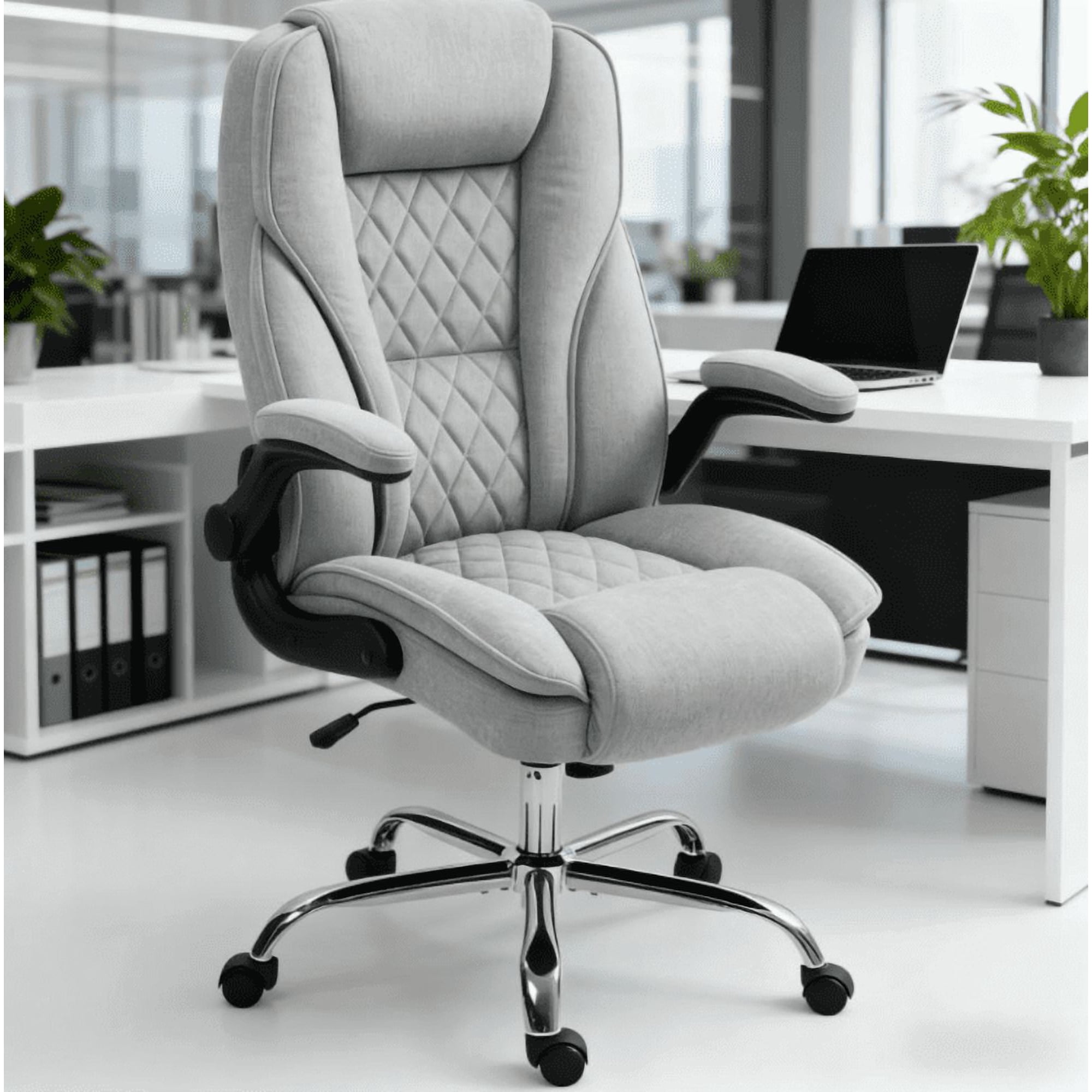
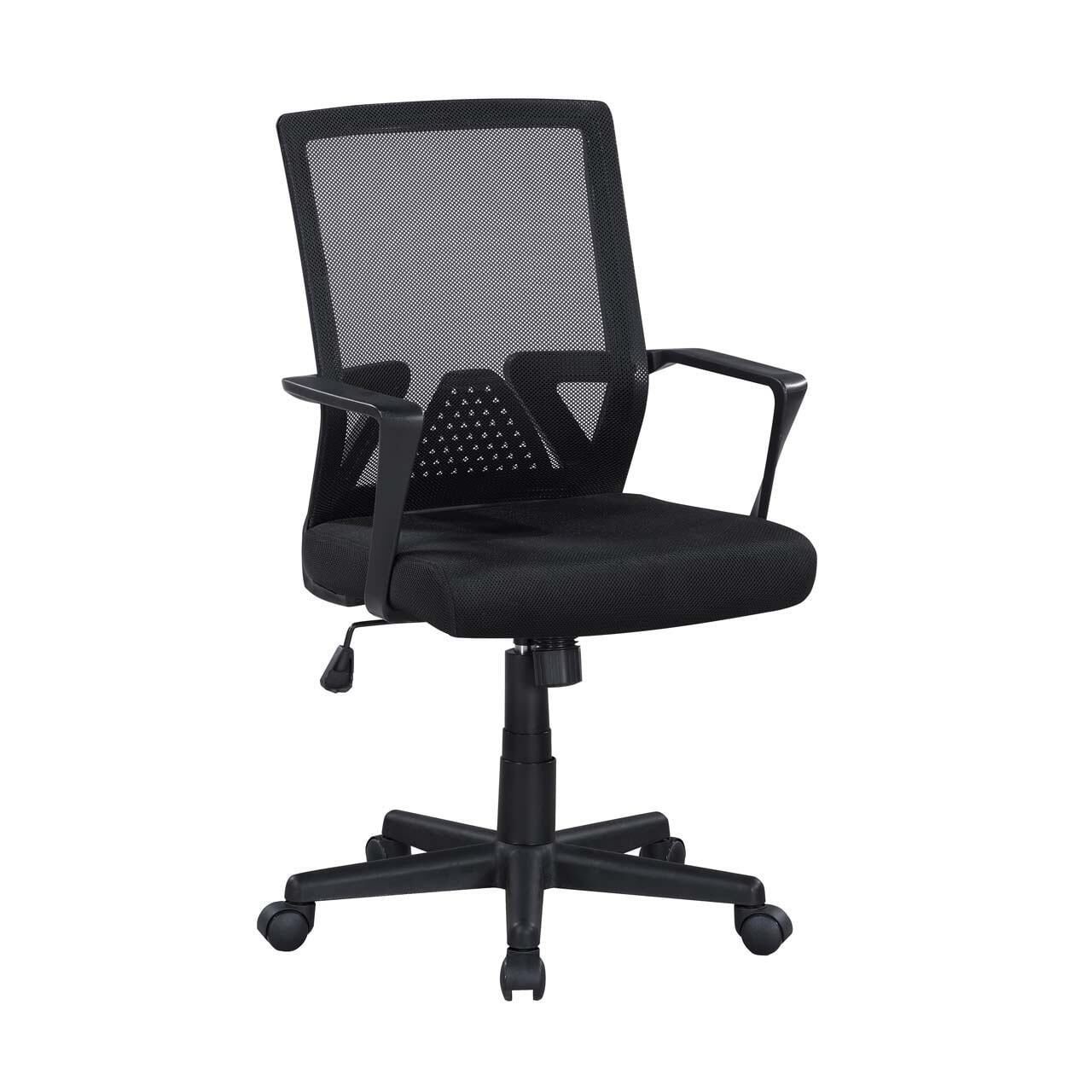
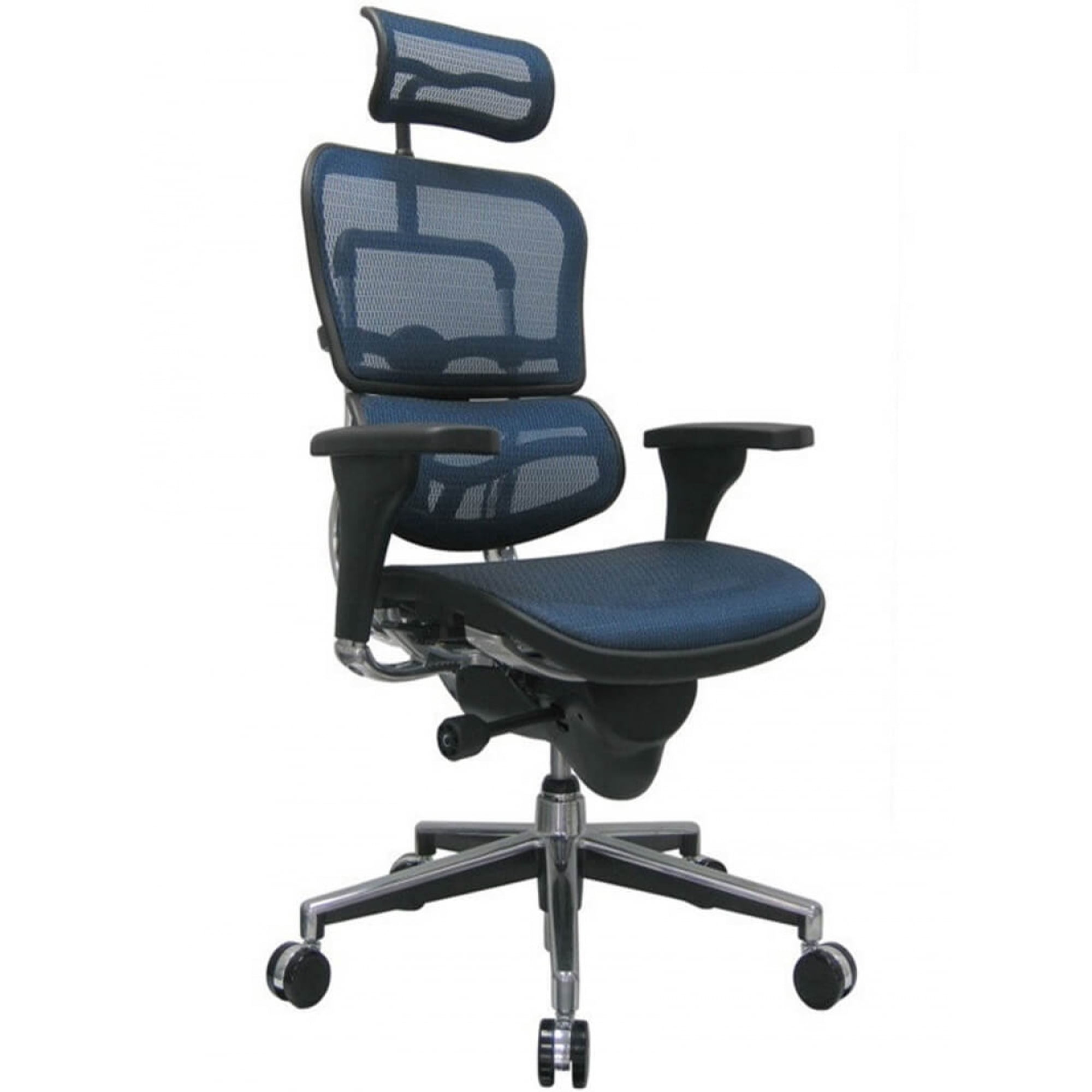
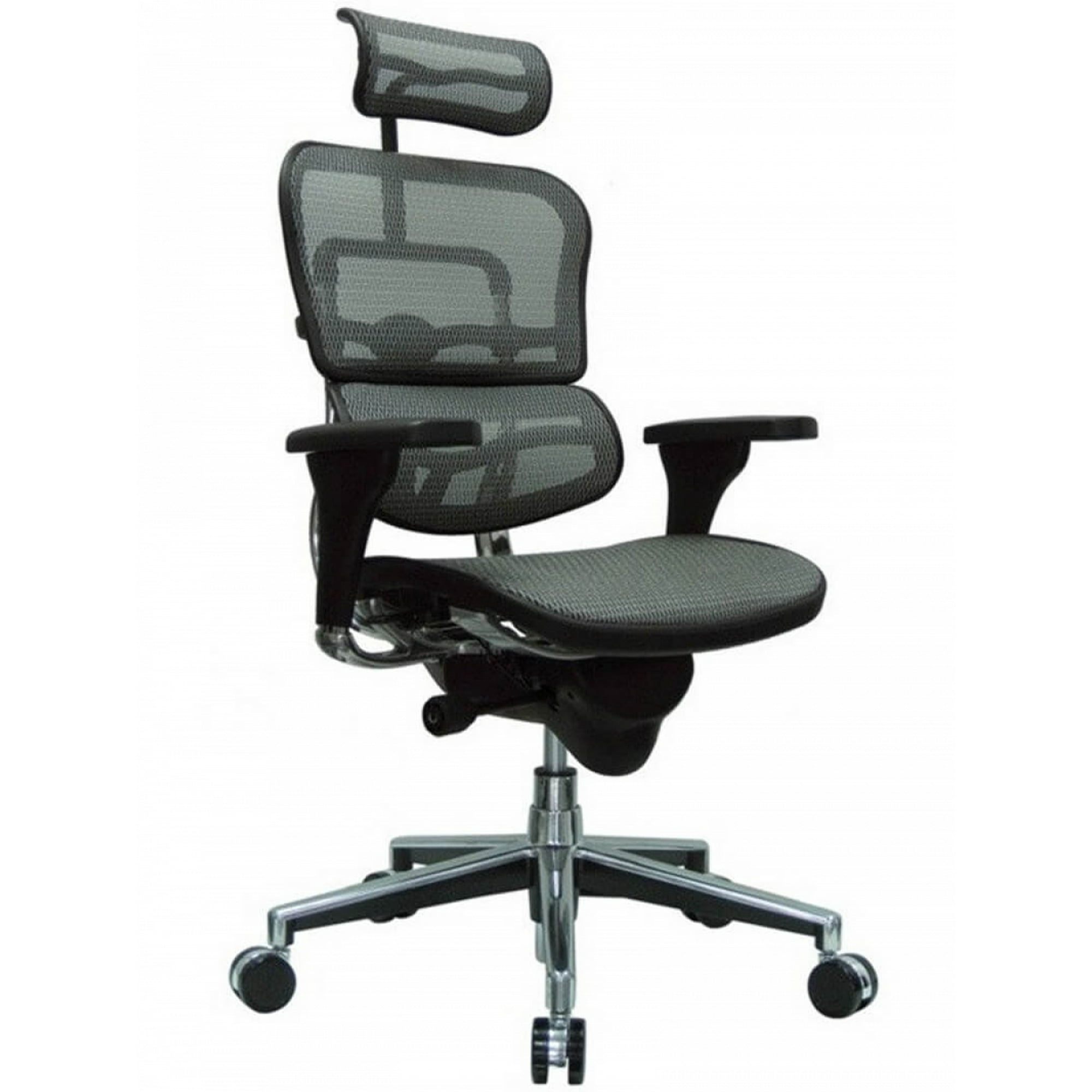
Why Choose Office Chairs That Lean Back?
Imagine this: it's 3 PM, and you're deep in a complex project. Your back is starting to ache from sitting rigidly upright. You instinctively push back in your chair, seeking a moment of relief. This is where office chairs that lean back transform from a simple seat into a wellness tool. They are designed to move with you, accommodating your body's natural need to shift positions throughout the day. Unlike static chairs that lock you in one posture, a quality reclining office chair supports dynamic sitting, which is crucial for long-term health and sustained focus.
Ergonomic Insight: Research from the University of Alberta suggests that opening the angle between your torso and thighs to 135 degrees can significantly reduce spinal disc pressure. Office chairs with a reliable recline mechanism make achieving this healthier posture effortless, potentially reducing the risk of chronic back pain by up to 50% for desk workers.
The Mechanics of a Good Lean: Understanding Tilt Mechanisms
Not all reclining chairs are created equal. The 'lean back' feature is governed by different mechanisms, each offering a distinct feel and ergonomic benefit. Choosing the right one is like selecting the suspension system for your car—it dictates the smoothness and control of your ride.
Center Tilt (or Swivel Tilt)
This is the most common and basic mechanism. The chair pivots from a single point in the center. It's simple and allows for a gentle rock, but it can sometimes lift your feet off the floor. Best for occasional leaning and light use.
Knee-Tilt Mechanism
Here, the pivot point is moved forward, near your knees. When you lean back, the front of the seat remains relatively stable, keeping your feet planted. This promotes better circulation and active sitting, making it ideal for those who shift positions frequently.
Synchro-Tilt Mechanism
Consider this the gold standard for office chairs that lean back. It synchronizes the movement of the backrest and seat at a specific ratio (e.g., 2:1 or 3:1). As you recline, the seat tilts slightly upward, maintaining proper ergonomic support and preventing you from sliding forward. This feature is a hallmark of high-end ergonomic chairs.
Multi-Position Lock
This feature allows you to lock the chair at various angles, from a slight 90-degree posture for focused typing to a near-135-degree angle for relaxing, reading, or taking a power nap. It offers the ultimate flexibility, letting you choose your ideal position for any task.
Key Features to Look for in a Quality Reclining Office Chair
Beyond the tilt mechanism, several other features determine whether a chair will truly serve your needs. Think of these as the ingredients that turn a simple chair into an ergonomic powerhouse.
- Adjustable Lumbar Support: When you lean back, your lower back needs extra support to maintain its natural curve. Look for chairs with separate, adjustable lumbar support (both height and depth). This prevents the "hammock effect" where your back sags unsafely.
- Recline Tension Adjustment: This is the "stiffness" control for the recline. It's usually a knob under the seat that lets you set how much force is needed to lean back. A lighter setting is great for frequent movement, while a firmer setting provides more stable support.
- Seat Depth Adjustment: A sliding seat pan ensures that when you recline, you maintain proper support under your thighs without pressure behind your knees. This is non-negotiable for taller or shorter users.
- Headrest Integration: A reclined position is useless without proper neck support. A well-designed, adjustable headrest cradles your neck and head, preventing strain when you're in a laid-back posture for meetings or deep thought.
Health Benefits: More Than Just a Tilt
Reduced Spinal Pressure
Reclining distributes your weight more evenly, taking the load off your lumbar discs. Studies indicate that leaning back to 135 degrees can reduce spinal pressure by up to 90% compared to sitting upright.
Improved Blood Flow
Opening the hip angle relieves compression on the femoral artery, enhancing circulation to your legs. This means less stiffness and fatigue at the end of the day.
Encourages Movement
Chairs that lean back invite micro-movements. This constant, subtle activity engages core muscles, burns a few more calories, and prevents the stagnation that leads to discomfort.
Material Matters: Mesh vs. Fabric vs. Leather for Reclining Chairs
The material of your chair affects how the recline feels, especially regarding breathability and maintenance. Here’s a quick guide to help you decide:
| Material | Best For Reclining Because... | Considerations |
|---|---|---|
| Breathable Mesh | Excellent air circulation prevents sweating when you're leaning back for long periods. It conforms to your back, providing continuous support. | May not offer the same "luxury" feel as leather; high-quality mesh is key to avoid sagging. |
| Premium Fabric | Offers a soft, non-slip surface that keeps you comfortably in place while reclined. Available in many colors and textures. | Can retain heat and may be harder to clean if spills occur during a break. |
| Top-Grain Leather | Provides a sophisticated look and feel. High-quality leather is durable and molds to your shape over time, enhancing comfort. | Can be sticky in hot weather; requires conditioning. Bonded leather is not recommended as it can crack with frequent recline movement. |
5-Step Guide to Finding Your Perfect Recline
Step 1: Assess Your Daily Tasks
Do you need a chair for focused, upright work (like data entry) or more fluid tasks (like design or meetings)? For varied tasks, prioritize a synchro-tilt with a multi-position lock.
Step 2: Test the Tension and Lock
If possible, test how easily the chair reclines. The tension should be adjustable so you can lean back smoothly without a jerk. Check if the locking mechanism is easy to engage and disengage.
Step 3: Check Your Space
Measure the space behind your desk. When fully reclined, how far back does the chair go? Some chairs have a limited recline radius, which is perfect for smaller offices.
Step 4: Prioritize Lumbar Support
A chair that leans back without good lumbar support is a recipe for slouching. Ensure the lumbar is adjustable and provides firm support even in the reclined position.
Step 5: Consider the Base and Casters
A stable, five-point base is crucial for safety when leaning back. For hard floors, soft rubber casters are a must to prevent scratches as you move and recline.
Frequently Asked Questions About Reclining Office Chairs
Conclusion: Invest in Movement, Invest in Your Well-being
Choosing an office chair that leans back is an investment in a healthier, more dynamic workday. It's an acknowledgment that our bodies are not designed for static postures. By selecting a chair with the right tilt mechanism, robust lumbar support, and quality materials, you're not just buying furniture; you're creating an environment that supports your physical well-being and enhances your professional performance. Whether you're analyzing spreadsheets, brainstorming ideas, or taking a well-deserved break, the freedom to lean back comfortably can make all the difference.