
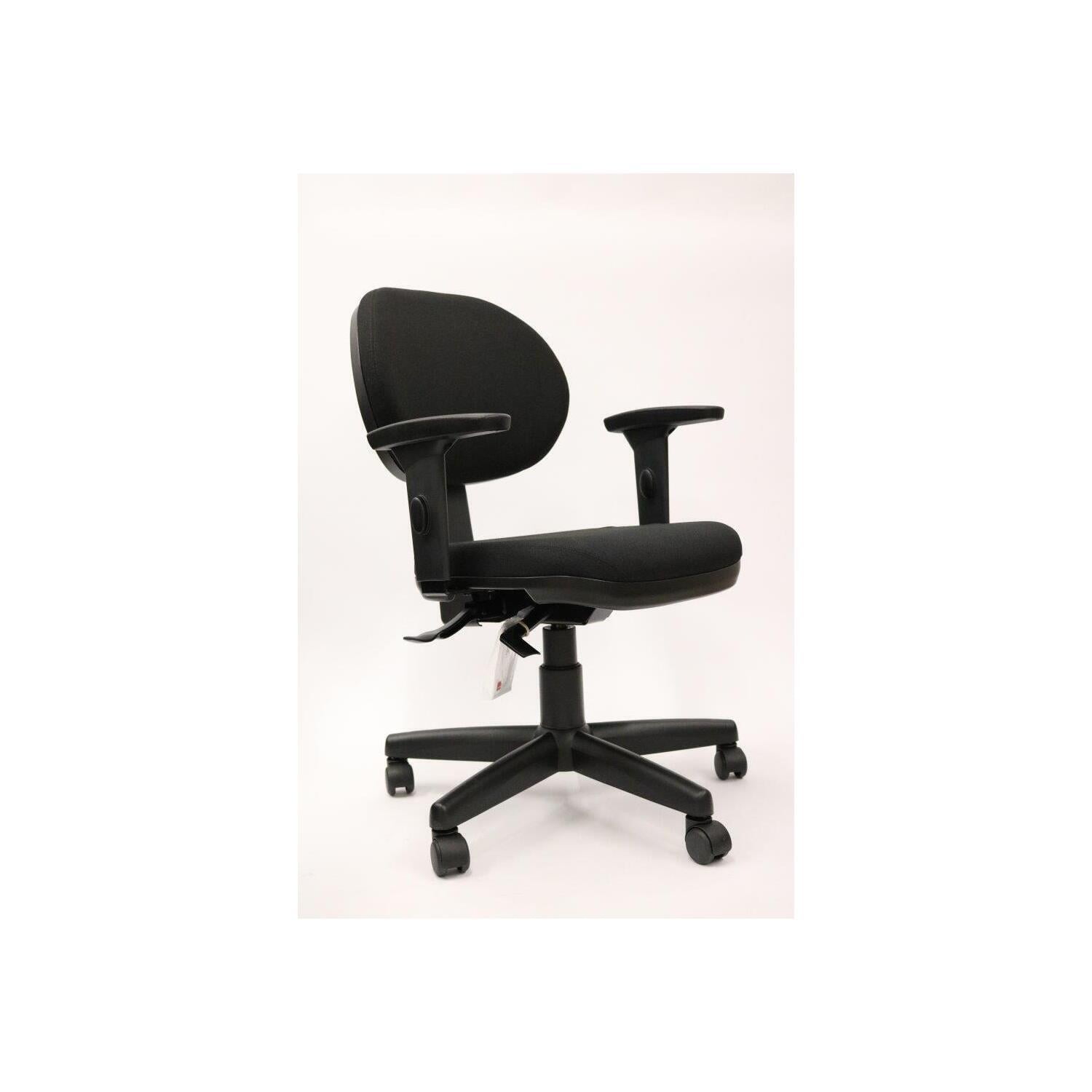
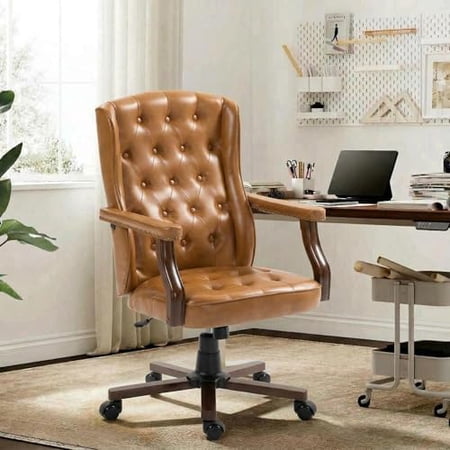
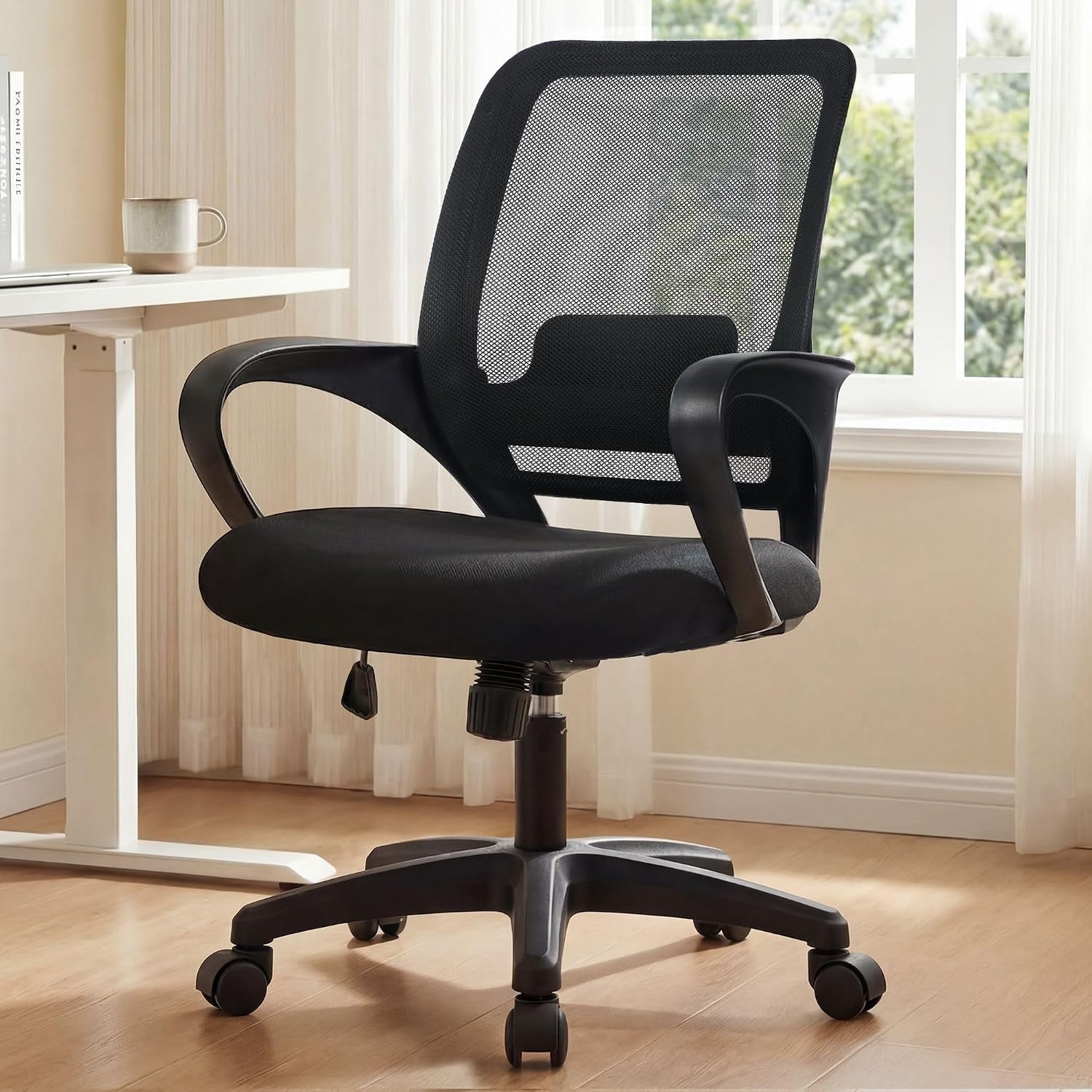
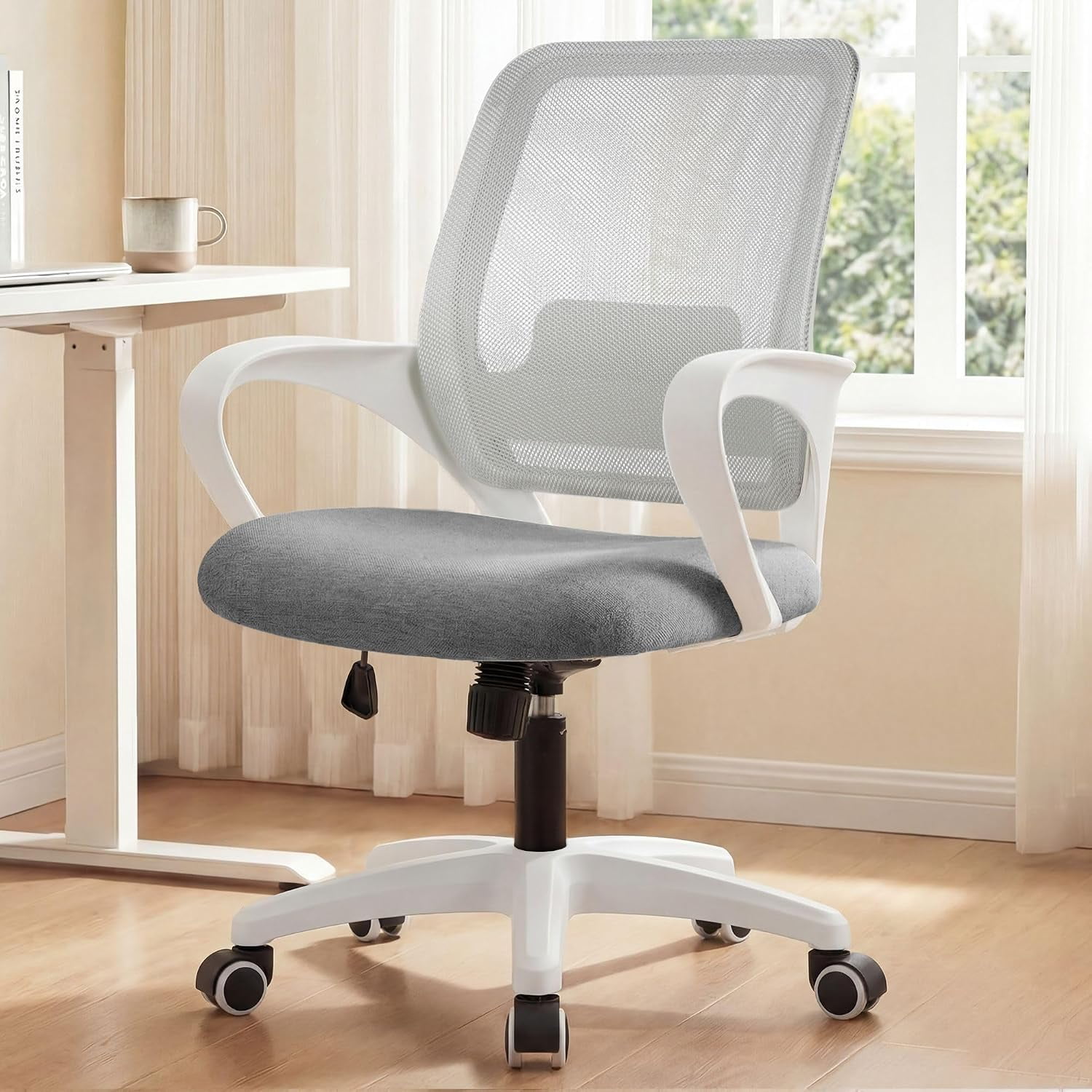
Why Prioritizing Comfort in Your Home Office Chair is Non-Negotiable
Your home office is your command center. With remote and hybrid work becoming the new standard, the average professional now spends over 8 hours a day seated. The most comfortable home office desk chair is not a luxury—it's an essential tool for sustained focus, physical well-being, and long-term career vitality.
📊 The Impact of Proper Seating: Studies from ergonomic research institutions show that using a chair with proper lumbar support and adjustability can reduce reported back discomfort by up to 54% and increase task concentration by nearly 40%. Investing in comfort directly boosts your productivity and protects your body from repetitive strain injuries.
Defining "Comfort": More Than Just Plush Padding
True comfort in a home office chair is a blend of ergonomic support and personalized adjustability. It's about a chair that adapts to you, not the other way around. Key pillars of exceptional comfort include:
- Dynamic Lumbar Support: Adjustable mechanisms that fit the curve of your spine, preventing slouching.
- High-Resilience Foam: Seat cushions that maintain their shape and don't flatten after months of use.
- Multi-Dimensional Armrests: 4D armrests that move up/down, in/out, pivot, and slide forward to support shoulders and elbows.
- Breathable Material: Whether premium mesh or high-quality fabric, the material should regulate temperature to keep you cool and dry.
- Seat Depth Adjustment: Allows proper thigh support without pressing against the back of your knees, crucial for circulation.
✔️ Ergonomic Mesh Chairs
Best for: Warm climates, high breathability needs, modern aesthetics. Provides consistent support with minimal heat buildup.
✔️ Plush Fabric & Leather Chairs
Best for: Softer feel, traditional style, and those who prefer a more cushioned, enveloping seat experience. Ideal for cooler environments.
✔️ Hybrid Designs
Best for: The perfect middle ground — mesh back for breathability combined with a contoured foam seat for superior comfort and support.
How to Choose Your Perfect Chair: A Step-by-Step Comfort Checklist
Step 1: Understand Your Body & Workflow
- Measure your space: Ensure the chair fits under your desk and doesn't overwhelm the room.
- Note your height and weight: Look for chairs with appropriate weight capacity (minimum 275-300 lbs for durability) and seat height range that allows feet flat on floor.
- Assess your sitting habits: Do you sit still for long periods or shift positions? Chairs with synchro-tilt mechanisms support movement.
Step 2: Prioritize Key Adjustability Features
Don't settle for a one-size-fits-all approach. The most comfortable home office desk chair should include:
- Adjustable Seat Height: Pneumatic cylinder that allows your thighs to be parallel to the floor.
- Independent Backrest Tilt Lock: Lock the recline at multiple angles to vary posture.
- Seat Slide (Depth Adjustment): Ensure 2-4 fingers' width between the front edge of the seat and the back of your knees.
- Adjustable Lumbar: Height and depth adjustment for targeted lower back support.
Step 3: Test Material and Build Quality
The materials directly impact comfort longevity. Look for:
- Seat Foam: High-density, cold-cured foam retains resilience longer than low-density foam.
- Base & Casters: A sturdy 5-star aluminum or reinforced nylon base and smooth-rolling casters suitable for your flooring (hardwood or carpet).
- Upholstery Quality: For fabric, look for durable, stain-resistant weaves. For leather, full-grain or top-grain offers the best durability and breathability.
Top Comfort-Enhancing Technologies to Look For
Modern office chairs integrate advanced technologies to elevate comfort beyond basic support:
- Syncro-Tilt Mechanism: Allows the seat and backrest to move in a synchronized ratio, maintaining proper alignment while reclining.
- Waterfall Seat Edge: A curved front edge that reduces pressure on the underside of your thighs, promoting healthy circulation.
- Self-Adjusting Lumbar: Some high-end chairs feature a dynamic lumbar that automatically adapts to your movements, providing constant support.
- Cool Gel Infused Foam: For fabric or leather chairs, this technology helps dissipate heat and keeps the seat surface cooler during extended sitting.
💡 Pro Tip for Remote Workers: The ideal setup combines your most comfortable chair with a sit-stand desk. Alternating between sitting and standing every 45-60 minutes reduces physical fatigue and keeps energy levels high throughout the workday.
Common Misconceptions About Comfortable Office Chairs
- ❌ "More padding equals more comfort." → Excessively soft padding can lack structural support, causing you to sink and lose proper posture. Balance is key.
- ❌ "All ergonomic chairs are uncomfortable." → Ergonomic chairs are designed to support your body's natural posture; initial adjustment is normal, but long-term comfort and health benefits are unmatched.
- ❌ "A comfortable chair is too expensive." → While premium chairs are an investment, there are excellent mid-range options ($400-$800) that offer key ergonomic features and durable comfort, often paying for themselves through improved productivity and reduced medical costs.