
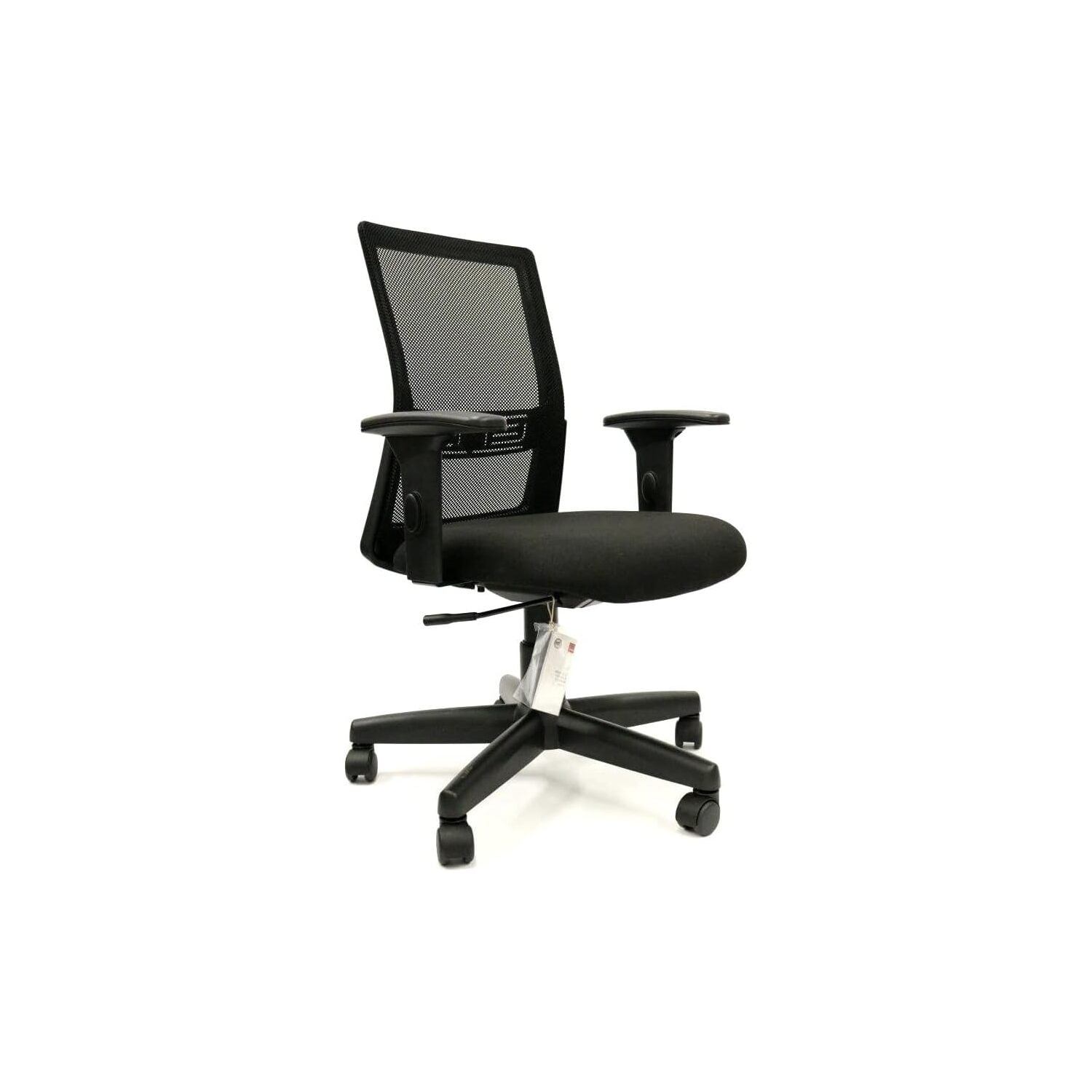
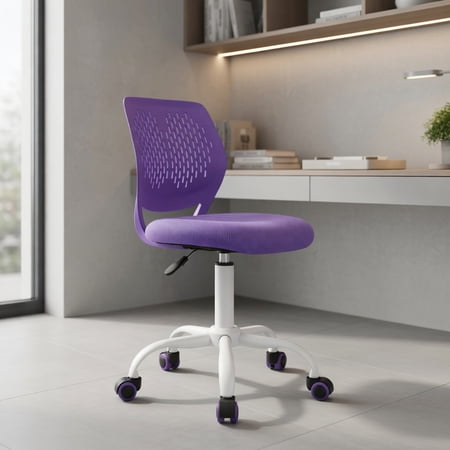
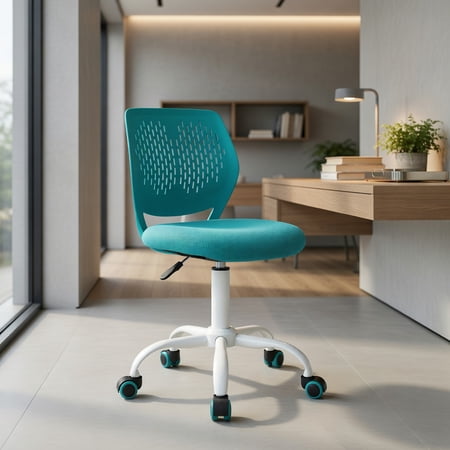
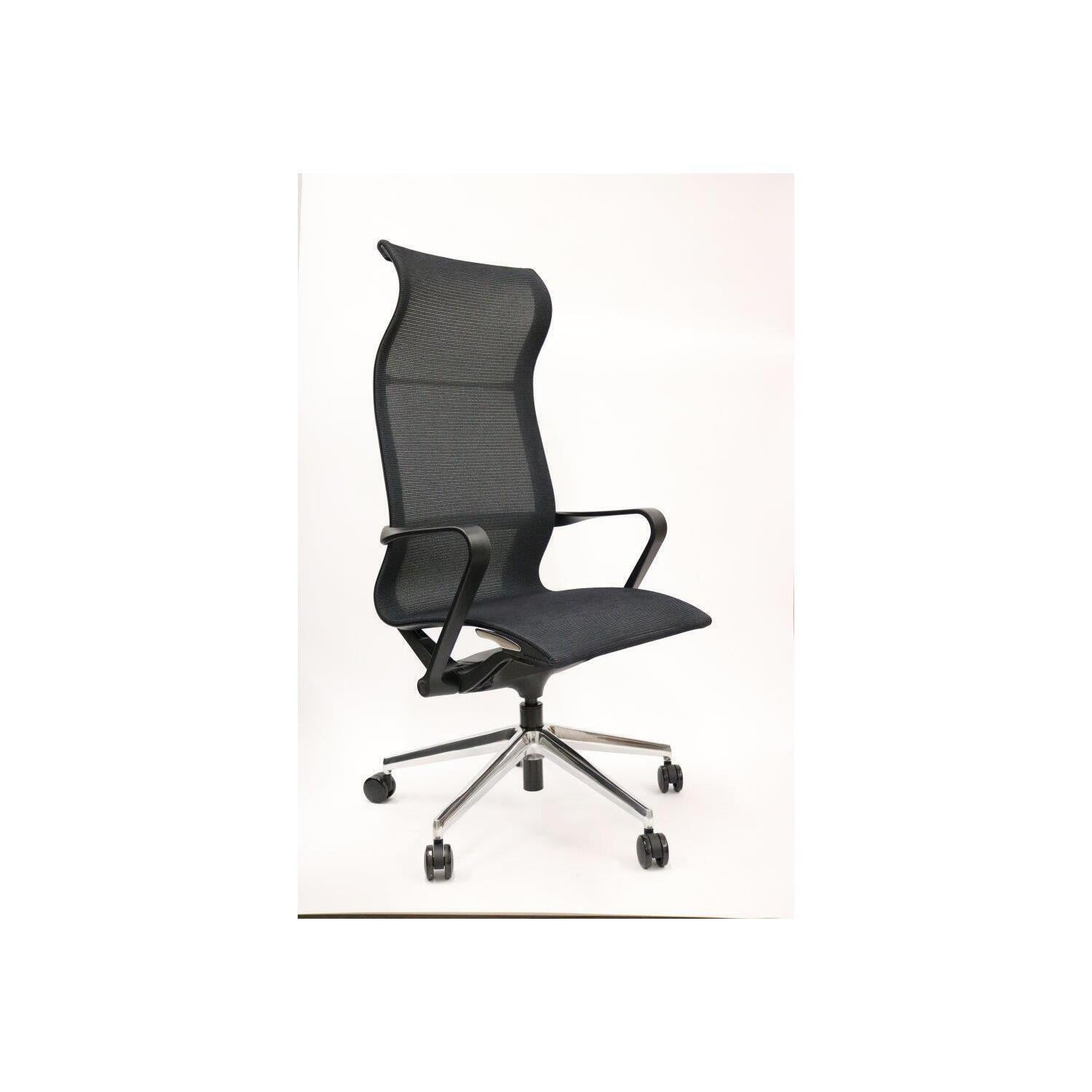
The Home Office Task Chair: Your Cockpit for Deep Work
Imagine your favorite coffee shop. The music is just right, the light is warm, and you find *the* spot—that one chair where you can crush a morning's work without moving. Now, imagine having that feeling every day. A home office task chair is not just a place to sit; it's the cockpit from which you navigate your workday. Unlike plush executive thrones, a task chair is built for motion, for leaning in, and for the subtle adjustments that keep you comfortable from the morning stand-up to the evening final email.
Ergonomics in Action: Studies from the National Institute of Health suggest that using an actively adjustable task chair can reduce perceived muscle fatigue by up to 30% by encouraging micro-movements and postural changes throughout the day. It's like a gentle nudge to your body to stay dynamic.
Anatomy of a Great Task Chair: Beyond the Basics
While any chair with wheels can be called a task chair, the great ones share a common DNA. They are designed for "active sitting"—a concept where the chair supports you not as a static statue, but as a moving, shifting human. Here are the non-negotiable components:
- Synchronized Tilt Mechanism: This allows the seat and backrest to move in a natural ratio (usually 2:1 or 3:1) as you recline, keeping your feet planted and your vision level. It's like a dance, not a fall.
- Adjustable Lumbar Support (Height & Depth): A static hump in the lower back isn't enough. The best chairs let you move the support up/down and in/out to perfectly fit the curve of your spine, acting as a personalized cushion for your vertebrae.
- Seat Depth (Slide): This hidden gem is crucial. You should be able to fit 2-3 fingers between the back of your knee and the seat pan. Adjustable depth ensures proper circulation and thigh support, preventing that "pinched" feeling.
- 4D Armrests: Armrests that move up/down, left/right, forward/backward, and pivot are not a luxury—they're a necessity. They allow your elbows to stay at a 90-degree angle, shoulders relaxed, whether you're typing or taking a call.
Material World: Mesh, Fabric, or Hybrid?
Choosing the material for your home office task chair is like choosing the right fabric for a running shoe—it affects performance. Let's break down the contenders with a fresh perspective:
☁️ Breathable Mesh
Best for: Warm climates, long workdays, users who run hot.
Think of mesh as the cooling fabric of office chairs. It prevents that sticky back syndrome and promotes airflow. High-quality mesh (like Pellicle) is also elastomeric, meaning it stretches and conforms to your back without sagging.
🛋️ Supportive Fabric
Best for: Cooler offices, cozy home setups, users wanting plushness.
Modern performance fabrics are stain-resistant and durable. They offer a "warmer" embrace and often come with thicker foam for pressure distribution. It's like the difference between a technical hiking shirt and a soft cotton hoodie.
⚡ Hybrid Champions
Best for: The best of both worlds.
Many top-tier task chairs now feature a mesh back (for breathability) and a fabric or foam seat (for comfort). This hybrid approach is often the goldilocks solution for home offices, providing cooling support where you need it and cushioning where you sit.
From Box to Biomechanics: Setting Up Your Task Chair
You've unboxed your new chair. Now what? Slapping it together and hoping for the best is like buying a high-end espresso machine and using pre-ground coffee from the supermarket. Here's a step-by-step guide to dialing in your fit:
- The Seat Height Test: Sit comfortably with your back against the chair. Your feet should be flat on the floor, thighs parallel to the ground. If your feet dangle, lower it. If your knees are above your hips, raise it. This is your foundation.
- The Lumbar Lock-In: Adjust the lumbar support so it fits snugly into the small of your back. You should feel supported, not pushed forward. If your chair has depth adjustment, play with it until the curve feels natural.
- The Seat Depth Rule: Slide forward until your back loses contact with the backrest. Now, adjust the seat pan until it's about 2-3 finger widths from the back of your knees. Then, sit back fully. Your back should be supported, and your knees should have a small gap.
- The Armrest Alignment: Sit with your arms relaxed at your sides, elbows bent at 90 degrees. Raise the armrests to just meet your elbows—they should gently support them without lifting your shoulders. Adjust the width so your arms rest naturally.
- The Tilt Tension Tune: Lean back. Does it feel like you're fighting the chair, or does it tip too easily? Adjust the tension knob so you can recline with moderate effort and feel securely supported at any angle.
This 5-minute setup ritual pays dividends in comfort. Think of it as calibrating your instrument before a performance.
Task Chairs and the Modern Home: Aesthetics Matter
Gone are the days when ergonomic meant ugly. Today's task chairs are designed by studios that care about how a chair looks in your living room or bedroom-turned-office. You'll find chairs with slim profiles, exposed aluminum frames, and colors that complement rather than clash. The goal is a chair that disappears into your decor but makes its presence known through comfort. Whether you prefer a Scandi-minimalist look or a pop of color, the market has moved past the "beige box" era.
3 Common Myths About Home Office Task Chairs
Myth 1: "More expensive means more comfortable."
Comfort is subjective. A $900 chair might be perfect for one person's posture and painful for another. Price often correlates with durability, materials, and adjustability range—not universal comfort. Always prioritize fit over price tag.
Myth 2: "You don't need adjustments if you sit right."
Even monks with perfect posture shift positions. Our bodies crave movement. Adjustability isn't for finding one "perfect" position; it's for allowing you to change positions ergonomically throughout the day. It's a feature, not a crutch.
Myth 3: "A headrest is essential for a task chair."
Not necessarily. Task chairs are designed for active, forward-facing work. A headrest can actually encourage poor posture by pushing your head forward. They are fantastic for leaning back and thinking, but for typing, a well-designed backrest is more critical.
📊 By the Numbers: A survey by the American Chiropractic Association found that 72% of workers who switched to an ergonomic task chair with adjustable lumbar support reported a significant decrease in daily lower back discomfort within four weeks. Your chair is directly linked to your physical well-being.
Task Chair vs. Gaming Chair: What's the Real Difference?
It's a common crossroad for home workers. Gaming chairs look cool and racy, but task chairs are built for a different purpose. Gaming chairs are derived from racing seats, designed to hold you in a fixed position during high-intensity gaming. Task chairs are designed for dynamic movement and postural variation. While a gaming chair might feel snug, a task chair encourages you to move, lean, and shift, which is healthier for an 8-hour workday. Think of it as the difference between a sports car's bucket seat and a well-designed office chair—both are seats, but their philosophy of movement is opposite.
The Future of Sitting: Smart Features on the Horizon
The humble task chair is getting smarter. We're seeing chairs with built-in sensors that remind you to stand up, haptic feedback that nudges you when you've slouched for too long, and even apps that track your sitting posture over time. While these "smart" features are still emerging, they point to a future where your chair is an active participant in your health, not just a passive platform.