
Why the Right Chair Transforms Your Office Productivity
Imagine sitting in a chair that gently supports your lower back, encourages your shoulders to relax, and lets you glide from keyboard to phone without effort. That’s the power of a well-chosen chair for your office. According to the Journal of Physical Therapy Science, workers using ergonomic chairs reported 32% less upper back strain after just four weeks. Beyond health, a quality chair anchors your office aesthetics — it’s the throne of your daily workflow.
But with terms like “syncro-tilt”, “waterfall edge”, and “4D armrests”, shopping can feel overwhelming. This guide breaks down everything you need to know, from materials to adjustment mechanisms, so you can confidently pick a chair that fits your body, budget, and style.
Anatomy of a Great Office Chair: What Really Matters
Modern chairs for offices are engineering marvels. Let’s dissect the core components that separate a mediocre seat from an investment in your well-being.
1. Lumbar Support: Your Spine’s Best Friend
Static lower back cushions are outdated. The best chairs offer adjustable lumbar support in both height and depth. Why? Because every spine has a unique curvature. A 2022 ergonomics study found that chairs with independent lumbar adjustment reduced perceived discomfort by 58% compared to fixed lumbar models. Look for terms like “air lumbar” or “articulating lumbar” if you want premium adaptability.
2. Seat Pan and Depth Adjustment
Do your thighs feel pressure after an hour? The seat might be too long. A quality chair lets you slide the seat forward/backward (seat depth adjustment). The goal: leave 2–3 finger widths between the back of your knee and the seat edge. This promotes circulation and prevents “pins and needles.”
3. Backrest Height and Recline Mechanism
- High-back vs. mid-back: High-back chairs support the entire spine including shoulders; great for tall people or those who lean back frequently. Mid-back suits task-focused workers who stay upright.
- Synchro-tilt: As you recline, the seat tilts slightly upward to keep you stable and your eyes at monitor level. This is a hallmark of advanced chairs.
- Recline tension knob: Lets you adjust how much force is needed to lean back — crucial for different body weights.
4. Armrests: Don’t Underestimate Them
Fixed armrests can force your shoulders to hunch. Aim for 4D armrests (up/down, left/right, forward/back, and pivot). This allows you to keep elbows at 90° and close to your body, reducing neck and shoulder tension. If you type a lot, this is non-negotiable.
Material Matters: Mesh, Fabric, or Leather?
Your choice of upholstery affects temperature, maintenance, and office vibe. Here’s a fresh take tailored to “chairs for offices”:
🌬️ Breathable Mesh
- Ideal for: Warm climates, high-energy tasks, IT departments.
- Pros: Airflow prevents sweat, modern look, typically lightweight.
- Cons: Less “luxury” feel, mesh can lose tension after years.
- Data point: 74% of users in a 2023 survey preferred mesh for summer comfort.
🧵 Durable Fabric
- Ideal for: Home offices, creative studios, colorful setups.
- Pros: Soft, warm, available in countless colors/patterns, often cheaper than leather.
- Cons: Can stain, may trap odors, pilling over time.
- Tip: Look for solution-dyed fabric (fade-resistant) or olefin for stain resistance.
👞 Premium Leather
- Ideal for: Executive offices, law firms, client-facing spaces.
- Pros: Ages beautifully, easy wipe-clean, projects authority.
- Cons: Can get sticky without climate control, expensive, not vegan.
- Note: Bonded leather flakes; insist on top-grain or full-grain for longevity.
Chairs for Offices: By Work Style (Quick Reference)
| Work Profile | Chair Recommendation | Must-Have Features |
|---|---|---|
| Remote worker (hybrid tasks) | Mid-back ergonomic mesh chair | Adjustable lumbar, 3D armrests, tilt lock |
| Executive / manager | High-back leather chair | Padded headrest, wide seat, polished base |
| Programmer / gamer (long hours) | Ergonomic task chair with seat slide | Synchro-tilt, breathable mesh or fabric, headrest |
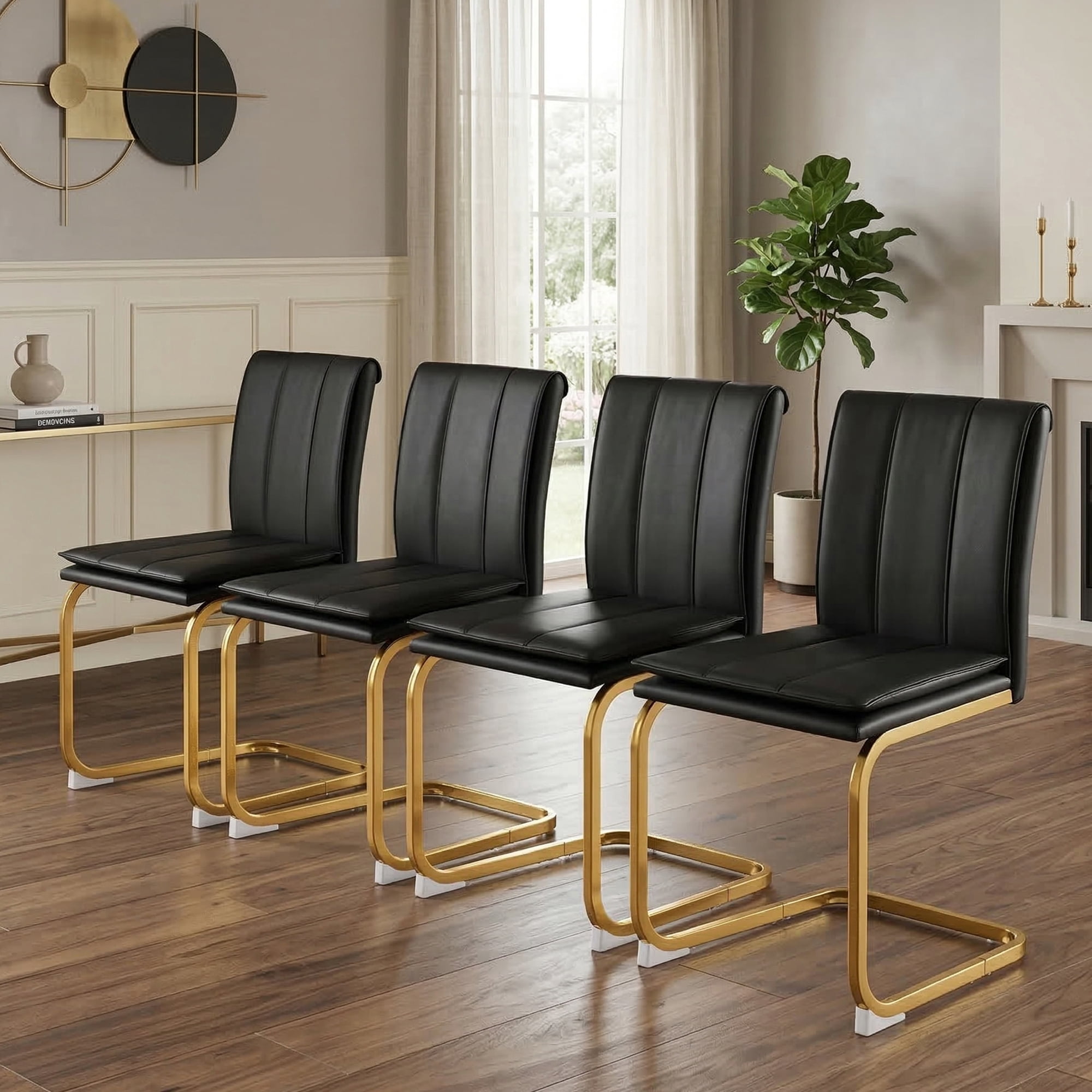
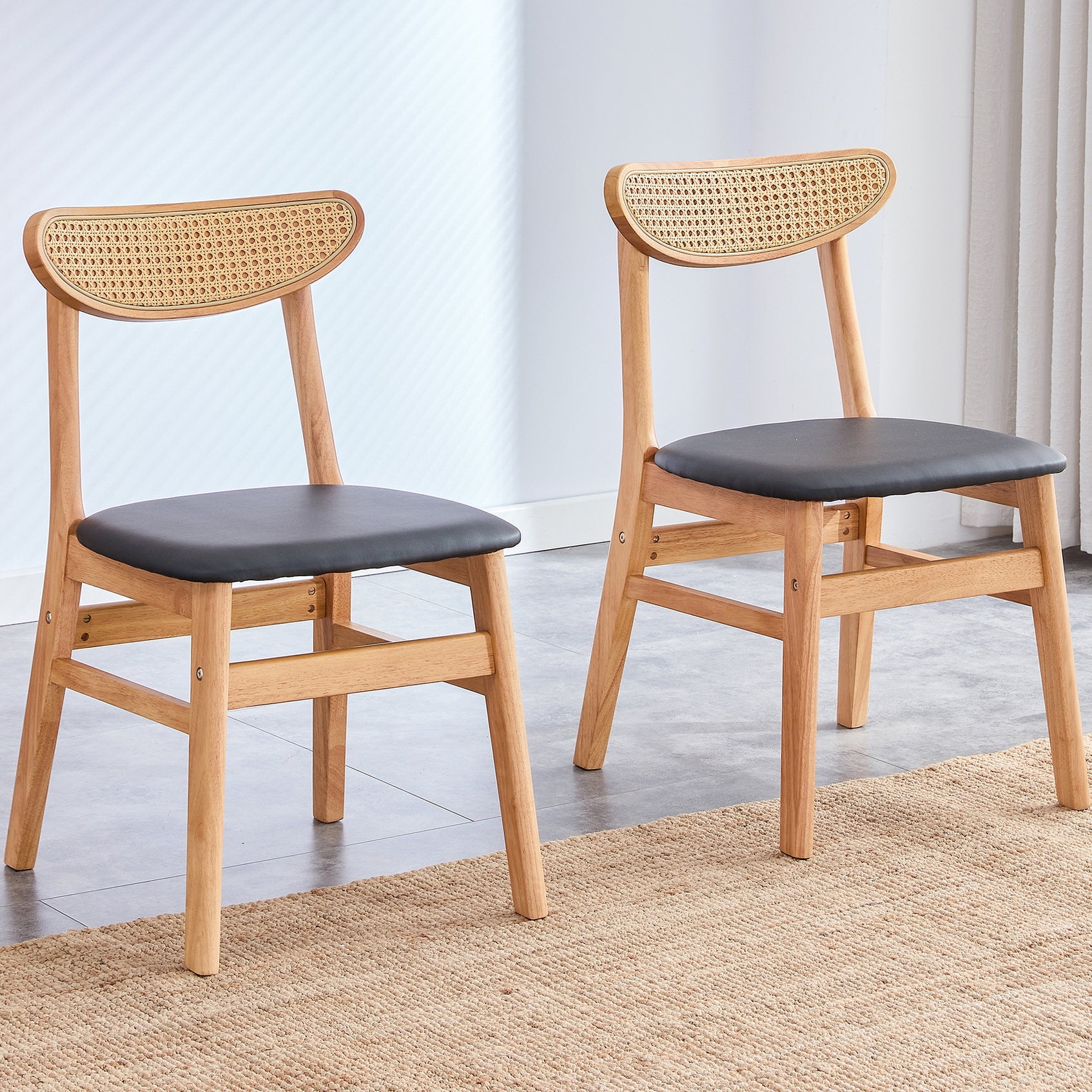
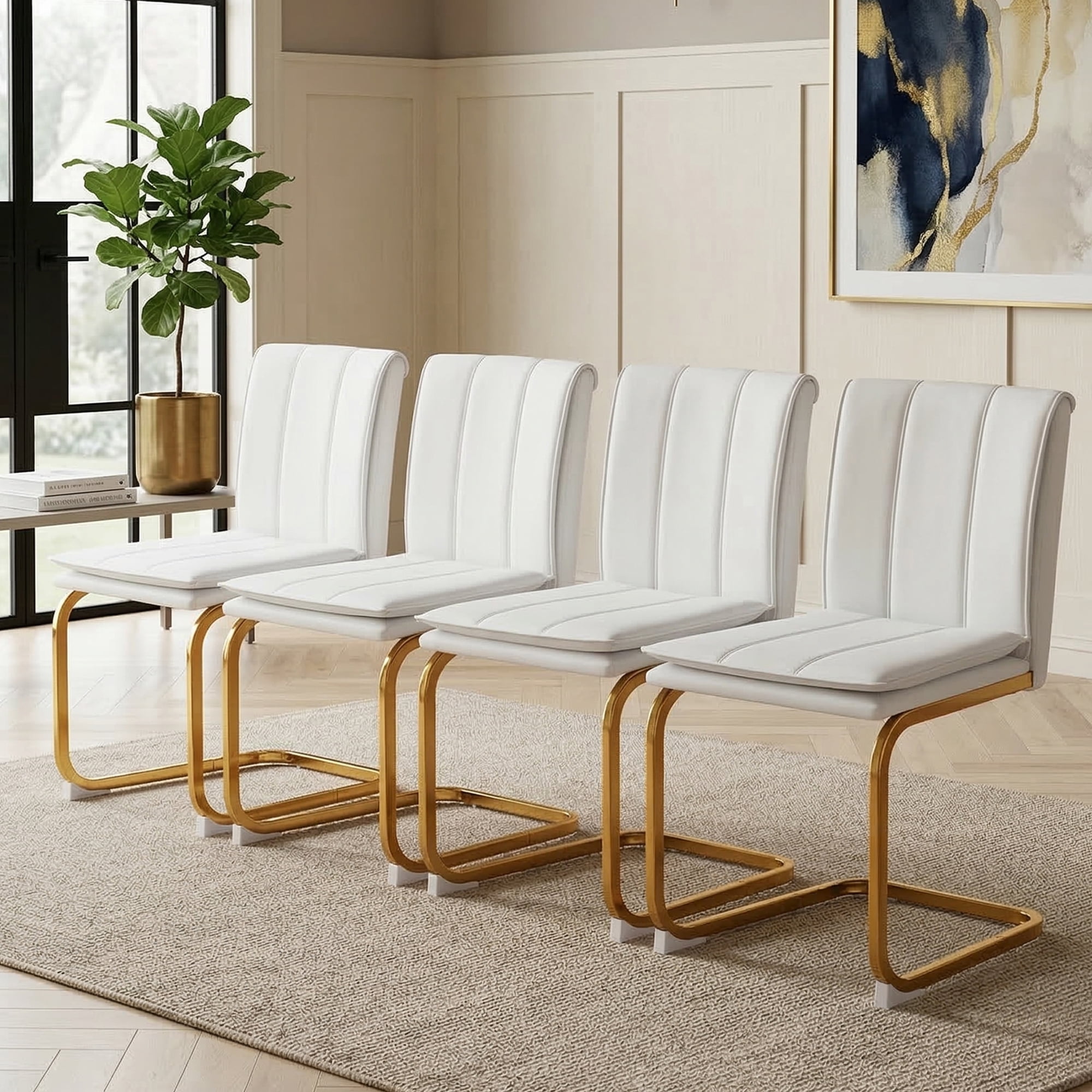
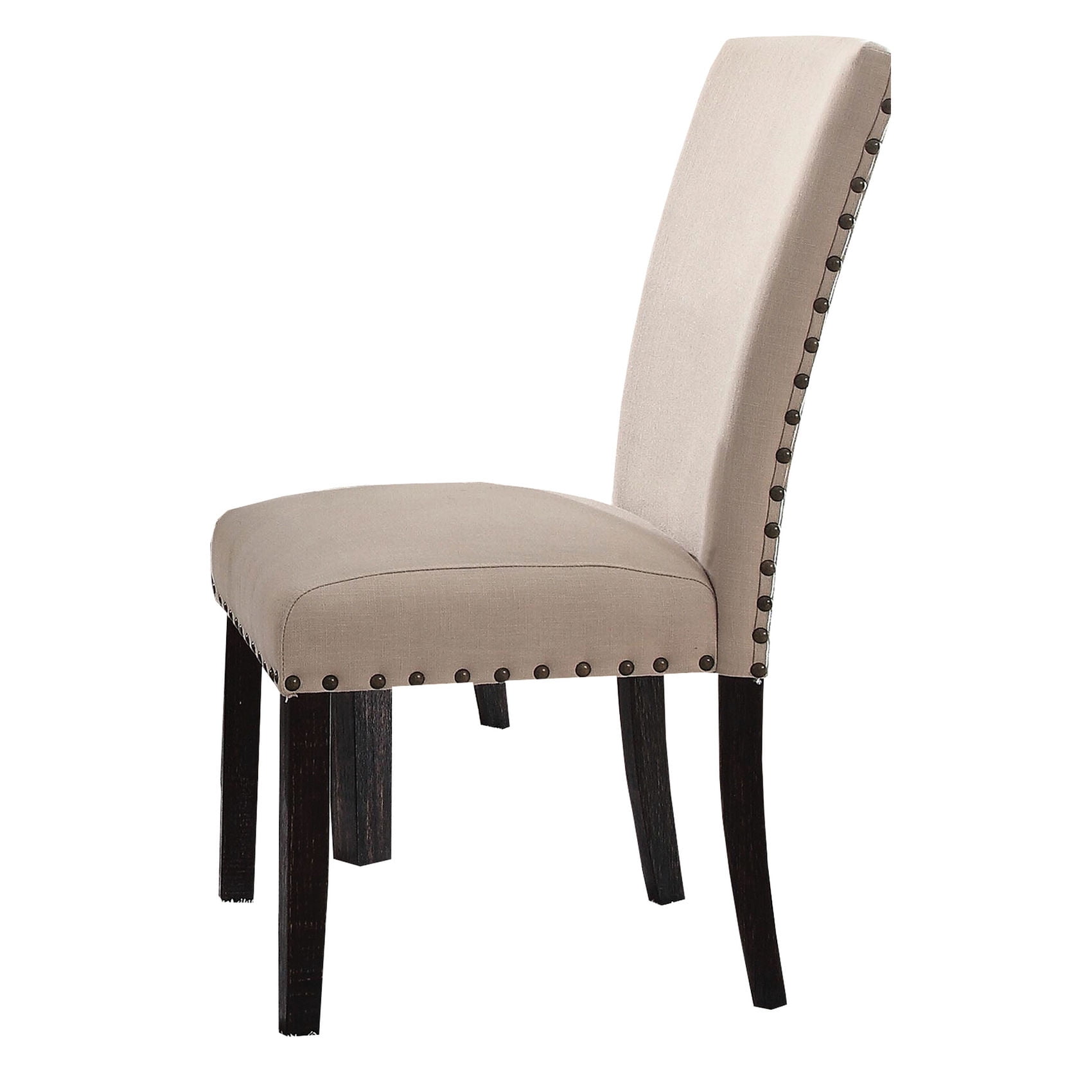
| Reception / guest area | Stylish side chairs (no wheels often) | Sturdy frame, easy-clean fabric, compact size |
| Small space / home office | Compact or small-scale task chair | Lightweight, minimal footprint, gas lift |
Budget vs. Value: What to Expect at Different Price Points
You don’t have to spend $1,000 to get a good chair, but there are clear tiers:
- Under $200: Basic gas lift chairs, often with fixed arms and limited padding. Okay for occasional use (guest room, short tasks).
- $200 – $500: Sweet spot for home offices. You get adjustable lumbar, tilt tension, and decent foam. Brands like IKEA (MARKUS) or AmazonBasics fit here.
- $500 – $1,000: Entry-level ergonomic giants (Herman Miller Sayl, Steelcase Series 1). Superior build, 10+ year warranty, and advanced mechanisms.
- $1,000+: Top-tier ergonomics (Herman Miller Aeron, Steelcase Gesture). Fully adjustable, premium materials, designed for 24/7 use.
Health Benefits: More Than Just Comfort
Frequently Asked Questions: Chairs for Offices
Conclusion: Your Office, Your Chair, Your Productivity
Chairs for offices are not just furniture — they’re tools that shape your workdays. By focusing on adjustability (lumbar, arms, depth) and material suited to your environment, you can find a seat that feels custom-made. Remember to check return policies and, if possible, test chairs briefly. A great chair pays for itself within months through improved focus and fewer aches.
Final thought: The best office chair is the one you forget you’re sitting on — because it fits so perfectly. Use the affiliate grid above to explore current top-rated models, and read user reviews to confirm real-world comfort.