
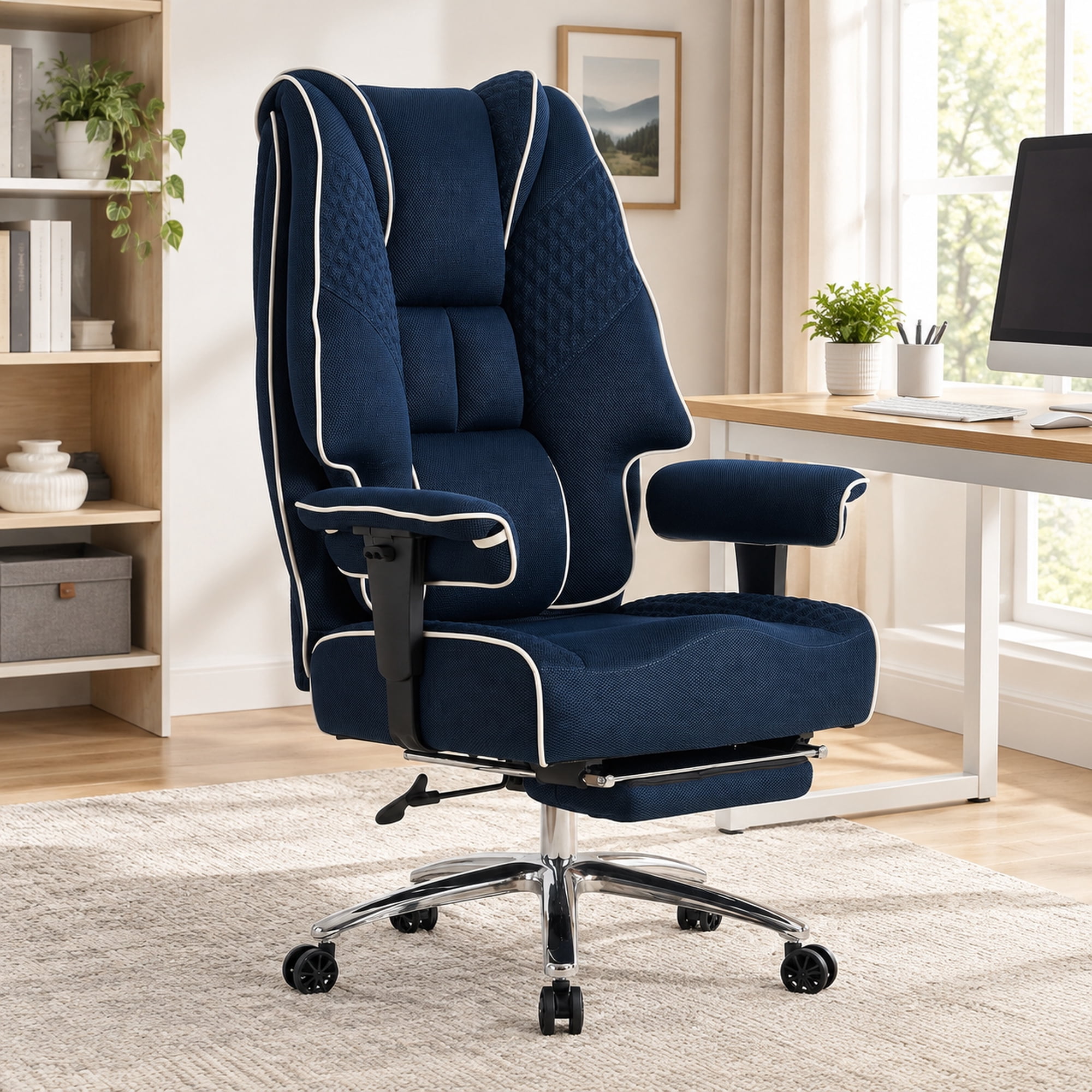
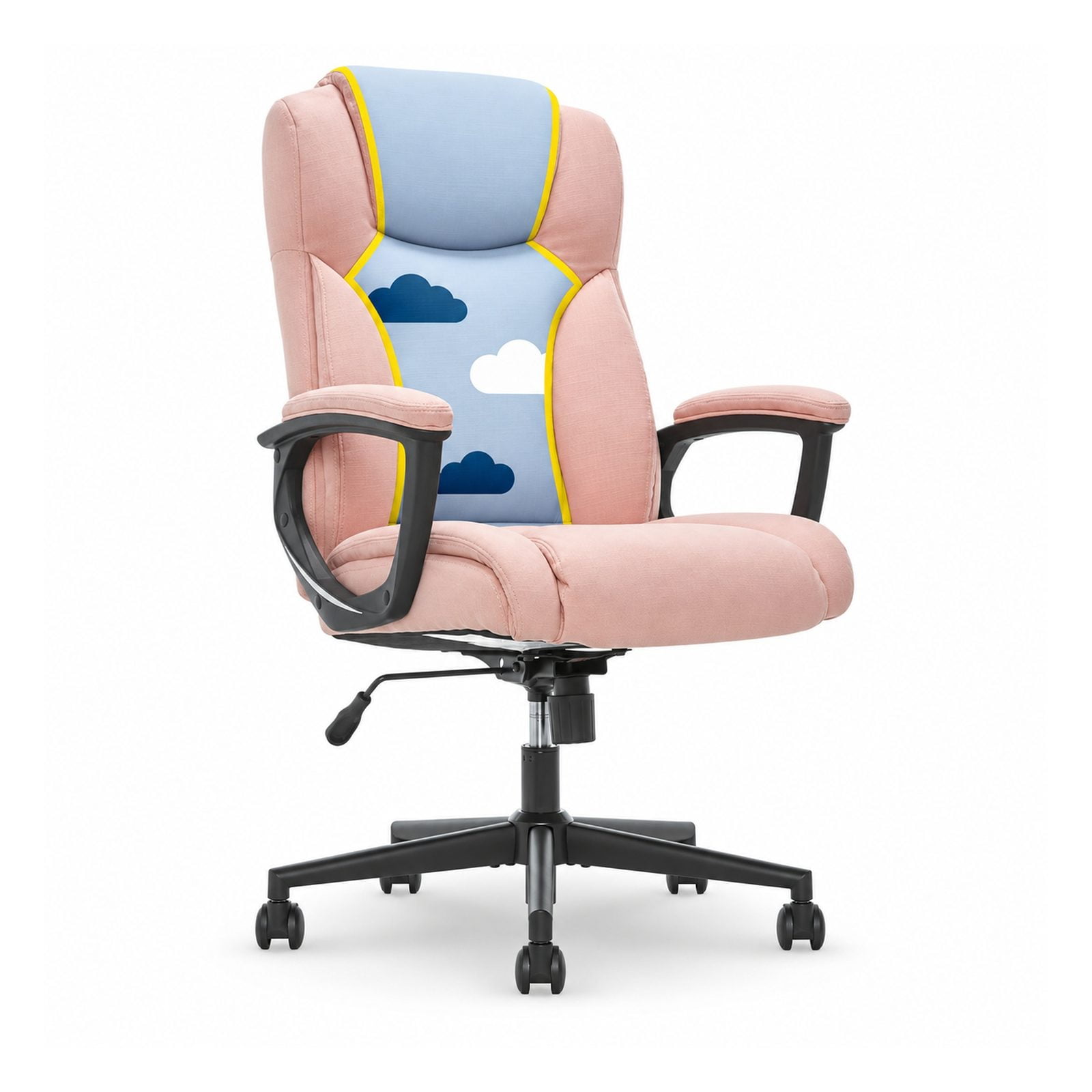
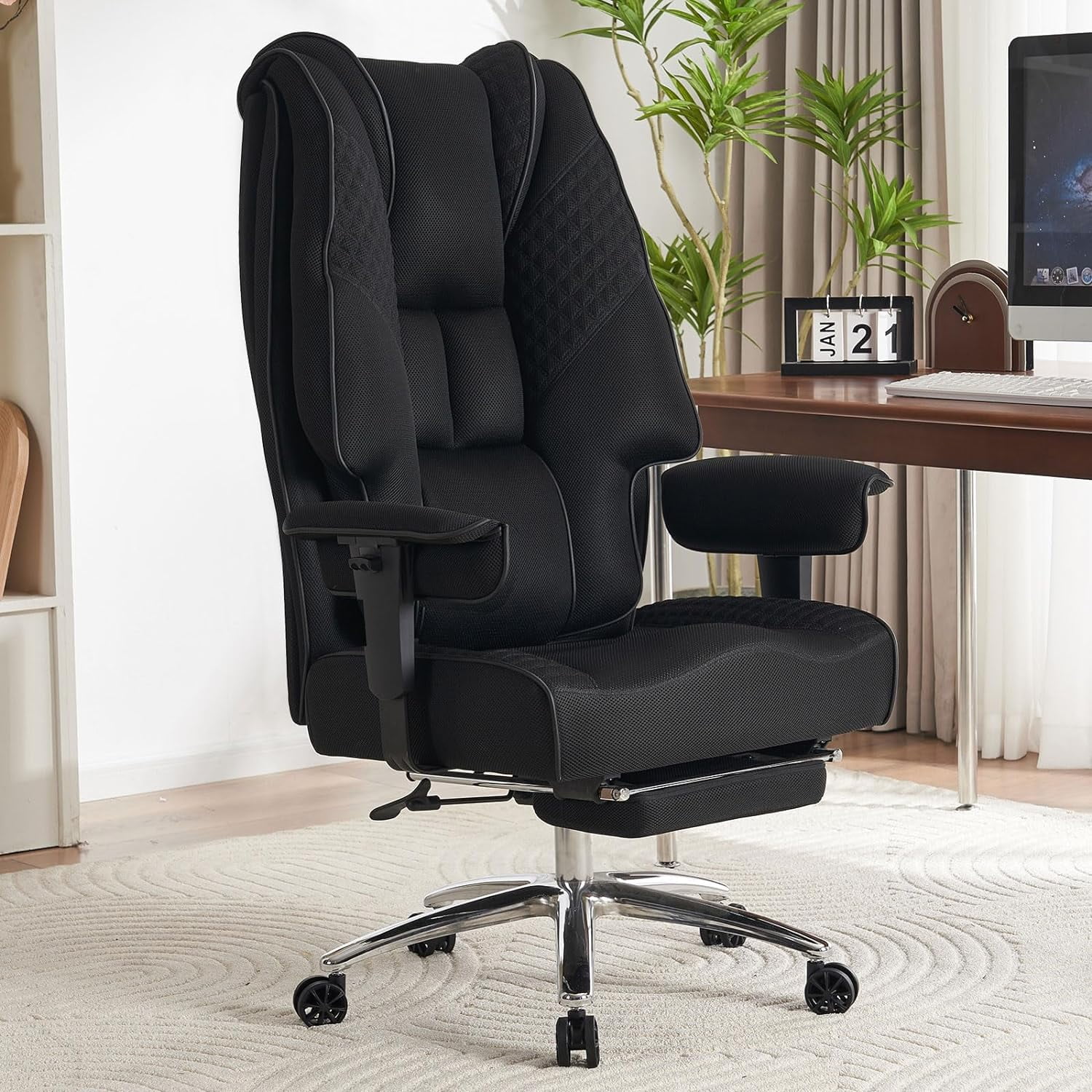
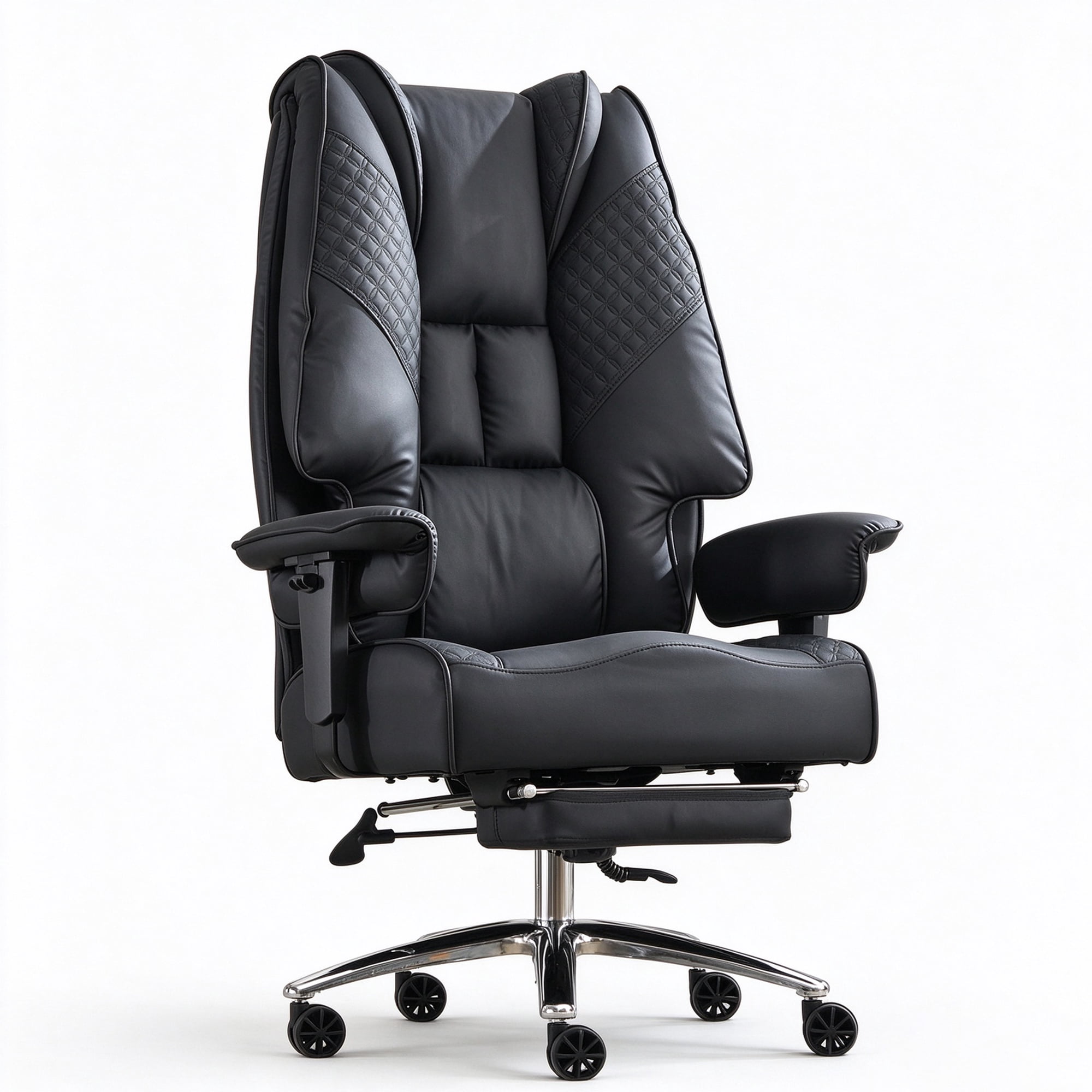
Why the Right Office Chair is Crucial for Lower Back Health
For millions of professionals, lower back pain is an all-too-familiar companion. Long hours spent sitting in a chair that lacks proper support can lead to chronic discomfort, reduced productivity, and even long-term health issues. Choosing a top-rated office chair for lower back pain is not just about comfort—it's an investment in your health and career longevity.
Fact: According to the American Chiropractic Association, back pain is one of the most common reasons for missed work, and prolonged sitting is a major contributor. A study found that ergonomic chairs can reduce lower back pain by up to 68%.
Key Features of a Back-Friendly Office Chair
Not all office chairs are created equal. When shopping for a chair to combat lower back pain, look for these essential features:
- Adjustable Lumbar Support: The cornerstone of back pain relief. The chair should allow you to adjust the height and depth of the lumbar support to fit the natural curve of your spine.
- Seat Depth Adjustment: Ensures proper weight distribution and prevents pressure on the back of your knees. You should be able to slide the seat pan forward or backward.
- Reclining Mechanism with Tilt Tension: Allows you to recline and shift your weight, reducing pressure on the spine. Tilt tension adjusts the resistance to your body weight.
- Multi-Dimensional Armrests: Armrests that adjust in height, width, and angle allow your shoulders to relax, reducing tension in the upper back and neck.
- High-Quality Padding and Breathable Material: Memory foam or high-density foam provides comfort without sagging, while breathable mesh or fabric keeps you cool.
How to Choose the Right Chair for Your Body Type
Everyone's body is different, and a chair that works for one person may not work for another. Use this guide to find the perfect match:
| Body Type | Key Considerations | Recommended Features |
|---|---|---|
| Petite / Small Frame | Seat height and depth are critical; avoid chairs that are too large. | Minimum seat height below 17", adjustable seat depth, narrower backrest. |
| Average Build | Most standard chairs work, but focus on lumbar adjustability. | Standard seat height (18-22"), 4D armrests, strong lumbar support. |
| Big & Tall | Look for chairs with higher weight capacity and wider seats. | Weight capacity of 300-500 lbs, extra-wide seat (20"+) and backrest, heavy-duty base. |
Benefits of an Ergonomic Chair for Back Pain Sufferers
Spinal Alignment
Maintains the natural S-curve of your spine, reducing strain on vertebrae and discs.
Reduced Muscle Fatigue
Proper support allows your back muscles to relax, preventing fatigue and soreness.
Improved Circulation
Better posture and seat design promote blood flow, reducing the risk of deep vein thrombosis.
Enhanced Focus
With pain eliminated, you can concentrate fully on your work, boosting productivity by up to 20%.
Common Mistakes to Avoid When Buying a Chair
- Focusing only on price: The cheapest option may not provide the support you need. Your health is worth the investment.
- Ignoring adjustment capabilities: A chair that isn't adjustable to your body will not provide adequate support.
- Choosing style over function: Aesthetics matter, but ergonomics should be the priority for a back pain sufferer.
- Not testing the chair: If possible, sit in the chair for at least 15 minutes to assess comfort and support.
- Overlooking the warranty: A good chair should come with a substantial warranty (5+ years) on the frame and components.