
Why You Need an Office Chair to Support Neck and Back
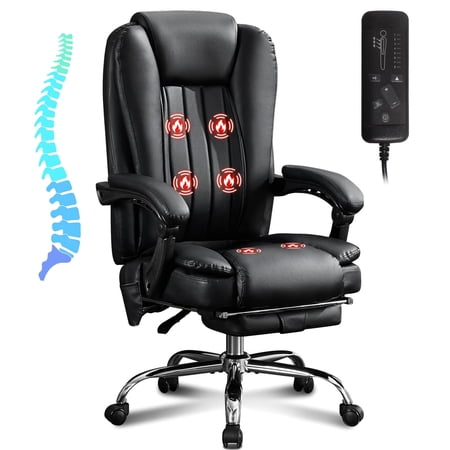
Spending long hours at a desk without proper support can take a toll on your body. The neck and back are particularly vulnerable to the effects of poor posture. An office chair to support neck and back is not just a luxury—it's a necessity for long-term health and productivity. These chairs are engineered with biomechanics in mind, offering targeted support to the cervical and lumbar regions.
Ergonomic Insight: According to a study published in the Journal of Physical Therapy Science, workers who used ergonomic chairs with neck and back support reported a 54% reduction in musculoskeletal discomfort over six months.
Key Ergonomic Features for Neck and Back Support
When shopping for an office chair, pay attention to these critical components that directly impact your spine health:
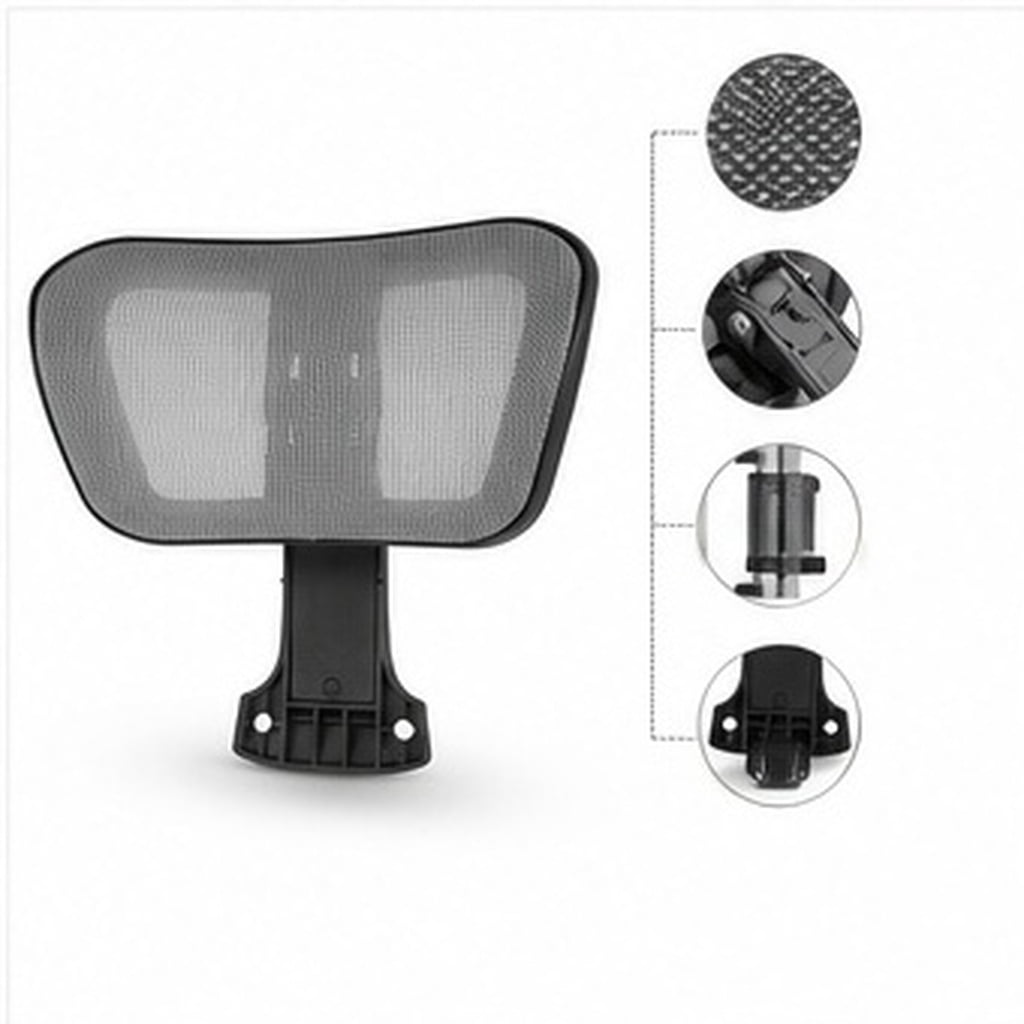
- Adjustable Headrest: Supports the natural curve of your neck and prevents forward head posture, reducing strain on the cervical spine.
- Lumbar Support System: Maintains the inward curve of the lower back, preventing slouching and reducing disc pressure.
- Dynamic Recline Mechanism: Allows the chair to move with your body, promoting micro-movements that nourish spinal discs.
- Seat Depth Adjustment: Ensures proper blood flow by allowing you to sit with your back against the backrest while leaving a 2-3 finger gap behind the knees.
- 4D Armrests: Help relieve shoulder tension by supporting your arms, preventing you from hunching your shoulders while typing.
How to Choose the Right Chair for Your Body
Selecting the ideal chair involves understanding your own body and work habits. Follow this step-by-step guide to ensure you pick a chair that offers personalized support for your neck and back:
1. Assess Your Body Dimensions
- Height: If you're over 5'10", look for a chair with a tall backrest and an adjustable headrest that reaches the base of your skull.
- Torso Length: The lumbar support should align with your natural waist curve. Measure your sitting height from the seat to the top of your shoulders.
- Weight: Ensure the chair's weight capacity comfortably exceeds your weight to guarantee durability and safety.
2. Analyze Your Work Setup
- Screen Height: Your monitor should be at eye level. The chair's headrest should allow your head to sit in a neutral, upright position when viewing the screen.
- Desk Height: The chair's seat height should allow your feet to rest flat on the floor with your thighs parallel to the ground.
- Movement: If you need to reach for documents or phone, choose a chair with a swivel base and smooth-rolling casters to minimize torso twisting.
3. Test Adjustability Range
- Headrest: Should adjust up/down and tilt forward/backward to cradle the occipital bone.
- Lumbar: Should move up/down and in/out for a snug fit against your lumbar curve.
- Backrest: Should offer independent tilt lock to maintain a comfortable recline angle.
Benefits of Using a Neck & Back Support Chair
Reduced Chronic Pain
Targeted support alleviates pressure points, reducing tension headaches and lower back pain.
Enhanced Productivity
Comfortable seating allows you to focus on tasks without constant shifting or discomfort.
Improved Posture
Proper alignment trains your body to maintain a healthy posture, even when standing.
Better Breathing & Circulation
Open chest and relaxed shoulders improve oxygen intake, while proper seat depth promotes blood flow.
The Science Behind Ergonomic Neck and Back Support
Many people underestimate the importance of proper seating. The spine is a complex structure that requires dynamic support. Static sitting forces your muscles to work overtime, leading to fatigue and micro-tears. An office chair to support neck and back uses synchronized tilt mechanisms that allow your body to move naturally, distributing weight across the spine and reducing localized pressure by up to 30%.
Understanding the Anatomy of a Supportive Office Chair
Let's break down the key components of an ideal ergonomic chair:
- Seat Pan: A waterfall-edge design reduces pressure behind the thighs, promoting circulation. Look for high-density foam or gel-infused padding that conforms to your shape without collapsing.
- Backrest: Should have an independent height adjustment mechanism to ensure the lumbar region aligns with your spine's natural curve. The frame should be rigid yet flex to absorb shocks from movement.
- Headrest: A 3D or 4D adjustable headrest provides the most flexibility, allowing you to lock it into a position that prevents your head from jutting forward. This is crucial for reducing stress on the cervical spine.
- Armrests: Should support your forearms at a 90-degree angle, taking weight off your shoulders and allowing your neck muscles to relax.
Common Mistakes When Choosing a Chair
- Mistake #1: Buying a chair based on aesthetics alone. Always prioritize adjustability and ergonomic ratings over looks.
- Mistake #2: Skipping the headrest. Even if your work doesn't require looking up, a headrest provides crucial support during breaks or when tilting back to think.
- Mistake #3: Assuming one-size-fits-all. Humans come in different proportions; test the chair's adjustability to ensure it fits your torso length.
- Mistake #4: Ignoring the recline mechanism. The ability to recline slightly reduces pressure on the lumbar discs by distributing your weight across the backrest.
Long-Term Value of an Ergonomic Chair
While high-quality office chairs with neck and back support may have a higher upfront cost, they are an investment in your health. Healthcare costs for chronic back pain can be substantial. Studies indicate that for every $1 spent on ergonomic improvements, businesses can see a return of up to $10 in reduced absenteeism and increased productivity.
Frequently Asked Questions About Office Chairs for Neck and Back
Conclusion: Invest in Your Health with the Right Chair
Your office chair is not just a piece of furniture—it is a critical tool for maintaining your well-being. By choosing an office chair to support neck and back, you are investing in a healthier, more productive future. The right chair will reduce pain, enhance focus, and support your body for years to come.
We encourage you to explore the options available and consider your specific ergonomic needs. Whether you prefer a high-back design with an adjustable headrest or a mid-back chair with a dynamic lumbar system, the key is to prioritize adjustability and quality materials. Your neck and back will thank you.