
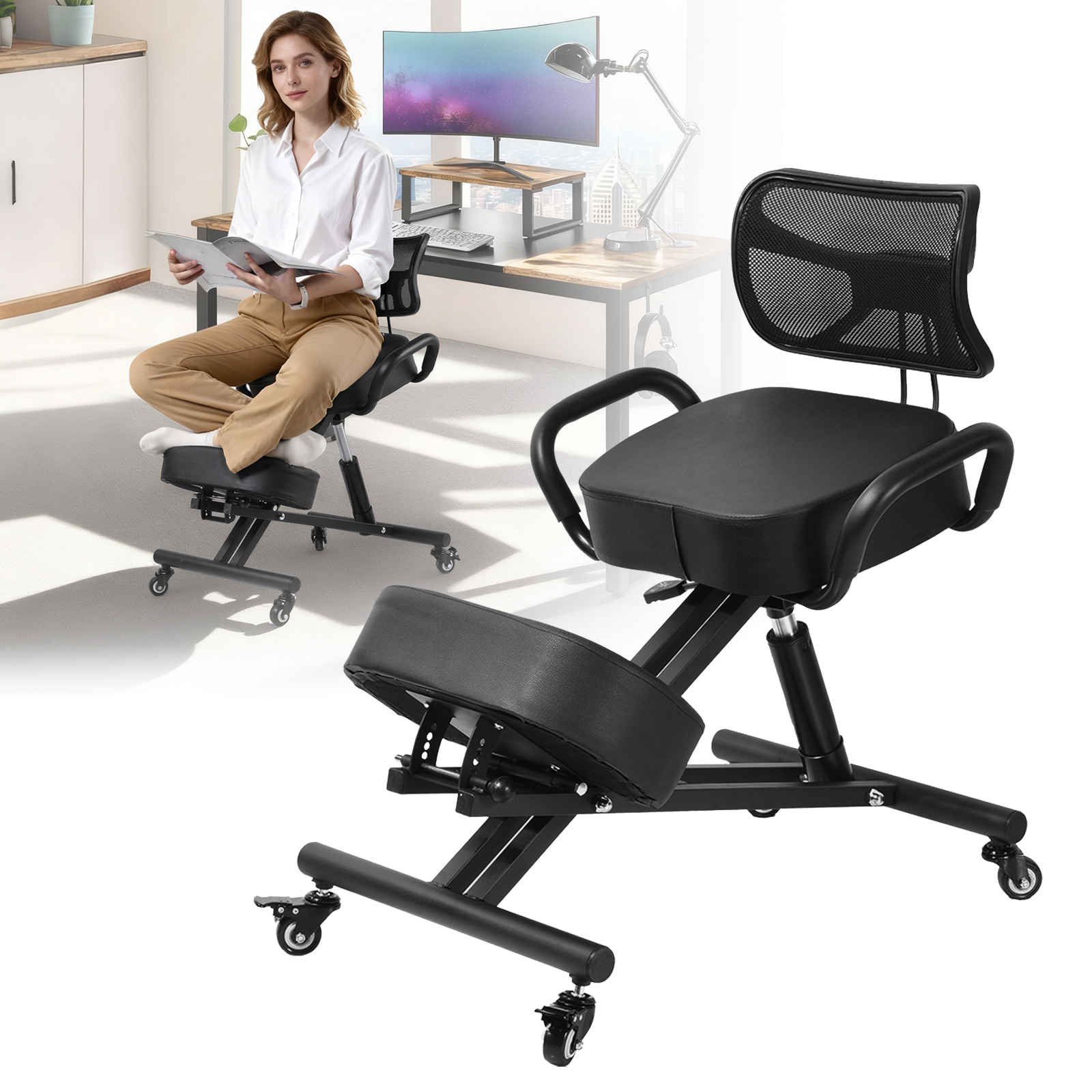
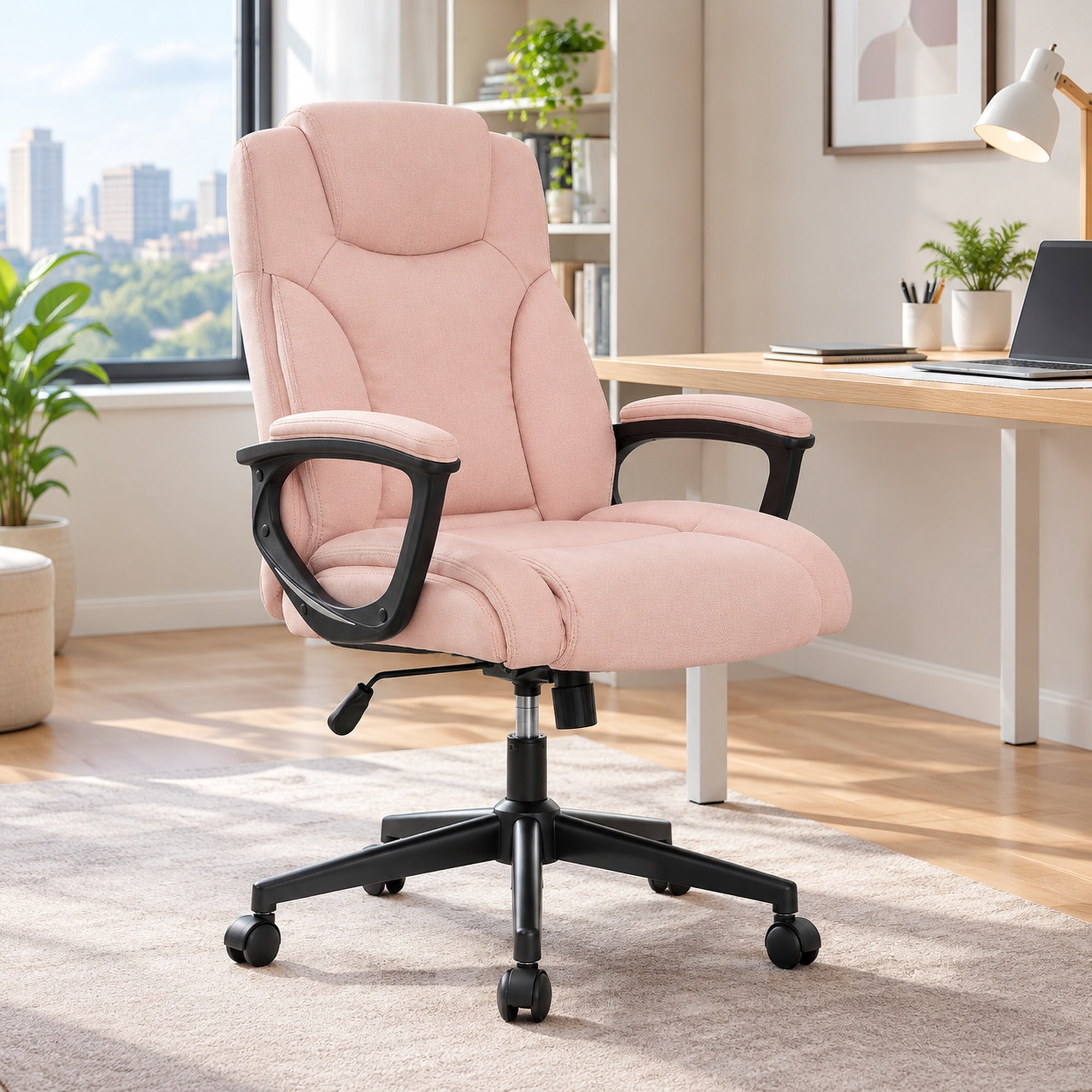
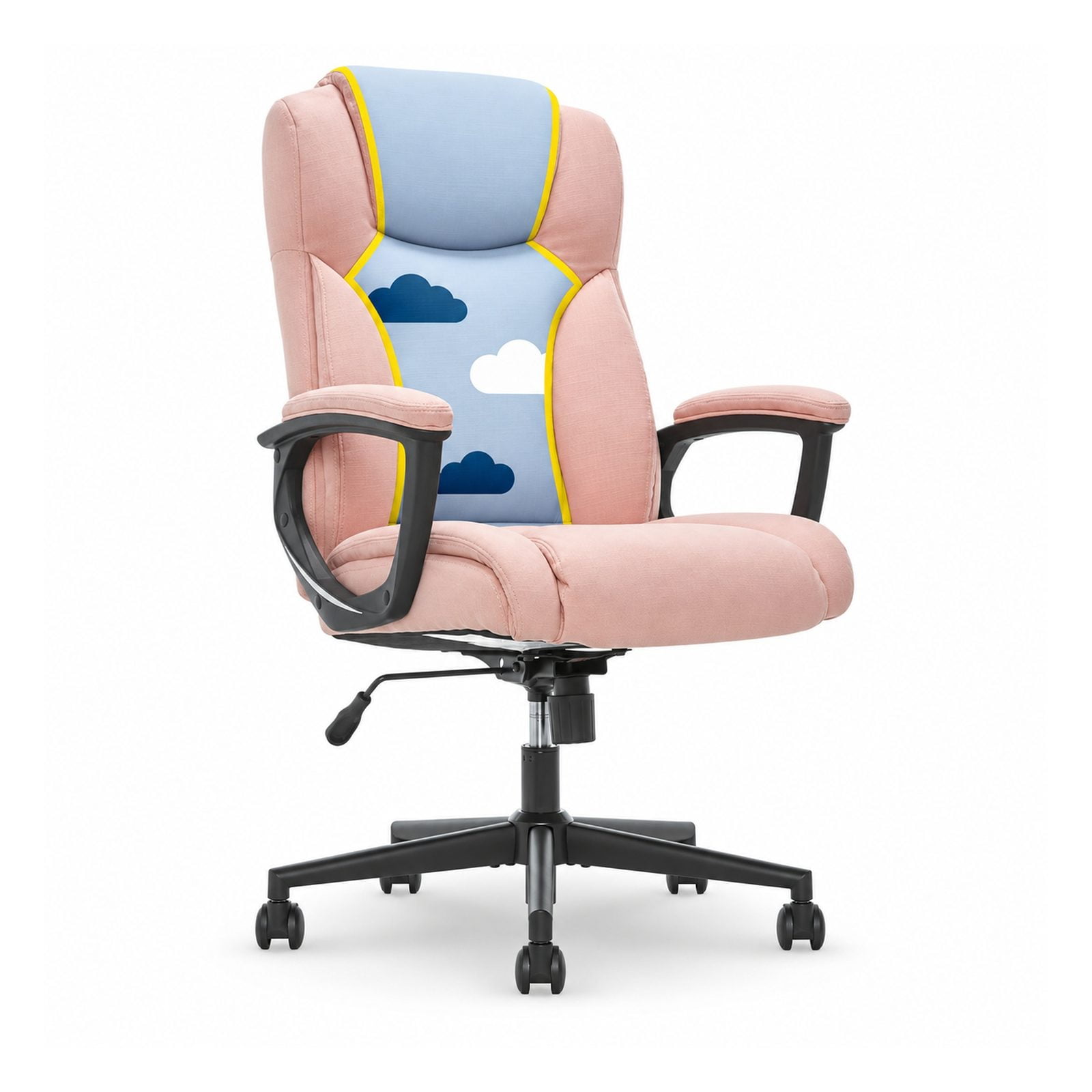
The Critical Link Between Your Office Chair and Back Health
For millions of professionals, back pain is an unwelcome daily companion. The culprit often isn't the workload, but the workspace—specifically, the chair. An inadequate chair forces your body into unnatural positions, straining muscles and compressing spinal discs. Investing in proper office chair support for back pain is not an expense; it's a crucial investment in your long-term health, productivity, and overall quality of life.
Ergonomic Insight: Studies show that sitting in a non-ergonomic chair can increase pressure on your lumbar discs by up to 40% compared to standing. A well-designed chair with proper support actively works to counteract this pressure, promoting a neutral, healthy spine alignment.
Anatomy of Support: Key Features for Back Pain Relief
Finding the right chair means understanding which features directly combat the root causes of sitting-related back pain. Here are the non-negotiable elements to look for:
- Dynamic Adjustable Lumbar Support: A static backrest won't work for everyone. You need a lumbar mechanism that you can adjust in both height (to fit your spine's curve) and depth (to control the amount of pressure). This is the cornerstone of effective back support.
- Seat Depth Adjustment: A seat that is too long will cut off circulation behind your knees, while a seat that's too short won't support your thighs. Look for a chair that allows you to slide the seat pan forward or back, ensuring you have 2-3 fingers of space between the edge of the seat and the back of your knees.
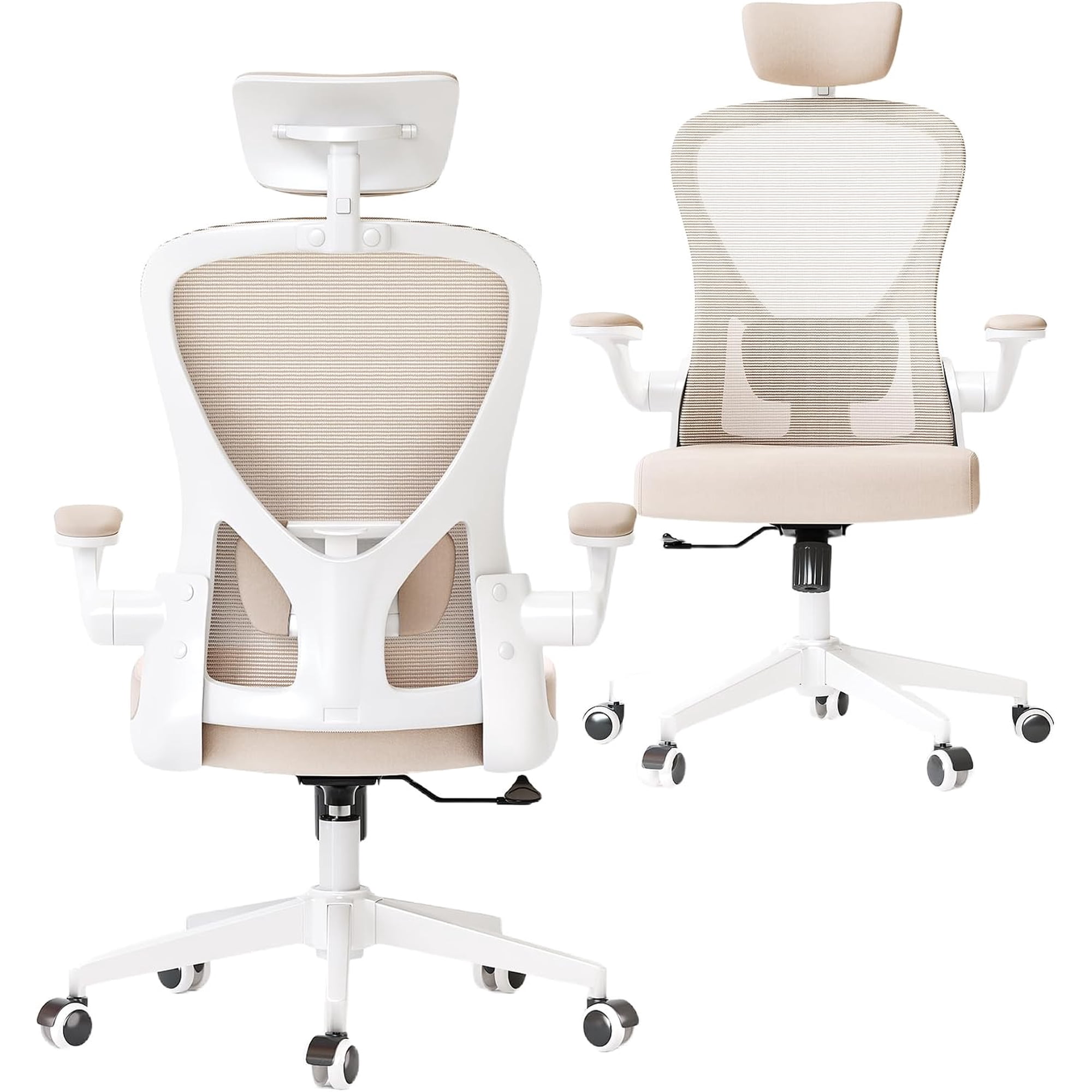
- Multi-Dimensional Armrests (4D): Adjustable armrests (up/down, in/out, pivot) allow you to rest your arms comfortably, taking the weight and strain off your shoulders, neck, and upper back. This prevents the hunched posture that contributes to mid-back pain.
- Recline Mechanism with Tension Control: A chair that allows you to recline and offers adjustable tension encourages dynamic movement. Changing your position throughout the day, even slightly, helps nourish spinal discs and reduce fatigue.
- High-Back Support: For those with upper back or neck pain, a high-back chair that provides support for the entire spine, including a headrest, can be invaluable. It promotes a neutral head position and reduces strain on the cervical spine.
Choosing Your Perfect Support: A Practical Guide
Selecting a chair is a personal journey. Use this structured guide to find the one that aligns with your body and needs.
Step 1: Identify Your Pain Points
- Lower Back (Lumbar): Your priority is a chair with an advanced, adjustable lumbar support system that can be fine-tuned to the curve of your spine.
- Upper Back & Shoulders: Focus on chairs with a high backrest, adjustable armrests, and the ability to recline. This helps open up the chest and reduce forward shoulder roll.
- Neck & Cervical Strain: A chair with an adjustable headrest is non-negotiable. Look for one that supports the natural curve of your neck, not just the back of your head.
Step 2: Understand Your Work Style
Matching Support to Activity
You need a chair with a firm, upright lock and strong lumbar support to encourage an alert, engaged posture.
Comfort and subtle movement are key. Look for a chair with a soft-tilt recline and well-padded, adjustable armrests.
You'll benefit from a chair that offers a full recline for thinking sessions and a swivel base for easy movement.
Step 3: Evaluate Material for Your Environment
The material of your chair affects comfort and maintenance, which indirectly impacts your pain levels.
Beyond the Chair: Habits for a Healthy Spine
While a supportive chair is foundational, it's most effective when combined with healthy habits. Even the best office chair support for back pain can't compensate for staying static all day.
Take Micro-Breaks
Stand up, stretch, and walk for 2 minutes every 30-60 minutes. This resets your posture and promotes blood flow.
Practice the 90-90-90 Rule
Your hips, knees, and ankles should all be at approximately 90-degree angles. Use a footrest if your feet don't rest flat on the floor.
Align Your Screen
The top of your monitor should be at or slightly below eye level. This prevents you from craning your neck forward.
Integrate Core Strengthening
A strong core supports your spine. Simple exercises like planks and bird-dogs can dramatically reduce back pain over time.