
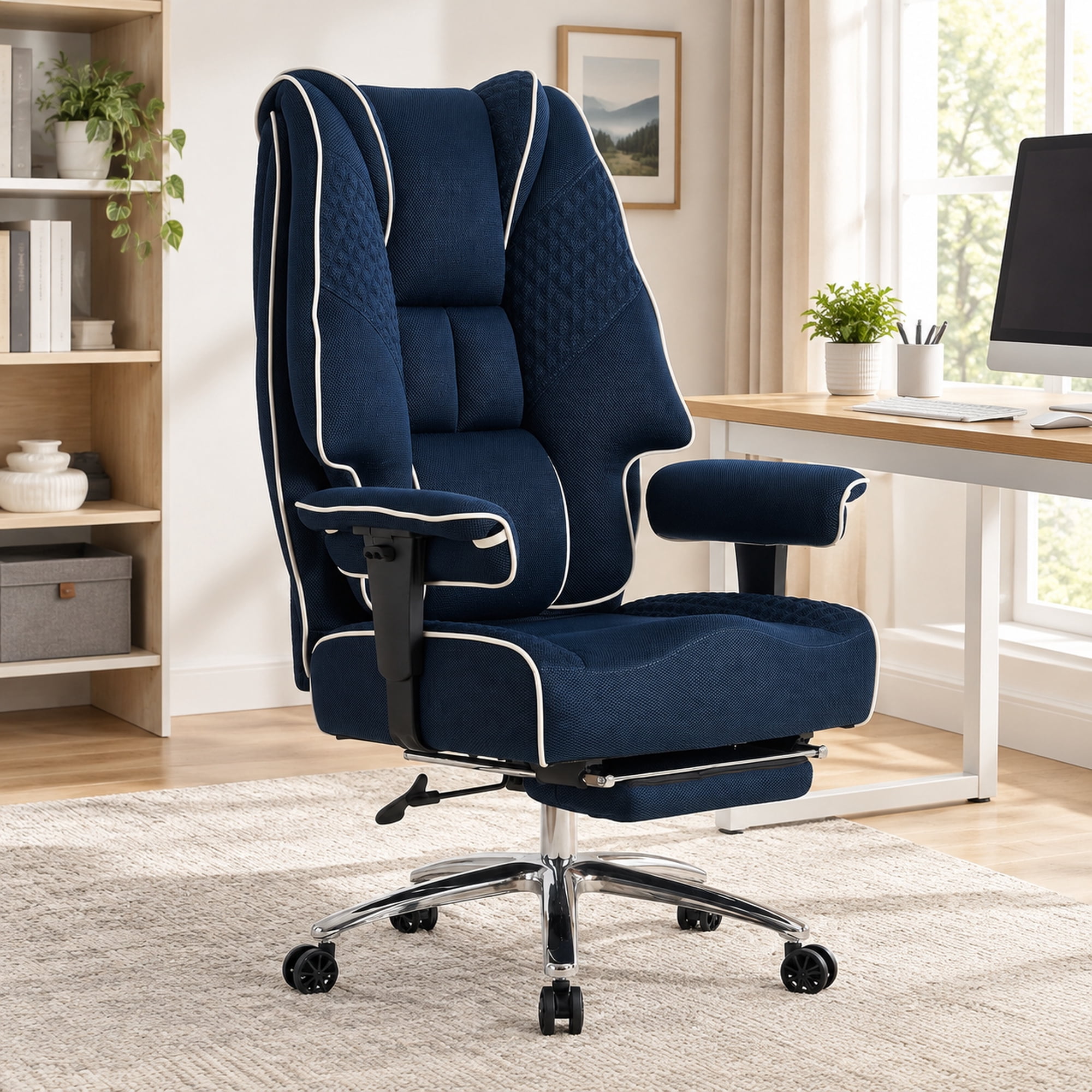
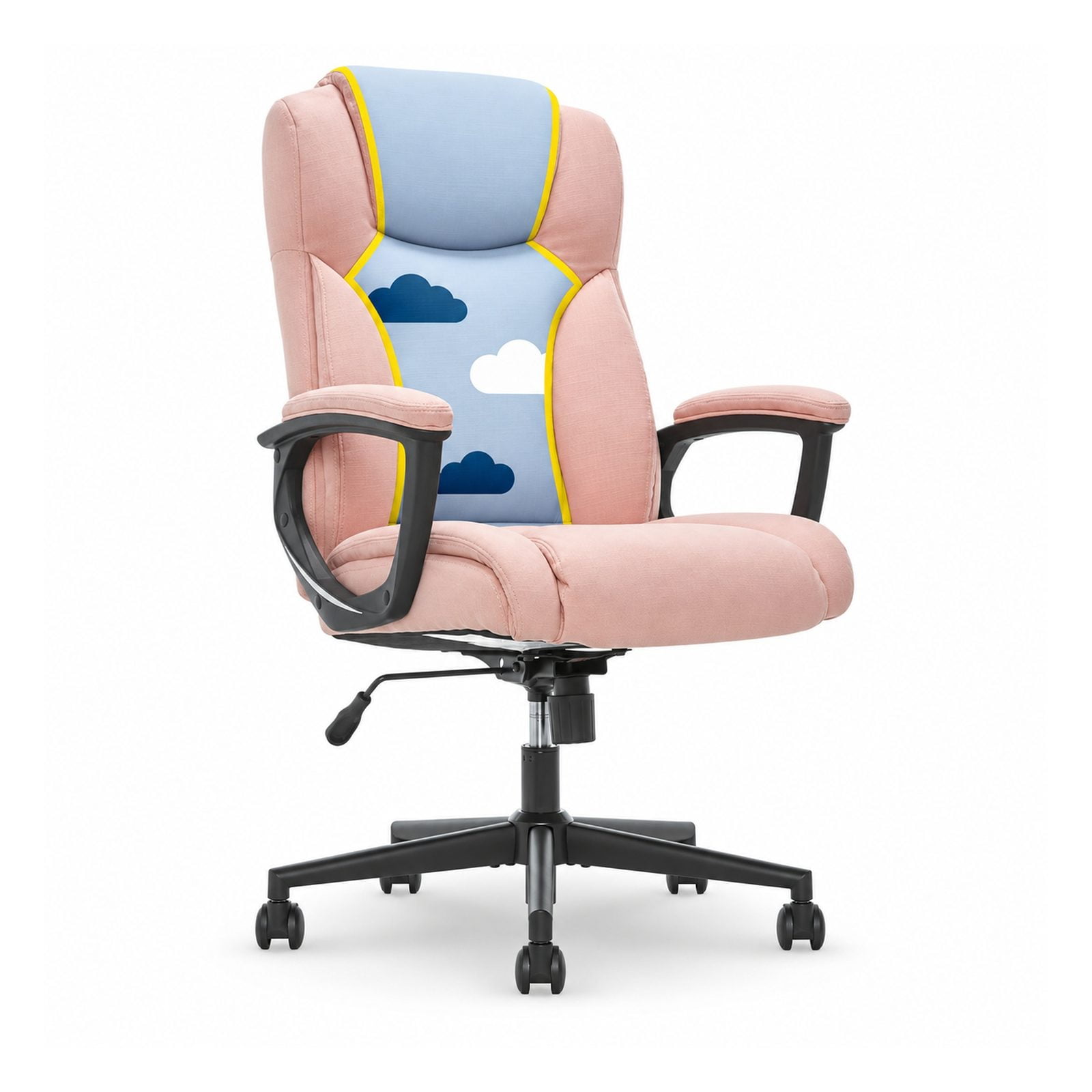
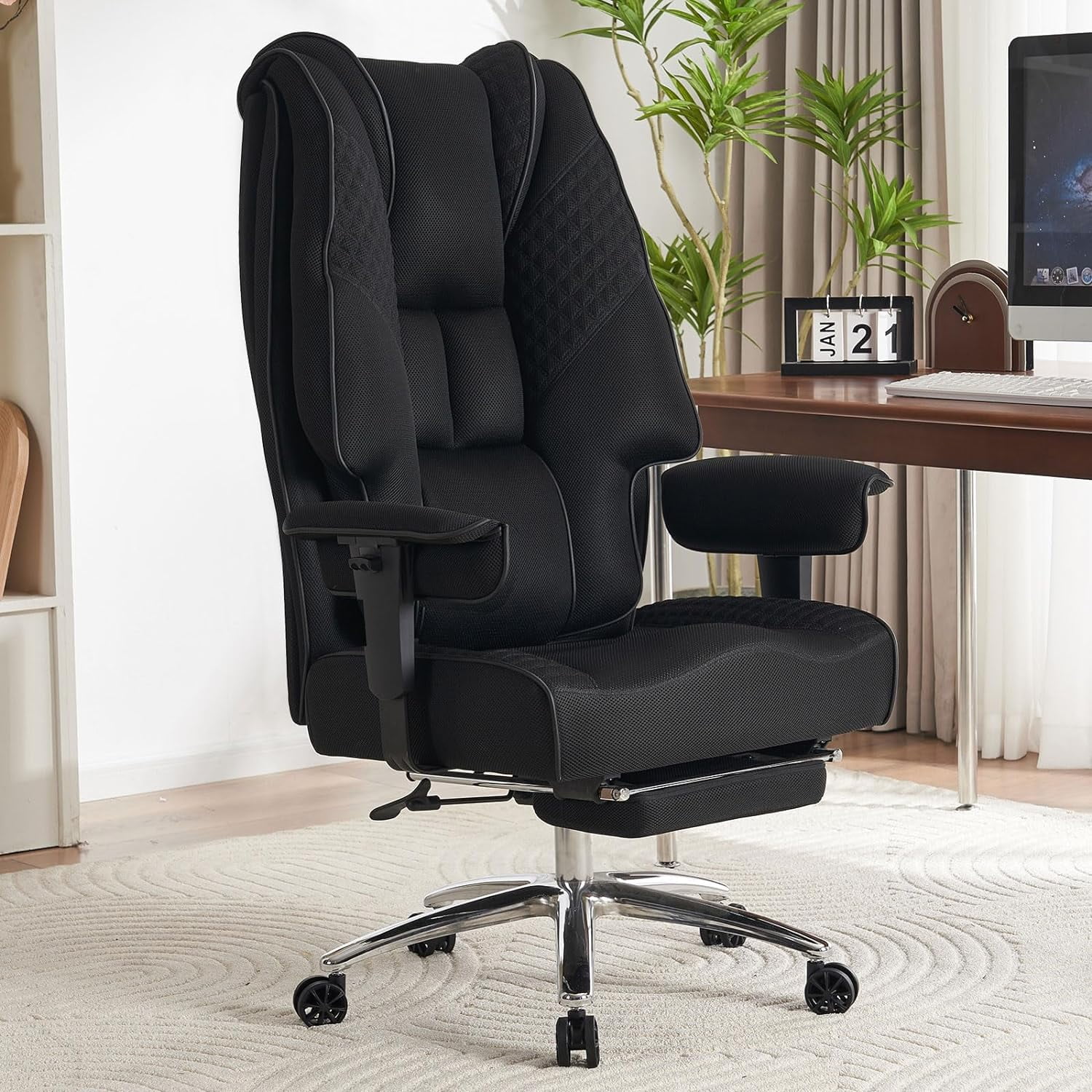
Why Lower Back Pain Demands a Specialized Comfort Chair
Lower back pain (LBP) affects nearly 80% of desk workers at some point, according to global ergonomic surveys. When you sit for extended periods, the pressure on your lumbar discs increases by up to 40% compared to standing. A generic chair simply cannot counteract this. The most comfortable office chair for lower back pain is engineered to maintain the natural S‑curve of your spine, reduce muscle tension, and promote micro‑movements that keep your back healthy.
🔬 Ergonomics Fact: Research from Cornell University shows that using a chair with adjustable lumbar support and seat depth can reduce lower back discomfort by over 60% within two weeks of consistent use. The key is matching the chair to your body’s unique proportions.
5 Critical Features for Lower Back Comfort (Non‑Negotiable)
1. Dynamic Lumbar Support
Static pillows aren’t enough. Look for chairs with height‑adjustable and depth‑adjustable lumbar mechanisms. Some premium models even offer air‑inflatable lumbar cushions that mold perfectly to your spinal curve.
2. Seat Depth & Tilt
A sliding seat pan (2‑4 inches) ensures you maintain proper thigh support without restricting circulation. Combined with a forward tilt option, it helps open the hip angle and reduces lumbar stress.
3. 4D Armrests
Armrests that adjust up/down, in/out, pivot and width allow your shoulders to relax, preventing upper body tension that often translates to lower back compensation.
4. High‑Density Memory Foam or Advanced Mesh
Durable cushioning prevents bottoming out after hours of sitting. Breathable mesh backs keep your spine cool and contour like a hammock for even weight distribution.
5. Synchronized Recline Mechanism
When you lean back, the seat and back move in a 2:1 ratio — this maintains spinal alignment and allows you to shift postures, giving your discs a break.
Material Face‑Off: Which One Helps Your Back Most?
Not all materials provide equal relief. Here’s how to decide based on your pain patterns and environment:
- Breathable Mesh Back + Fabric Seat: Ideal for users who tend to run warm or sit 8+ hours. Mesh provides gentle, adaptive lumbar support without pressure points. The combination of mesh back with a cushioned seat balances comfort and support.
- Premium Leather / Faux Leather: Offers a luxurious feel and is easy to clean, but may trap heat. Choose leather chairs with built‑in active lumbar mechanisms, not just padded curves.
- High‑Quality Fabric (Wool Blend, 3D Knit): Strikes a balance between softness and durability. Many high‑end ergonomic chairs use tension‑adjustable fabric that cradles the lower back.
The Connection Between Posture, Spinal Alignment, and Chair Design
Imagine your spine as a stack of building blocks. When slouching, the blocks tilt forward, straining ligaments and muscles. The most comfortable chair for lower back pain acts like a scaffold that keeps the blocks aligned. Modern ergonomic chairs incorporate pelvic support — a curved backrest that cradles the sacrum — which is essential for preventing the “C‑curve” slump.
✅ Quick Self‑Assessment: Is Your Current Chair Causing Pain?
- Do your thighs feel numb after sitting?
- Do you constantly shift positions to find a comfortable spot?
- Is the lumbar support too high (hits mid‑back) or too low?
- Does the chair tilt back without resistance, making you lean forward?
If you answered “yes” to any, upgrading to a purpose‑built ergonomic model can be life‑changing.
Ergonomic Chairs vs. “Comfort” Chairs — Understanding the Difference
A plush, oversized executive chair might feel like a cloud for the first hour, but without adjustable support, it often leads to “bottoming out” and poor lumbar engagement. In contrast, ergonomic chairs prioritize adjustability over initial softness. They may feel firmer initially, but they distribute weight evenly and provide targeted relief where you need it. For lower back pain, always choose a chair that allows you to dial in the fit, rather than one that offers generic padding.
Setting Up Your Chair for Optimal Lower Back Relief
Even the most expensive chair won’t help if it’s misconfigured. Follow these steps to maximize comfort:
- Foot placement: Your feet should rest flat on the floor. Use a footrest if needed to avoid dangling legs, which can pull on the lower back.
- Seat height: Thighs parallel to the floor, elbows at desk height (90° angle).
- Lumbar adjustment: Position the lumbar curve so it fits into the small of your back — not above or below.
- Recline tension: Set the tilt resistance so you can lean back comfortably without feeling you’re being thrown forward.
- Armrest alignment: Rest your forearms lightly; shoulders should be relaxed, not shrugged.
According to the American Chiropractic Association, combining a well‑adjusted chair with micro‑breaks (stand up every 30‑45 minutes) amplifies relief and prevents muscle fatigue.
Common Myths About Office Chairs and Back Pain
- Myth: “A firmer chair is always better.” — Reality: Support is about contouring, not hardness. A chair that matches your body’s curves provides more relief.
- Myth: “Expensive chairs are only for executives.” — Reality: Ergonomic chairs are a health tool; many mid‑range models ($500–$900) offer excellent lumbar adjustability.
- Myth: “I just need a good cushion.” — Reality: Cushions can help, but they don’t fix a chair’s flawed lumbar design. A holistic chair solution is superior.
Why Adjustability Is Your Best Ally Against Chronic Discomfort
No two bodies are identical, and pain points vary. A chair with 6+ adjustment points (seat depth, backrest height, lumbar depth, armrest width/angle, tilt lock, tension) ensures that you can micro‑calibrate your seating experience. This personalization is what makes a chair truly comfortable for lower back pain — it adapts to you, not the other way around.
Conclusion & Final Guidance: Invest in Your Spine Today
Lower back pain shouldn't be part of your daily work life. The most comfortable office chair for lower back pain is an investment that pays dividends in productivity, focus, and long‑term spinal health. Look for chairs with independently adjustable lumbar support, seat depth, and high‑quality materials that maintain their structural integrity for years. Combine your chair with proper ergonomic habits — and you’ll experience a transformation in how your back feels at the end of each workday.
Remember, the products featured above are curated based on their ergonomic features, user reviews, and proven back‑pain relief performance. Whether you prefer the cooling breathability of mesh or the plush support of high‑density foam, your ideal chair is one that brings your spine into a neutral, supported posture — hour after hour.