
Why Ergonomic Office Chair Support Is Non-Negotiable for Modern Professionals
In today's work environment, where remote and hybrid models have blurred the lines between office and home, the quality of your seating has never been more critical. Ergonomic office chair support goes beyond simple comfort—it's a proactive investment in your musculoskeletal health, cognitive performance, and long-term vitality. According to the Occupational Safety and Health Administration (OSHA), work-related musculoskeletal disorders account for over 33% of all worker injury costs. A chair with comprehensive ergonomic support is your first line of defense.
📊 Research Insight: A 2023 study published in the Journal of Physical Therapy Science found that participants using fully adjustable ergonomic chairs with dynamic lumbar support reported 58% less lower back pain after 6 weeks compared to those using standard task chairs. The key was personalized support alignment.
The Anatomy of True Ergonomic Support: More Than a Cushion
Think of ergonomic support like a tailored suit—it must adapt to your unique contours. Below are the pillars of genuine ergonomic office chair support, each playing a critical role in maintaining your body’s equilibrium during extended sitting.
1. Dynamic Lumbar System
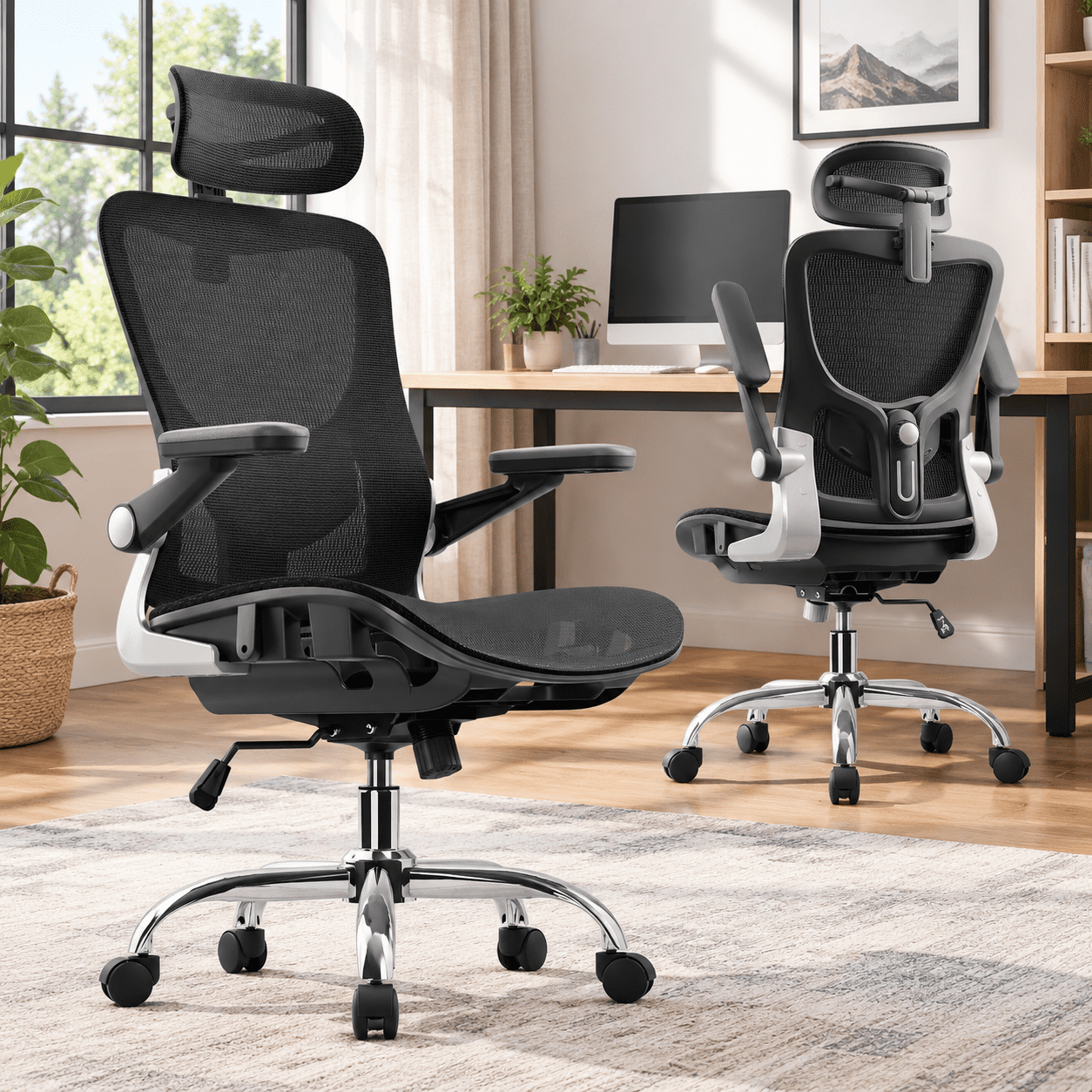
Static backrests are obsolete. Modern ergonomic chairs feature adjustable lumbar that moves with you. Look for both height and depth adjustment to fill the lumbar curve precisely. Premium models offer "active lumbar" that automatically adapts to your micro-movements, ensuring continuous spinal support without manual tweaking.
2. Seat Depth & Pan Tilt
A common cause of thigh numbness and poor posture is a seat that's too deep or shallow. Adjustable seat depth (glide function) allows you to maintain a 2-3 finger gap behind your knees, promoting circulation. Seat angle tilt (waterfall edge) reduces pressure on the back of the thighs, preventing fatigue.
3. 4D Armrests
Armrests aren't just for elbows—they support your shoulders and neck. 4D armrests (height, width, depth, and pivot) ensure your arms rest at a 90-degree angle, keeping shoulders relaxed and preventing slouching. This is critical for avoiding trapezius muscle strain during typing or mouse work.
4. Cervical Head Support
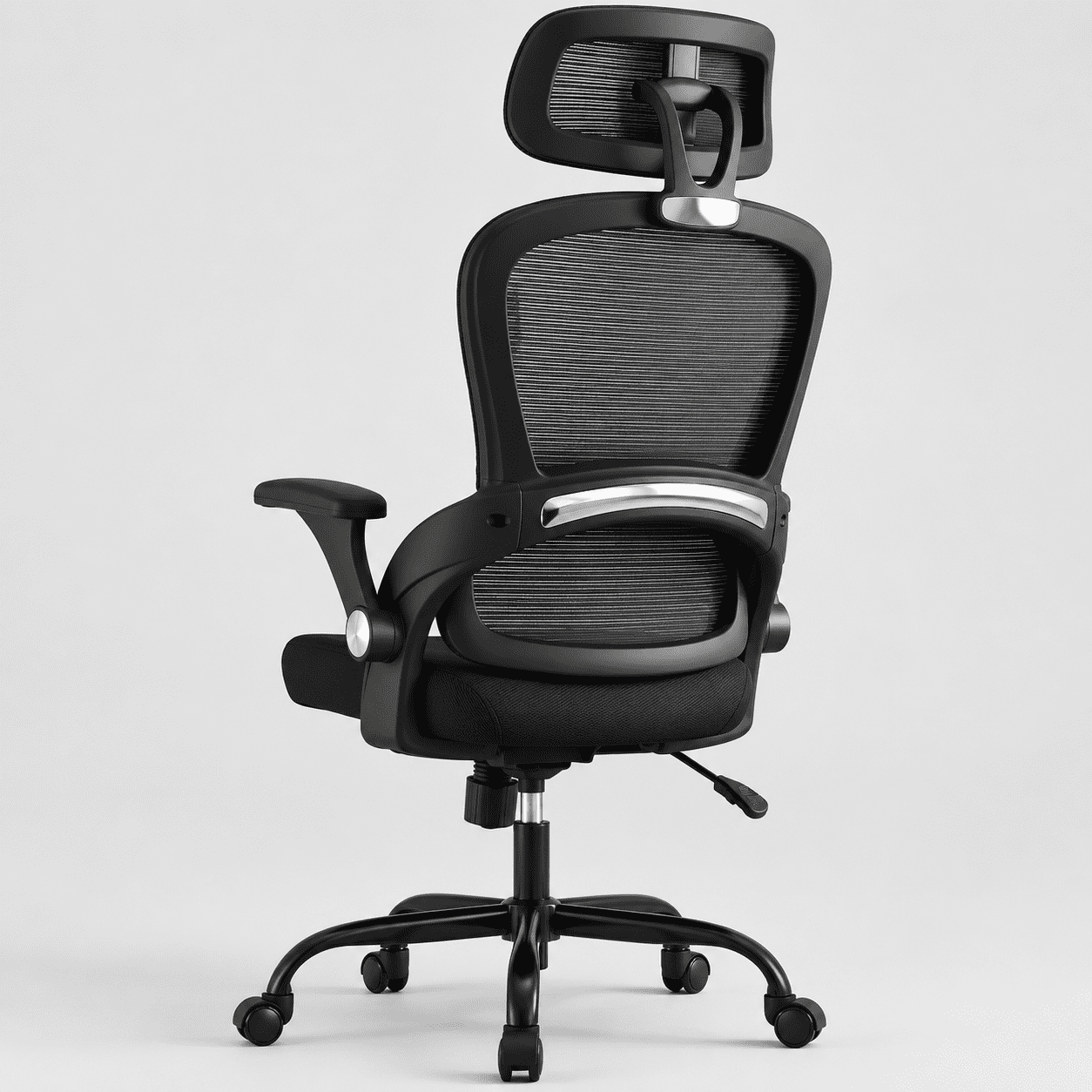
For those working long hours or prone to neck stiffness, an adjustable headrest aligns the cervical spine. A good headrest should move vertically and have an angular tilt to support the natural curve of the neck during both upright work and reclined thinking sessions.
How to Choose the Right Ergonomic Support Level for Your Body
Selecting an ergonomic chair isn’t about picking the most expensive model—it’s about matching support features to your specific physical needs and work habits. Follow this step-by-step evaluation:
Step 1: Identify Your Primary Pain Points
- Lower back discomfort: Prioritize chairs with independent lumbar depth/height control.
- Shoulder/neck tension: Look for synchronized armrests and an adjustable headrest.
- Hip or leg numbness: Seat depth adjustment and a forward-tilt mechanism are essential.
- General fatigue: A chair with multiple recline angles and tension control encourages movement.
Step 2: Understand Support Zones
Step 3: Test for Real-World Support
If possible, sit in the chair for at least 15–20 minutes. Simulate typing, leaning back, and side movements. The support should feel "invisible"—you shouldn't be actively fighting the chair to maintain good posture. High-quality ergonomic chairs allow you to make micro-adjustments without leaving the seat.
🔹 Pro Tips to Maximize Your Ergonomic Chair Support
- Align monitor height: Even the best chair fails if your screen is too low. Use a riser so the top of the monitor is at or slightly below eye level.
- Use the tilt mechanism: Dynamic sitting—changing your recline angle by 10–15 degrees throughout the day—prevents static muscle fatigue.
- Re-adjust after lunch: Your posture and spine hydration change during the day; a quick lumbar depth tweak can restore support.
- Combine with movement breaks: Ergonomic support works best when paired with a 2-minute stretch every 45 minutes.
Support Features Comparison: Standard vs. Advanced Ergonomic Chairs
| Support Feature | Basic Office Chair | Premium Ergonomic Chair |
|---|---|---|
| Lumbar Support | Fixed foam pad (one size) | Independent height + depth adjustment / dynamic tension |
| Seat Depth | Fixed or minimal slide | Full glide (5+ cm) with tilt-angle lock |
| Armrest Adjustability | Height only (or fixed) | 4D: height, width, depth, pivot |
| Headrest | None or non-adjustable | Height + angle adjustable, sometimes with depth |
| Recline Mechanism | Single lock, minimal resistance control | Synchronized tilt with variable tension & seat angle following |
Common Ergonomic Support Myths Debunked
Many professionals misunderstand what truly constitutes effective ergonomic support. Let’s clarify a few common misconceptions:
- Myth: A thicker seat cushion means better support. Truth: Too-soft foam can destabilize your pelvis. High-resilience foam or multi-layer construction with a firm base offers proper support without sinking.
- Myth: Lumbar support is only for people with existing back pain. Truth: Preventive ergonomic support maintains spinal alignment and delays disc degeneration, benefiting everyone who sits for extended periods.
- Myth: Once you set your chair, you’re done. Truth: Your body changes throughout the day; fine-tuning adjustments (like armrest width) can prevent afternoon slump.
Frequently Asked Questions About Ergonomic Office Chair Support
Conclusion: Your Path to Sustainable Comfort and Productivity
Investing in a chair with superior ergonomic office chair support is one of the most impactful decisions you can make for your career longevity and daily wellbeing. The right chair adapts to you—not the other way around—offering adjustable lumbar, seat depth, armrests, and recline mechanisms that work as an integrated system. By prioritizing support features over aesthetics alone, you safeguard your spine, enhance mental clarity, and project an image of professionalism that starts with self-care.
Remember, the best ergonomic chair is one that fits your unique proportions and encourages movement. Use the guidelines above to evaluate your options, and don’t hesitate to test multiple models to find your perfect support match. Your future self (and your back) will thank you.