
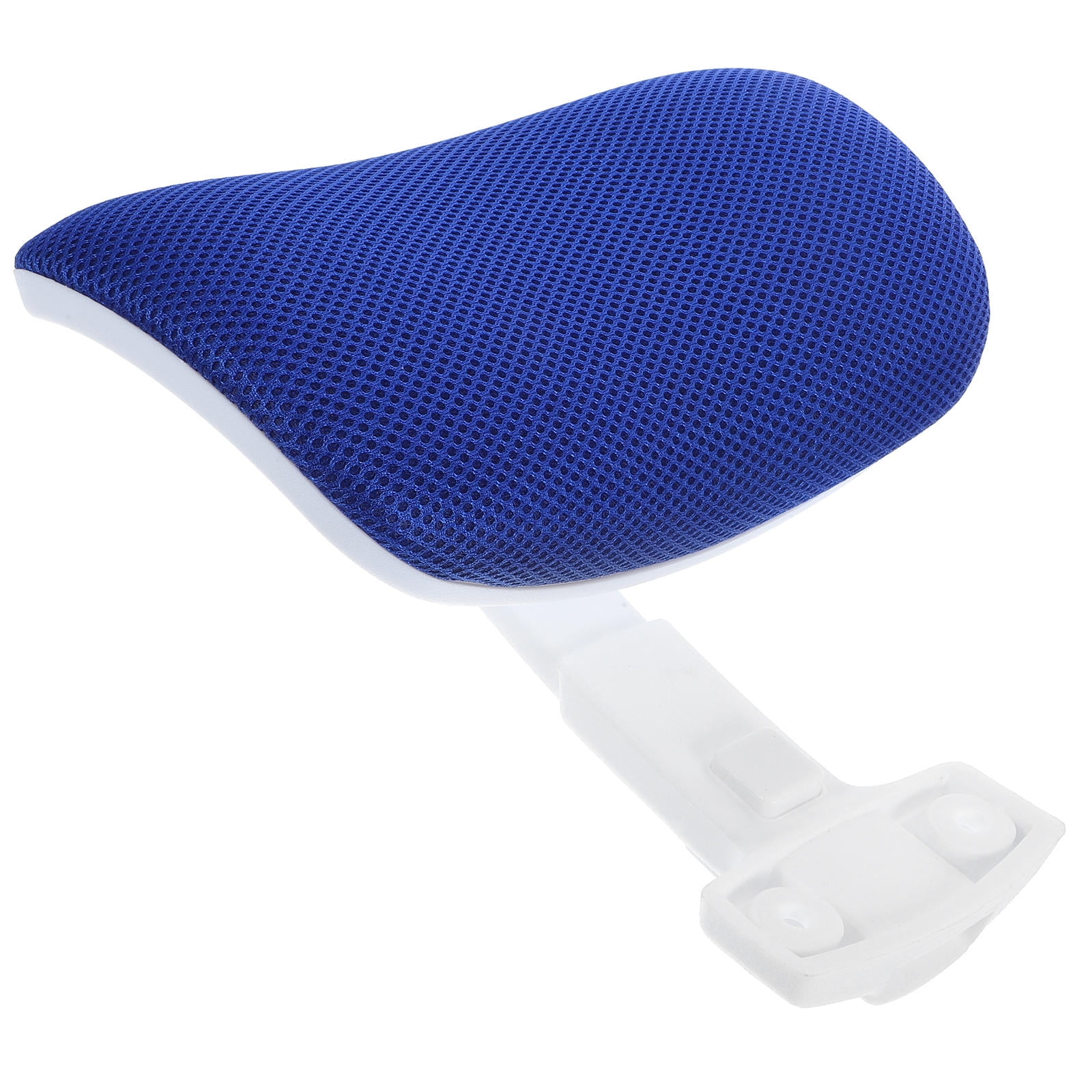
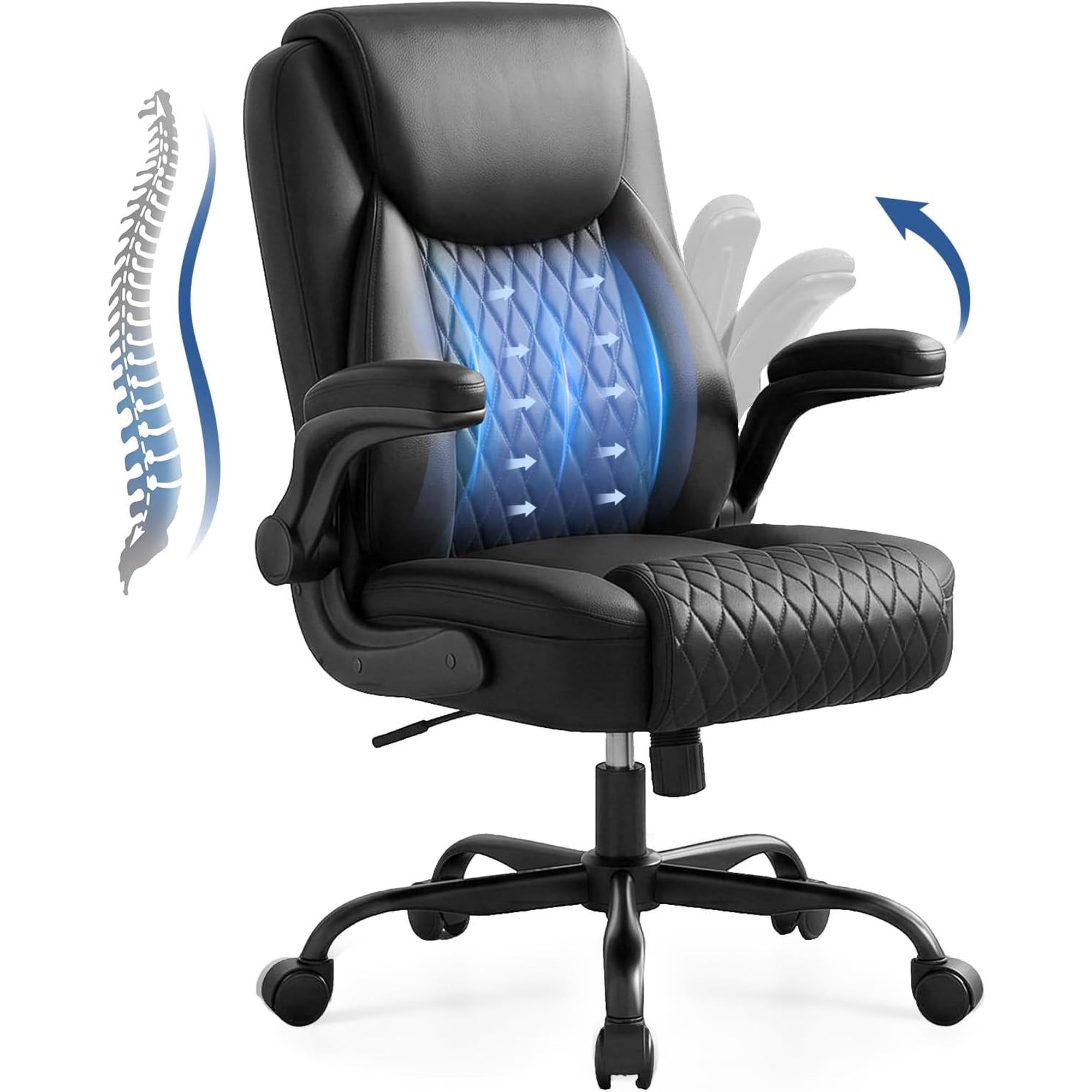

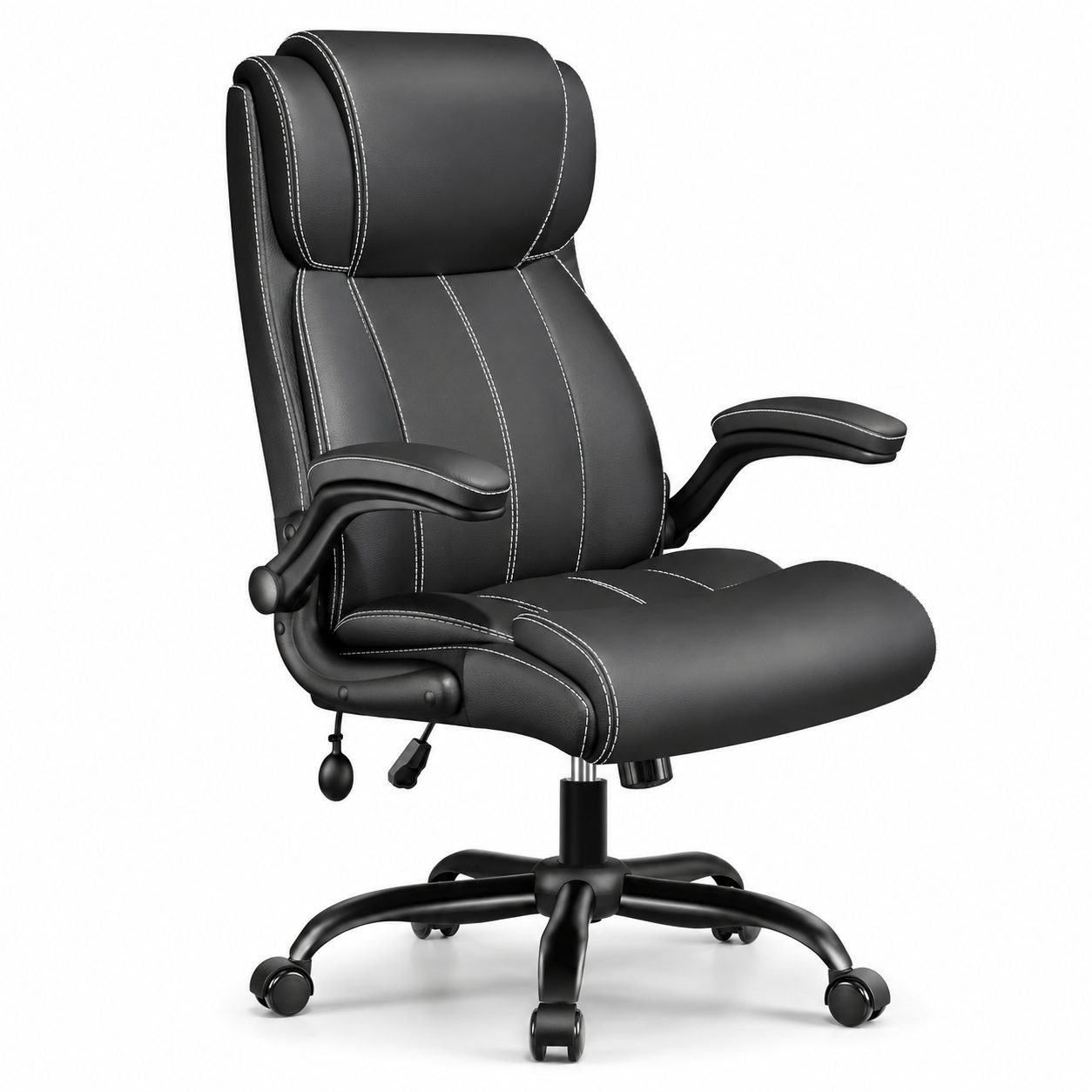
Why Neck Support Defines True Comfort in Office Seating
Picture your ideal workday: you’re focused, ideas flow, and hours pass without the nagging distraction of a stiff neck or tension headache. For most professionals, this remains a fantasy—not because they lack skill, but because their chair treats the neck as an afterthought. The most comfortable office chair with neck support does more than cradle your head; it acts as a foundational tool for spinal health, cognitive clarity, and sustained energy.
When the cervical spine is unsupported, your body compensates by tensing the trapezius and levator scapulae muscles. Over weeks and months, this leads to chronic pain, reduced range of motion, and even decreased concentration. According to ergonomics studies, a correctly positioned headrest can reduce upper body muscle activity by up to 34%, freeing your mind to focus on strategy rather than discomfort.
Ergonomic Insight: The headrest isn't just a luxury—it's a biomechanical necessity. Your head weighs about 10-12 pounds, and for every inch it shifts forward, the load on your neck muscles increases dramatically. A supportive chair acts as a counterbalance, preventing the dreaded "forward head posture" that plagues desk workers.
Key Anatomy of a Comfortable Chair with Neck Support
Not all chairs with headrests are equal. To achieve the title of "most comfortable office chair with neck support," a model must integrate several critical components that work in harmony. Let’s dissect these elements:
- Multi-Dimensional Headrest: Look for height adjustment (at least 3-4 inches) and tilt angle. Premium versions offer pivot points that allow the headrest to follow your recline motion, maintaining contact whether you’re upright or leaning back for deep thought.
- Synced Lumbar and Cervical Curve: The backrest should promote a slight S-curve. When the lumbar region is properly supported, the neck naturally falls into alignment with the headrest. Disjointed support defeats the purpose.
- Seat Depth & Pan Tilt: To benefit from neck support, your hips must be positioned correctly. Seat depth adjustment (16-20 inches) ensures you can sit with your back flush against the backrest while leaving a fist-sized gap behind the knees.
- Responsive Cushioning: Memory foam, high-density polyurethane, or advanced mesh with tension control—the material must cradle without sagging. Durable upholstery also maintains support over years of use.
Who Benefits Most from an Ergonomic Chair with Headrest?
Remote Professionals
Long hours in home offices often mean less-than-ideal setups. A dedicated neck support chair creates a designated ergonomic zone, signaling your body it's time to work while protecting your posture.
Hybrid & Executives
Executives alternating between desk work and video calls need a chair that looks professional and offers dynamic neck support. Adjustable headrests allow for quick shifts between screen-focused tasks and relaxed consultation.
Creatives & Designers
Extended focus sessions require minimal physical distraction. The right neck support enables 'flow state' by eliminating micro-adjustments caused by muscle fatigue.
Anyone Recovering from Injury
For those dealing with cervical radiculopathy or chronic tension, a chair with precise headrest adjustment can be part of a recovery regimen, reducing strain on sensitive nerves.
Materials and Durability: What to Look For
The materials used in construction affect not only comfort but also how well the chair retains its supportive properties. Here's a breakdown:
- Premium Mesh: Ideal for breathability and responsive support. Look for mesh with multiple zones of tension to prevent sagging around the headrest area.
- Leather (Genuine or High-Quality Faux): Offers a classic executive feel and easy cleaning. Ensure the headrest foam is high-density to avoid flattening.
- Fabric Upholstery: Often provides a 'homey' comfort. Seek stain-resistant treatments and reinforced stitching in the headrest region.
Durability is equally crucial. A chair with a 10-year warranty on the frame and 5 years on moving parts indicates manufacturer confidence. The gas lift (Class 4) should support frequent height adjustments without failing, and casters should match your floor type (hard floor or carpet).
Pro Tip: The 90-90-90 Rule with Neck Support
For ultimate comfort, combine chair features with proper setup: feet flat on floor (90° at ankles), knees level with hips (90° at knees), and elbows at desk height (90° at elbows). Then, adjust the headrest so your ears align with your shoulders, and the headrest cradles the base of your skull. This trifecta unlocks the full potential of your ergonomic chair.
Common Myths About Office Chairs and Neck Comfort
Misinformation often leads to poor choices. Let's clarify a few misconceptions:
- Myth: Headrests are only for reclining.
Truth: A well-designed headrest supports the neck even when sitting upright, preventing forward head translation. - Myth: More padding equals better neck support.
Truth: Excess padding can misalign the spine. Firm, contoured support that holds shape is superior. - Myth: All ergonomic chairs have adequate neck support.
Truth: Many 'ergonomic' chairs omit headrests or offer non-adjustable versions. True neck support requires intentional adjustability.
Step-by-Step: How to Evaluate Your Ideal Chair
1. Assess Your Body & Workspace
Measure your torso length (from seat to top of head) to ensure the headrest height range fits you. Consider desk height: if your desk is fixed, ensure the chair’s minimum height allows proper arm positioning while using the headrest.
2. Prioritize Adjustability Over Aesthetics
While design matters, test or verify that the headrest offers at least 3-4 inches of vertical travel and tilt. 4D armrests (height, width, pivot, depth) complement neck support by allowing relaxed shoulders.
3. Test the Synergy of Recline
If you recline often, check if the headrest moves with the backrest or can be independently adjusted in recline. Some premium chairs have a "synchronous" mechanism that maintains the angle between headrest and backrest for continuous support.
4. Consider Weight Capacity and Build
Look for a chair rated for at least 300 lbs, which typically indicates robust construction. The base should be wide and stable, especially if you plan to recline frequently.
Maintaining Your Investment: Care Tips for Longevity
Even the most comfortable office chair with neck support will degrade without proper care. To ensure your chair remains supportive for a decade:
- Clean the headrest and backrest regularly with manufacturer-recommended cleaners (especially important for leather and fabric).
- Check gas lift and tilt mechanisms every 6 months; a drop of silicone lubricant can prevent squeaking.
- Avoid sitting on the headrest or leaning on it with excessive force (it’s for neck support, not a shelf).
- If casters become stiff, clean debris or replace with rollerblade-style wheels for smooth movement.
Remember, the chair is an active part of your health toolkit. A small maintenance routine extends its ergonomic life and protects your neck for years.