
Why Lumbar Support is the Backbone of Office Ergonomics
Imagine your spine as a bridge with a perfect arch. Sitting for long hours without proper support is like driving trucks over a bridge with a missing keystone. That keystone for your seated posture is lumbar support for office chair seating. Without it, the lower back (lumbar region) flattens, muscles overwork, and discs compress. According to the American Chiropractic Association, 80% of people will experience back pain, and prolonged poor sitting is a leading contributor.
1. The Anatomy of Great Lumbar Support
Not all lumbar supports are created equal. The best systems mimic the spine's natural inward curve (lordosis) and adapt to your unique shape. Here are the three main types you'll encounter:
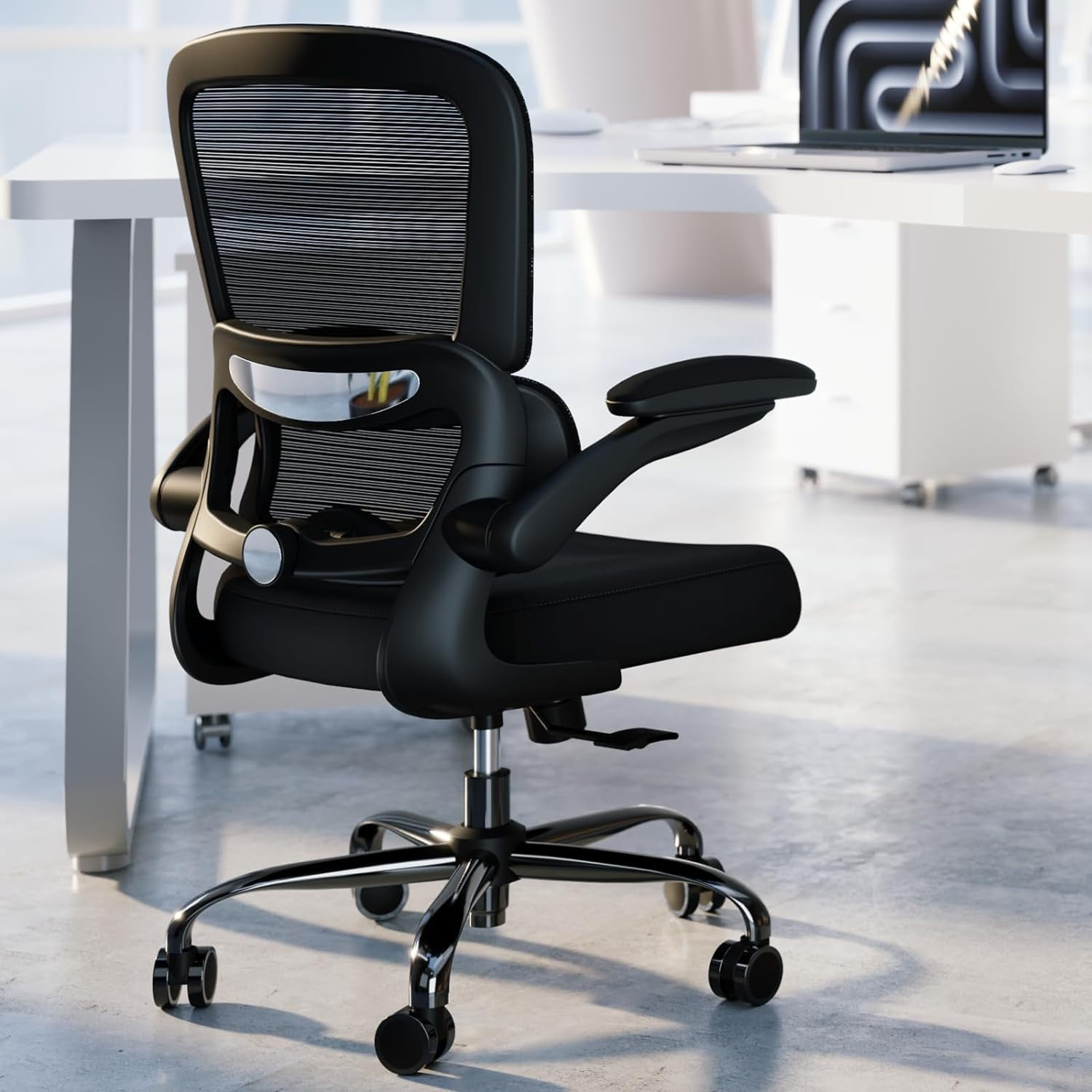
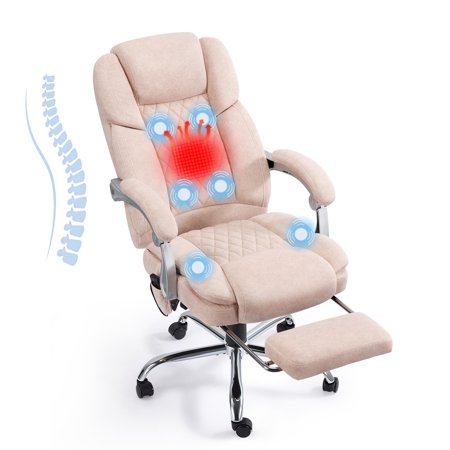
- Built-in Adjustable Lumbar: Found on premium ergonomic chairs. You can change the height (up/down) and depth (in/out). This is the gold standard because it moves with you.
- Fixed Lumbar Bump: A permanent curve in the chair back. Common in cheaper or task chairs. It's better than nothing, but may not align with your specific curve.
- External Lumbar Cushions / Pillows: An affordable way to add support to any chair. Look for memory foam or gel-infused options that don't flatten over time.
2. Health Benefits Backed by Data
Think of lumbar support as a tiny investment with massive returns. Here’s what happens when you get it right:
Muscle Fatigue Reduction
Supports spinal erectors, reducing muscle firing by up to 50% (source: Cornell University ergonomics lab).
Disc Pressure Relief
Proper lordosis keeps discs hydrated and reduces herniation risk.
Improved Breathing
Upright posture opens the diaphragm by 30%, boosting oxygen flow.
Less Sciatic Irritation
Reduces compression on the sciatic nerve, preventing leg pain.
3. Step-by-Step: How to Choose the Right Lumbar Support
Finding your perfect match involves a simple process. Don't guess—measure and test.
- Identify your curve: Sit against a wall with your back straight. Have someone measure the gap between your lower back and the wall. This is the depth you need to fill.
- Check your current chair: Does it have a lumbar adjustment? If yes, try moving it to fill that gap. If not, measure the chair back height to buy a compatible cushion.
- Choose adjustability level: For a shared or multi-user chair, 4D adjustable lumbar (height, depth, angle, tension) is ideal. For personal use, 2D (height+depth) is usually sufficient.
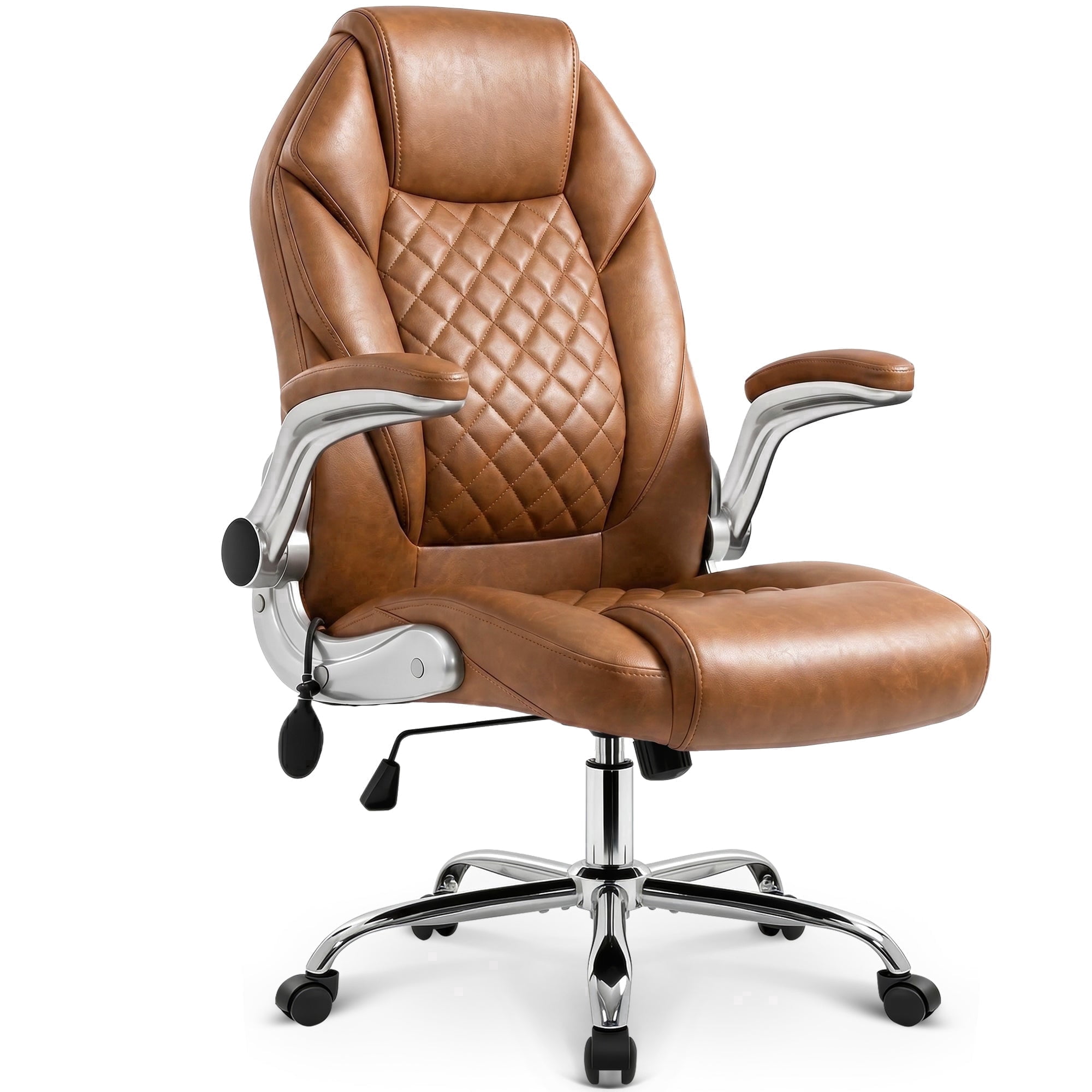
- Material matters: Mesh backs with built-in lumbar are breathable; leather chairs often need a firmer internal mechanism. For cushions, memory foam with a cooling gel layer prevents heat buildup.
- Test the 'Goldilocks' zone: The support should feel firm but not pushing you forward. You should be able to slide your hand between the support and your back with slight resistance.
4. Comparison: Built-in Lumbar vs. External Cushions
Still unsure which route to take? Here's a quick breakdown to help you decide:
| Feature | Built-in Lumbar (Chair) | External Lumbar Cushion |
|---|---|---|
| Integration | Seamless part of chair design | Add-on, may shift |
| Cost | Usually $200+ premium | $20 - $80 affordable |
| Adjustability | Often precise (height/depth) | Limited to placement |
| Portability | Stays with chair | Can move to home, car, etc. |
| Best for | New chair purchase | Upgrading existing chair |
5. Common Myths About Lumbar Support
Let's debunk some misconceptions that might be holding you back from a healthier spine:
- Myth "A firm backrest is enough." Truth: A flat backrest doesn't support the curve; you need a convex shape or filler.
- Myth "Lumbar support is only for people with back pain." Truth: It's preventive maintenance. Like wearing a seatbelt even if you haven't crashed.
- Myth "More padding means better support." Truth: Support comes from structure, not softness. A too-soft pillow collapses and offers no curve.
6. Setting Up Your Lumbar Support Correctly
Even the best lumbar support fails if positioned wrong. Follow this ergonomic checklist:
7. Special Considerations: Big & Tall, Petite, or Pregnant
Body types change the equation. Here's how to adapt:
- Big & Tall: Need wider seats and taller backrests. Look for chairs with high-weight capacity (400lb+) and lumbar that adjusts higher up.
- Petite users: Standard lumbar often hits too high (shoulders). Seek chairs with short seat backs or highly adjustable lumbar that can move down.
- Pregnancy: Extra lumbar support is crucial. A memory foam cushion can adapt to changing curves, and a chair with good tilt helps shift position.
8. Future Trends: Smart Lumbar & Adaptive Support
The next generation of office chairs is using AI and sensors. Some high-end prototypes feature lumbar that automatically inflates/deflates as you shift, maintaining constant contact. While still expensive today, this tech will trickle down. For now, a manually adjustable lumbar is the most reliable.
Frequently Asked Questions: Lumbar Support for Office Chairs
Conclusion: Invest in Your Spine, Reap the Productivity
Lumbar support isn't just a buzzword—it's the most critical ergonomic feature for anyone sitting at a desk. Whether you choose a high-end chair with 4D lumbar or a simple memory foam cushion, the key is proper fit and positioning. Your back works hard to keep you upright; return the favor with targeted support. Remember: a pain-free spine leads to clearer thinking and better work. Don't delay—check your current setup today.
Final tip: Pair your lumbar support with regular movement. Stand up every 30-45 minutes to reset your posture. The combination of dynamic sitting and solid support is unbeatable.