
Complete Guide to Reclining Office Chairs
The traditional 90‑degree office posture is slowly becoming a relic. Modern ergonomics recognizes that we need to move — and occasionally lean back — during long work hours. A reclining office chair allows you to shift your position, reduce spinal compression, and even take power naps without leaving your workspace. But with so many tilt mechanisms, angles, and added features like footrests, choosing the right one can be overwhelming. This guide breaks down everything you need to know.
📊 Research note: According to a study in the journal "Human Factors," reclining the chair to 135° while keeping feet on the floor reduces disc pressure by more than 40% compared to sitting bolt upright. Dynamic sitting (changing positions) is key to spinal health.
1. Why Choose a Reclining Office Chair?
Imagine being able to lean back, think deeply, or simply rest your eyes for five minutes — all without leaving your desk. Reclining chairs offer:
- Pressure redistribution: Reduces load on the lower back.
- Improved circulation: Opening the hip angle helps blood flow.
- Mental reset: Brief recline breaks can boost focus.
- Versatility: Suitable for work, reading, or gaming.
2. Types of Recline Mechanisms
Not all recliners are the same. Understanding the mechanism helps you match the chair to your work style.
• Knee‑tilt vs. synchro‑tilt
Knee‑tilt pivots at the front of the seat, lifting your feet slightly. Good for active sitting. Synchro‑tilt links the backrest and seat angle in a fixed ratio (usually 2:1 or 3:1), keeping you supported while reclining. Most modern office recliners use synchro‑tilt.
• Multi‑position lock
Basic chairs may only lock upright. Better reclining chairs allow you to lock the back at multiple angles — e.g., 100°, 115°, 130°. This is essential if you want to work in a slightly reclined posture without constantly pushing against tension.
• Tilt tension control
A knob adjusts how much force is needed to recline. Heavier users need higher tension; lighter users need less. Crucial for personalized comfort.
• Recline with footrest (zero‑gravity style)
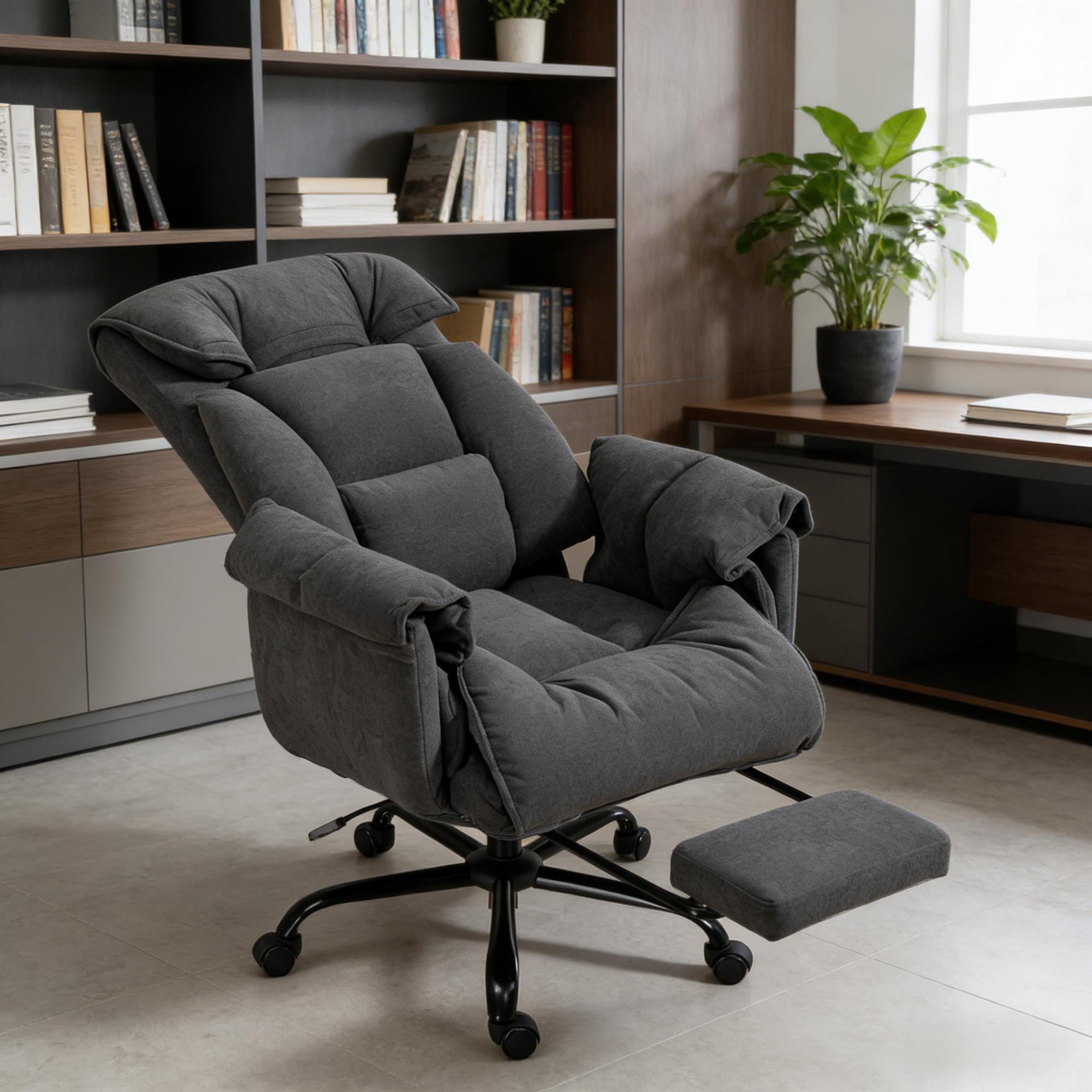
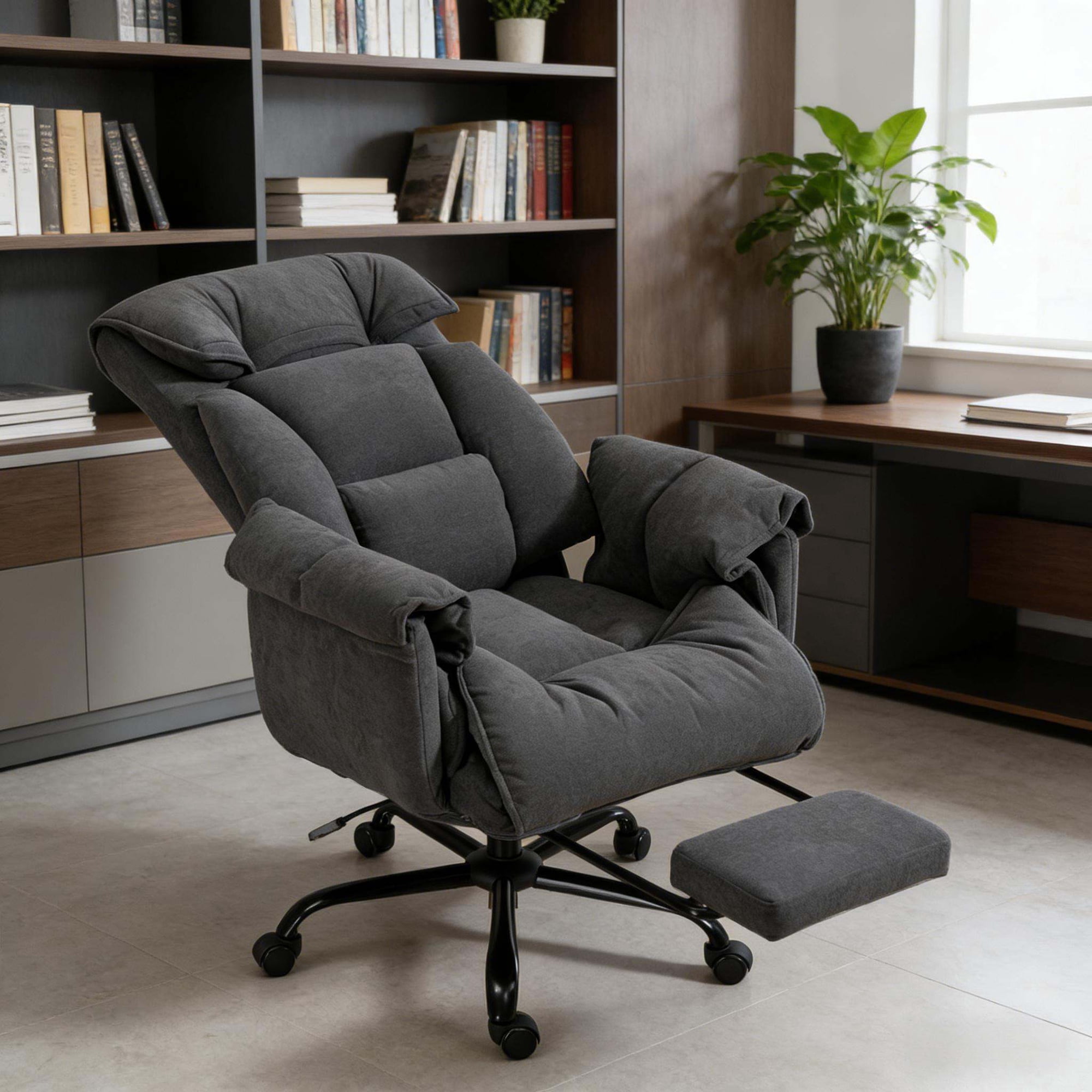
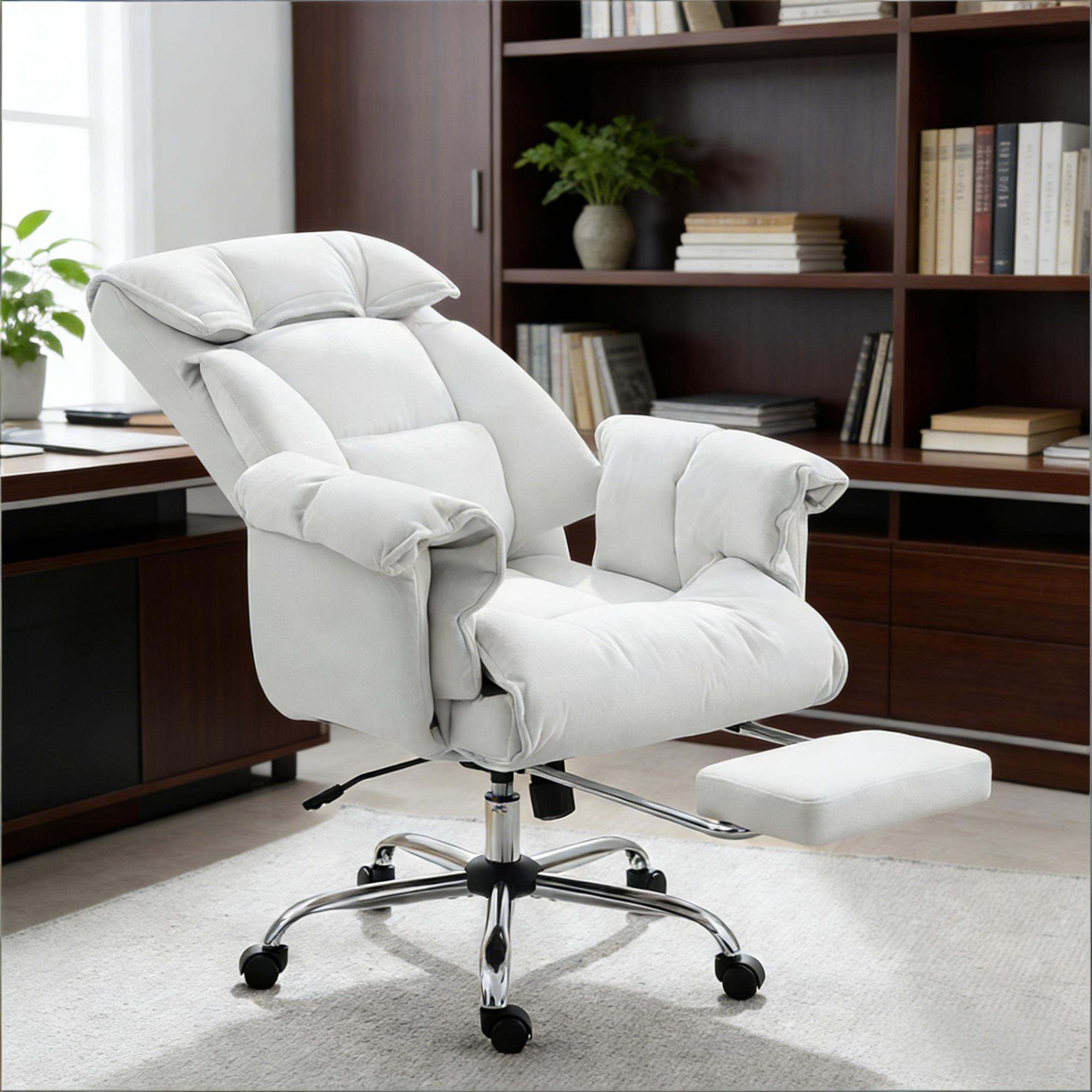
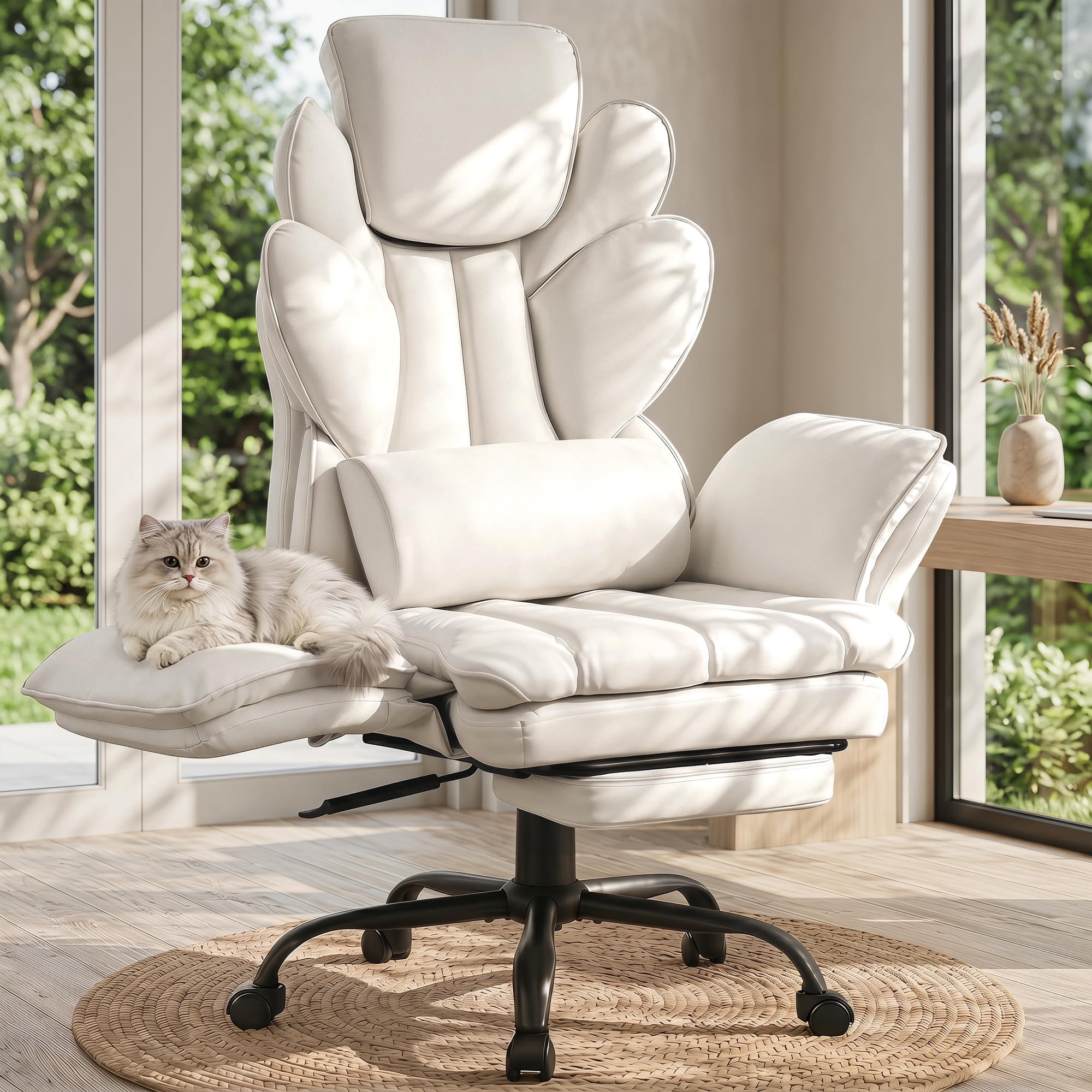
Some chairs feature a hidden or fold‑out footrest that, combined with full recline, simulates a zero‑gravity position — popular for short meditation or power naps. Often seen in "big and tall" or "executive" recliners.
Upright work
Casual typing
Thinking mode
Nap / rest
3. Reclining Office Chair vs. Standard Task Chair
✅ Advantages of reclining
- Reduces static load on spine
- Encourages micro‑movements
- Can serve as a lounge chair
- Often includes headrest
⚠️ Considerations
- Requires more space behind
- Heavier, more mechanisms
- Usually higher price
- Some have less breathable materials
4. Key Ergonomic Features (Even When Reclined)
A reclining chair is only ergonomic if it supports your body throughout the tilt range. Look for:
- Lumbar support that stays with you: Some chairs have a floating lumbar that follows your back as you recline.
- Headrest adjustability: In recline, your neck needs support. A 2D or 3D headrest is ideal.
- Seat depth adjustment: Even when reclined, thighs should be supported without pressure behind knees.
- Armrests that move with you: 4D armrests maintain support in different angles.
5. Material Choices for Reclining Chairs
Since you may recline for longer periods, material breathability matters:
- Mesh: Excellent airflow, stays cool. Common in high‑back recliners.
- Leather / Faux leather: Easy to clean, looks executive. Can get sticky; look for perforated leather.
- Fabric: Cozy, available in many colors. May retain heat.
6. Space Requirements
When fully reclined, the top of the chair moves backward. Measure the distance from your desk to the wall. Typically you need at least 8–12 inches of clearance behind the chair at maximum recline. Some chairs have a "wall hugger" feature that limits backward movement.
7. Health Benefits of Reclining While Working
Alternating between upright and reclined postures throughout the day can:
- Reduce low back pain by varying disc pressure.
- Decrease fatigue — leaning back relaxes muscles.
- Improve focus — brief rests recharge mental energy.
- Lower risk of deep vein thrombosis (leg movement encouraged).
8. Reclining Office Chair with Footrest: Game Changer
Chairs like the reclining office chair with footrest (often called "executive recliner") allow you to fully extend your legs. Some have a retractable footrest under the seat; others have an ottoman. These are ideal for:
- Power naps during lunch break
- Reading or tablet use
- Meditation or breathing exercises
If you have space, a footrest recliner adds a new dimension to your office.
9. Who Should Buy a Reclining Office Chair?
Ideal candidates include:
- Remote workers who want a single chair for work and relaxation.
- People with back pain who need posture variation.
- Gamers who play for hours and appreciate recline breaks.
- Executives who often take calls in a relaxed position.
10. Frequently Asked Questions About Reclining Office Chairs
Conclusion: Find Your Perfect Recline
A reclining office chair is more than a luxury — it’s a tool for long‑term health and comfort. Whether you need a high‑back mesh recliner for hot climates or a plush leather model with a fold‑out footrest, the right chair will support you through every task and break. Use the product grid above to explore top‑rated options, and remember to check the recline range, lumbar support, and space clearance before you buy.