
Beyond the Cushion: Understanding True Lumbar Support
Imagine your spine is a tower of blocks. If the bottom blocks are out of alignment, the entire structure becomes unstable. Your lumbar spine—the five vertebrae in your lower back—is that foundation. When you sit for hours, especially with poor support, this natural curve flattens. Muscles overwork to stabilize you, discs compress unevenly, and the result is fatigue, pain, and long-term damage. An ergonomic office chair with lumbar support acts as the scaffolding that keeps your 'tower' aligned, strong, and resilient.
The Anatomy of Effective Lumbar Support
Not all lumbar supports are created equal. A simple foam pad is a passive barrier. True ergonomic lumbar support is an active component of the chair's design. Here’s what separates a marketing claim from a genuine back-saving feature:
- Adjustable Height (Vertical): Spines come in different lengths. The support must move up and down to hit the apex of your lumbar curve—typically the L3 vertebra, around your belt line. Without this, the support can end up in the middle of your back or on your pelvis, doing more harm than good.
- Adjustable Depth (Horizontal): This is the 'goldilocks' feature. It controls how far the support protrudes. Too shallow, and there's a gap; your back slouches. Too deep, and it pushes you forward unnaturally. The best chairs let you fine-tune this pressure to perfectly fill the void.
- Dynamic vs. Static: Static support is a fixed curve. Dynamic (or adaptive) support uses a tension mechanism that moves and flexes with you. As you lean back or shift, the support maintains contact, providing continuous, gentle pressure that encourages your spine to stay in its natural alignment.
The Ripple Effect: How Lumbar Support Impacts Your Whole Body
Focusing only on the lower back misses the bigger picture. Proper lumbar alignment is the keystone for your entire posture. When your pelvis is correctly tilted by good lumbar support, it encourages your shoulders to roll back naturally, which in turn positions your head over your shoulders. This reduces 'tech neck' and eye strain. It’s a chain reaction:
- ✓ Spine Reduces pressure on intervertebral discs by up to 40%.
- ✓ Shoulders Promotes an open chest and relaxed shoulder position, reducing upper back tension.
- ✓ Neck Aligns the cervical spine, decreasing the likelihood of headaches and neck stiffness.
- ✓ Hips Encourages a neutral pelvis position, improving blood flow and reducing hip flexor tightness.
Matching Lumbar Support to Your Work Style
Your job dictates how you move, and your chair should support that movement. A one-size-fits-all approach fails here. Consider these common scenarios:
📞 The Communicator
Profile: Frequent phone calls, leans forward, shifts often, uses a headset or phone.
Lumbar Need: A chair with a responsive, dynamic lumbar system. As you lean forward to talk, the support should ease up but still be present. As you sit back to listen, it should re-engage quickly. A seat with independent back tilt is also crucial here.
💻 The Intense Focuser
Profile: Long stretches of deep work, minimal movement, eyes glued to the screen.
Lumbar Need: Highly adjustable, firm lumbar support with excellent depth control. You need the support to lock you into a perfect upright posture. A chair with a synchronized mechanism that keeps the back and seat angles balanced is ideal to prevent slouching over time.
🤔 The Creative Thinker
Profile: Needs to recline, rock, and change positions to generate ideas. May sit cross-legged occasionally.
Lumbar Need: A chair with lumbar support that travels with the backrest even in full recline. Look for a chair with a multi-position lock and strong tilt tension, ensuring the lumbar curve stays in contact regardless of the angle. A wider seat can also accommodate varied postures.
Setting Up Your Lumbar Support: A Step-by-Step Guide
You can buy the best chair, but if it's not adjusted for you, it's just an expensive seat. Follow this ritual to activate your chair's back-saving potential:
- Find Your Natural Curve: Sit up straight and place your hand behind your lower back, palm facing the chair. You'll feel a natural gap. This inward curve is what you need to support.
- Adjust Lumbar Height: Most chairs have a lever or knob. Move the lumbar mechanism so the firmest part of the support presses against the middle of this curve (where your hand is).
- Adjust Lumbar Depth: This is the fine-tuning. Increase the depth until you feel the pad just make contact with your back. There should be no gap, but you shouldn't feel pushed forward. The goal is even, gentle pressure.
- The "Lean-Back" Test: Sit back and relax slightly. Does the support stay in place? If you slide forward, your seat depth might be too long. If you feel pressure on your thighs, the seat might be too high or the lumbar depth too aggressive.
- Finalize with Recline Tension: Adjust the tilt tension so you can lean back comfortably without feeling like you're fighting the chair or falling backward too easily. The lumbar support should move with you.
Lumbar Support vs. Posture: The Synergistic Relationship
Think of lumbar support as the 'training wheels' for your postural muscles. When you first start using a well-adjusted chair, you might feel your core muscles engaging slightly differently. This is good! The chair isn't meant to do all the work; it's meant to provide a reference point. Over time, as your muscles learn the correct position, you'll find you can maintain good posture even when you step away from the chair. The support reminds your body where 'neutral' is, helping to re-educate your muscle memory.
The Material Matters: Lumbar Support in Mesh, Foam, and Leather
The material of the backrest changes the feel of the lumbar support.
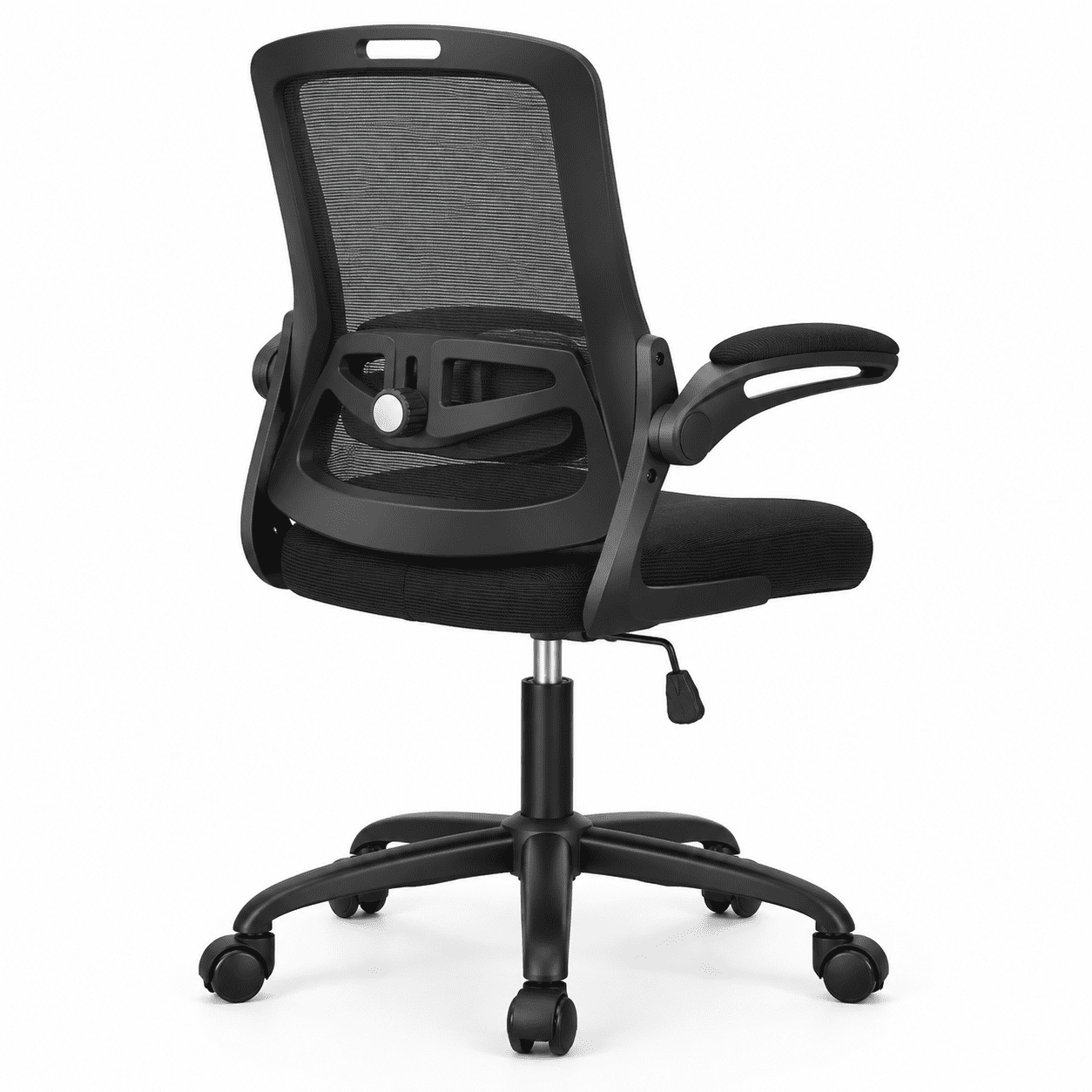
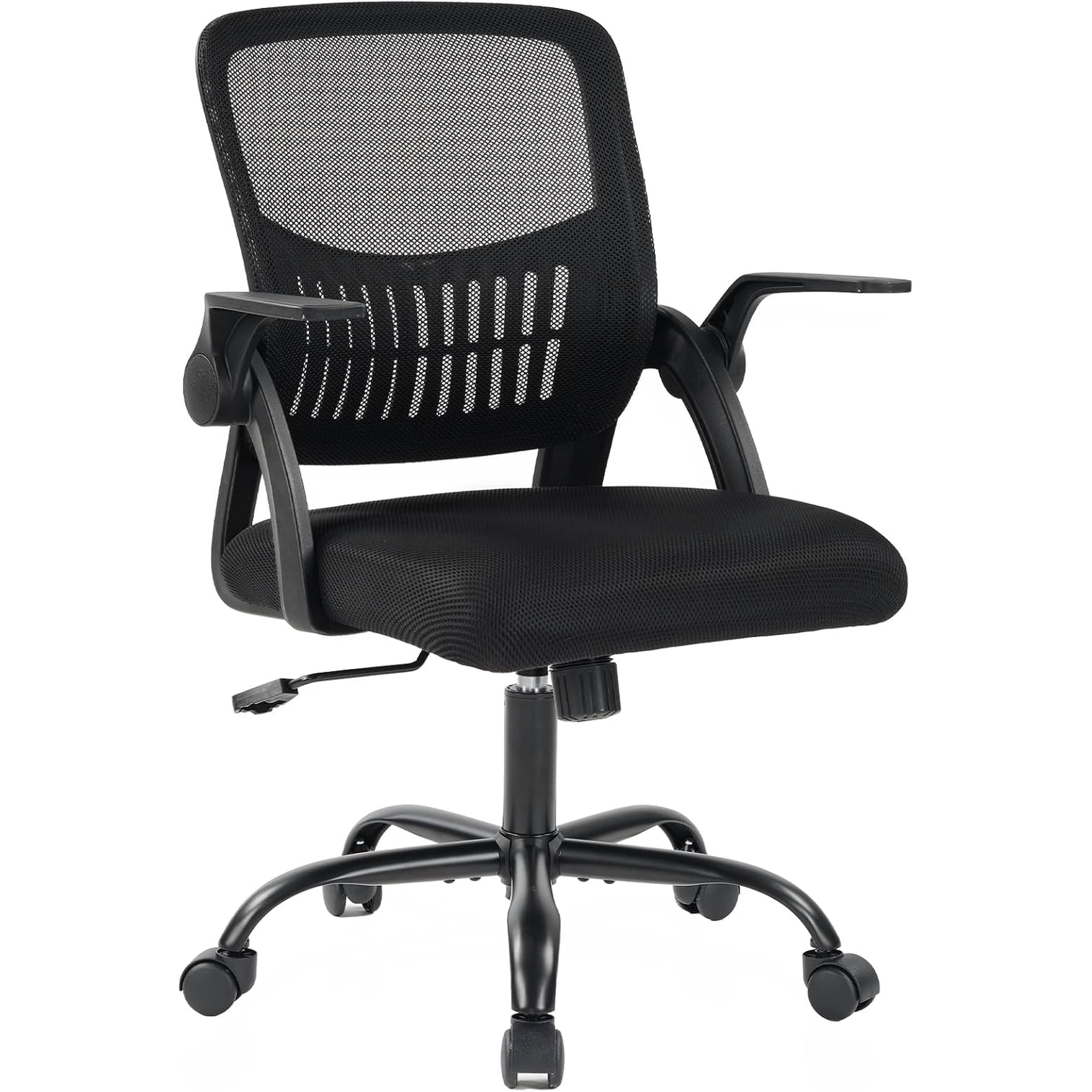
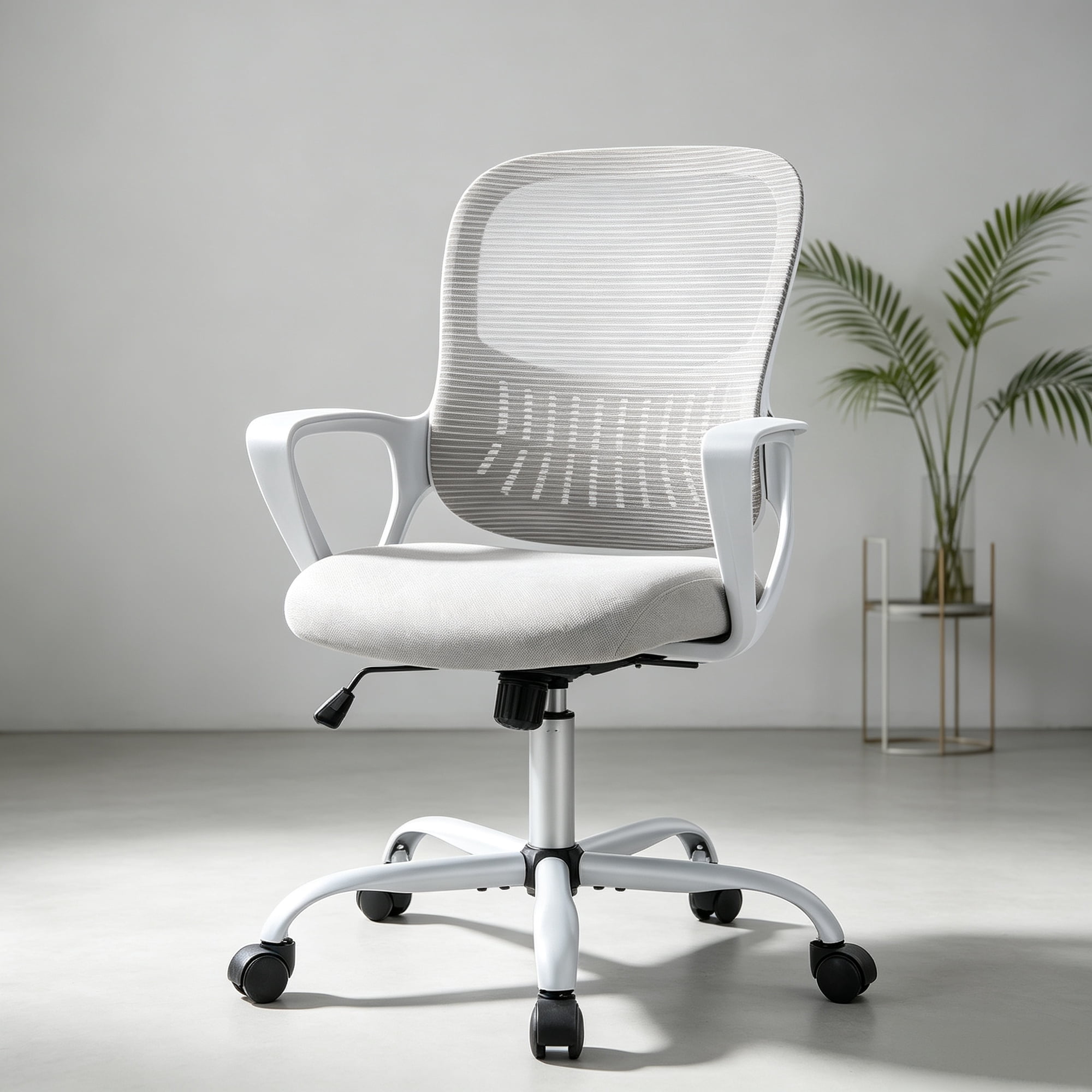
- Mesh: Offers a firm, breathable, and highly defined support. The tension of the mesh itself can provide a gentle, distributed lumbar effect. Adjustable lumbar pads in mesh chairs are usually very pronounced and firm. Best for hot climates and those who prefer a crisp, defined feel.
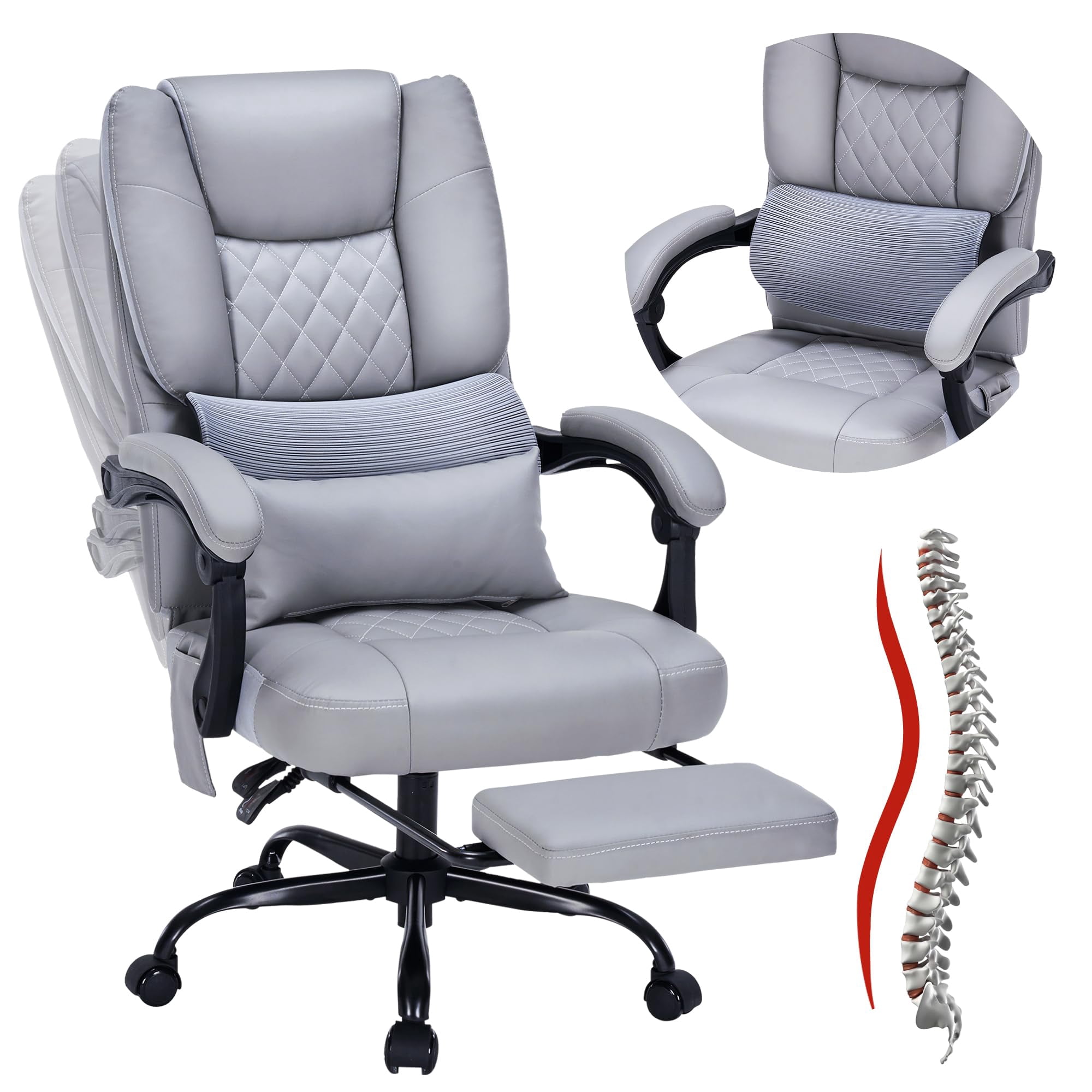
- High-Density Foam: Provides a plusher, more forgiving support. It conforms to your shape over time. The lumbar curve is often built into the foam molding, sometimes supplemented by an internal adjustable mechanism. Best for those who prioritize a 'hugging' comfort and a traditional aesthetic.
- Leather: Similar to foam but with a firmer surface. Lumbar support in leather chairs often relies on internal mechanisms (air bladders or mechanical pads) as the leather itself doesn't stretch. This can allow for very precise, sometimes inflatable, adjustments. Best for a professional, executive look with high-tech adjustability.
Frequently Asked Questions About Lumbar Support Chairs
Conclusion: Invest in the Support You Deserve
Choosing an ergonomic office chair with lumbar support is one of the most consequential decisions you can make for your workspace. It's a decision to prioritize not just comfort, but your long-term physical well-being. The right chair doesn't just hold you; it actively encourages a healthier, more dynamic sitting experience. By understanding the nuances of adjustability, material, and your own work habits, you can find a chair that becomes an invisible partner in your daily productivity—one that lets you focus on your work because you're no longer focusing on your back.
Remember, the most expensive feature is useless if it's not adjusted for you. Take the time to set up your chair properly. Your spine, shoulders, and neck will thank you for years to come. Browse the top-rated models above and take the first step towards a pain-free workday.