
Why Your Next Desk Chair Must Be an Ergonomic Office Computer Chair
Modern work demands long hours in front of a computer. Whether you're coding, designing, managing teams, or attending virtual meetings, the quality of your seat dictates your physical well-being. An office computer chair ergonomic is not a luxury—it's a necessity. Unlike traditional static chairs, ergonomic models adapt to your body’s natural movements, providing dynamic support that evolves with you throughout the day.
Ergonomic Insight: Studies from the Human Factors and Ergonomics Society show that workers using properly adjusted ergonomic computer chairs experience a 52% reduction in reported musculoskeletal discomfort and a 14% increase in productivity due to less fatigue and fewer breaks caused by pain.
The Core Anatomy of an Ergonomic Computer Chair
Understanding the components will help you choose a chair that truly supports your body. Here's what sets ergonomic chairs apart:
1. Dynamic Lumbar Support
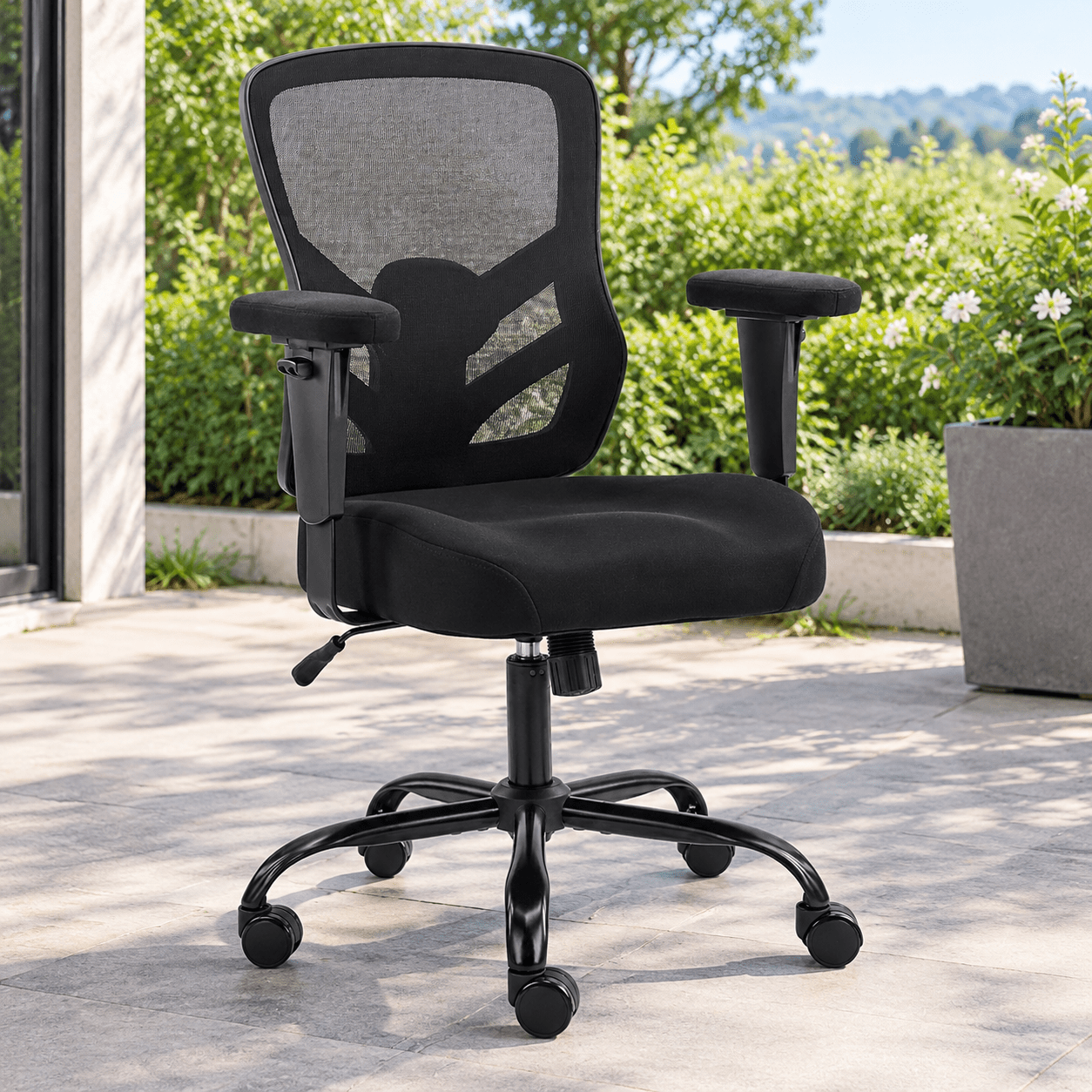
Unlike fixed backrests, high-end ergonomic chairs feature adjustable lumbar mechanisms that follow your spine's curve. Some offer independent height and depth adjustments, ensuring the support hits the exact spot where your lower back needs it most.
2. Multi-Dimensional Armrests (3D/4D)
Your arms and shoulders should remain relaxed. Armrests that adjust in height, width, angle, and depth allow you to position your forearms parallel to the desk, reducing shoulder tension and preventing neck strain common during computer work.
3. Seat Depth & Tilt Mechanism
A waterfall-edge seat with adjustable depth prevents pressure on the back of your knees. Combined with a synchronized tilt mechanism that lets you recline while maintaining proper eye level, it encourages micro-movements that keep blood flowing.
4. Breathable Mesh vs. High-Density Foam
Many modern ergonomic chairs feature breathable mesh backs that contour to your spine while providing airflow. High-density cold-cure foam seats offer resilience that doesn't flatten over time, maintaining comfort for years.
How to Properly Adjust Your Ergonomic Computer Chair (Step-by-Step)
Even the best office computer chair ergonomic model will fail to protect you if it's not adjusted correctly. Follow this checklist for a perfect fit:
- Step 1: Seat Height – Adjust so your feet rest flat on the floor, thighs parallel to the ground, and knees at a 90° angle. Your forearms should align with desk height.
- Step 2: Seat Depth – Sit all the way back. There should be 2-3 fingers of space between the back of your knees and the seat edge to avoid circulation issues.
- Step 3: Lumbar Support – Adjust the lumbar pad to fit snugly into the curve of your lower back. It should feel like gentle pressure, not a pushing sensation.
- Step 4: Armrests – Raise them until your shoulders are relaxed, and your elbows form a 90-100° angle. Your wrists should remain straight while typing.
- Step 5: Recline Tension – Set the tilt tension so you can lean back comfortably without sudden resistance. The recline lock should allow for slight movement to engage your core.
Ergonomic Seating for Different Body Types
One size does NOT fit all. When shopping for an ergonomic office computer chair, consider these specialized categories:
- For Petite Frames: Look for chairs with seat depth adjustments starting at 15 inches and a minimum seat height below 17 inches to ensure feet can touch the floor.
- For Tall Users (6'2" and above): Prioritize chairs with a high backrest (at least 30 inches tall), adjustable headrest, and seat depth extending beyond 19 inches.
- For Big & Tall Builds: Focus on chairs rated for 350-500 lbs weight capacity, wider seat pans (21+ inches), and reinforced steel bases for stability.
- For Chronic Back Conditions: Opt for chairs with active lumbar support that moves with you, plus seat angle adjustment to reduce disc pressure.
Material Deep-Dive: Mesh, Fabric, or Leather for Ergonomic Chairs?
Each material impacts your comfort and maintenance:
Performance Mesh
- ✔ Best breathability (ideal for hot climates)
- ✔ Self-adaptive support
- ✔ Easy to clean, resistant to wear
- ✘ Can lack plush softness
High-Quality Fabric
- ✔ Soft, warm feel
- ✔ Wide range of colors/textures
- ✔ Generally lower cost
- ✘ May stain and retain allergens
Premium Leather
- ✔ Luxurious aesthetics & easy wipe-clean
- ✔ Extremely durable (10+ years)
- ✔ Professional executive look
- ✘ Can get hot, requires conditioning
Health Impacts Beyond Back Pain: Circulation, Focus & Energy
Using a poorly designed computer chair doesn't just hurt your back—it affects your entire physiology. An office computer chair ergonomic design combats these hidden dangers:
Improved Circulation
Waterfall seat edges and adjustable depth prevent compression of the femoral arteries, reducing leg numbness and risk of deep vein thrombosis.
Increased Oxygen Intake
Proper lumbar curve opens the diaphragm, allowing deeper breaths and better oxygen flow to the brain—critical for focus and decision-making.
Reduced Eye Strain
When your chair positions you at the correct monitor height, you're less likely to lean forward, reducing eye fatigue and headaches.
Sustained Energy
Active seating mechanisms (like tilt) encourage subtle movements that keep your metabolism engaged and combat afternoon slumps.
Ergonomic vs. Gaming Chairs: What's the Real Difference for Computer Work?
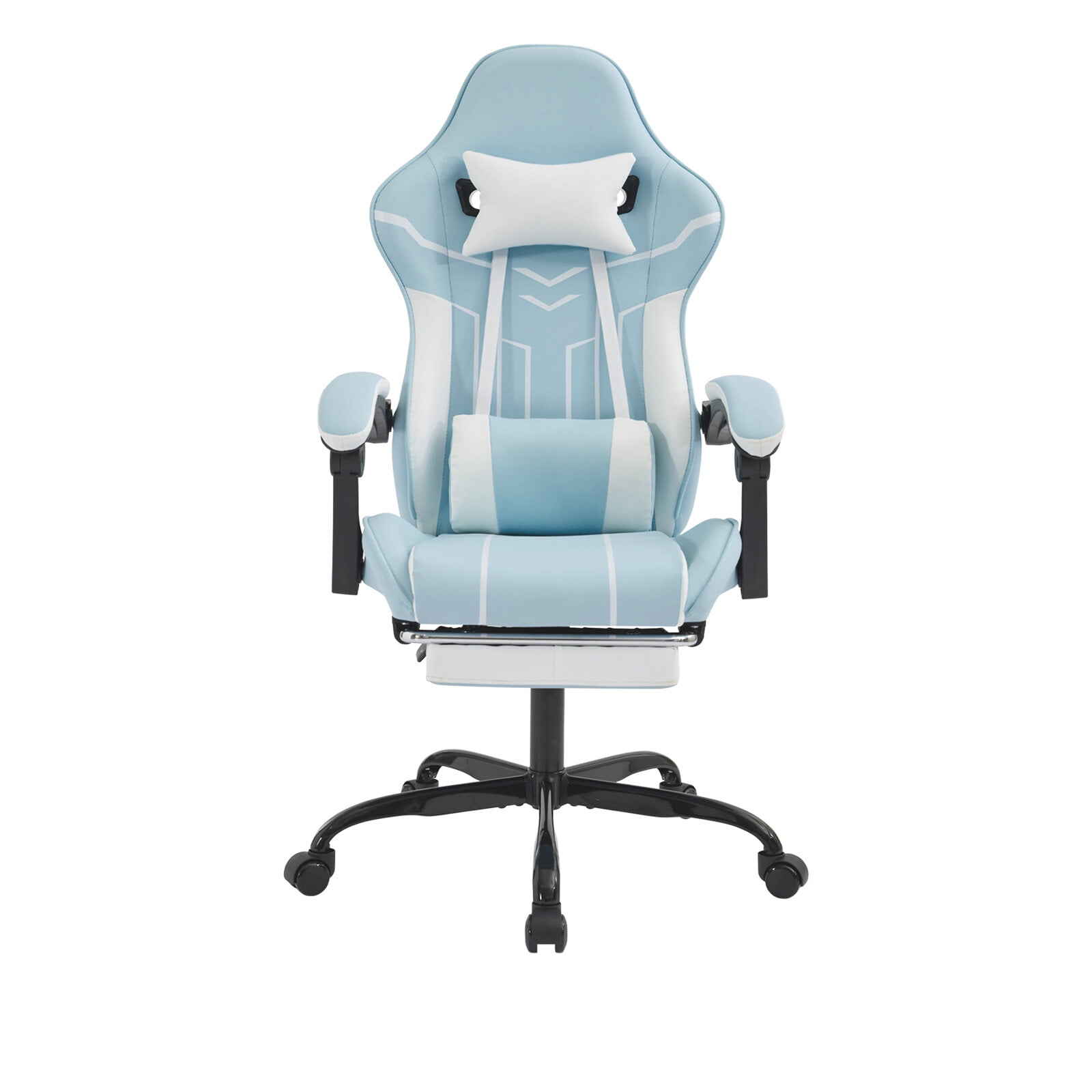
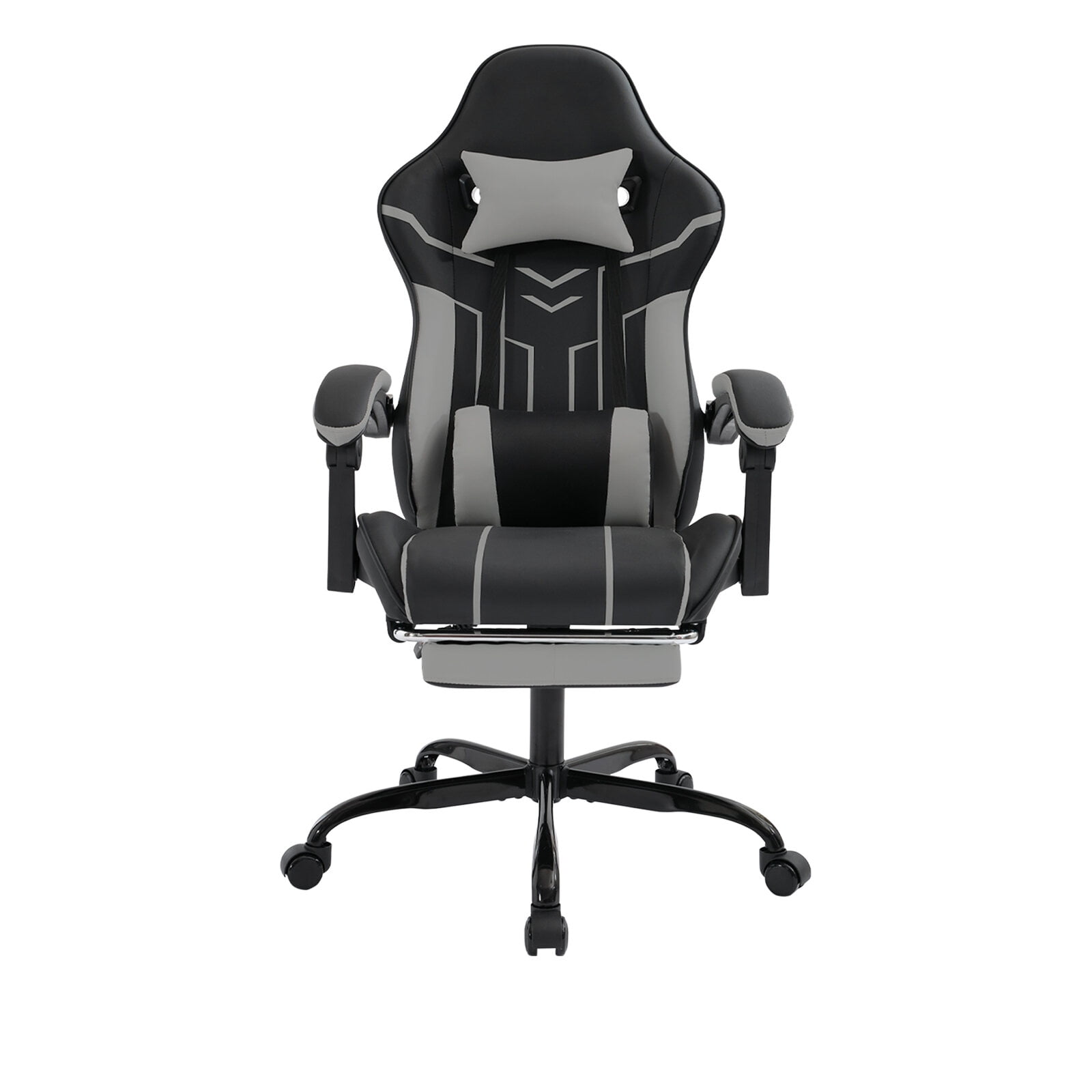
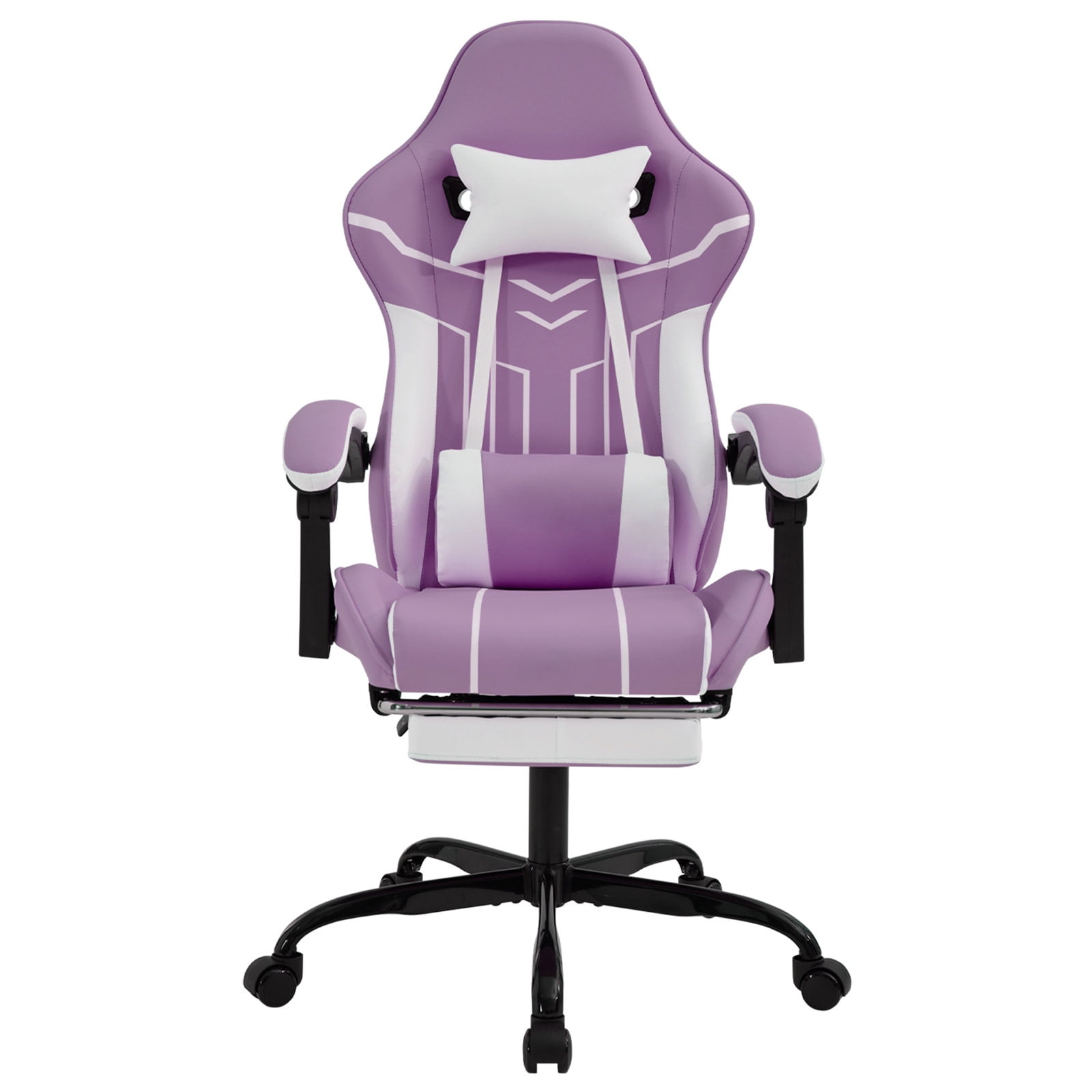
Many professionals mistakenly buy racing-style gaming chairs expecting ergonomic benefits. However, true ergonomic office computer chairs are engineered for posture correction, not style:
| Feature | Ergonomic Office Chair | Gaming Chair |
|---|---|---|
| Lumbar Support | Adjustable, dynamic, often integrated | Usually fixed or removable pillow |
| Seat Design | Waterfall edge, depth adjustable | Flat, bucket-style (restricts movement) |
| Armrests | 3D/4D adjustable | 2D (height only typically) |
| Backrest Angle | Synchronized tilt, promotes active sitting | Single hinge, often leans back as a unit |
| Material | Breathable mesh or high-resilience foam | PU leather, retains heat |
Long-Term Investment: How to Extend the Life of Your Ergonomic Computer Chair
To ensure your ergonomic chair remains a trusted partner for years:
- Regular Cleaning: Vacuum mesh or fabric monthly; wipe leather with a conditioner every 6 months.
- Tighten Bolts & Casters: Check for loose screws on the base and armrests quarterly to prevent wobbling.
- Gas Cylinder Care: If the chair starts sinking, replace the gas lift immediately to maintain proper height safety.
- Weight Capacity Respect: Avoid exceeding the rated capacity to prevent structural fatigue.