
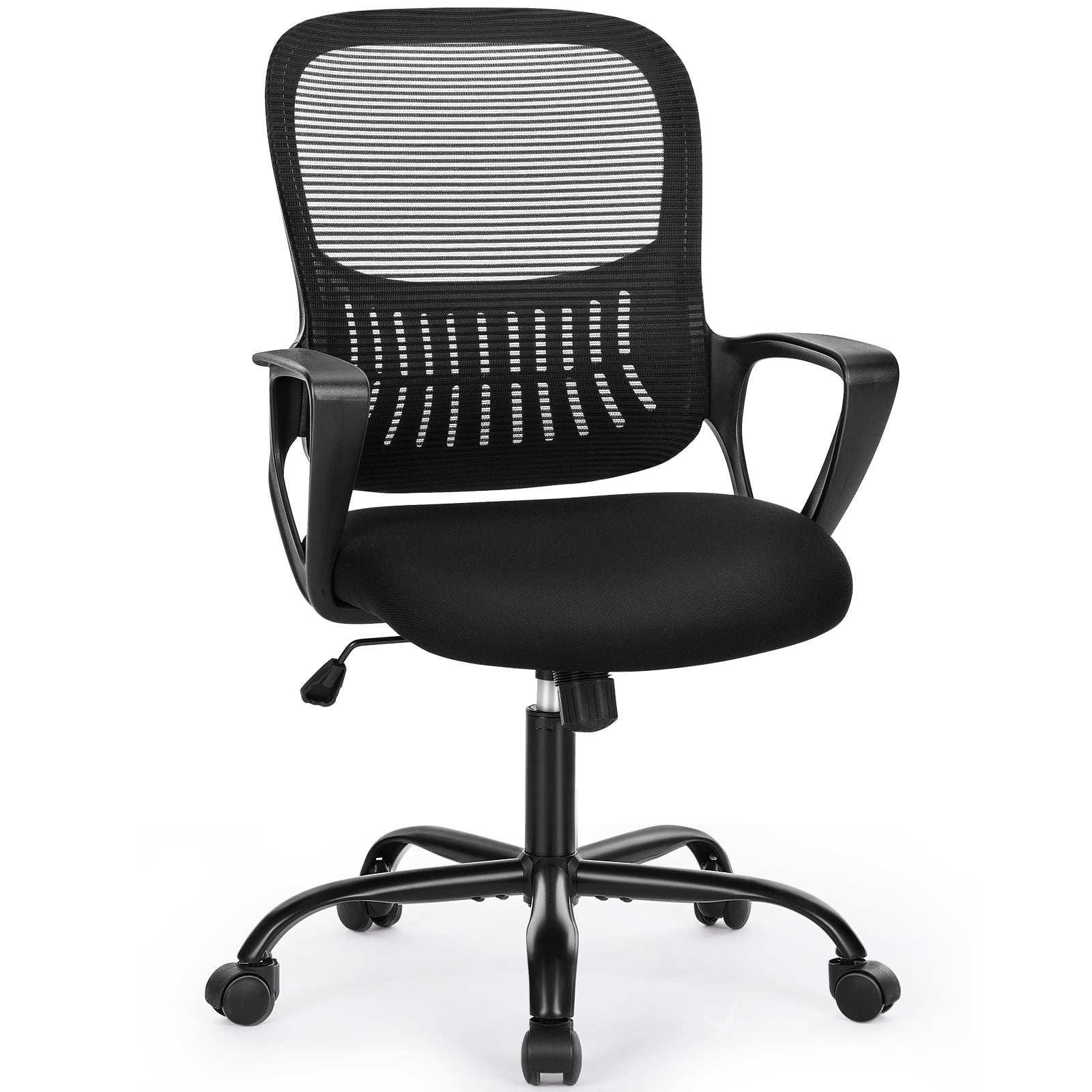
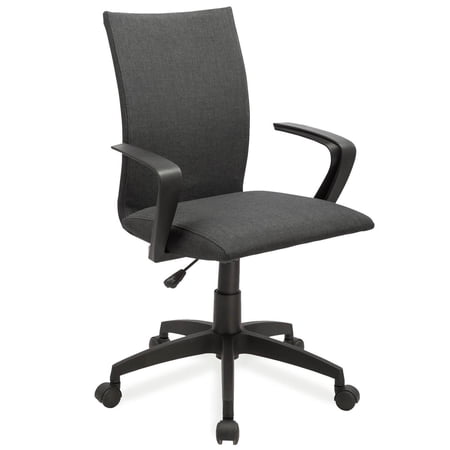
Why Your Home Office Deserves an Ergonomic Upgrade
Working from home blurs the line between relaxation and productivity. If you're sitting on a dining chair or a worn-out hand-me-down, you're likely feeling the effects: stiff neck, aching lower back, and afternoon fatigue. An ergonomic home office desk chair acts like a supportive co-worker—it adjusts to you, encourages movement, and keeps your spine aligned. Unlike traditional office seating, ergonomic chairs are designed based on the science of how our bodies work best during prolonged sitting.
Did you know? According to the World Health Organization, 60-70% of people in desk-based jobs experience musculoskeletal discomfort. A high-quality ergonomic chair can reduce that risk by promoting dynamic sitting and better posture.
The Anatomy of an Ergonomic Home Office Chair
Not every chair labeled "ergonomic" lives up to the name. Here are the non-negotiable components that make a chair truly supportive for a home office environment:
- Independent lumbar adjustment: Both height and depth (the curve) must be adjustable to fit your unique spine.
- Seat depth slider: Allows you to have 2-4 finger-widths between the back of your knee and the seat pan, crucial for circulation.
- 4D armrests: Armrests that move up/down, forward/back, left/right, and pivot. They support your elbows while typing, preventing shoulder hunching.
- Synchro-tilt mechanism: The back and seat move together at a ratio (usually 2:1 or 3:1) so your feet stay planted while you recline.
- Breathable backrest: Often mesh or perforated fabric to prevent sweat buildup—essential for home offices without central AC.
Ergonomic Chairs vs. Standard Office Chairs: A Data Snapshot
| Feature | Standard Home Office Chair | Ergonomic Chair |
|---|---|---|
| Lumbar support | Fixed / none | Adjustable height + tension |
| Seat depth | One-size-fits-all | Slider (typically 2-3 inches travel) |
| Armrests | Fixed plastic | 4D / adjustable |
| Recline mechanism | Simple tilt or lock | Synchro-tilt with tension control |
| Typical lifespan | 2-4 years | 7-12 years |
How to Choose the Right Ergonomic Chair for Your Home Setup
Selecting the perfect chair is like buying a good mattress—it's personal. Use this guide to match features to your work style.
Step 1: Assess your home environment
- • Desk height: Measure from floor to desk underside. Your chair height must allow your thighs to clear.
- • Floor type: Hardwood or carpet? Choose casters accordingly (soft rubber for hard floors, standard for carpet).
- • Room temperature: If your home office gets warm, prioritize breathable mesh backs.
Step 2: Match chair to your daily tasks
Step 3: Understand material trade-offs
Mesh: Superior airflow, maintains shape, but may feel firm initially. Fabric: Soft, warm, variety of colors, but can stain. Leather (or PU): Luxe look, easy wipe-clean, but less breathable.
Step 4: Test adjustability range
If possible, sit in the chair and adjust everything. Pay attention to:
- • Does lumbar hit the small of your back?
- • Can you sit with your back against the chair and still have 2-3 finger clearance behind knees?
- • Do armrests allow your shoulders to relax?
Health & Productivity Benefits: Beyond Comfort
Investing in an ergonomic home office desk chair yields measurable returns. A Cornell University study found that properly adjusted ergonomic chairs can increase productivity by up to 17.5% due to reduced discomfort and fewer micro-breaks. Additionally:
Common Myths About Ergonomic Chairs (Debunked)
Let's clear up confusion so you can buy with confidence:
- Myth: "Expensive means it's automatically ergonomic." Not true — some expensive chairs lack adjustability. Always check features.
- Myth: "I don't need adjustments; I'm average size." Everyone's proportions differ. Seat depth and lumbar position are rarely one-size-fits-all.
- Myth: "A back cushion on my old chair is enough." A cushion can help temporarily but won't provide the structural support and adjustability a full ergonomic chair offers.
Frequently Asked Questions About Ergonomic Home Office Desk Chairs
Conclusion: Your Home Office Deserves Better
Choosing the right ergonomic home office desk chair is a decision that pays dividends in health, focus, and daily comfort. Don't settle for a chair that leaves you counting minutes until the workday ends. Look for one that offers personalized adjustability—especially in lumbar support and seat depth—and matches your home's style and your body's needs. Remember, the best chair is the one you forget you're sitting on because you're fully engaged in your work.
Use the product grid above to explore current top-rated ergonomic chairs, and refer to the comparison tables to make an informed choice. Your back will thank you.