
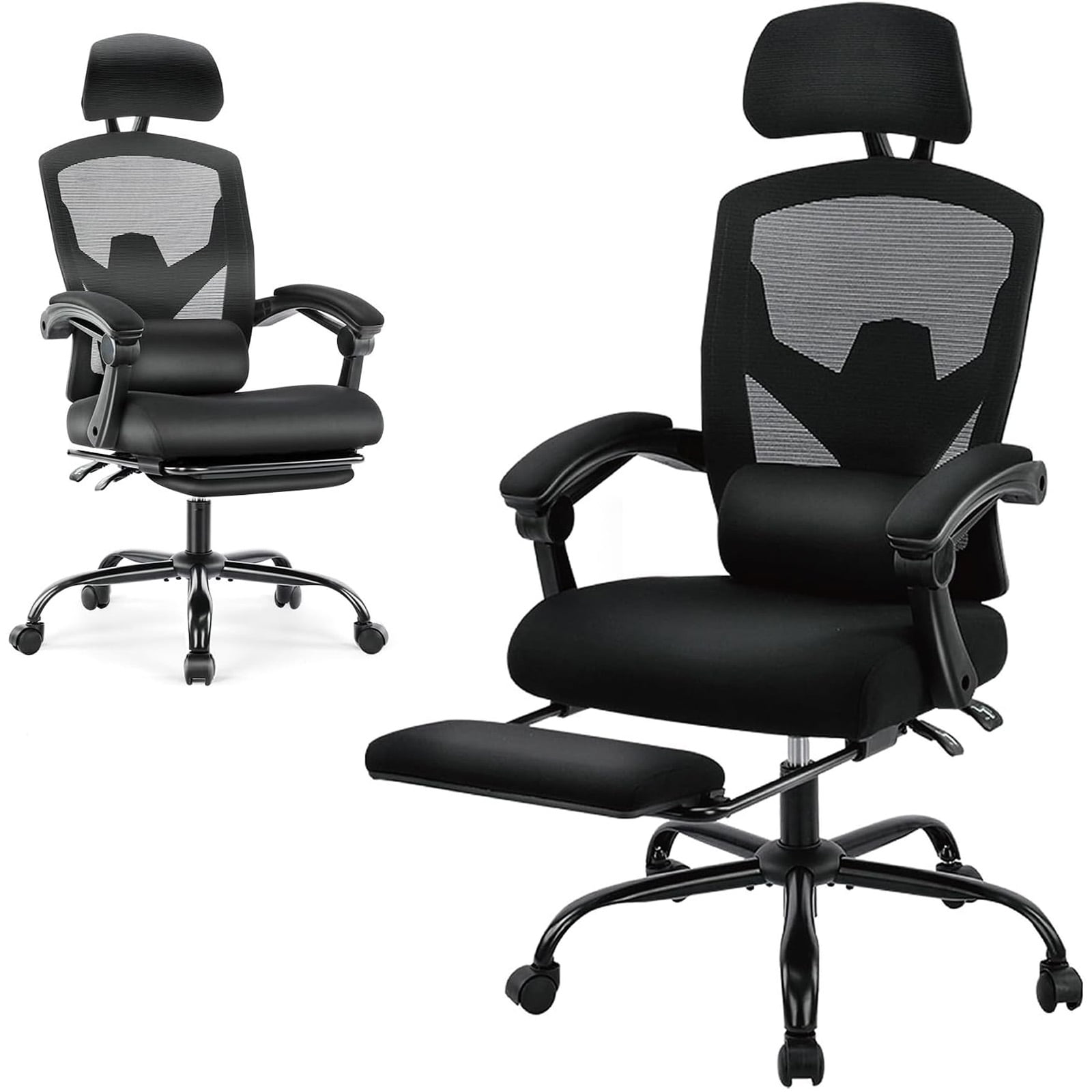
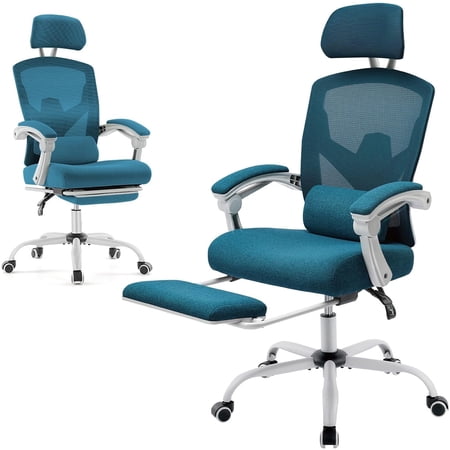
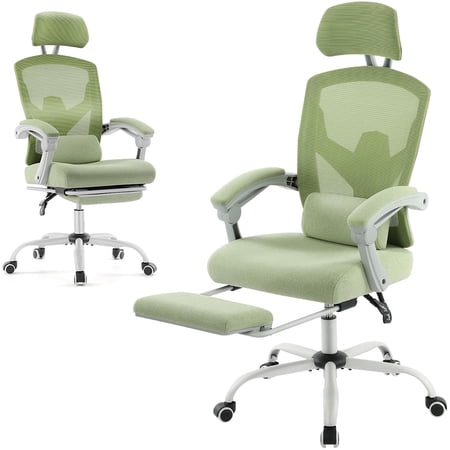
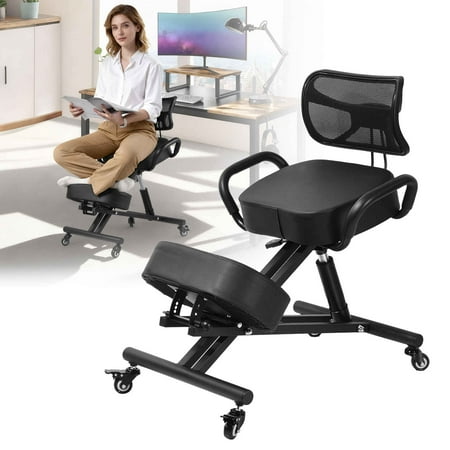
Why Your Lower Back Demands a Specialized Chair
If you've ever felt that dull, persistent ache at the base of your spine after a long workday, you're not alone. Lower back pain is one of the most common complaints among remote workers and home office professionals. But here's the good news: the right home office chair for lower back pain can transform your work experience from painful to productive.
Ergonomic Insight: The human spine has a natural 'S' curve. When you sit in a poorly designed chair, you often slump, flattening the lumbar curve. This increases pressure on spinal discs by up to 40% compared to standing. A dedicated ergonomic chair actively supports that curve, reducing strain and allowing muscles to relax.
Think of your chair as the foundation of your home office—just as a building needs a solid base to withstand stress, your back needs proper support to handle hours of focused work. The consequences of ignoring this foundation go beyond discomfort. Chronic poor sitting posture can lead to sciatica, muscle imbalances, and even reduced productivity due to constant fidgeting.
Anatomy of a Back-Friendly Office Chair
Not all chairs are created equal, especially when your goal is to alleviate or prevent lower back issues. Here are the non-negotiable features to look for:
1. True Adjustable Lumbar Support
Not just a fixed bump in the backrest. Look for lumbar mechanisms that adjust both in height and depth. This allows you to fit the support precisely into the hollow of your lower back, maintaining the natural inward curve.
2. Dynamic Seat Depth
A seat that's too long cuts into the back of your knees, restricting circulation. One that's too short doesn't support your thighs. Seat depth adjustment ensures you have 2-3 fingers of space between the seat edge and your knees, promoting proper pelvic alignment.
3. Independent Back Angle & Tilt Tension
Your chair should allow your back to recline independently of the seat, and the tilt tension should support your weight so you can rock or lean back comfortably. This movement helps nourish spinal discs and prevents stiffness.
4. Flexible Back Frame
A rigid back can create pressure points. Modern ergonomic chairs often feature flexible back frames or mesh that move with you, distributing pressure evenly across the entire back, especially the lumbar region.
Common Mistakes That Aggravate Lower Back Pain
Even with a good chair, habits can sabotage your relief efforts. Avoid these pitfalls:
- Sitting on a wallet or thick objects: This misaligns your pelvis and can compress the sciatic nerve.
- Perching on the edge of the seat: This puts all the strain on your lower back muscles and eliminates support.
- Reclining too far back without lumbar support: Leaning back without proper lumbar engagement can cause the spine to round.
- Using a seat cushion that's too soft: Excessive cushioning can cause your hips to sink, misaligning your spine from the start.
- Static sitting for hours: A chair supports, but movement heals. Set a timer to stand, stretch, or adjust your position.
Matching Chair Features to Your Pain Profile
Different types of lower back pain respond to different support strategies. Understanding your specific symptoms can guide you toward the right chair adjustments:
| Pain Type / Condition | Key Chair Feature to Prioritize | Why It Helps |
|---|---|---|
| Chronic Dull Ache (Muscular) | Dynamic lumbar support & flexible back | Encourages natural movement, prevents muscle fatigue from static postures. |
| Sharp Pain on One Side (Sciatica) | Seat depth adjustment & waterfall edge seat | Reduces pressure on the sciatic nerve and ensures thighs are fully supported. |
| Stiffness After Sitting (Disc Related) | Synchro-tilt mechanism with variable lock | Allows the chair to recline with you, changing the angle between your torso and thighs to reduce disc pressure. |
| Pain While Leaning Back (Facet Joint) | Firm, non-flexing back with pronounced lumbar curve | Prevents over-extension and provides a solid structure to limit stressful backward bending. |
Beyond the Chair: Creating a Holistic Pain-Relief Workspace
Your home office chair is the centerpiece, but it works best within a complete ergonomic setup. Consider these complementary elements to maximize lower back relief:
- Desk Height Synchronization: Your elbows should be at 90 degrees when typing. A desk that's too high forces you to shrug your shoulders, transferring tension down your spine.
- Foot Placement: Your feet should rest flat on the floor. Use a footrest if needed to maintain a stable base and prevent your pelvis from tilting backward.
- Monitor Position: The top of your screen should be at or slightly below eye level. Looking down for hours strains your neck, which often leads to compensatory postures affecting the lower back.
- Movement Integration: Consider a sit-stand desk converter to alternate positions. Even 10-15 minutes of standing per hour can dramatically reduce cumulative spinal load.
Frequently Asked Questions About Chairs for Lower Back Pain
Conclusion: Invest in a Pain-Free Future
Your search for the ideal home office chair for lower back pain is an investment in your health, comfort, and professional longevity. The discomfort you feel after a long day is your body's signal that it needs better support. By prioritizing features like adjustable lumbar support, seat depth, and dynamic movement, you're not just buying a piece of furniture—you're creating a foundation for sustainable, productive work.
Remember, the perfect chair is the one that fits your unique body and work habits. Use the features and guidelines above to evaluate your options. Combine the right chair with regular movement and proper workstation ergonomics, and you'll be well on your way to conquering lower back pain and reclaiming your workday comfort.