
Building the Ultimate Home Office: Why Your Desk and Chair Matter
In today's work environment, your home office has become your command center. The synergy between your home office table and chair is the most critical factor in creating a space where you can thrive. This isn't just about furniture; it's about investing in your health, focus, and professional output. A mismatched setup can lead to chronic back pain, eye strain, and fatigue, while a well-coordinated ergonomic system can transform your workday.
Research Insight: Studies from the American Chiropractic Association indicate that nearly 75% of remote workers experience physical discomfort due to their home office setup. The right combination of an adjustable desk and a supportive chair can reduce musculoskeletal issues by over 55% and boost daily productivity by an average of 23%.
Key Components of an Ergonomic Workstation
An effective home office setup is more than just a desk and a chair; it's an integrated system designed for your body. Here are the critical elements that make the difference:
- Height-Adjustable Desk: Allows you to seamlessly transition between sitting and standing, reducing the risks associated with prolonged static posture.
- Dynamic Lumbar Support: A chair that offers adjustable lumbar support ensures your spine maintains its natural 'S' curve, preventing lower back strain.
- Seat Depth Adjustment: Proper seat depth (with 2-3 finger widths of space behind your knees) promotes healthy circulation and prevents pressure on the back of your legs.
- Monitor Height & Placement: Your desk surface should be at a height where the top of your monitor is at or slightly below eye level. Pair this with an ergonomic chair for ideal alignment.
- Workspace Surface Area: A desk with ample width and depth gives you room for documents, a laptop, a monitor, and other essentials without feeling cramped.
Choosing the Right Desk for Your Work Style
The table is the foundation of your home office. Its shape, size, and functionality directly influence your workflow. Consider these common types:
| Desk Type | Best For | Key Considerations |
|---|---|---|
| Standing / Sit-Stand Desk | Users who want to avoid prolonged sitting, increase energy, and improve posture. | Look for electric or manual crank adjustment. Ensure the motor is quiet and the height range fits your stature (typically 22"-48"). |
| Corner Desk / L-Shaped | Multi-monitor setups, users needing maximum surface area, or those who want to separate work zones. | Ideal for maximizing corner spaces. Verify the dimensions to ensure it fits your room without overwhelming it. |
| Compact / Small Desk | Small apartments, minimalist setups, or as a secondary work station. | Focus on smart storage like built-in drawers or shelves. Look for a width between 36-48 inches. |
| Rectangular Executive Desk | Traditional home offices, those needing a formal aesthetic and robust build. | Prioritize material quality (solid wood vs. veneer) and cable management solutions to keep your workspace tidy. |
The Perfect Pair: Matching Your Chair to Your Desk
Finding the right home office table and chair combination is about harmony. A chair that is too tall for a fixed-height desk will cause you to shrug your shoulders, while a desk that is too high for a low-profile chair will lead to wrist strain. Here's how to ensure they work together:
- For Fixed-Height Desks (standard 29-30 inches): Choose a chair with a broad height adjustment range (typically 18"-22" seat height). This allows you to fine-tune your position. Ensure armrests can be lowered to slide comfortably under the desk.
- For Sit-Stand Desks: Invest in a chair with pneumatic height adjustment and tilt tension control. When you sit, you want the same ergonomic precision as a fixed desk. The ability to move the chair's armrests out of the way is also a plus when switching positions.
- For Compact Desks: A sleek, armless ergonomic chair or a chair with flip-up arms is your best friend. It allows you to tuck the chair completely under the desk when not in use, maximizing floor space in smaller rooms.
Material & Aesthetic Considerations for Your Home Office
Your home office should be a space you enjoy spending time in. The materials of your desk and chair play a huge role in both comfort and the room's overall vibe.
Desk Materials
- Solid Wood: Timeless, durable, and adds warmth. Can be more expensive and heavier.
- Laminate / Veneer: Affordable, scratch-resistant, and available in many finishes. Great for high-traffic use.
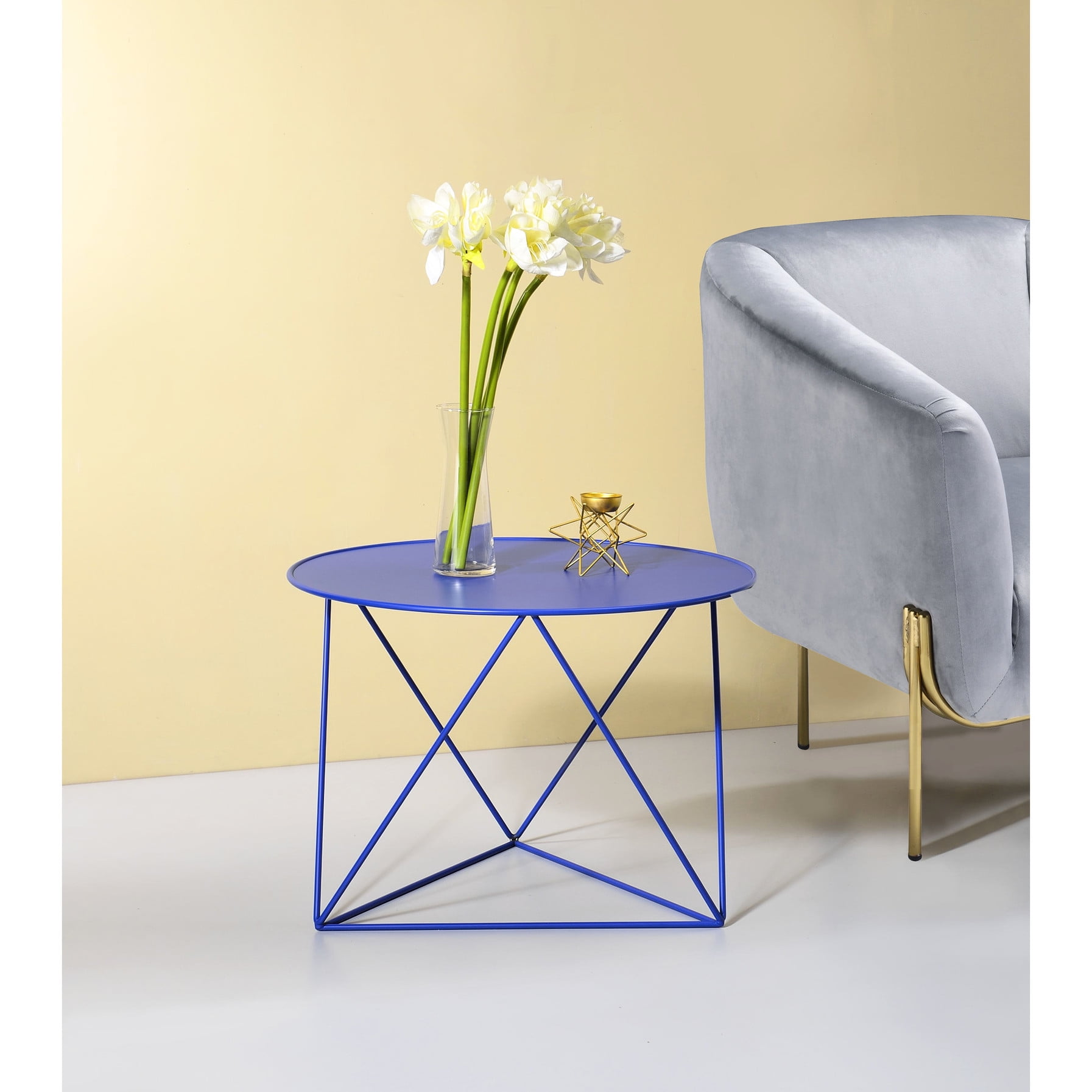
- Metal & Glass: Modern, sleek, and easy to clean. Glass can show fingerprints and may not be ideal for cable management.
- Bamboo: An eco-friendly option that's durable and has a unique, natural aesthetic.
Chair Materials
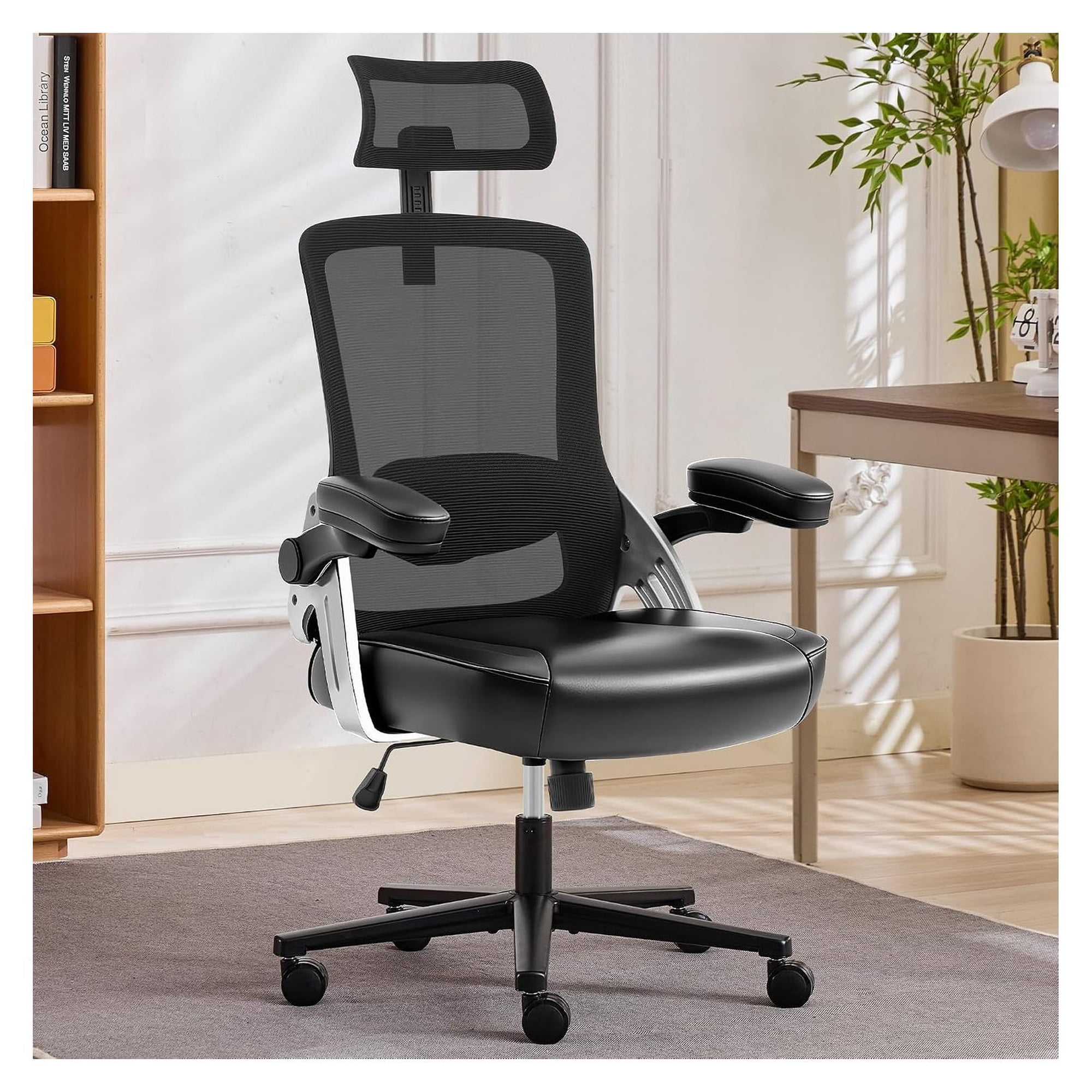
- Breathable Mesh: Ideal for long hours and warmer climates. Offers excellent lumbar support and stays cool.
- Fabric Upholstery: Comfortable, available in countless colors and patterns. Can be prone to staining.
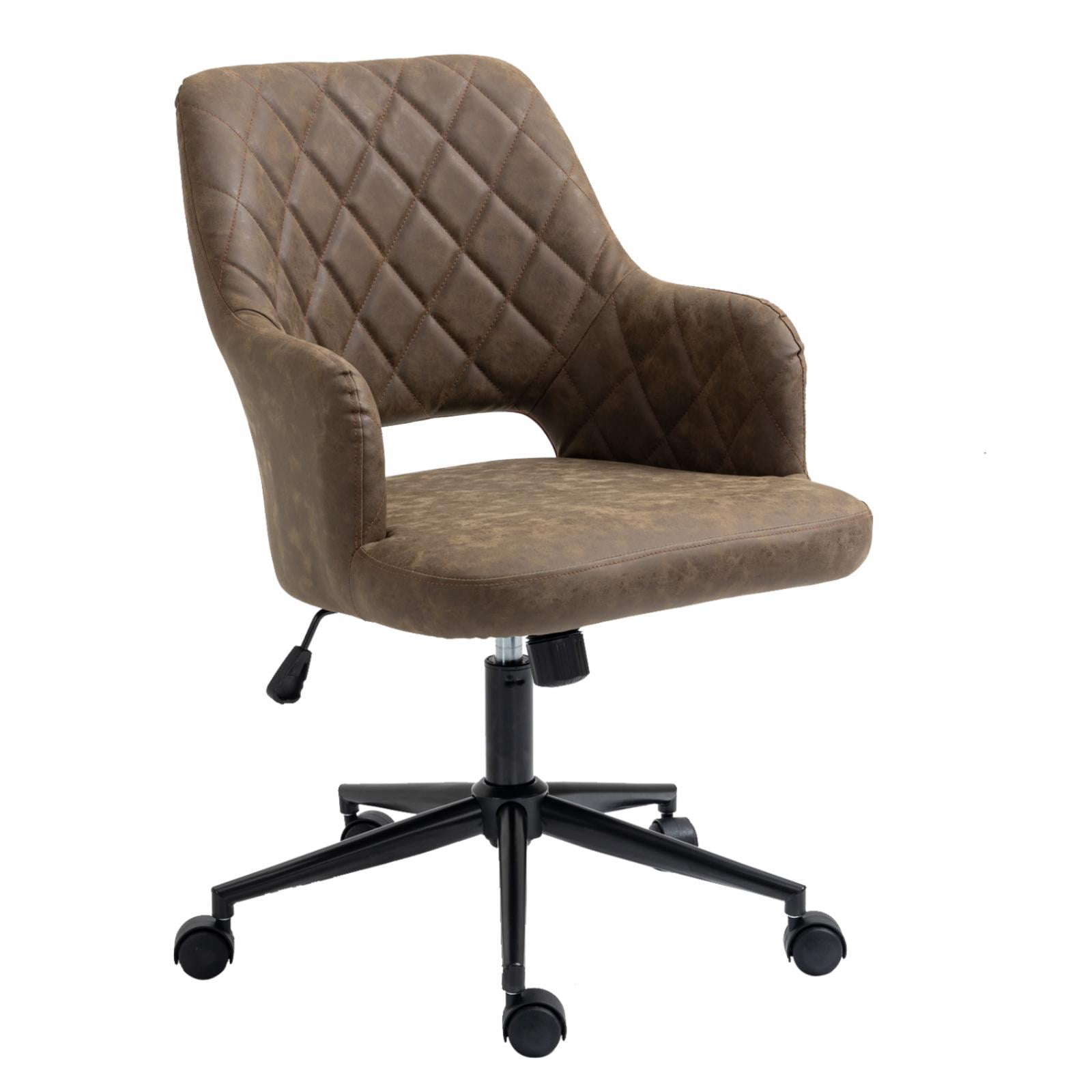
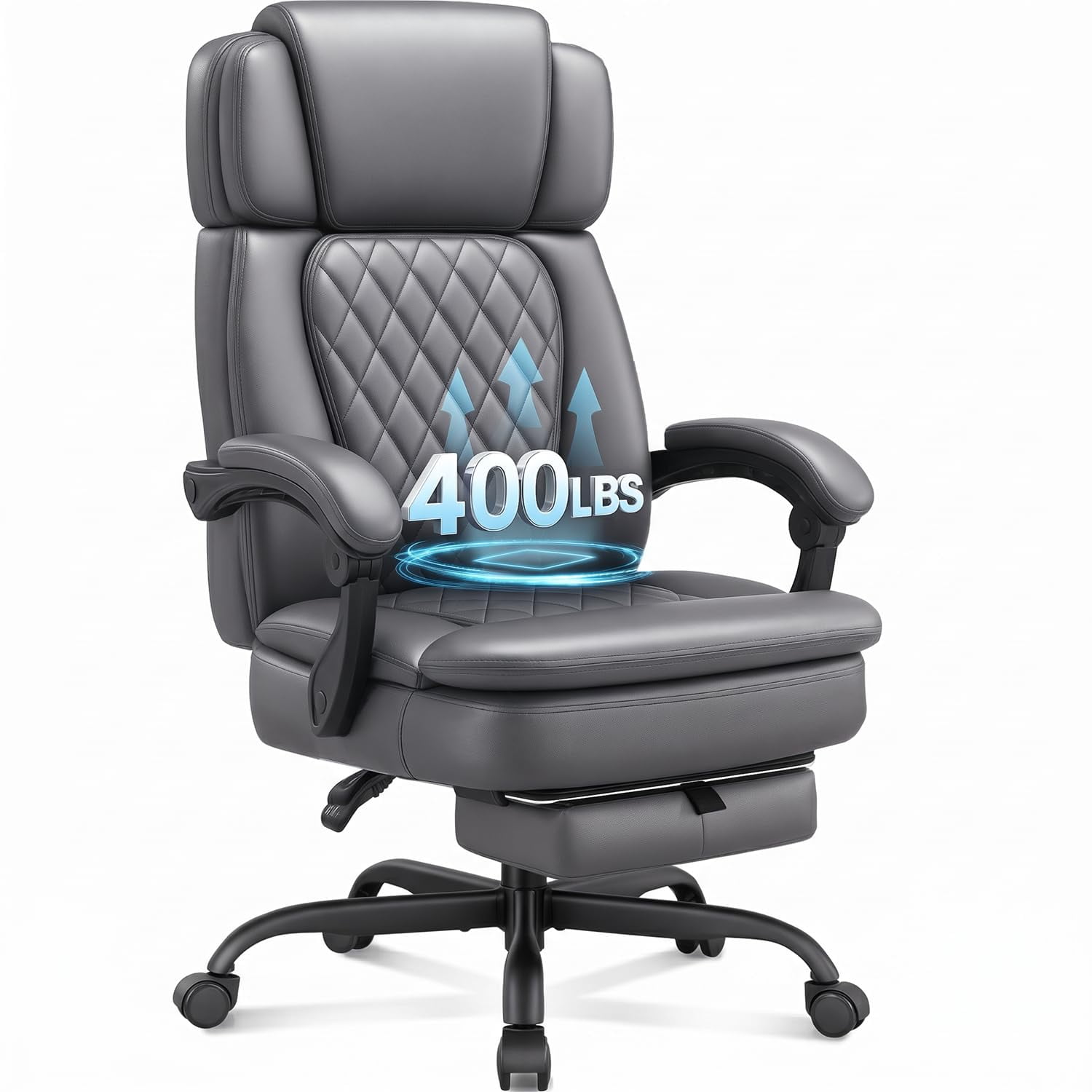
- Leather / Faux Leather: Professional look, easy to wipe clean. Faux leather can peel over time, while genuine leather is a long-term investment.
Step-by-Step Guide to Setting Up Your Home Office Desk and Chair
Follow this simple guide to dial in your workstation for maximum comfort. Even the best home office table and chair need proper adjustment to deliver their benefits.
1. Start with Your Chair
Sit with your feet flat on the floor. Adjust the chair height so your knees are at a 90-degree angle, or slightly lower than your hips. Ensure your thighs are parallel to the floor. If your feet don't touch, use a footrest.
2. Adjust Lumbar Support
Set the chair's lumbar support so it fits snugly into the curve of your lower back. This is crucial for preventing slouching and back pain during long work sessions.
3. Set Your Desk Height
Place your hands on the keyboard. Your elbows should form a 90-100 degree angle, and your wrists should be straight. For a fixed desk, use a keyboard tray if needed. For a sit-stand desk, this is your primary sitting height.
4. Position Your Monitor
The top of your screen should be at or slightly below eye level. The screen should be about an arm's length away. If you use a laptop, consider a separate monitor or a laptop riser to achieve correct height.
Frequently Asked Questions About Home Office Table and Chair Setups
Conclusion: Your Workspace, Your Wellbeing
Selecting the right home office table and chair is one of the most impactful decisions you can make for your remote work life. It's a direct investment in your physical health, mental clarity, and daily satisfaction. By prioritizing ergonomics, choosing durable materials, and ensuring your desk and chair work in harmony, you create a sanctuary that fosters focus and success.
Final Recommendations by Workspace Type
Invest in a high-quality electric sit-stand desk paired with a premium ergonomic mesh chair. This combination offers the ultimate flexibility and long-term support for full-time remote work.
A compact, space-saving desk with a foldable or armless ergonomic chair maximizes utility without clutter. Look for desks with built-in shelving for additional storage.
Start with a sturdy fixed-height desk and invest most of your budget in the best ergonomic chair you can afford. A quality chair has a greater impact on your daily comfort and can be used with almost any desk.