
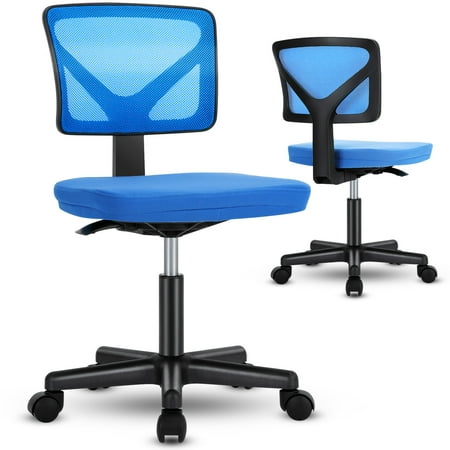
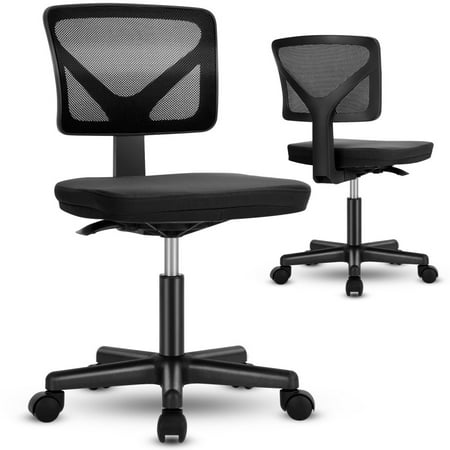
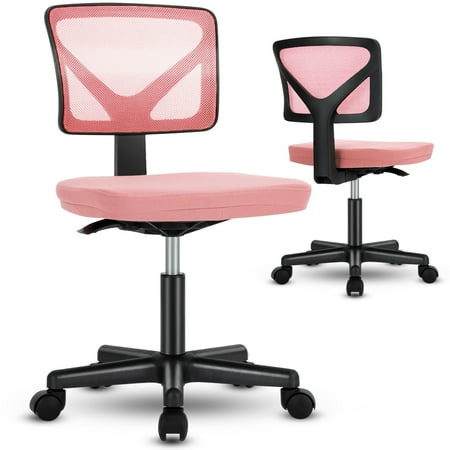
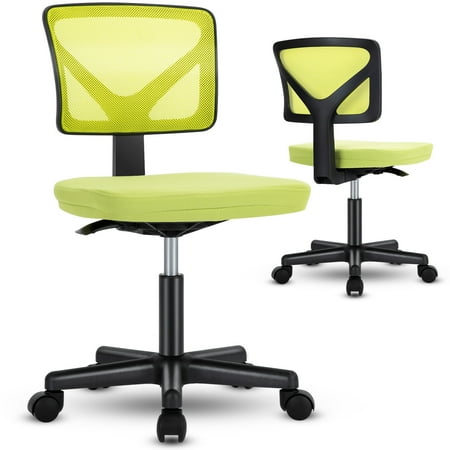
Why Your Home Office Desk Chair Needs Dedicated Lumbar Support
Working from home has transformed how we approach our daily routines, but it has also brought a silent challenge to the forefront: back pain. For millions of remote professionals, the home office desk chair with lumbar support is no longer a luxury—it's an essential tool for maintaining health and productivity. Unlike standard office chairs, models designed with targeted lumbar support actively work to preserve the natural S-curve of your spine, preventing the dreaded "computer hunch" that leads to chronic discomfort.
Did You Know? According to ergonomic research, individuals who use chairs with active lumbar support report 58% less lower back fatigue after 6 hours of seated work compared to those using flat-back chairs. Proper spinal alignment can also boost concentration levels by keeping you physically comfortable and mentally engaged.
The Anatomy of Superior Lumbar Support
Not all lumbar support is created equal. When evaluating a home office desk chair with lumbar support, it's crucial to understand the different types available:
- Fixed Lumbar Support: Built-in contour that provides general lower back cushioning. Suitable for shorter work sessions but may not fit everyone's spinal curvature.
- Adjustable Lumbar Support: Allows you to change the height and depth of the support pad. This is the gold standard for personalization, ensuring the curve hits exactly where your spine needs it most.
- Dynamic or Active Lumbar: Advanced mechanism that automatically adjusts tension as you shift positions, providing continuous support whether you're leaning forward to type or reclining for a call.
- Inflatable Air Lumbar: Found in premium chairs, this system uses an air bladder that you inflate to achieve precise firmness and depth, offering a custom-fit feel.
Beyond Lumbar: Essential Ergonomic Features to Pair
A chair with excellent lumbar support is a fantastic start, but to create a truly ergonomic workstation, you need a holistic approach. The best home office desk chair with lumbar support also incorporates these complementary features:
🔧 Seat Depth Adjustment
Allows you to slide the seat pan forward or backward so there's a 2-3 finger gap between the edge of the seat and the back of your knees. This prevents circulation issues and thigh pressure.
🔄 4D Armrests
Armrests that adjust up/down, in/out, pivot, and width let you align your elbows at a 90-degree angle, reducing shoulder tension and supporting your upper body posture.
💺 Breathable Material
Mesh back chairs are ideal for lumbar support because they conform to your spine while allowing air circulation, preventing heat buildup during long work sessions.
⚙️ Multi-Tilt Mechanism
Syncro-tilt or knee-tilt mechanisms let you recline smoothly while maintaining the angle between your torso and thighs, preserving lumbar support in any position.
Materials and Build Quality: What to Look For
When investing in a home office desk chair with lumbar support, durability matters. The combination of materials directly influences longevity and daily comfort. Here's a quick breakdown to guide your decision:
| Material | Benefits | Best For |
|---|---|---|
| High-Performance Mesh | Breathable, contours to spine, easy to clean, maintains shape over years | Warmer climates, all-day sitters, those who prefer firm support |
| Premium Fabric | Soft, cozy, variety of colors, often more affordable, good padding retention | Traditional home offices, those seeking plush feel |
| Top-Grain Leather | Luxurious appearance, durable, easy to wipe clean, ages gracefully | Executive home offices, style-focused professionals |
| Faux Leather / PU | Budget-friendly, sleek look, easy maintenance | Cost-conscious buyers, occasional use |
🎯 Pro Tip: The "15-Minute Test"
When trying a chair, sit for at least 15 minutes. Pay attention to whether the lumbar support feels too aggressive (causing pressure) or too soft (providing no support). Adjust the mechanisms and lean back—proper lumbar support should feel like a gentle, consistent hug to your lower back, not a hard poke.
Setting Up Your Lumbar Support Chair for Maximum Benefit
Even the best home office desk chair with lumbar support won't perform miracles if it's not correctly adjusted. Follow these steps to dial in your ergonomic setup:
- Feet Flat on Floor: Start by adjusting seat height so your feet rest flat, knees at a 90-degree angle.
- Hips Slightly Higher: Your hips should be slightly above your knees to maintain natural spine curve.
- Lumbar Positioning: Adjust lumbar support height until it fills the inward curve of your lower back (just above the belt line).
- Depth Fine-Tuning: If available, adjust lumbar depth/pressure to a firm but comfortable level.
- Backrest Angle: Set backrest recline tension so you can lean back with light resistance without straining.
- Armrest Alignment: Raise armrests until shoulders are relaxed and elbows form 90–110 degree angle.
Re-evaluate these settings after a few days of use—small tweaks can make a world of difference in comfort.
Health Benefits Beyond Back Pain Relief
Choosing a quality chair with robust lumbar support yields benefits that extend far beyond your back. When your spine is properly aligned, your entire body functions better:
- Enhanced Focus & Productivity: Discomfort is a major distraction. Eliminating back strain allows you to concentrate deeply on tasks, improving output quality.
- Better Digestion: Slouching compresses abdominal organs. Proper posture encourages healthy digestion, especially important during long work hours.
- Improved Respiratory Function: Upright posture opens the chest cavity, allowing for deeper, more oxygen-rich breathing, which boosts energy levels.
- Reduced Headaches: Tension in the neck and shoulders often stems from poor lower back support. A stable lumbar foundation helps keep the entire kinetic chain aligned, decreasing tension headaches.