
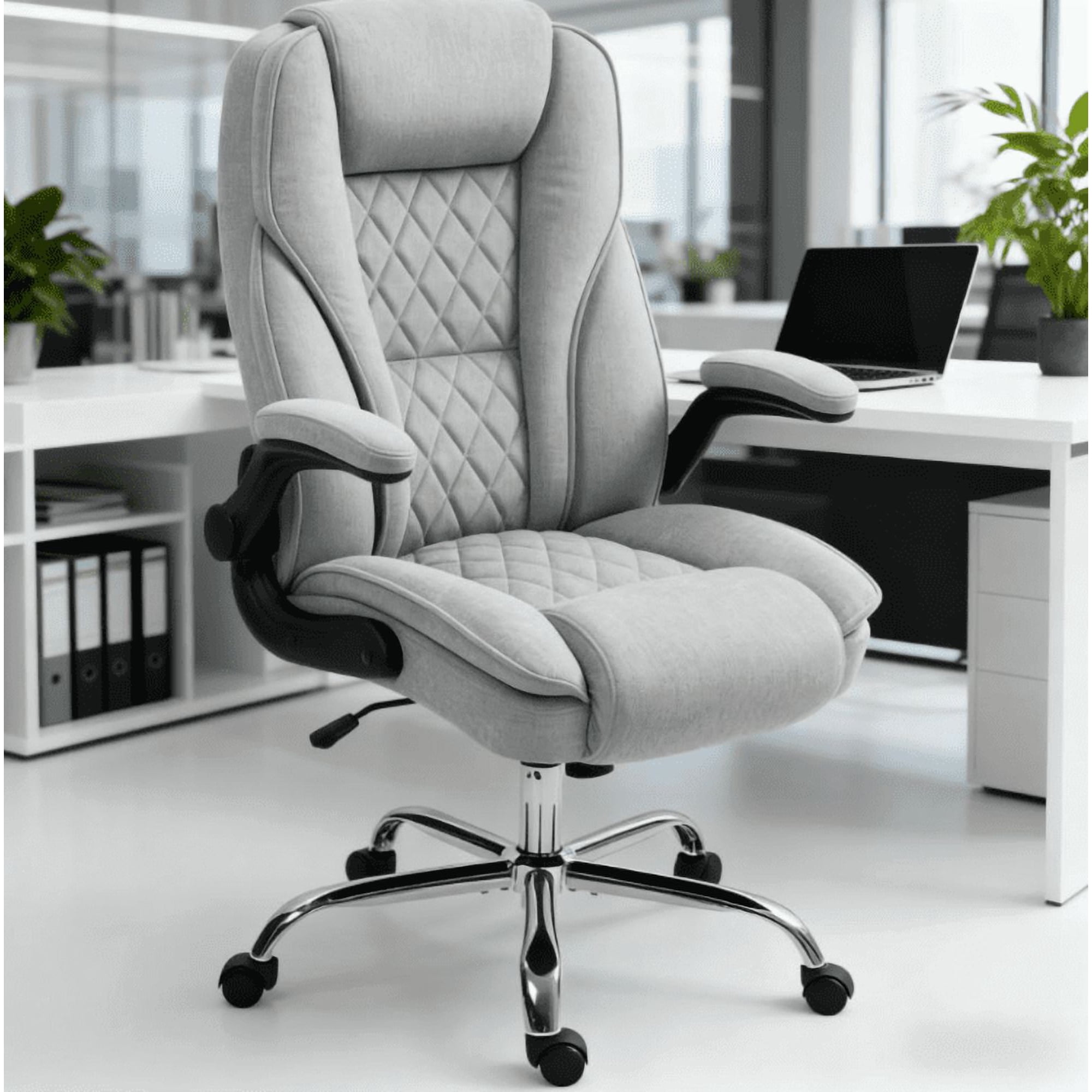
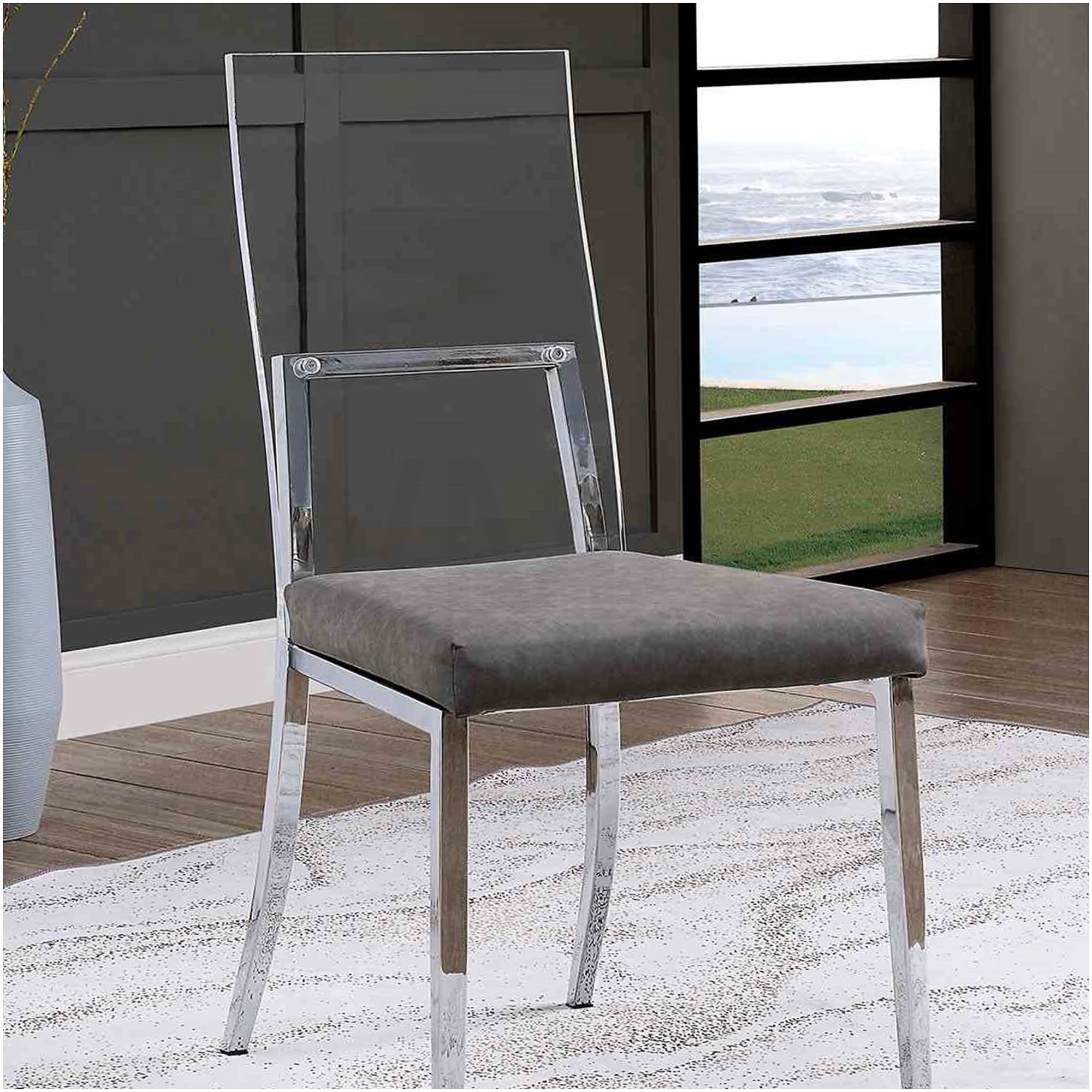
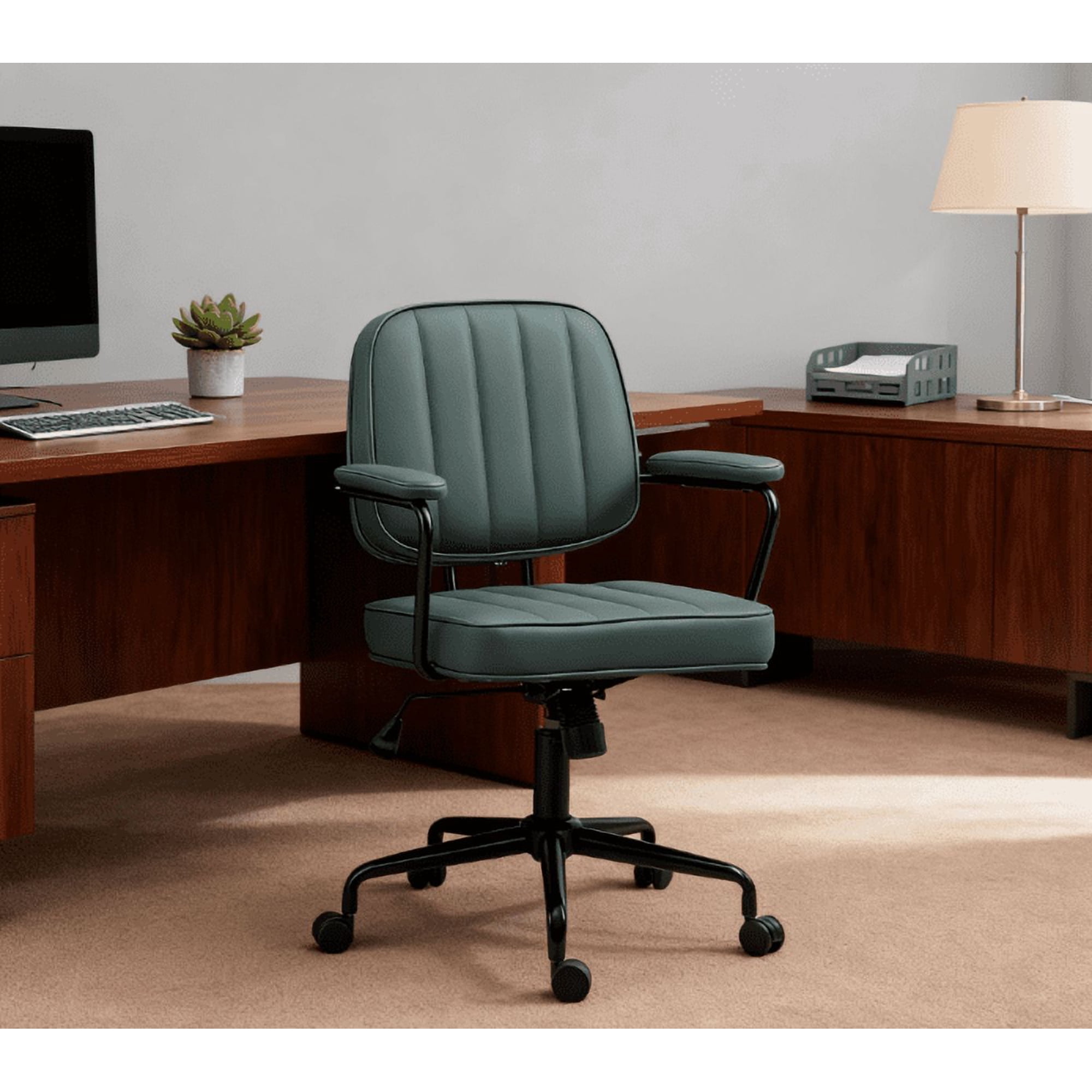
Why Your Home Office Chair Matters When You Have a Bad Back
If you suffer from chronic back pain or occasional discomfort, the chair you sit in for hours each day is not just a piece of furniture—it's a crucial component of your health management strategy. Standard office chairs often lack the nuanced support needed to maintain the natural "S" curve of your spine, leading to slouching, disc compression, and muscle fatigue. Home office chairs for bad backs are engineered with biomechanics in mind, offering dynamic support that moves with you and encourages a healthy, pain-free posture.
Ergonomic Insight: According to a study published in the Journal of Physical Therapy Science, using an ergonomically adjusted chair can reduce lower back pain intensity by up to 42% within four weeks compared to using a non-ergonomic chair. The key is adjustability and targeted lumbar support.
The Anatomy of a Back-Saving Office Chair
Understanding the specific components of a supportive chair empowers you to make an informed choice. When searching for the ideal home office chair for a bad back, look beyond aesthetics and focus on these structural elements:
- Dynamic Lumbar Support: Unlike static pillows, a quality chair has a built-in mechanism that allows you to adjust the lumbar curve's depth and height, fitting perfectly into the hollow of your lower back.
- Seat Depth and Angle: A seat that is too long cuts off circulation behind your knees; a seat too short reduces thigh support. Look for a chair with a sliding seat pan (depth adjustment) and a forward tilt option to keep your pelvis in a neutral position.
- Multi-Dimensional Armrests: Adjustable armrests (height, width, and pivot) take the weight off your shoulders and upper back, preventing tension from radiating down to your lower spine.
- Recline Tension and Lock: A chair that allows you to recline with a synchronized mechanism lets you shift your weight throughout the day, reducing static loading on spinal discs. Look for one that lets you lock the tilt at various angles.
- High-Back Design: Full support for the thoracic spine and shoulders ensures that your entire back is cradled, promoting better overall alignment.
Mesh vs. Padded: Which Provides Better Back Support?
Premium Mesh Chairs
- Breathability: Keeps you cool, preventing discomfort that can lead to fidgeting and poor posture.
- Responsive Support: The mesh acts like a hammock, providing firm yet flexible support that contours to spinal movements.
- Lower Maintenance: Doesn't sag or flatten like foam over time.
- Best For: Users who run warm, desire a modern aesthetic, and need dynamic, "live" support.
High-Density Padded (Fabric/Leather)
- Plush Comfort: Offers a more traditional, luxurious feel that many users prefer.
- Pressure Distribution: High-quality memory foam or molded foam distributes weight evenly, reducing pressure points on the sit bones.
- Stability: Provides a more static and grounded seating experience.
- Best For: Users who prefer a softer, enveloping feel and work in temperature-controlled environments.
Pro Tip: If you have specific conditions like herniated discs, a chair with a firm, adjustable lumbar system (either in mesh or high-density foam) is critical. For conditions like sciatica, a chair with a seat slider to adjust depth and a waterfall edge seat can relieve pressure on the sciatic nerve.
Key Ergonomic Adjustments for Pain Relief
Even the most expensive chair won't help if it's not properly adjusted. Use this checklist to optimize your new chair for maximum back relief:
- Feet Flat on the Floor: Adjust seat height so your knees are at a 90-degree angle, and your feet rest flat on the floor. Use a footrest if needed.
- Two Fingers Rule Behind the Knee: Sit all the way back in the chair. You should have roughly two to three fingers' width between the edge of the seat and the back of your knee.
- Lumbar Contact: Adjust the lumbar support until you feel it making firm, comfortable contact with the curve of your lower back.
- Shoulder Relaxation: Adjust armrests so your shoulders are relaxed and your elbows form a 90-degree angle. Your wrists should rest flat on the keyboard.
- Back Angle: Slightly recline your chair (100-110 degrees) to open up the angle at your hips and reduce pressure on your lumbar discs.
Fact: The American Chiropractic Association (ACA) recommends that a properly adjusted ergonomic chair can be one of the most effective tools in preventing work-related back strain, second only to taking frequent movement breaks.
Frequently Asked Questions About Home Office Chairs for Bad Backs
Conclusion: Invest in Your Back Health and Productivity
Choosing the right home office chair for a bad back is a long-term investment in your physical health, daily comfort, and professional productivity. Back pain doesn't have to be an inevitable part of working from home. By prioritizing chairs with dynamic lumbar support, comprehensive adjustability, and high-quality materials, you can create a workspace that supports your body, not works against it.
Remember, the goal is to find a chair that disappears beneath you—one that you don't have to think about because it's providing consistent, comfortable support. Combine your chair selection with regular movement breaks, stretching, and a proper desk setup, and you'll be well on your way to pain-free, focused workdays.