
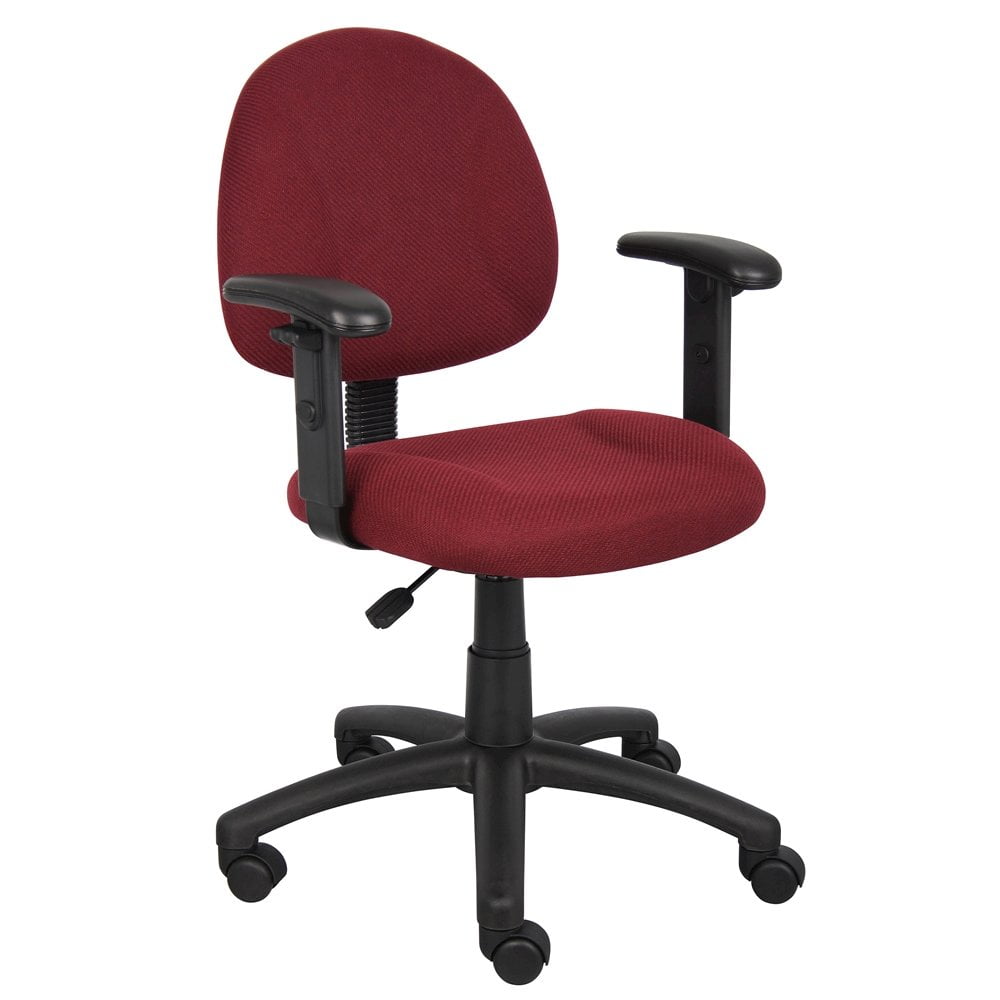
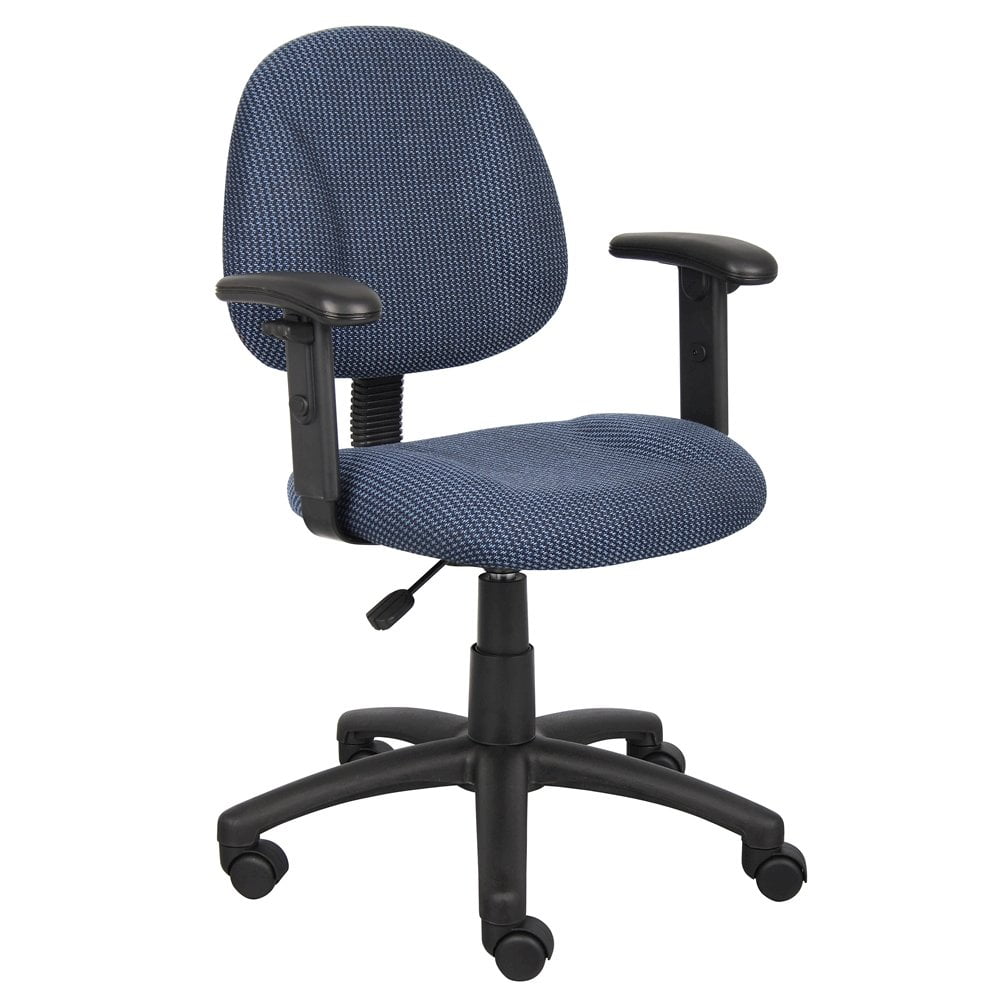
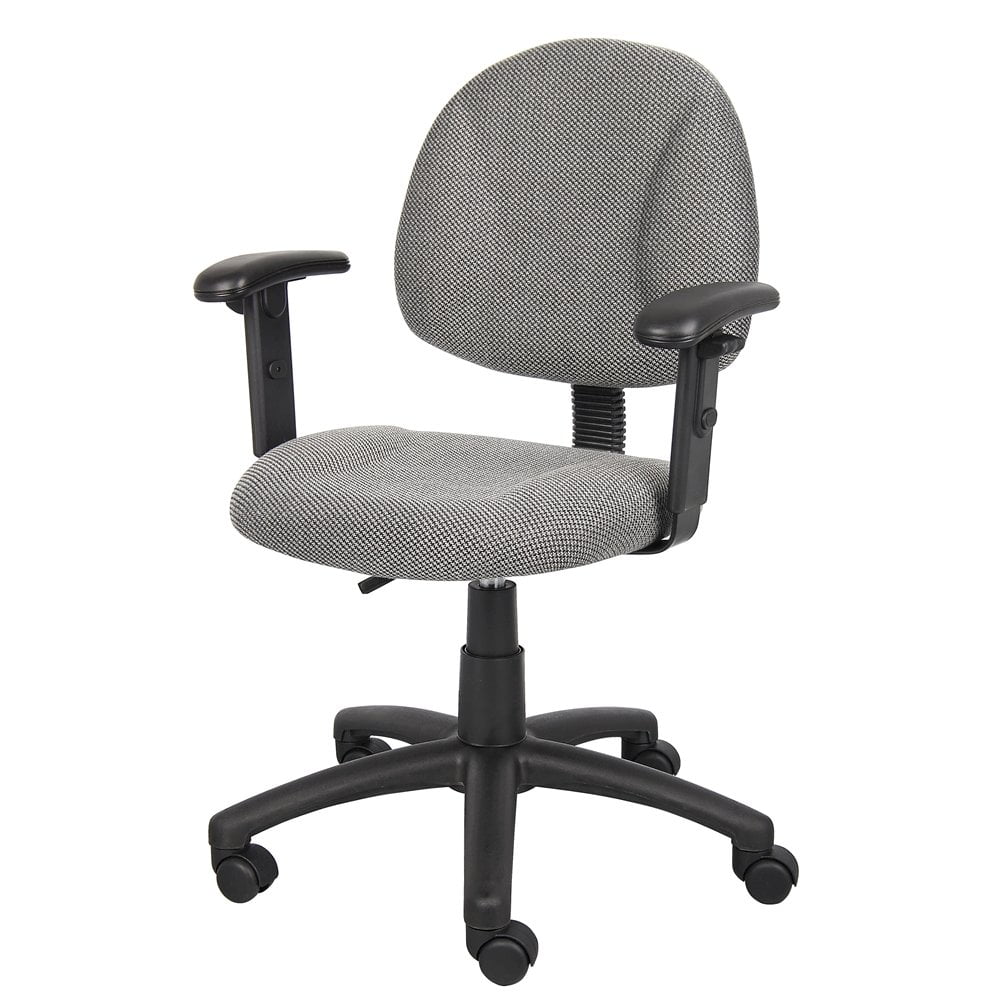
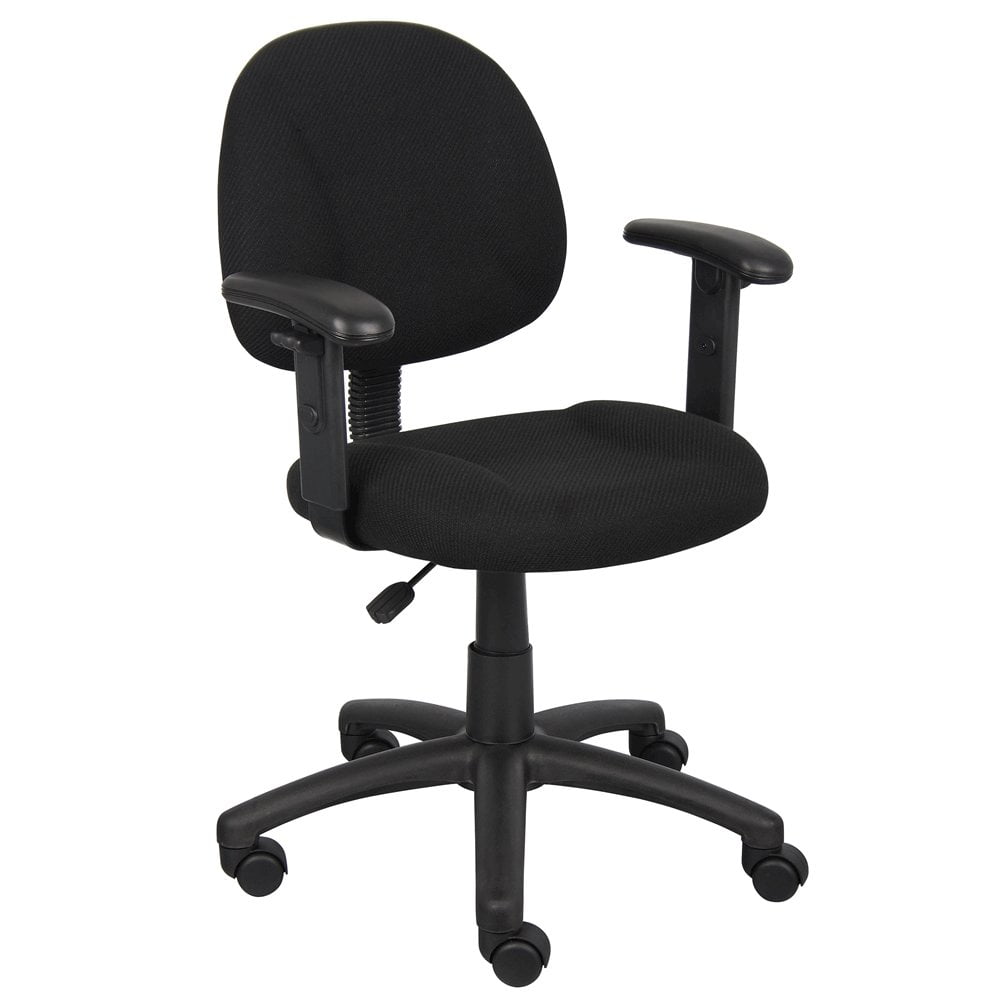
Why a Home Office Chair With Adjustable Arms Is a Game-Changer
Picture this: you’re deep into a project, typing furiously, and suddenly you realize your shoulders are creeping up toward your ears. Your elbows are unsupported, and your wrists are angled awkwardly. This scenario is all too common when using a chair with fixed or poorly designed armrests. A home office chair with adjustable arms eliminates this discomfort, giving you the ability to fine-tune your workstation to your body’s exact dimensions.
Beyond Basic Comfort: The Ergonomic Science of Armrests
Adjustable arms are not just a luxury—they're a critical component of an ergonomic setup. When your forearms rest parallel to the floor and your elbows form a 90-degree angle, the tension on your upper trapezius and neck muscles drops dramatically. This alignment allows you to work longer without fatigue. For remote workers and home-based professionals, investing in a chair with versatile arm adjustments is a proactive step toward long-term musculoskeletal health.
Types of Adjustable Arms: From 2D to 4D
↕️ 2D Adjustable Arms
Height + Width — Most common in mid-range chairs. Allows you to raise/lower arms and slide them inward/outward. Ideal for basic ergonomic needs.
🔄 3D Adjustable Arms
Height + Width + Pivot — Adds rotation (angle) so you can tilt the arm pad to match your natural wrist angle while typing.
⬅️➡️ 4D Adjustable Arms
Height + Width + Pivot + Depth — The gold standard. Depth adjustment lets you slide the armrest forward or backward, crucial for users with longer forearms or those who lean back frequently.
Key Features to Look For When Buying
- Armrest Padding Material: Soft PU or memory foam provides better pressure distribution than hard plastic.
- Locking Mechanism: Ensure adjustments lock firmly so settings don’t drift during use.
- Width Clearance: Narrow frames need arms that tuck in to fit under standard desks; wider frames require outward extension.
- Flip-Up Capability: Perfect for multi-purpose spaces or if you occasionally play guitar or need to slide the chair sideways.
- Durability: Look for metal armrest frames rather than all-plastic construction for long-term reliability.
Who Benefits Most From Adjustable Armrests?
While adjustable arms benefit almost anyone, certain groups find them indispensable:
- Multi-device users: Switching between laptop, desktop, and phone calls requires different arm positions.
- Shorter or taller individuals: Fixed arms often don’t align with non-average statures. Height-adjustable arms close that gap.
- People with existing shoulder/neck issues: Custom positioning can offload stress from injured or sensitive areas.
- Home office sharers: If multiple family members use the same chair, quick adjustments ensure each person gets proper support.
How to Adjust Your Chair Arms for Perfect Ergonomics
Step 1: Set Your Seat Height First
Ensure your feet are flat on the floor and knees at 90 degrees. Then adjust armrests so your elbows also form a 90-degree angle when your shoulders are relaxed.
Step 2: Adjust Width to Match Shoulder Width
Slide armrests inward/outward until they sit directly under your elbows without forcing your arms outward or cramping them inward.
Step 3: Fine-Tune Depth and Pivot
If your chair offers 4D adjustments, move the arm pads forward so they support your forearms when you’re typing, and tilt pads slightly inward for a natural handshake position.
Material Choices: What Works Best With Adjustable Arms?
Adjustable arms are available across various chair materials. Here’s how they pair:
- Mesh-back chairs: Usually feature breathable arms that stay cool, great for warm climates.
- Leather/leatherette chairs: Provide a premium feel, often with plush arm padding for added luxury.
- Fabric chairs: Soft-touch armrests are common; ensure they are stain-resistant as they’re high-contact areas.
Expert Insight: A survey of 1,200 remote workers revealed that 78% experienced less shoulder pain after switching to a chair with 3D or 4D adjustable arms. The ability to tailor arm support to individual tasks—like drafting emails versus creative design—made a significant difference in daily comfort.
Common Myths About Adjustable Armrests Debunked
- Myth: "Armrests are unnecessary if I have a desk that supports my arms."
Fact: Desks support your arms at a fixed point, but they don’t move with you when you recline or shift. Chair armrests provide dynamic support. - Myth: "More adjustments mean more things that can break."
Fact: Quality chairs use robust mechanical parts that last for years. Cheap chairs with fixed arms often break at the joint anyway. - Myth: "Only tall people need adjustable arms."
Fact: People of all heights benefit; it's about the relationship between elbow height and desk height, not overall stature.