
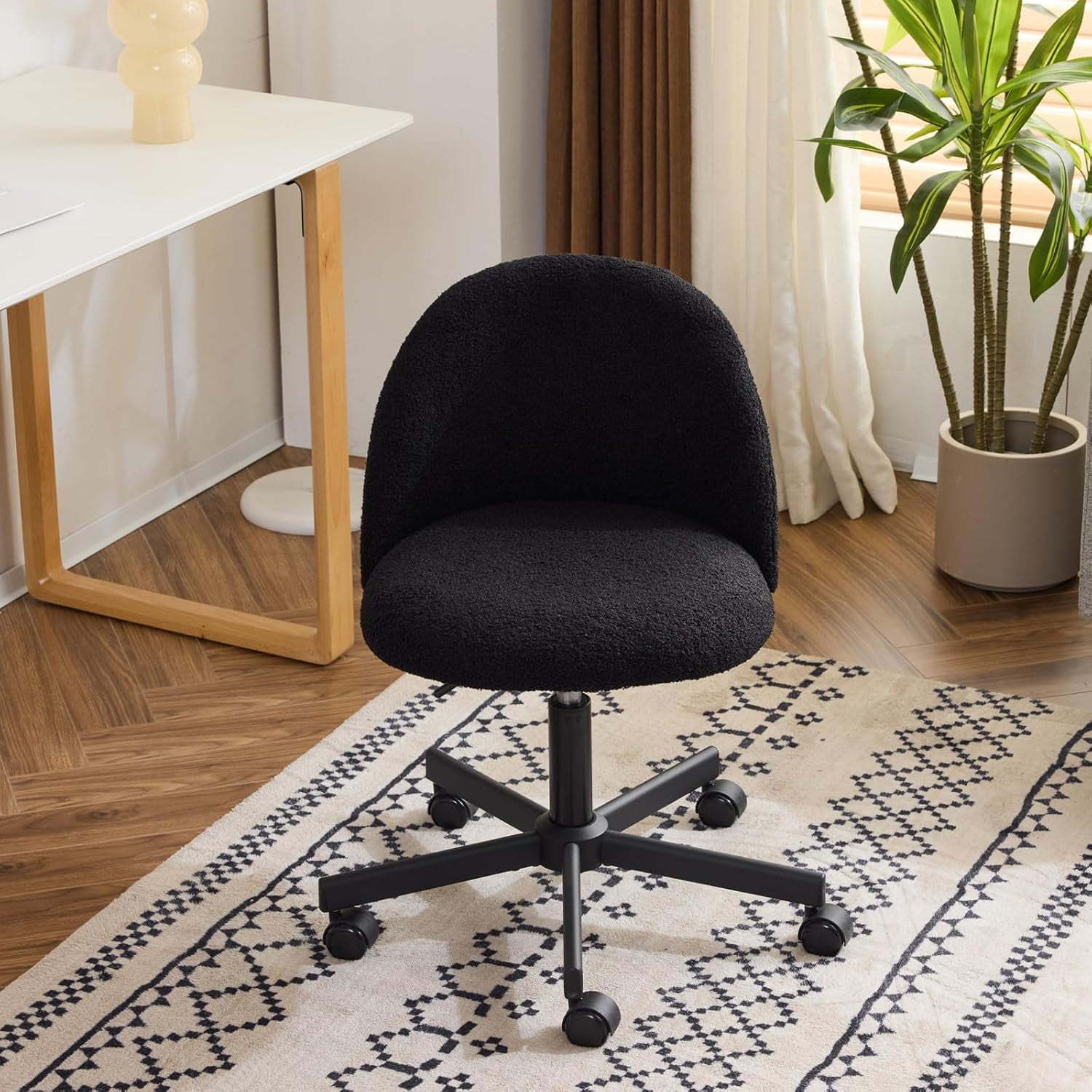
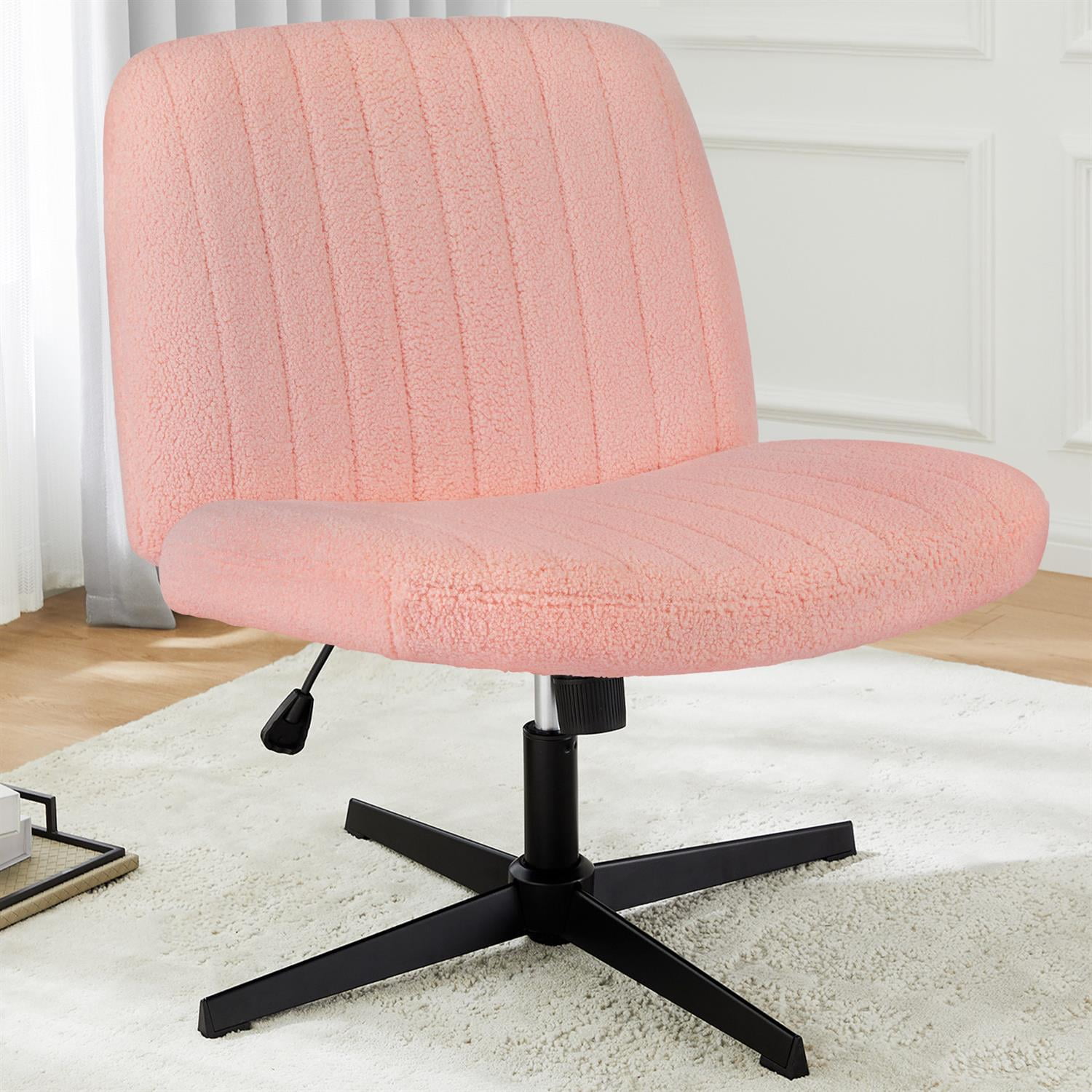
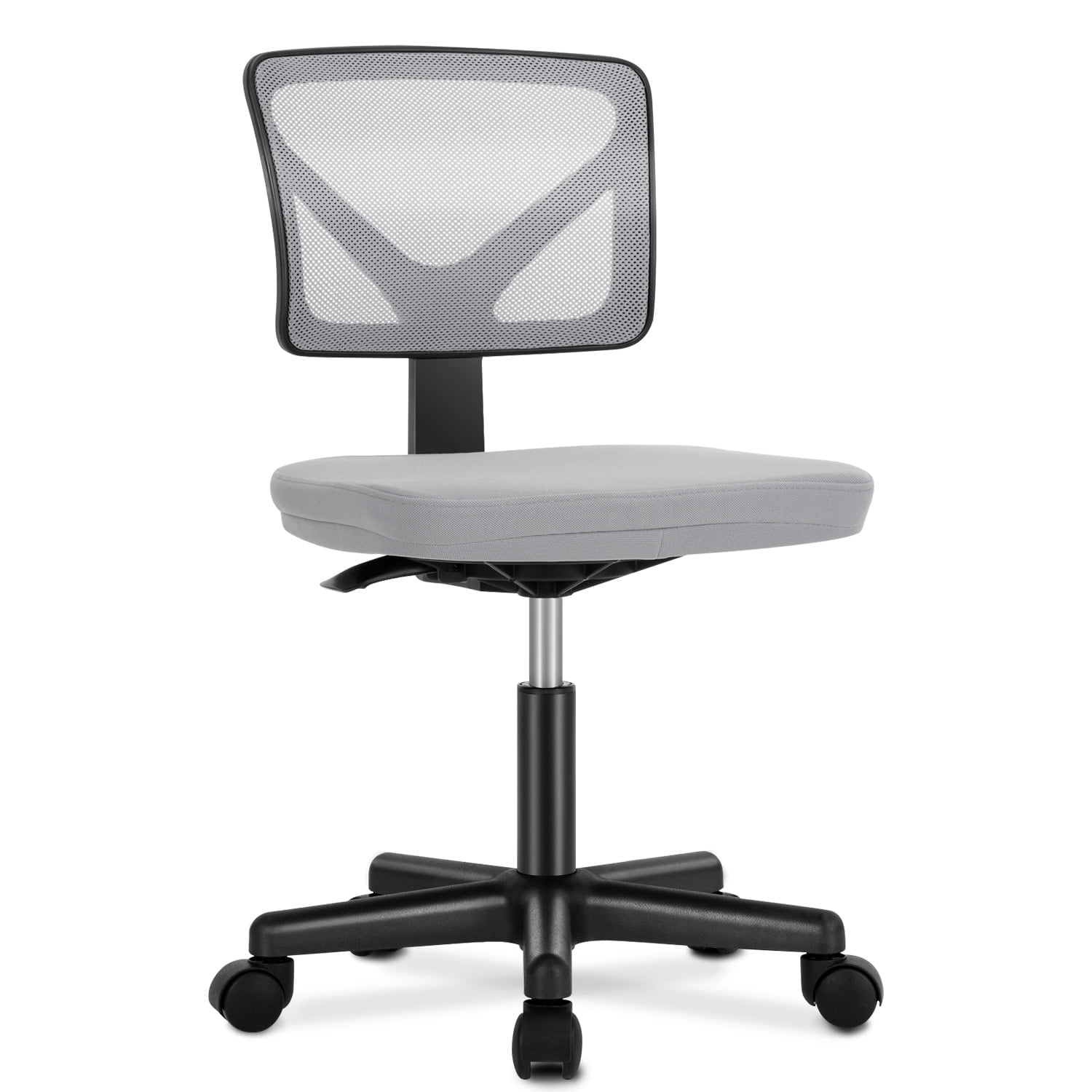
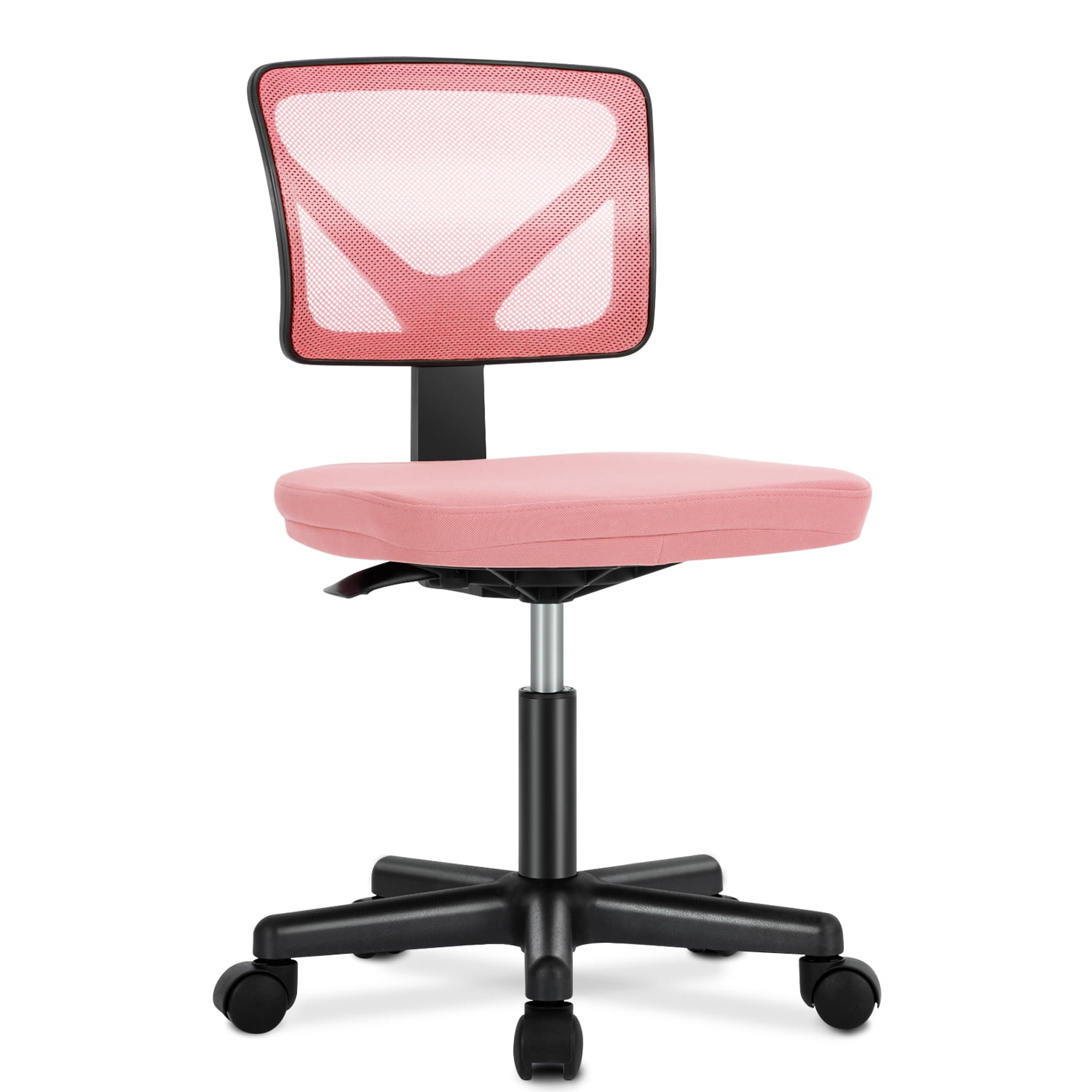
Why Choose a Comfortable Armless Office Chair?
Imagine an office chair that doesn't box you in. A seat that lets you swing a leg over, tuck completely under your desk, or shift positions effortlessly. That's the freedom of a comfortable armless office chair. For many professionals, armrests can be more of a hindrance than a help—they limit movement, take up space, and sometimes dig into hips. Armless designs offer a minimalist, ergonomic alternative that adapts to the way you actually work.
Ergonomics Insight: A study from the Human Factors and Ergonomics Society found that removing armrests can reduce contact pressure on forearms during typing tasks by up to 30%, potentially lowering the risk of repetitive strain injuries for some users. The key is having a well-padded seat and proper back support.
Who Needs an Armless Office Chair?
Armless chairs aren't for everyone, but they are a game-changer for specific groups:
- Small home offices: When every inch counts, an armless chair slides under the desk with ease.
- Artists & designers: Freedom to turn, reach for tools, and use a drawing tablet without armrest interference.
- Broad-shouldered individuals: No more squeezing between fixed armrests.
- Multi-taskers: Swivel and move freely between multiple monitors or workstations.
- Yoga-ball enthusiasts: Armless chairs offer a similar active seating experience but with back support.
Key Features of a High-Quality Armless Chair
Just because it lacks arms doesn't mean it lacks features. The best comfortable armless office chairs incorporate these elements:
| Feature | Why It Matters for Armless Design | What to Look For |
|---|---|---|
| Seat Contour & Padding | Without arms, the seat must provide stability and comfort edge-to-edge. | High-density foam with memory foam topper; waterfall edge to reduce thigh pressure. |
| Lumbar Support | Back support becomes the primary ergonomic feature. | Built-in lumbar curve or adjustable pad (height & depth). |
| Backrest Height & Recline | Should support the entire back or allow freedom based on preference. | Mid-back (for active movement) or high-back (for full support); adjustable tilt tension. |
| Base & Casters | Stability is crucial without arms to hold onto. | 5-star reinforced base; smooth-rolling casters suitable for floor type. |
| Material Breathability | Armless often means more skin contact with the chair in summer. | Mesh back or breathable fabric upholstery. |
Material Matters: Upholstery for Armless Chairs
Since your arms and sides will be in constant contact with the chair's edges, material choice affects both comfort and longevity.
Mesh
- Excellent airflow – no sweaty sides.
- Flexible yet supportive.
- Modern, minimalist look.
- Easy to clean with a vacuum.
Fabric
- Soft and warm to the touch.
- Wide color/pattern options.
- Can absorb spills – treat with protector.
- May show wear on high-friction edges.
Leather and faux leather are also options, but they can get sticky against bare arms in warm climates. If you choose leather, look for perforated or "breathable" versions.
Health Benefits: More Than Just Comfort
Active Sitting
Without armrests, you naturally shift positions, engaging core muscles and improving circulation.
Shoulder Relief
For those who hunch or lean on armrests, removal can encourage proper shoulder alignment.
Space Efficiency
Sliding under a desk prevents leg room constraints, reducing the urge to sit improperly.
Versatility
Use it as a guest chair, in meetings, or even pull it up to a counter – arms often get in the way.
Step-by-Step Selection Guide for Armless Chairs
Step 1: Measure Your Space and Body
- Seat width: Ideally 18-22 inches. Measure your hips and thighs.
- Seat depth: Should leave 2-3 finger gaps between the back of your knee and the seat edge.
- Desk height: Ensure the chair without arms can roll fully under (standard desk height 28-30 inches).
Step 2: Define Your Primary Tasks
Step 3: Budget Wisely
Step 4: Test for "Armless Comfort"
Sit for at least 15 minutes. Check the edges: they shouldn't dig into your sides. Lean back: the lumbar should hold you. Rock gently: the base should feel stable.
Adapting to an Armless Chair: Tips for a Smooth Transition
If you're used to armrests, switching to a comfortable armless office chair might feel odd at first. Here's how to adapt:
- Adjust your desk setup: Ensure your keyboard tray or desk surface is at elbow height to support your arms.
- Use a footrest: This helps maintain posture and reduces fatigue when your feet don't fully reach the floor.
- Take micro-breaks: Without arms, you'll move more – embrace it. Stand up and stretch every hour.
- Consider a lumbar cushion: If the built-in support isn't enough, add a small pillow.
Frequently Asked Questions About Armless Office Chairs
Final Verdict: Is an Armless Chair Right for You?
Comfortable armless office chairs are not a compromise; they are a specialized tool. For the right user—someone who values freedom of movement, has limited space, or simply dislikes armrests—they can be more comfortable than traditional chairs. Focus on seat quality, lumbar support, and material. Test a few if possible. With the right choice, you'll wonder why you ever let arms get in your way.
Remember, the most comfortable chair is the one that fits your body and work style. Use the guide above to narrow down your options, and check our product grid for top-rated picks updated in real-time.