
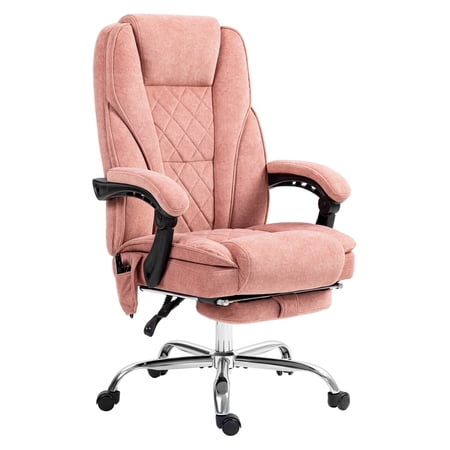
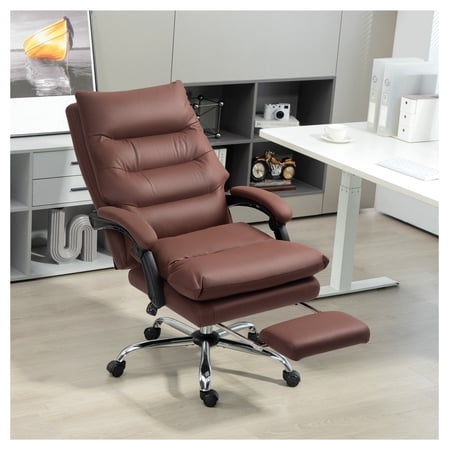
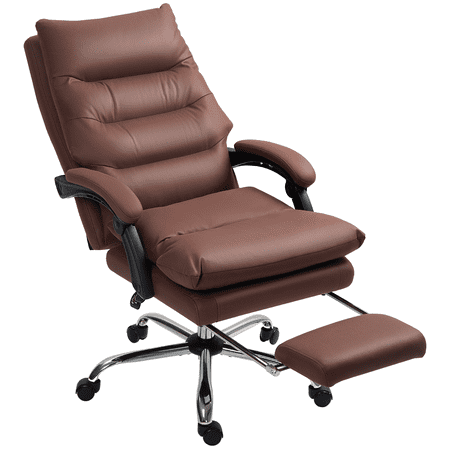
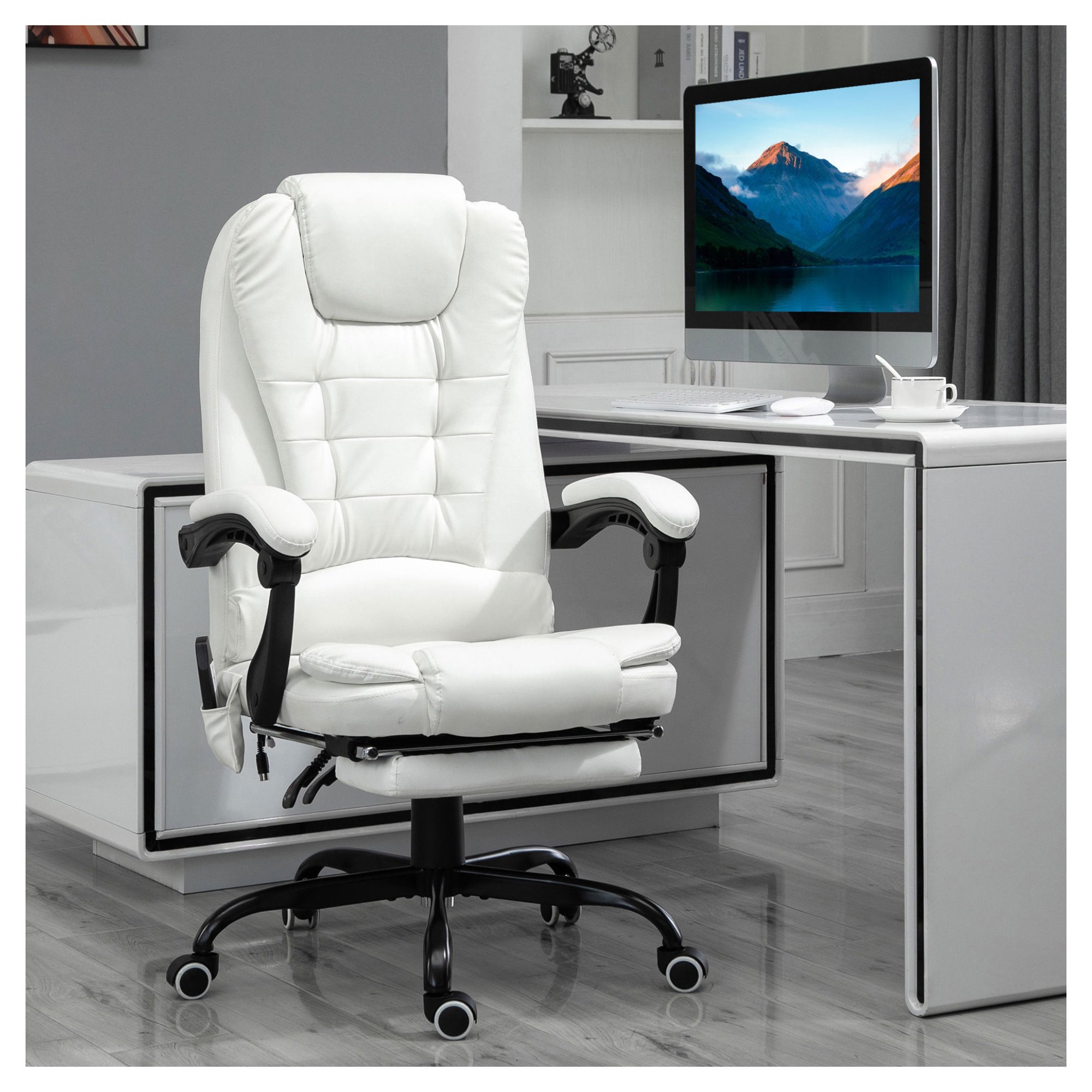
The Ultimate Guide to Recliner Office Chairs with Laptop Stands
Working from home has become the new normal, but many professionals are still struggling to find a comfortable and productive setup. This is where the **recliner office chair with a laptop stand** comes into play. Imagine the comfort of a recliner combined with the functionality of a dedicated workspace – that's the game-changing experience these chairs offer.
Did You Know? Research shows that the ability to change your posture frequently throughout the day can reduce musculoskeletal strain by up to 60%. A recliner office chair encourages this movement, promoting better blood flow and reducing stiffness.
Why Choose a Recliner Office Chair with a Laptop Stand?
Traditional office chairs often force you into a rigid, upright posture for hours. A recliner office chair with a laptop stand offers a flexible alternative that adapts to your body's needs, not the other way around.
- Ergonomic Versatility: The ability to recline at various angles helps distribute your weight and relieve pressure on your lower back.
- Improved Focus: A comfortable working posture can help you concentrate for longer periods, boosting overall productivity.
- Reduced Neck Strain: A built-in laptop stand allows you to position the screen at eye level, eliminating the need to hunch over.
- Modern Aesthetics: These chairs are designed to be sleek and professional, blending seamlessly into any modern home office.
- Multipurpose Use: Whether you are working, reading, or simply relaxing, a recliner office chair is a versatile piece of furniture.
Key Features to Consider When Buying
Selecting the perfect recliner office chair with a laptop stand requires a careful evaluation of several key features. Here is a breakdown to help you make an informed decision:
| Feature | Why It Matters | What to Look For |
|---|---|---|
| Laptop Stand/Tray | Ensures your laptop is at a comfortable viewing angle, preventing neck and eye strain. | Adjustable height, tilt, and depth; sturdy construction; non-slip surface. |
| Recline Mechanism | Allows you to shift positions and find the perfect angle for work or relaxation. | Multiple locking positions, smooth operation, easy-to-use handle or lever. |
| Lumbar Support | Provides crucial lower back support, reducing the risk of back pain. | Adjustable height and depth, integrated foam support, or air-pressure systems. |
| Padding & Upholstery | Affects overall comfort and durability. | High-density foam or memory foam, breathable mesh, or premium leather/fabric. |
| Base & Casters | Ensures stability and smooth movement, especially on different floor types. | Five-point metal base, heavy-duty nylon or polyurethane casters (suitable for carpet/hardwood). |
Setting Up Your Recliner Office Chair for Maximum Comfort
Once you've invested in a great recliner office chair with a laptop stand, proper setup is key to unlocking its full potential. Follow these steps to create an ergonomic workstation.
- Position the Laptop Stand: Adjust the stand so the screen is at eye level. This prevents you from looking down for extended periods, which can cause "tech neck."
- Adjust the Recline Angle: Find a slight recline angle (around 100-110 degrees) that feels comfortable. This helps open up your hips and reduces lower back pressure.
- Set Your Feet Flat: If the chair has a footrest, use it. Otherwise, ensure your feet are flat on the floor to maintain good circulation.
- Support Your Back: Use the built-in lumbar support to fill the natural curve of your spine. This is crucial for long hours of use.
- Take Breaks: Even with the best chair, it's important to stand up and stretch every 30-45 minutes to promote blood flow.