
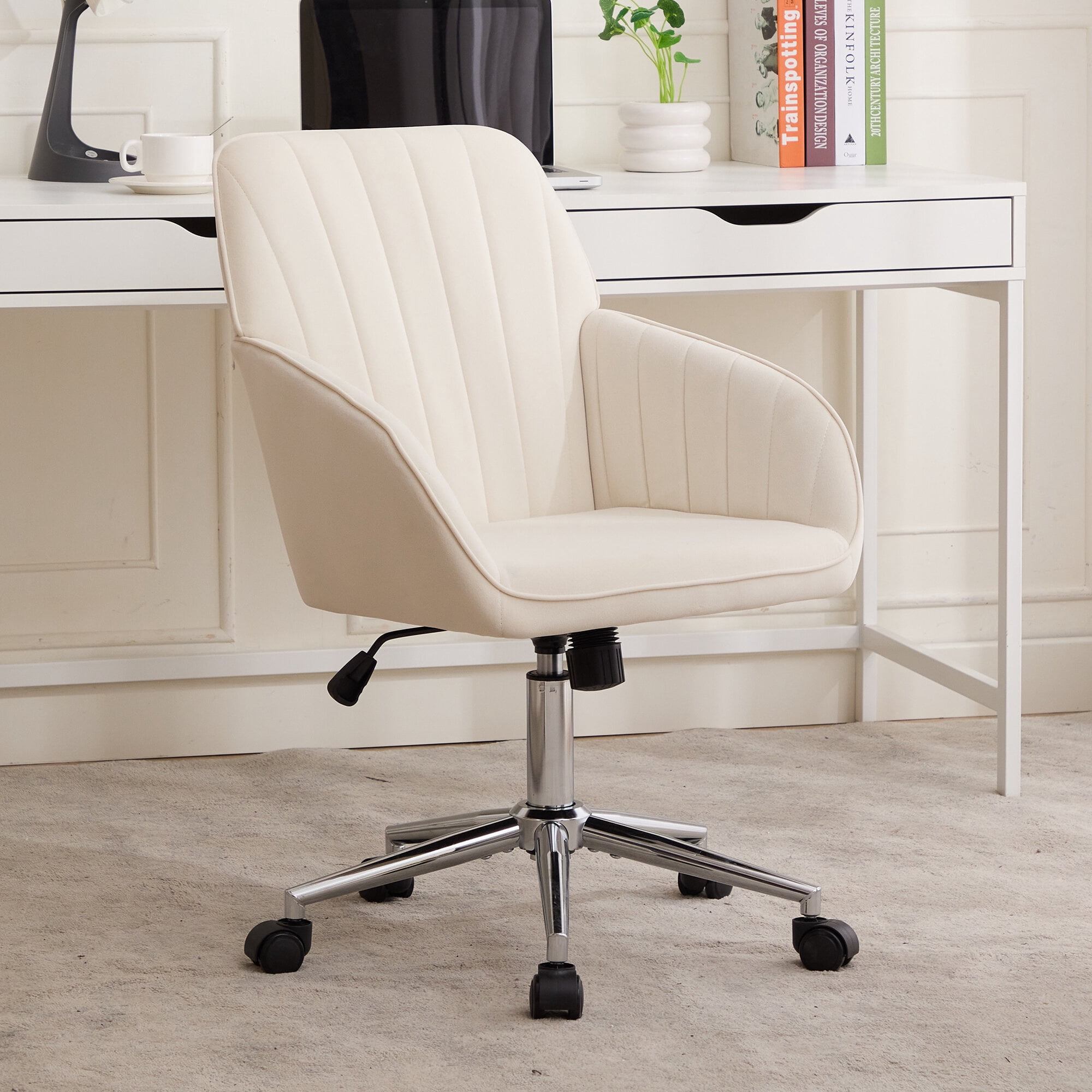
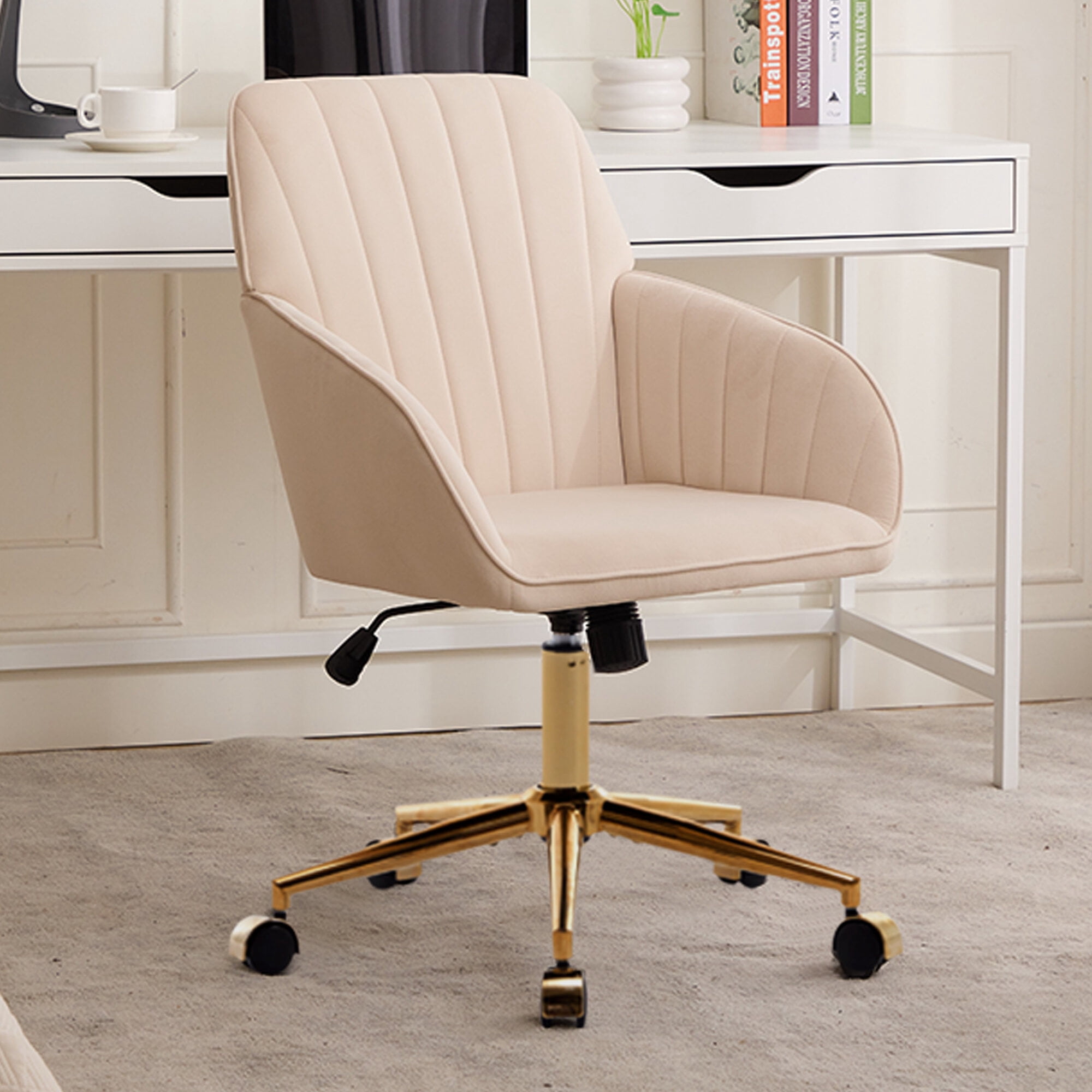
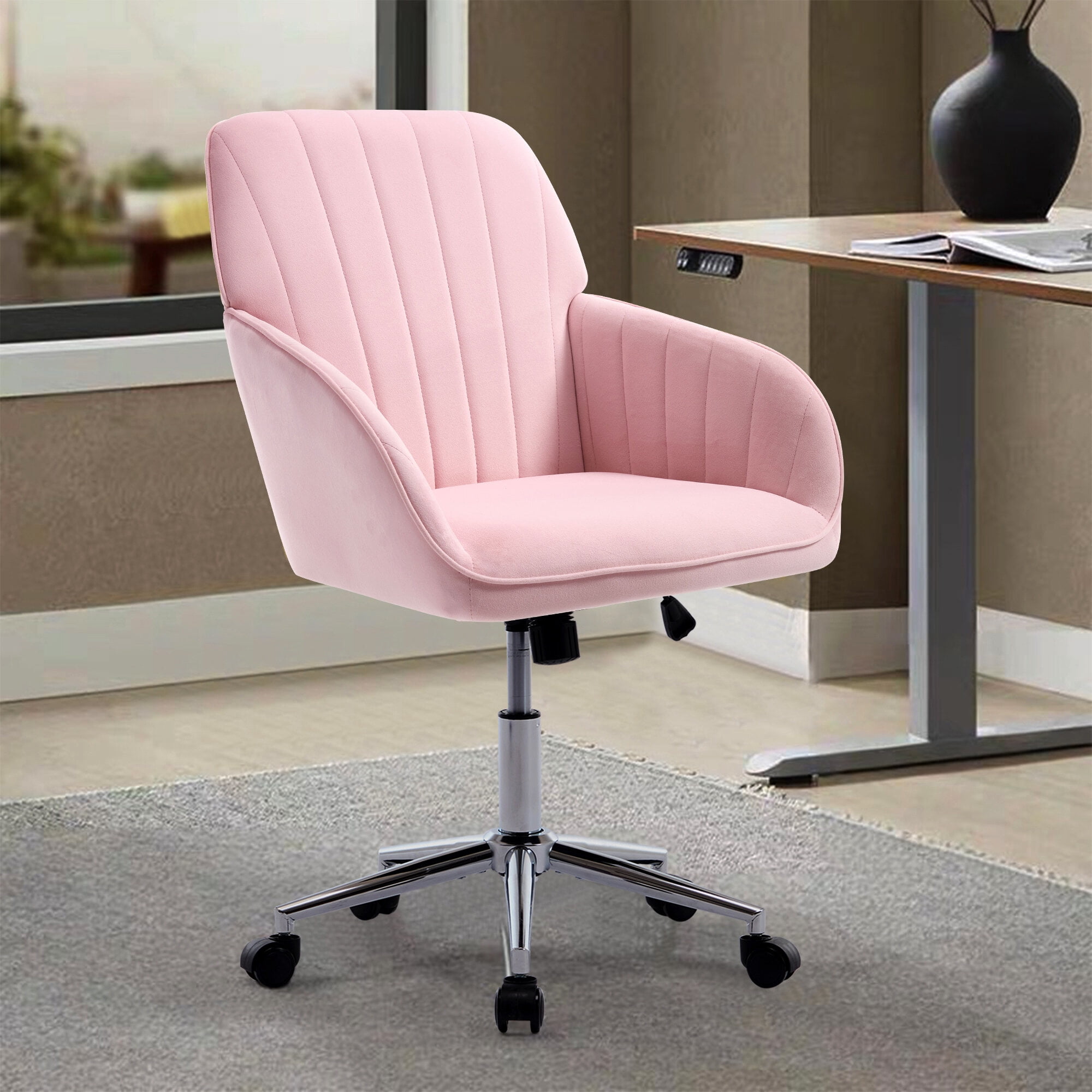
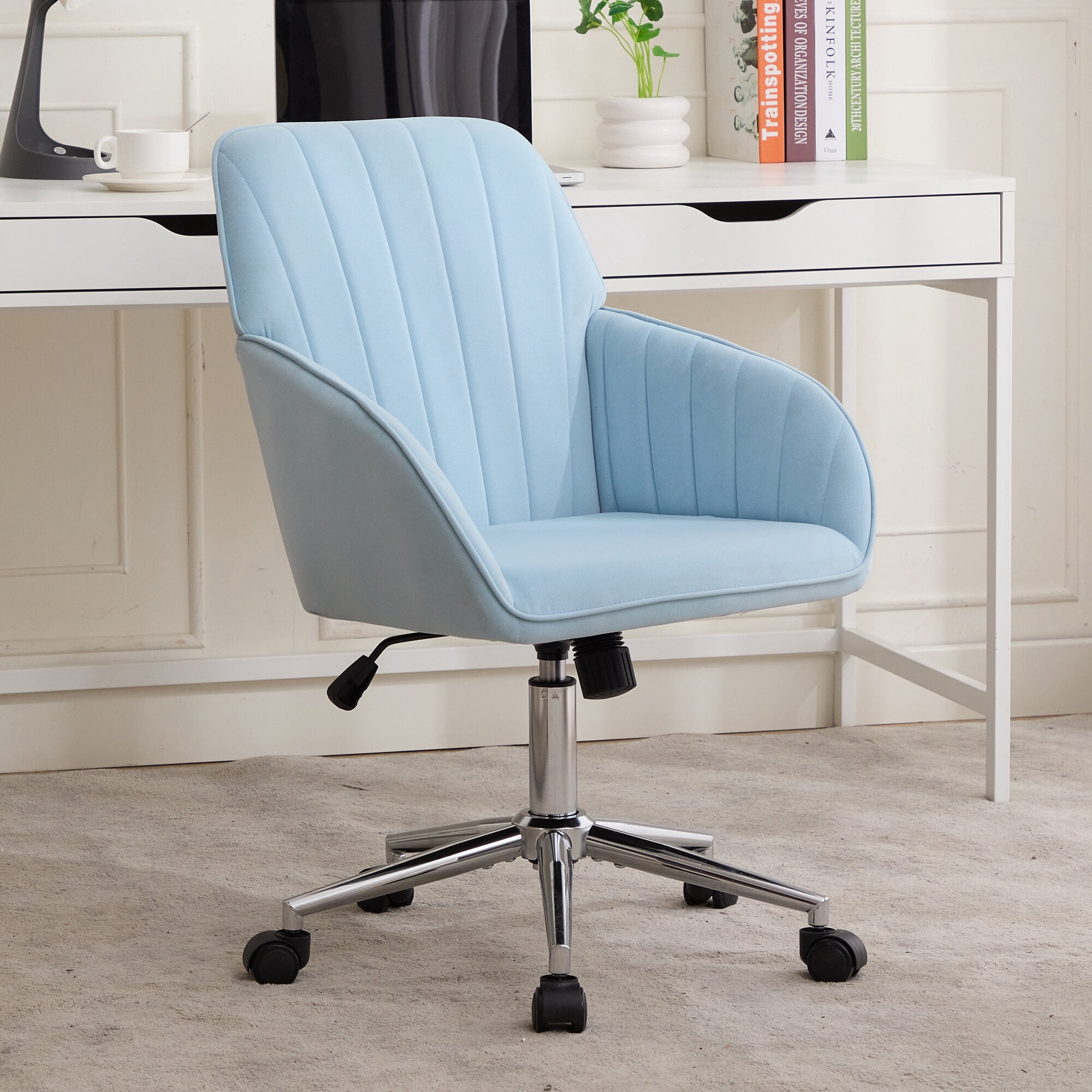
Why the Right Office Sitting Chair Transforms Your Workday
Think of your office chair as the foundation of your workspace — much like the foundation of a house, if it’s unstable or uncomfortable, everything built on top suffers. For millions of people, sitting is not just a part of the job; it is the job. An office sitting chair that truly fits your body can boost focus, reduce fatigue, and protect you from chronic back pain. According to the Occupational Safety and Health Administration (OSHA), poor seating contributes to 34% of workplace musculoskeletal disorders. Yet only one in three workers uses a chair with proper ergonomic adjustments.
This guide goes beyond generic advice. We’ll explore what makes a chair genuinely supportive for long‑term sitting, how different materials affect your comfort, and which features actually matter when you’re logged in for eight hours straight. Whether you work from home, manage a team, or run a small business, investing in a quality sitting chair is an investment in your daily energy and long‑term health.
Anatomy of a Superior Office Sitting Chair
A chair designed for prolonged sitting is more than padding on wheels. It’s an engineered system that supports your body’s natural alignment. Let’s break down the essential components:
1. Lumbar Support — Your Spine’s Best Friend
The lower back (lumbar region) naturally curves inward. When a chair lacks proper support, you slump, flattening that curve and straining spinal discs. Adjustable lumbar support — both in height and depth — lets you match the curve precisely. A study in the journal Ergonomics found that workers with adequate lumbar support reported 52% less low‑back discomfort at the end of the day.
2. Seat Comfort & Depth
A seat that’s too long presses behind your knees, restricting blood flow. Too short, and your thighs lack support. Look for a waterfall edge (a gentle downward slope) and seat depth adjustment (usually 2–4 inches). The ideal depth leaves 2–3 finger widths between the back of your knee and the seat pan. High‑density cold‑foam or memory‑foam layers resist flattening even after years of use.
3. Backrest Recline & Tension
Static sitting is the enemy. A chair that reclines (at least 15–20 degrees) and has adjustable tension allows micro‑movements, which pump nutrients into spinal discs. The best chairs offer a synchronous mechanism: the seat and backrest move together, keeping your posture aligned whether you’re leaning forward to type or tilting back to think.
4. Armrests — Often Overlooked
Armrests should support your forearms while your shoulders stay relaxed. 4D armrests (up/down, forward/back, pivot, width) accommodate different tasks. For example, typing might require lower armrests, while reading calls for higher support. If armrests force you to hunch, they do more harm than good.
Material Matters: Breathability, Durability & Feel
The material covering your chair affects temperature, maintenance, and how the chair “gives” over time. Below we compare the most common options for office sitting chairs.
✅ Mesh – breathable champion
- Airflow: Preects sweat and stickiness, ideal for long hours or warm climates.
- Low maintenance: Wipe with a damp cloth; no conditioning needed.
- Modern look: Sleek, professional, and often lighter in weight.
⚠️ Mesh considerations
- Durability: Can sag after 5–7 years if the weave is low‑quality.
- Padding: Usually less cushioned; some users prefer an extra seat pad.
✅ Leather & leatherette – premium feel
- Aesthetic: Conveys authority, easy to match with executive decor.
- Durability: Top‑grain leather can last 15+ years with occasional conditioning.
- Easy cleaning: Spills wipe off easily (unlike fabric).
⚠️ Leather considerations
- Temperature: Can feel cold in winter and sticky in summer if no breathable layer.
- Cost: Genuine leather significantly raises the price.
✅ Fabric – cozy and customizable
- Comfort: Soft, breathable, and available in countless colors/textures.
- Price: Generally more affordable than leather.
- Warmth: Feels warmer in winter (no cold leather shock).
⚠️ Fabric considerations
- Stains: Absorbs liquids; requires fabric protector or professional cleaning.
- Wear: May show pilling or flattening after heavy use.
Many modern chairs combine materials — a breathable mesh back with a cushioned fabric or leather seat — giving you the best of both worlds.
Health & Productivity Benefits: Data You Should Know
🧘 43% less fatigue
Workers using ergonomic sitting chairs report 43% less end‑of‑day tiredness (Cornell University).
⚡ 17% productivity gain
Comfortable seating reduces micro‑breaks caused by discomfort, boosting output.
❤️ 30% lower spinal load
Proper lumbar support decreases disc pressure by up to 30% compared to slouching.
🪑 62% less back pain
Investing in an adjustable chair with good lumbar support reduces chronic pain risk.
Step‑by‑Step Guide: Find Your Perfect Office Sitting Chair
🔹 Step 1: Measure your space and body
- Desk height (typical 28‑30″). Chair height range should allow your feet flat, thighs horizontal.
- Seat width: measure your hips; add 2″ for comfort. Standard widths 19‑22″.
- Backrest height: for lumbar support, the curve should hit your belt line.
🔹 Step 2: Identify your sitting style
- Upright focus: You need firm lumbar and limited recline.
- Dynamic sitter: Look for synchronous tilt and adjustable tension.
- Multi‑tasker: 4D armrests and a swivel range > 180°.
- Relaxed reader: High backrest with headrest and deeper recline.
🔹 Step 3: Match materials to your environment
If your office gets warm, prioritize mesh or fabric. For a corner office with clients, leather might project the right image. For home offices with kids/pets, stain‑resistant fabric or treated leather is wise.
🔹 Step 4: Test adjustments (simulate)
Even if buying online, read reviews about ease of use. Pneumatic lift, tilt lock, and adjustable lumbar should be smooth. Look for terms like “one‑touch” or “paddle mechanism”.
Frequently Asked Questions About Office Sitting Chairs
Conclusion: Sitting Well Means Working Well
Choosing the right office sitting chair is one of the most impactful decisions you can make for your professional life. It’s not about buying the most expensive model, but about finding the chair that fits your body, work style, and environment. Remember the three pillars: adjustability, material suitability, and build quality. A chair that supports you dynamically throughout the day keeps your energy high and your focus sharp. Use the tips above, test (or read reviews) thoroughly, and invest in a seat that will serve you for years. Your back — and your productivity — will thank you.