
Why Your Office Chair Needs Head and Neck Support
If you spend more than a few hours a day at a desk, you have likely experienced the dull ache in your neck or the tension that creeps into your shoulders. This discomfort is not just a minor nuisance—it is a signal that your workstation is not supporting your body's natural alignment. The solution often starts with one key element: an office chair with head and neck support.
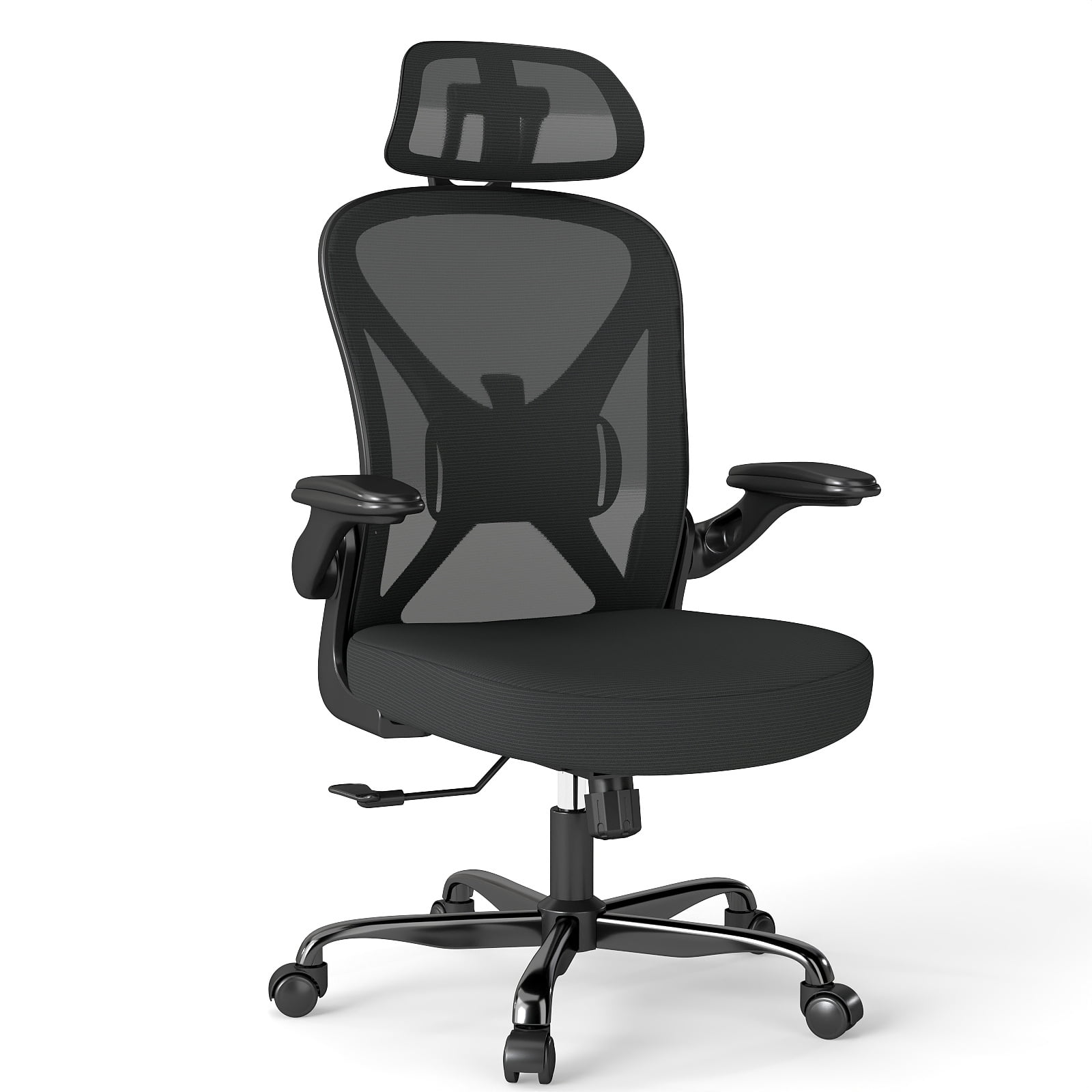
Unlike standard task chairs, a chair equipped with a well-designed headrest provides crucial support for the cervical spine. It reduces strain on the neck muscles, encourages better posture, and can even prevent chronic conditions like tension headaches and text neck. In this guide, we will explore everything you need to know about choosing the perfect chair for your neck and head health.
Ergonomic Insight: The human head weighs about 10-12 pounds. For every inch your head moves forward from its neutral position, the weight your neck muscles have to support doubles. A proper headrest counters this forward lean, reducing the load and preventing muscle fatigue.
Key Features of an Ergonomic Chair with Head and Neck Support
Not all headrests are created equal. To get the best support for your neck, you need to look for specific adjustable features. Here are the core elements that make an office chair with head and neck support truly effective.
1. Adjustable Headrest (Height, Angle, and Depth)
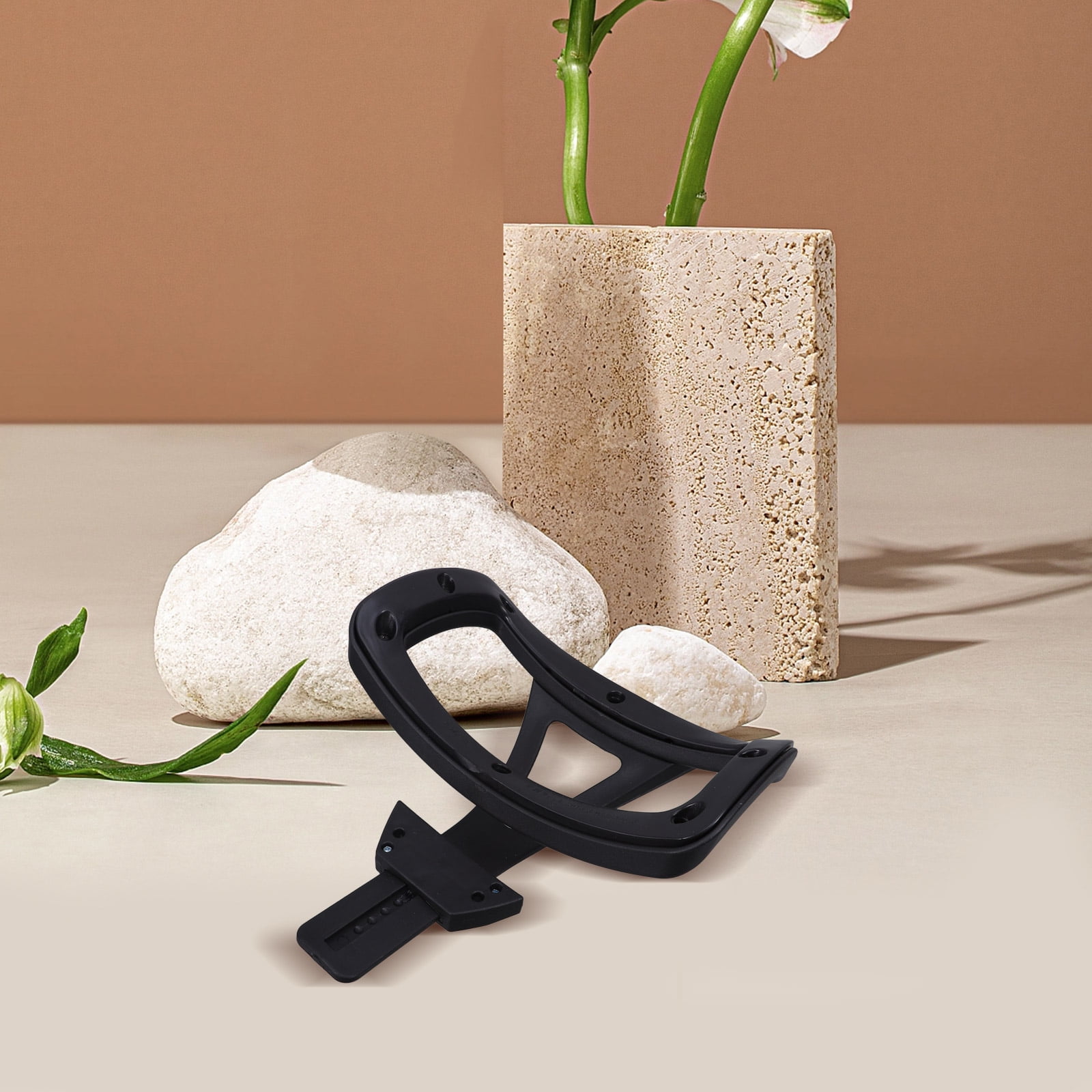
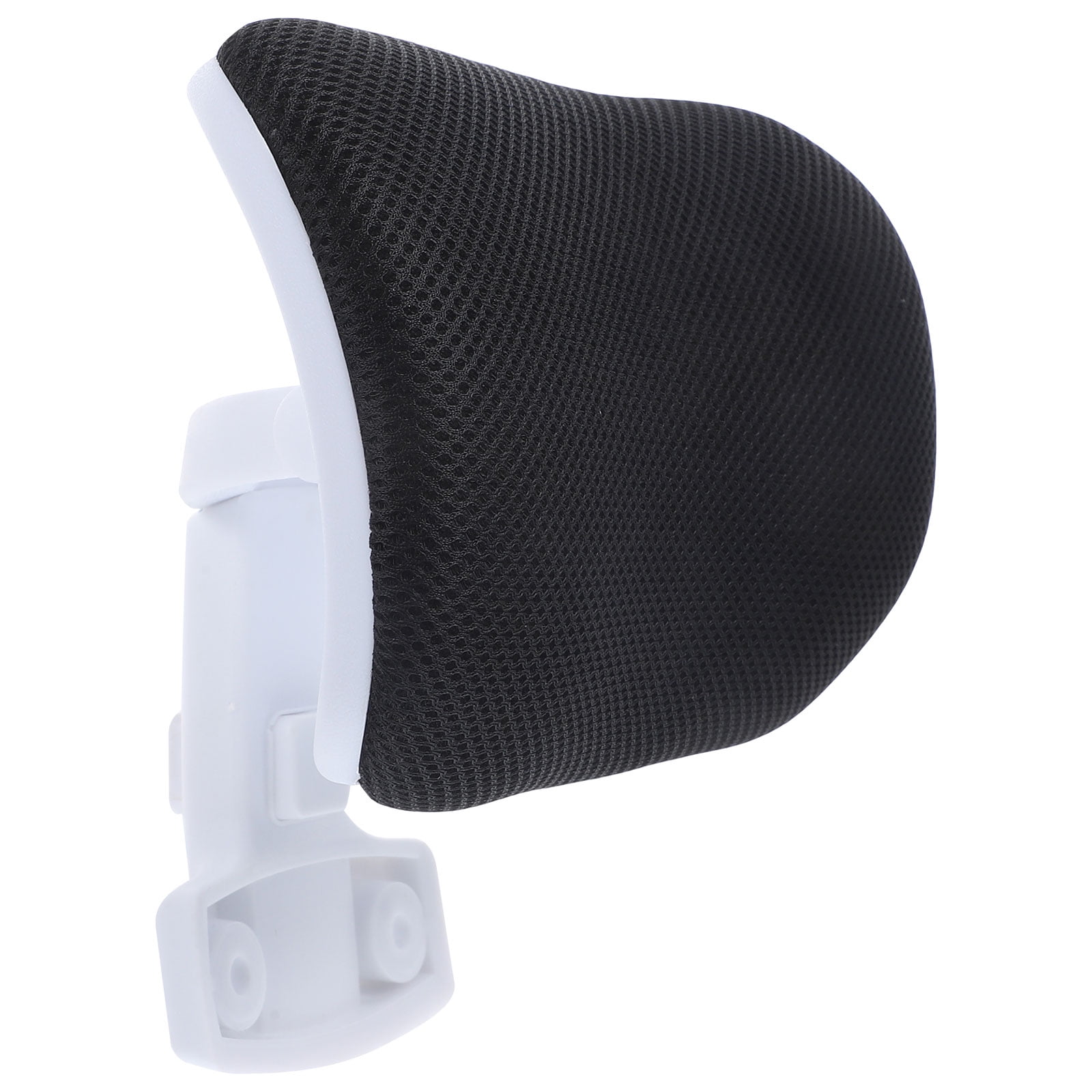
The hallmark of a great ergonomic chair is a headrest that can be fine-tuned to your body. A fixed headrest often does more harm than good, pushing your head forward. Look for a headrest that offers:
- Height Adjustment: Allows the headrest to align with the base of your skull.
- Angle Tilt: Enables you to support the natural curve of your neck, whether you are sitting upright or reclining.
- Depth Adjustment: Moves the headrest forward or backward to accommodate different torso lengths.
2. High Backrest with Lumbar Support
Head and neck support works in tandem with a high backrest that supports the entire spine. A chair that ends at the mid-back forces your upper spine to work harder to stay upright. A high-back ergonomic chair provides a solid foundation, and when combined with adjustable lumbar support, it helps maintain the natural "S" curve of your spine, reducing stress on the neck and shoulders.
3. Synchronized Tilt Mechanism
When you recline, the angle between your torso and thighs changes. A synchronized tilt mechanism ensures the backrest and seat move in a coordinated manner, maintaining spinal alignment. This is especially important when using the headrest, as it allows you to recline comfortably while still supporting your head, reducing pressure on the discs in your neck.
Reduced Neck Strain
Proper support decreases muscle tension by up to 40%.
Better Posture
Encourages the alignment of ears, shoulders, and hips.
Improved Focus
Less discomfort means more mental energy for work.
Prevents Headaches
Reduces tension in the suboccipital muscles, a common headache trigger.
How to Choose the Right Chair for Your Neck and Head
Finding the perfect office chair with head and neck support involves more than just picking the most expensive model. Follow this step-by-step guide to ensure you get a chair that fits you like a glove.
Step 1: Measure Your Torso Length
Sit against a wall and measure from the seat of your chair (or floor) to the top of your shoulder. This tells you the minimum backrest height you need. The headrest should be able to reach the base of your skull, which is typically 2-3 inches above your shoulders.
Step 2: Test the Headrest Adjustability
When testing a chair, adjust the headrest to your preferred position. Sit naturally and see if the headrest cradles your head without pushing it forward. The ideal headrest supports the natural inward curve of your neck, known as the lordotic curve.
Step 3: Check the Recline Tension
A good chair allows you to recline smoothly. The headrest should move with you or adjust independently. Look for chairs with tilt tension control so you can balance the resistance based on your weight and preference.
Step 4: Evaluate the Material
Headrests come in leather, mesh, or fabric. Mesh offers breathability, which is excellent for warm climates, while leather provides a premium feel and durability. Ensure the material is not too hard; it should have a slight give for comfort without being too soft that it offers no support.
Step 5: Consider Additional Ergonomic Features
- 4D Armrests: Adjustable arms help support your shoulders, reducing neck tension.
- Seat Depth Adjustment: Ensures you don't slouch, which affects neck alignment.
- Weight Capacity: For long-term durability, ensure the chair supports your weight.
Frequently Asked Questions About Head and Neck Support Chairs
Here are answers to the most common questions we receive about office chairs with head and neck support.
Conclusion: Invest in Your Neck Health
Your neck and head bear the brunt of long hours in front of a computer. Choosing an office chair with head and neck support is one of the best investments you can make in your health and productivity. By selecting a chair with a fully adjustable headrest, proper lumbar support, and high-quality materials, you can work comfortably for years to come.
Remember, the perfect chair is the one that fits your body. Use the steps and features outlined in this guide to make an informed decision. Whether you are an executive, a freelancer, or a remote worker, your neck will thank you. Browse our top picks above and find the chair that will transform your workday.
Final Tip: Once you get your new chair, take the time to adjust it properly. Read the manual and adjust the headrest, lumbar support, and armrests to your body. A perfectly adjusted chair can significantly reduce the risk of musculoskeletal disorders.