
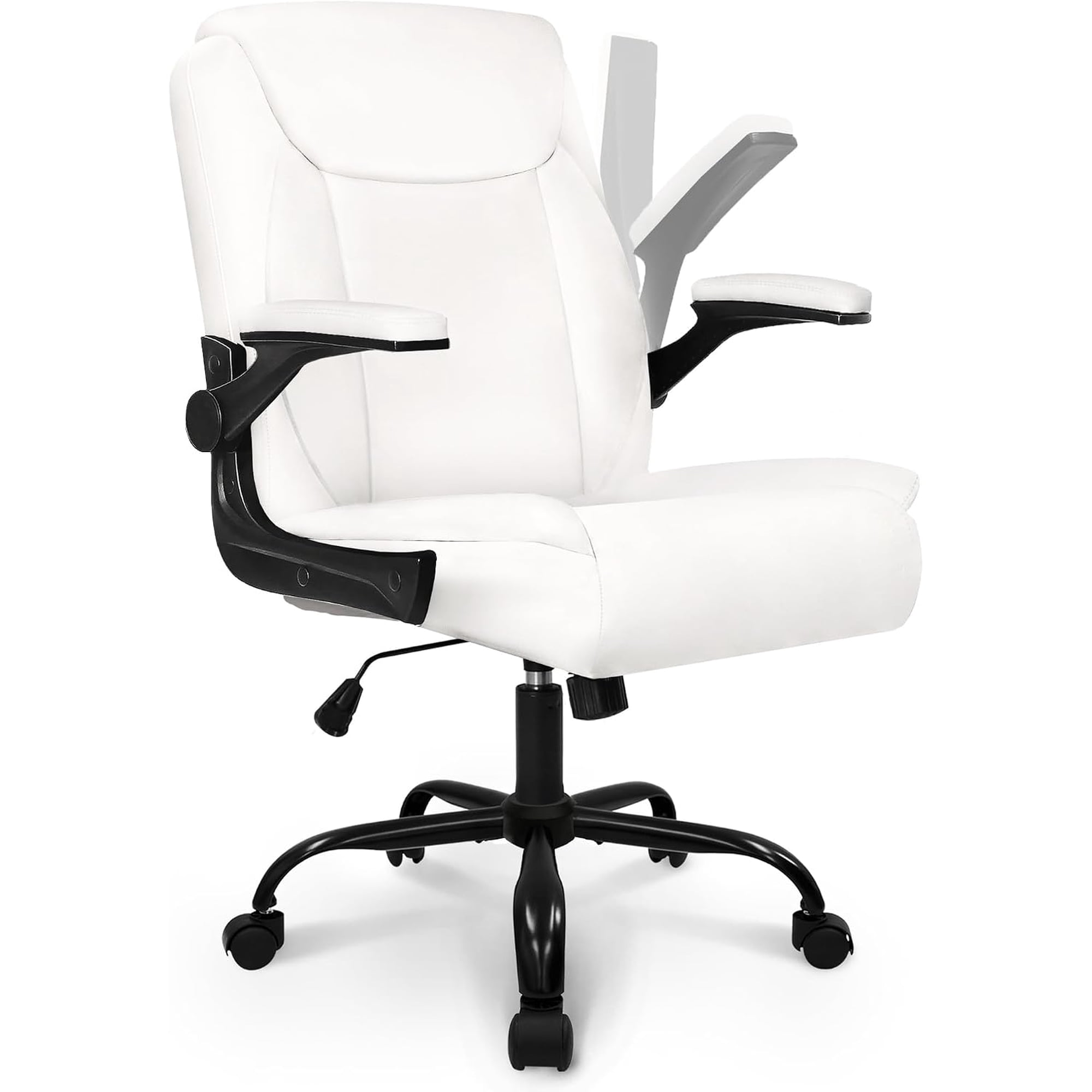
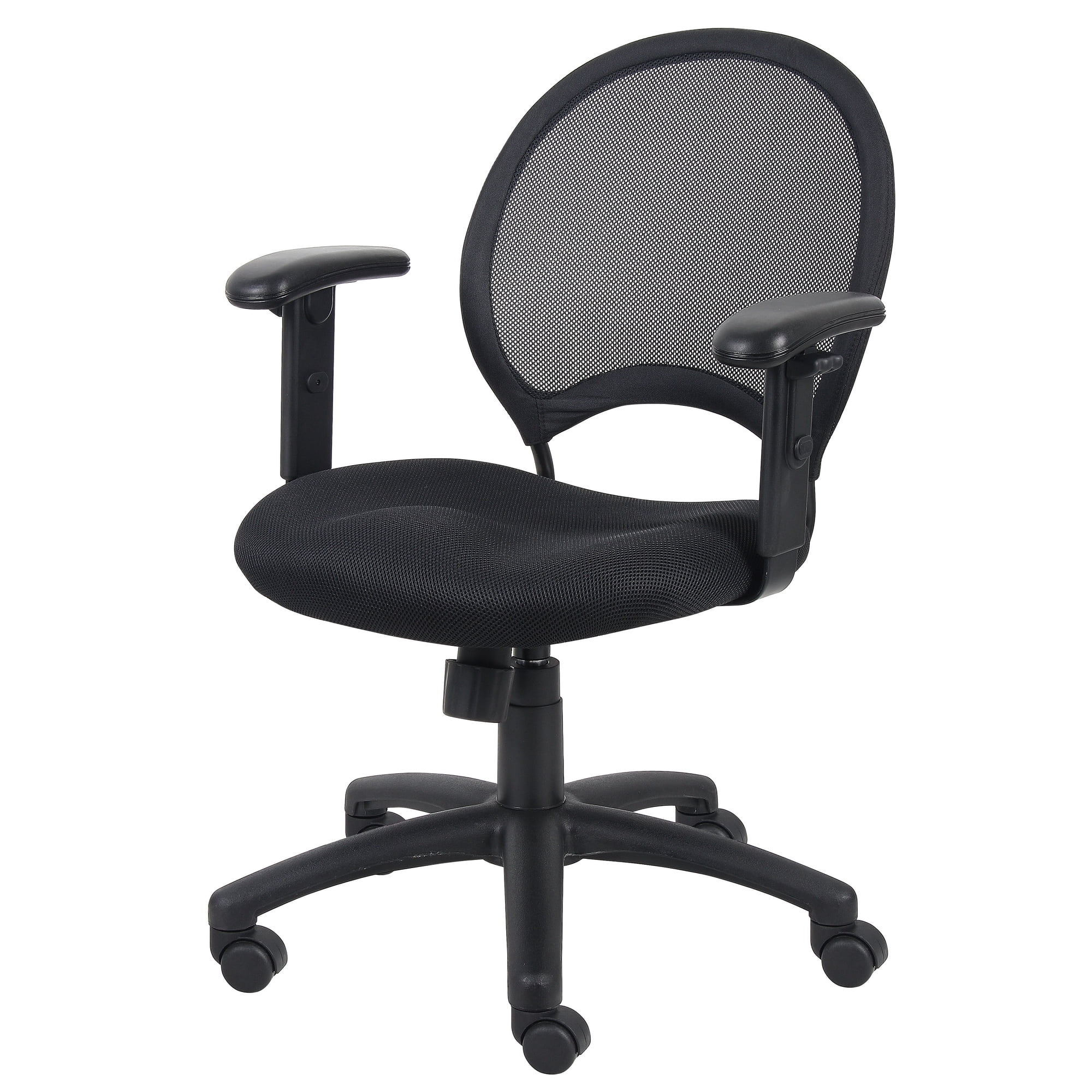
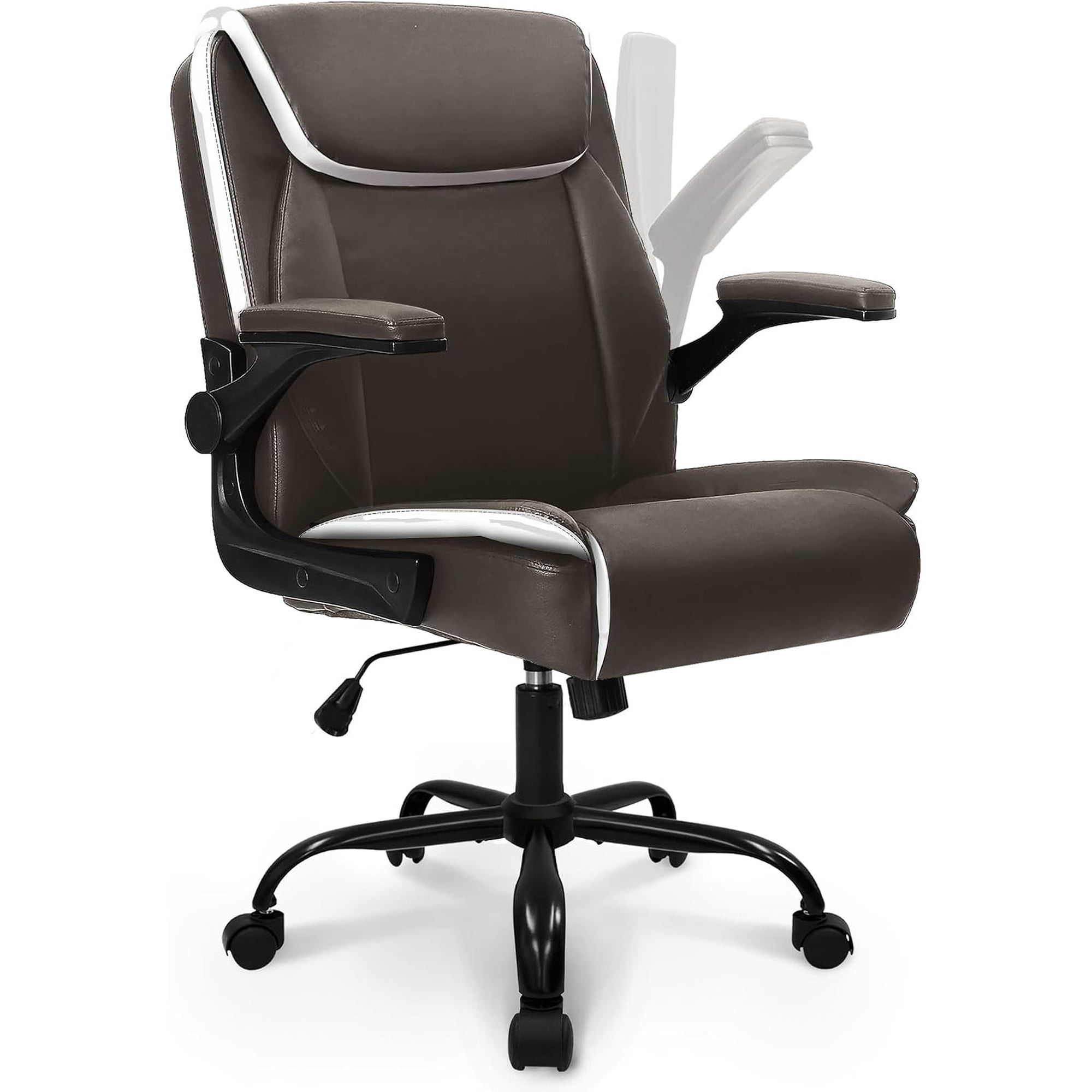
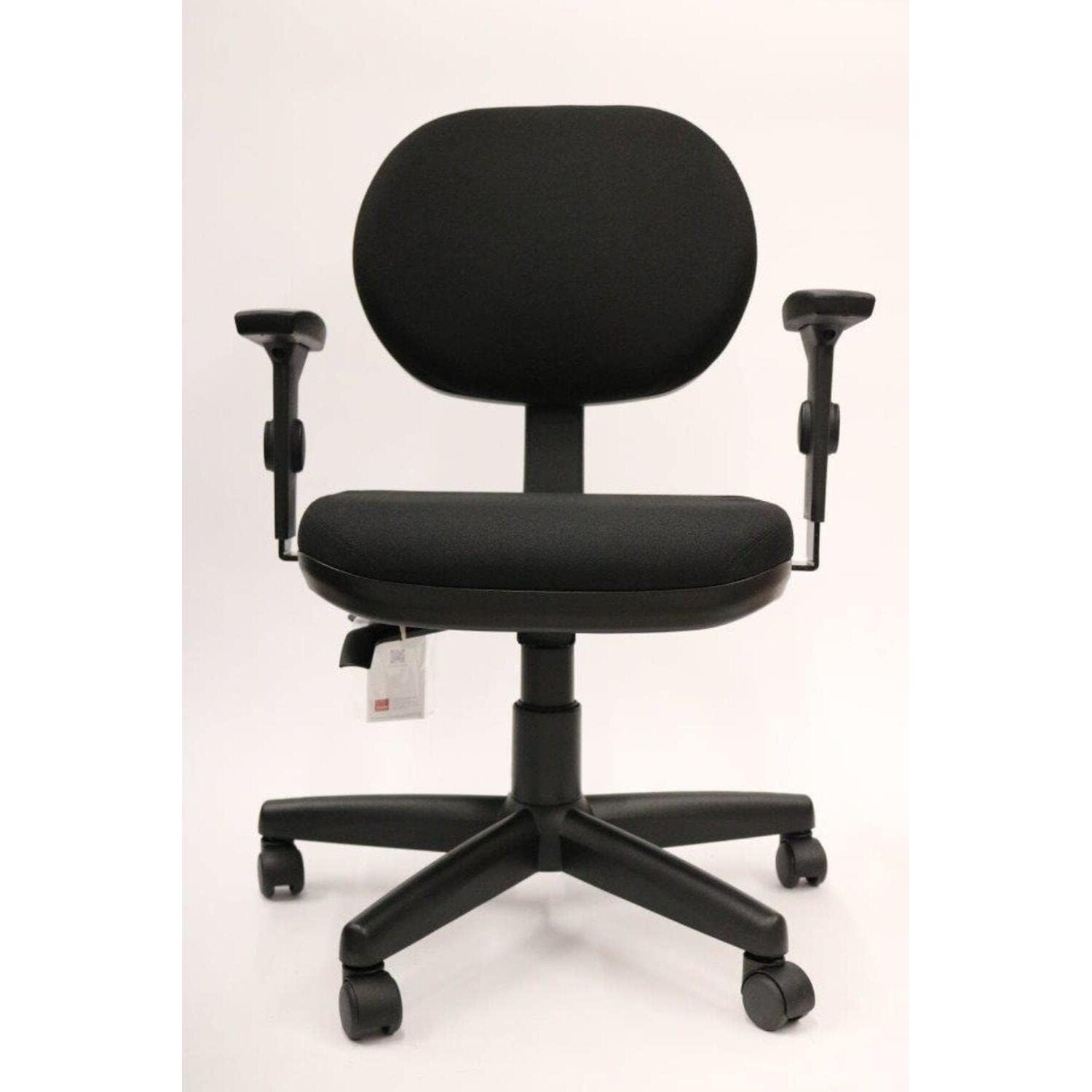
Why "Office Chair With Adjustable Arms" Is More Than a Feature
Imagine trying to write with your elbows pinned to your sides—awkward, right? That’s exactly what happens when you use a chair with poorly positioned or non-adjustable armrests. An office chair with adjustable arms acts like a tailor-made suit for your workspace. It adapts to you, not the other way around. Whether you’re typing reports, hopping on video calls, or leaning back to brainstorm, the ability to modify armrest height, width, and angle can transform your posture and energy levels by the end of the day.
Did You Know? According to a study published in the journal "Applied Ergonomics," workers using chairs with adjustable armrests reported a 25% reduction in shoulder discomfort and a 17% increase in perceived productivity compared to those using fixed-arm chairs.
The Hidden Impact of Armrests: Beyond Simple Support
Most people think armrests are just a place to rest their elbows. But in ergonomics, they serve a critical role: they offload weight from your spine and shoulders, reducing the load on your lumbar discs. When you can’t adjust them, you either end up reaching (which strains shoulders) or slouching to one side (which curves the spine). A true office chair with adjustable arms solves this by letting you fine-tune the fit.
1. The Four Dimensions of Adjustability (2D, 3D, 4D)
Not all adjustable arms are created equal. Here’s a simple breakdown:
- 2D armrests: Adjust up/down (height). Basic but essential.
- 3D armrests: Add forward/backward movement. Great for pulling the rest closer when typing or pushing them back when leaning away.
- 4D armrests: Include width (left/right) adjustment and often pivot angle. This allows you to narrow or widen the space between armrests—ideal for broad-shouldered individuals or those who prefer a narrower stance.
For most users, 3D or 4D armrests on an office chair provide the ultimate flexibility. They allow you to park the armrests exactly where your arms naturally fall, preventing the "chicken wing" effect.
2. Materials and Durability of Arm Mechanisms
An adjustable arm is only as good as its locking mechanism. Cheap chairs often use plastic ratchets that wear out or slip over time. Look for chairs with:
- Metal levers and frames inside the arm structure.
- Soft but dense polyurethane (PU) arm pads – they resist flattening and are easier on elbows than hard plastic.
- Textured or replaceable arm covers if you tend to sweat or want a fabric feel.
3. Who Benefits Most from Adjustable Arms?
While everyone can benefit, these user groups find them indispensable:
- Petite individuals or shorter users: Standard fixed arms are often too high, causing shoulder hunching.
- Tall users: Need armrests that go high enough to support without leaning down.
- People with shoulder or neck pain: Proper arm support can offload tension from the trapezius muscles.
- Multi-taskers: Those who switch between typing, reading, and using a tablet benefit from forward/backward adjustment.
4. Syncing Armrests with Your Desk Height
One common mistake: setting armrests level with the desk. They should actually be slightly lower than the desk surface so you can pull the chair fully under. A good rule of thumb: while sitting relaxed, your elbows should hang at 90-110 degrees, and the armrest should just "kiss" your elbow, supporting it without lifting your shoulder. This takes pressure off the wrists and prevents ulnar nerve compression.
Data from the Occupational Safety and Health Administration (OSHA) suggests that proper arm support can reduce forearm muscle activity by up to 20% during typing tasks. That's less fatigue by 4 p.m. and more focus during that final stretch of work.
How to Choose the Right Office Chair With Adjustable Arms
Here’s a step-by-step approach to ensure you don't just buy a chair, but the right chair.
- Measure your seated elbow height: Sit in a natural position, relax your shoulders, and measure from the floor to your elbow. This is your target armrest height range.
- Test the adjustment range: Ensure the chair’s arms can go at least 1-2 inches above and below your elbow height.
- Check width adjustability: If you have broader hips or wear suits/skirts, width adjustment prevents the arms from digging into your sides.
- Consider the arm pad shape: Wide, contoured pads distribute pressure better than small, round ones.
- Look for "waterfall" arm pads: A slight downward slope at the front promotes better blood flow to the hands.
Comparing Armrest Types: Quick Overview
| Adjustability Type | Movement Axes | Best For |
|---|---|---|
| Fixed Arms | None | Budget setups, short-term use. Not recommended for full-time work. |
| 2D Adjustable | Height | Users with average build who need basic height correction. |
| 3D Adjustable | Height, Forward/Back | Those who shift positions often; allows armrest to follow you when leaning. |
| 4D Adjustable | Height, Forward/Back, Width, Angle | Power users, very tall/wide individuals, or those with specific shoulder needs. |
Debunking Myths About Adjustable Arms
Myth #1: "I don't use armrests, so I don't need adjustment." — Even if you don't actively rest your arms, having them out of the way (lowered) is better than fixed arms that bump into the desk.
Myth #2: "Adjustable arms are fragile." — Modern engineering with reinforced steel slides makes them as durable as the chair frame itself, provided you buy from reputable brands.
Myth #3: "They make the chair wider and harder to fit under the desk." — Many 4D arms can be narrowed or pushed backward to tuck neatly away when not in use.
Reduced Shoulder Tension
Arms positioned correctly prevent the "shrug" reflex that leads to neck pain.
Better Wrist Alignment
Supports forearms so wrists stay straight, reducing carpal tunnel risk.
Enhanced Circulation
Proper arm support prevents leaning on hard edges that cut off blood flow.
Personalized Fit
One chair can adapt to multiple users if you share a workspace.
Long-Term Value: Protecting Your Investment
A quality office chair with adjustable arms isn't just a purchase; it's an investment in your physical well-being. Cheaper chairs often have arms that wobble or lose their grip after a year. When shopping, look for warranties that cover the arm mechanisms for at least 3-5 years. Brands that offer replacement parts (like arm pads) extend the chair's life significantly.
Final Verdict: Don't Compromise on Arm Adjustability
If you spend more than four hours a day at a desk, an office chair with adjustable arms is non-negotiable. It bridges the gap between you and your workstation, promoting a neutral posture that keeps you energized and pain-free. Whether you opt for a high-end model with 4D arms or a solid mid-range chair with 3D adjustability, your shoulders, neck, and back will thank you. Browse our curated selection above to find the perfect match for your body and budget.