
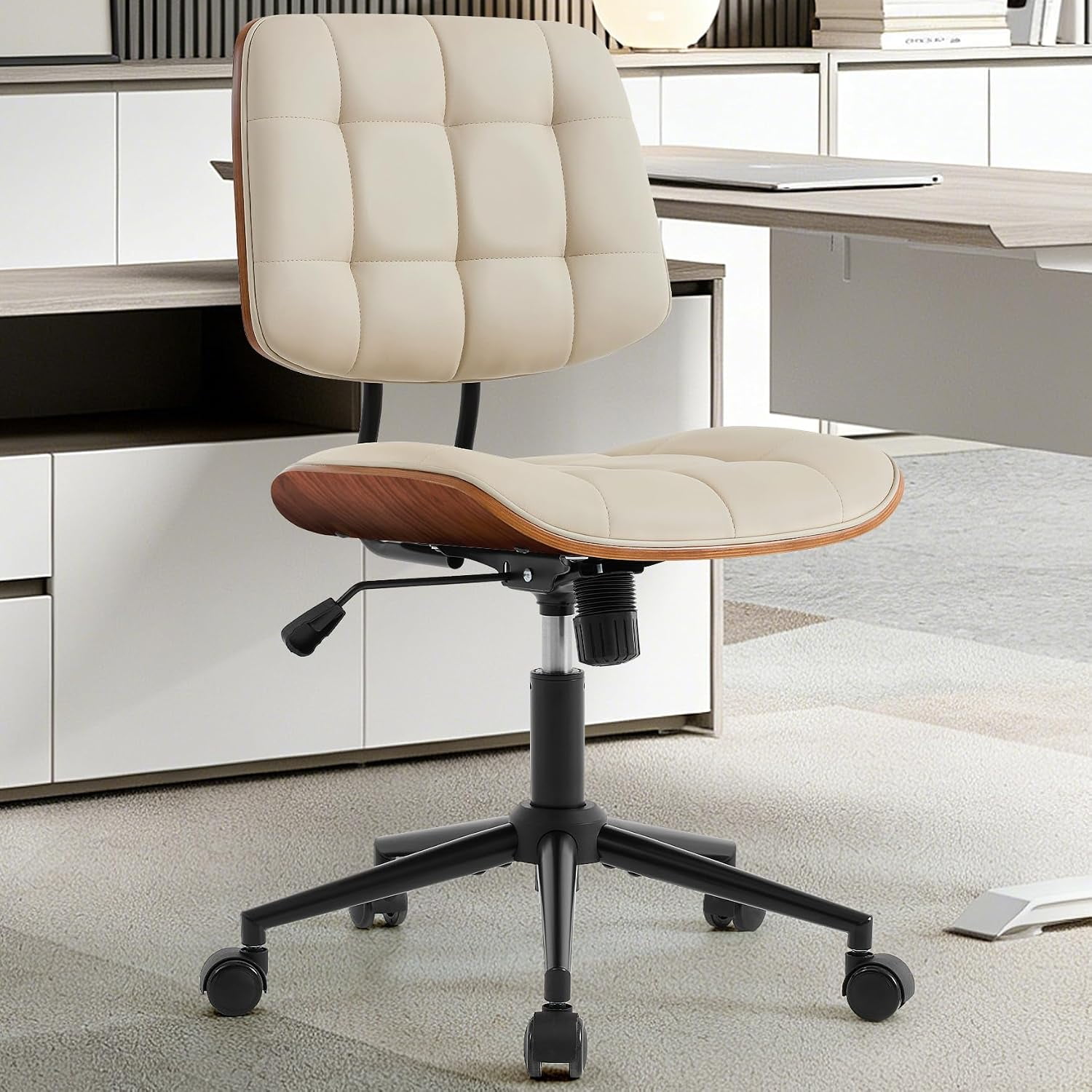
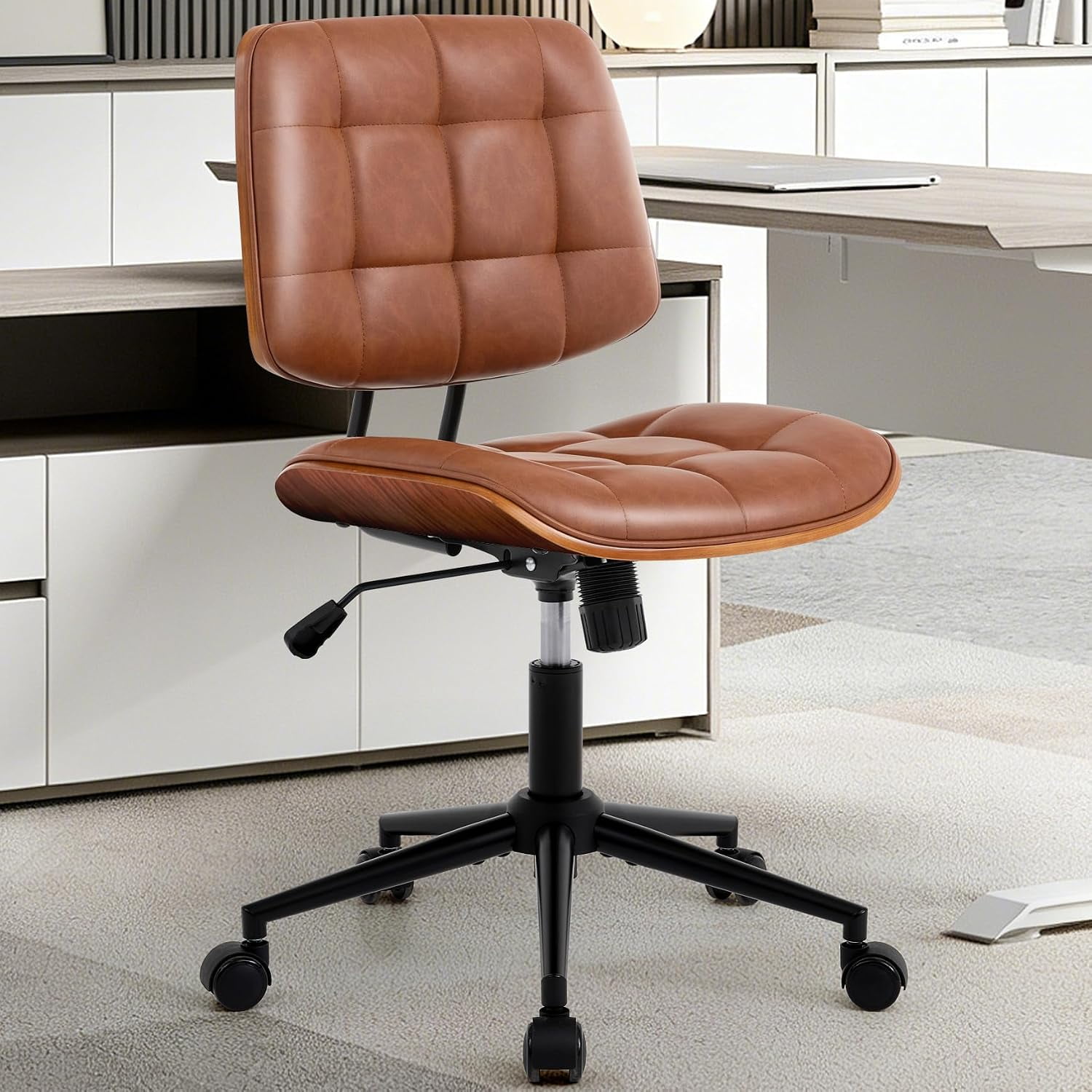
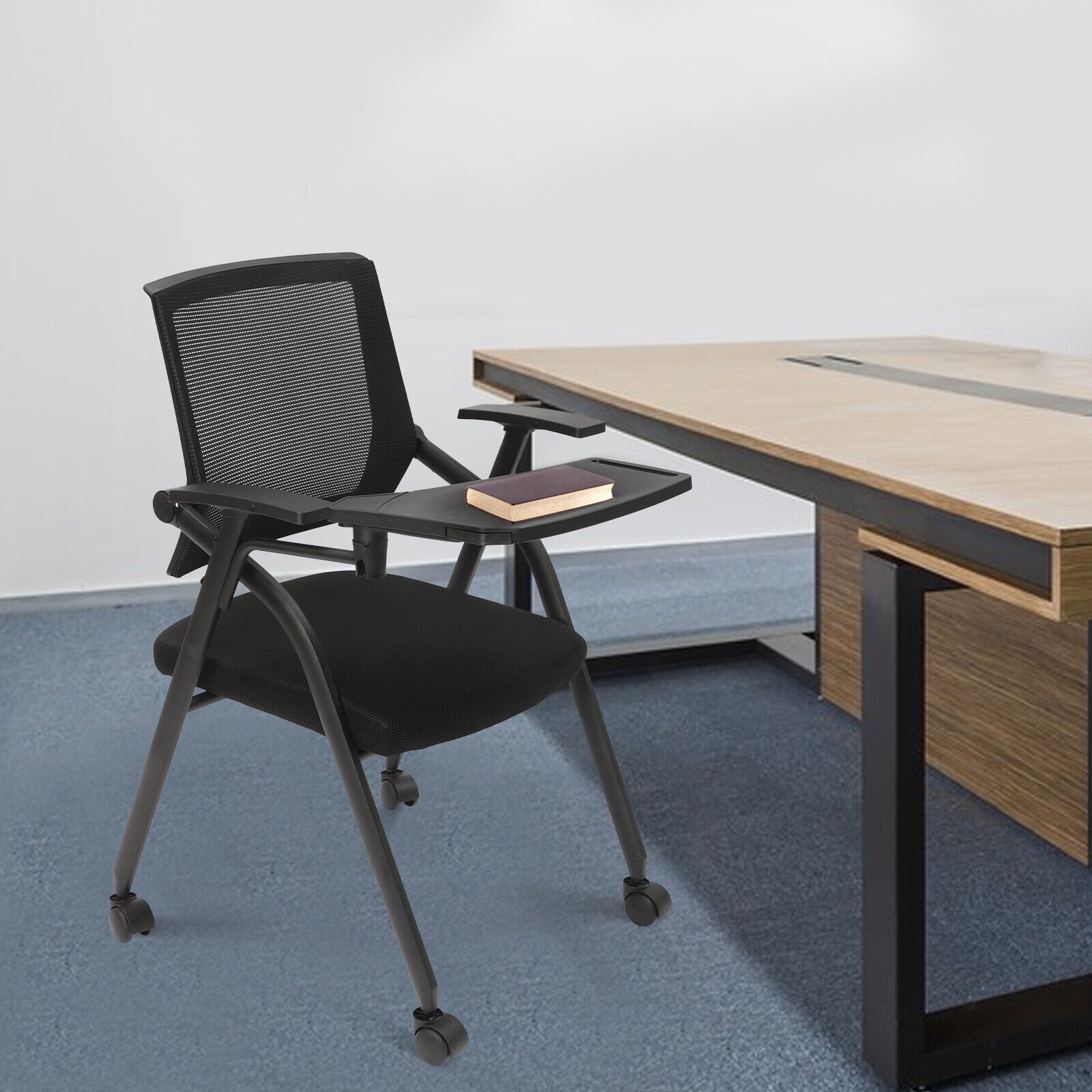
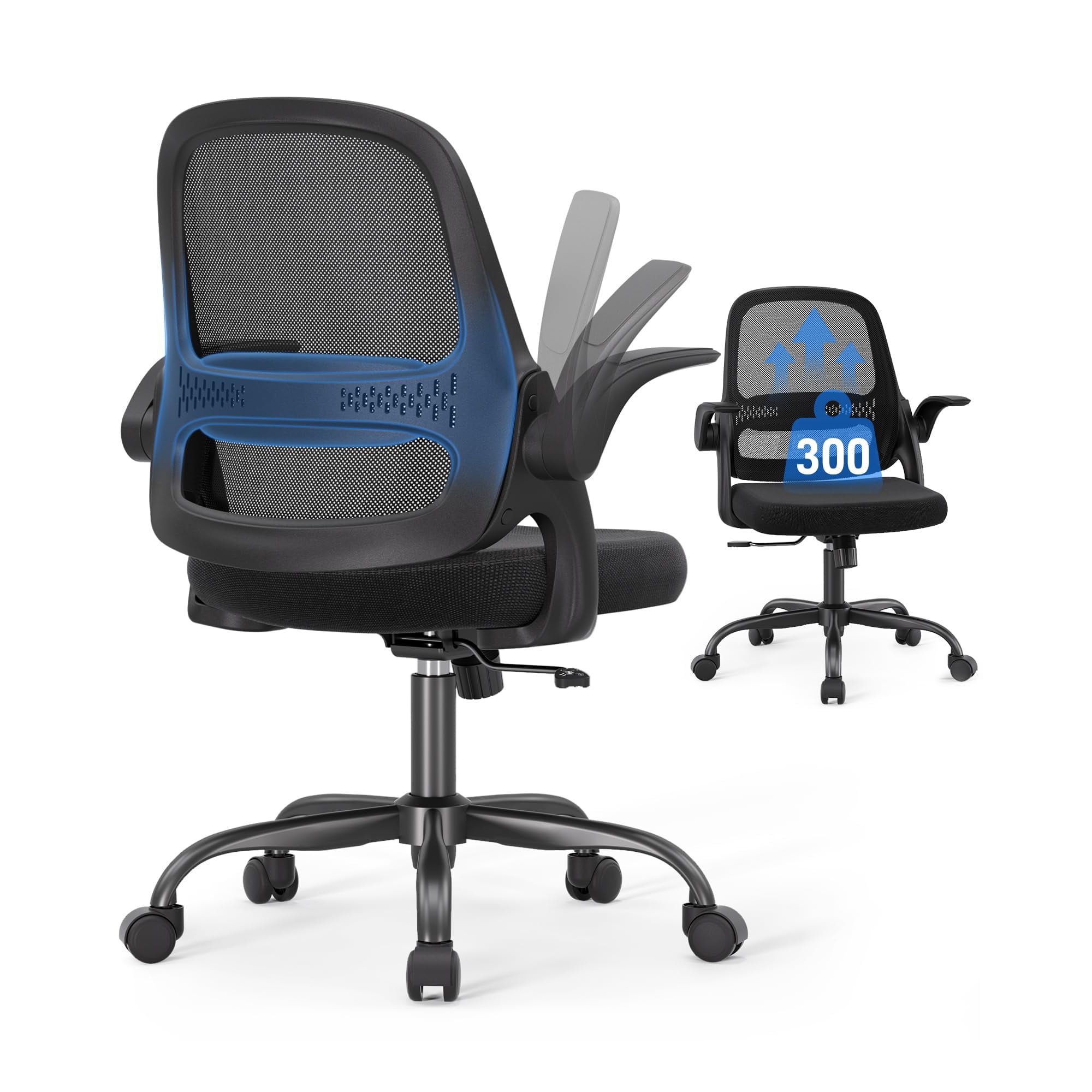
Your Complete Guide to Choosing an Office Chair With Arms
Imagine your desk as the cockpit of a high-performance vehicle. Just as a pilot needs precise controls at their fingertips, you need a chair that supports every move. The office chair with arms is not just a piece of furniture—it's your command center's co-pilot. For millions of professionals, the presence (or absence) of well-designed armrests can mean the difference between a productive day and an evening plagued by shoulder stiffness.
Whether you're equipping a home office or outfitting a corporate cubicle, understanding the nuances of armrests and overall chair ergonomics is essential. This guide dives deep into why arms matter, what features to prioritize, and how to select a chair that feels custom-made for your body.
The Hidden Role of Armrests: More Than Just a Place to Rest
Armrests are often overlooked, yet they play a pivotal role in the kinetic chain of your body. When you sit, your arms should not dangle or be propped up unnaturally. According to ergonomic principles, your elbows should form a 90-degree angle, with your forearms parallel to the floor. A chair with properly adjusted arms achieves exactly that. It takes the load off your trapezius muscles and cervical spine. A study in the Journal of Physical Therapy Science noted that using armrests can reduce spinal disc pressure by up to 20% when rising from a seated position. Think of armrests as the suspension system for your upper body—they absorb shock and provide stability during micro-movements like typing or writing.
Anatomy of an Armrest: From Fixed to 4D
Not all arms are created equal. Here's a breakdown of the types you'll encounter when shopping for an office chair with arms:
- Fixed Armrests: Basic, non-adjustable. Best for short-term use or if you're on a tight budget. However, they may not fit all body types.
- Height-Adjustable Arms: The most common upgrade. Allows you to raise or lower the arm pad to match your desk height and elbow position.
- 3D Armrests: Adjust in height, width (moving left/right), and depth (sliding forward/back). Ideal for fine-tuning elbow alignment.
- 4D Armrests: The gold standard. Adds pivot/angle adjustment. You can rotate the pad to match your natural hand position while typing or relaxing.
- Flip-Up Arms: Perfect for multi-purpose spaces. They pivot out of the way, allowing you to tuck the chair under a desk or use it armless when desired.
The more adjustments available, the greater the potential for a personalized fit. For a full-time remote worker, investing in a chair with 4D arms is like buying a tailored suit—it just fits better.
Health Implications: What Happens Without Proper Arm Support?
Sitting for eight hours without adequate arm support forces your body to compensate. You might unconsciously hunch your shoulders, lean on the desk edge, or grip the armrests of a non-adjustable chair. Over time, these habits can lead to:
- Forward Head Posture: Shoulders round forward, causing neck strain.
- Thoracic Outlet Syndrome: Compression of nerves/blood vessels between collarbone and first rib, leading to tingling in fingers.
- Bursitis: Inflammation in the shoulder joint from poor resting position.
Data Point: The Canadian Centre for Occupational Health and Safety recommends that armrests should support the forearms without lifting the shoulders. They also suggest that the armrest pad should be at least 2 inches wide and made of a non-slip, soft material to prevent pressure points.
Selecting the Right Office Chair With Arms: A Step-by-Step Approach
Step 1: Measure Your Workstation
Grab a tape measure. Note the height of your desk surface from the floor. Your ideal armrest height, when adjusted, should be roughly the same as this height (while seated with elbows at 90°). Also, measure the distance from the front edge of your desk to any obstacles—this determines the necessary armrest depth.
Step 2: Understand Your Body Dimensions
- Shoulder Width: Broader individuals need chairs with width-adjustable arms (3D/4D) to avoid being squeezed.
- Torso Length: Affects how high you need the backrest; arms should align with your natural elbow rest position, not your waist.
- Thigh Length: Seat depth matters. If the seat is too long, the armrests might be positioned too far forward.
Step 3: Match Armrest Features to Your Tasks
Step 4: Material and Padding Density
Armrests come in plastic, hard foam, or memory foam with fabric/leather covers. Memory foam or gel-infused pads distribute pressure evenly. Avoid hard plastic if you rest your arms heavily, as it can cause ulnar nerve compression over time.
Beyond Arms: The Complete Ergonomic Picture
While armrests are crucial, they are part of a system. A good office chair with arms should also offer:
- Synchronized Recline: Allows the backrest and seat to move together, keeping your arms at a constant relative angle to your body.
- Seat Slider: Adjustable seat depth ensures your thighs are supported without pressure behind the knees.
- Lumbar Support: Often height-adjustable, working in tandem with armrests to keep your spine neutral.
Think of it as a symphony: the lumbar supports your lower back, the seat cradles your thighs, and the armrests provide the final layer of support for your upper body. When all are in harmony, you achieve a state of "active rest" where you can focus entirely on your work.
Common Myths About Office Chairs With Arms
- Myth: Armrests are only for relaxation. Reality: They promote circulation and reduce typing fatigue by supporting arm weight.
- Myth: Fixed arms are just as good if they're padded. Reality: If the fixed height doesn't match your elbow height, padding won't fix posture.
- Myth: You don't need armrests if you have good posture. Reality: Even perfect posture benefits from load distribution; think of armrests as a tool to preserve energy.
Long-Term Value: Durability and Warranty
A quality office chair with arms is an investment. Look for chairs with a 5-year minimum warranty on mechanisms. The armrest adjustment levers and mechanisms are high-wear areas. Brands that use metal components rather than all-plastic for adjustment locks tend to last longer. Check user reviews for reports of armrest wobble or pad peeling after a year.