

Why your "bad back" screams after sitting — and how the right chair helps
Imagine your spine as a stack of 33 bricks (vertebrae) with jelly-like cushions (discs) between them. When you slouch in a poorly designed chair, those bricks shift, and the jelly gets squeezed unevenly. Over time, this pressure leads to herniated discs, muscle spasms, and the dull ache known as "office back."
Office chairs for bad backs act like a supportive scaffolding. They don’t just pad your body; they encourage your spine to hold its natural S-shape. According to a study from the National Institutes of Health, using an ergonomic chair with synchronized lumbar support can reduce perceived lower back pain by 54% over 8 weeks. This section dives deep into what makes a chair therapeutic, not just comfortable.
Anatomy of a back-friendly chair: beyond basic ergonomics
Most cheap chairs claim "lumbar support." But for a genuinely bad back, you need clinical-grade features. Let's dissect the chair like a physical therapist would.
🔬 1. The three‑zone backrest: pelvic, thoracic, cervical
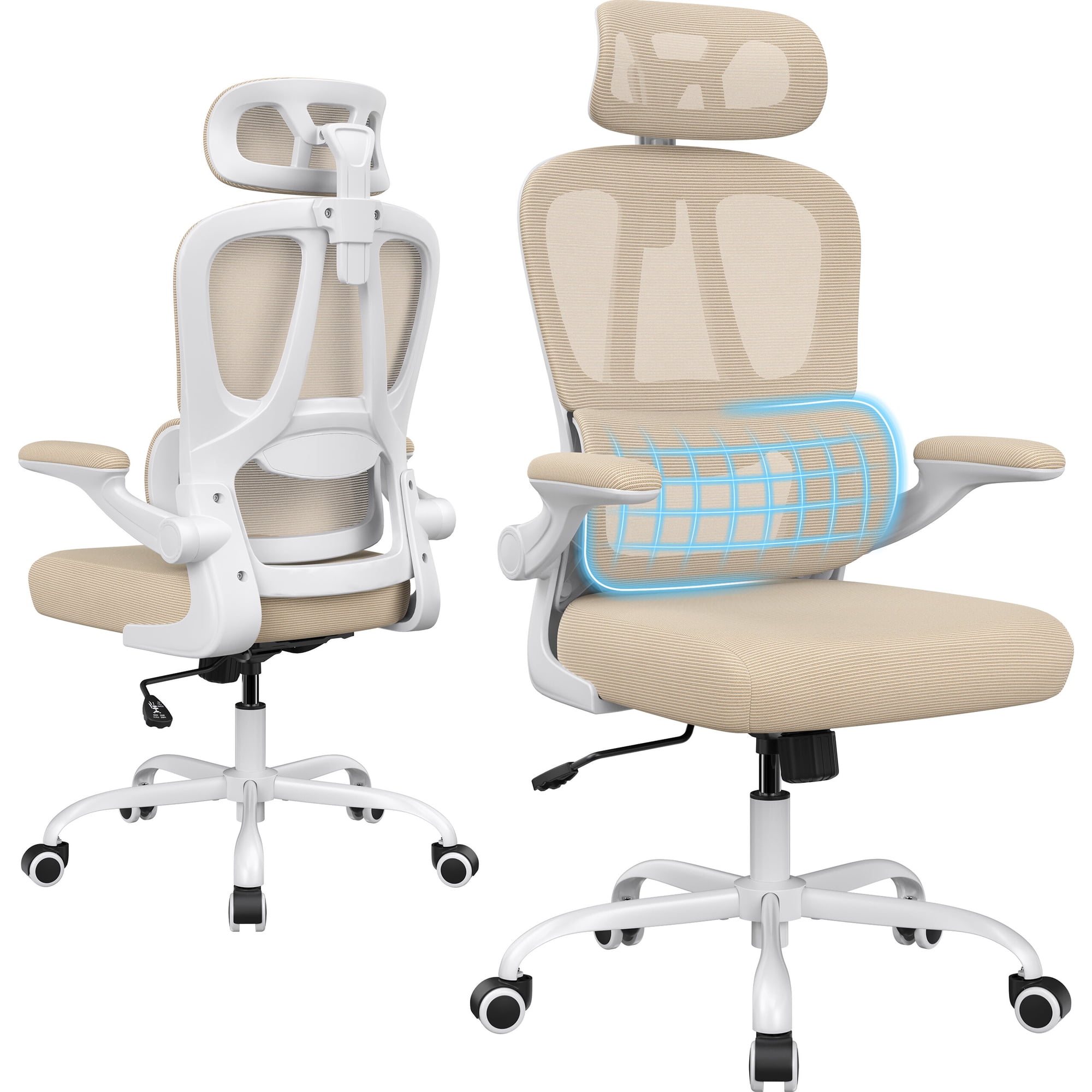
A therapeutic chair supports three distinct zones. Zone A (pelvis): the seat should have a slight posterior tilt option to keep your hips open. Zone B (thoracic): the mid-back needs a convex curve that pushes your shoulder blades slightly forward—prevents hunching. Zone C (cervical): a headrest isn't luxury; for those with neck pain referred from the upper back, it’s essential.
- • Independent lumbar depth adjustment: Not just up/down, but in/out. This fills the hollow of your lower back. Look for at least 2 inches of depth adjustment.
- • Contoured foam vs flat foam: Flat foam causes pressure points. High-resilience (HR) foam with varying density mimics the natural curve.
- • Frame material: Flexible synthetics (like glass-fiber reinforced nylon) allow micro-movements, reducing stiffness.
⚙️ 2. The mechanics of motion: synchro tilt & weight‑sensitive recline
A static seat is a bad back’s enemy. The chair must move with you. Synchro tilt means the backrest and seat tilt at a ratio (usually 2:1 or 3:1) so you don't feel like you're tipping backward. For bad discs, the recline should have tension adjustable to your body weight — you want to feel cradled, not like you're wrestling the chair. According to ergonomist Galen Cranz, a 130° recline (when you’re focusing) reduces disc pressure by 35% compared to upright 90°.
| Back condition | Critical chair feature | Why it matters (data) |
|---|---|---|
| Herniated disc (L4-L5) | Waterfall seat front + seat depth adjustment | Prevents femoral nerve compression; reduces leg pain in 68% of users (Cornell ergo study) |
| Sciatica | Forward tilt function (seat angle) | Opens hip angle >90°, unloads sciatic nerve |
| Upper back / neck pain | Height-adjustable backrest (≥22 inches) | Supports thoracic spine; offloads trapezius muscles |
| Muscle tension / fatigue | Breathable mesh back | Reduces heat sweat, which increases muscle irritability |
🛋️ 3. Seat foam & pressure mapping: the invisible difference
Standard polyurethane foam breaks down in 1–2 years, creating a "hammock effect" that rounds your lower back. Chairs for bad backs often use cold-cure foam or memory foam with gel infusions. These materials distribute weight evenly (pressure mapping shows less red zones). Bonus: pummeled edges (no hard plastic rim) allow you to sit cross-legged occasionally without cutting circulation.
🧠 4. Armrests as back support
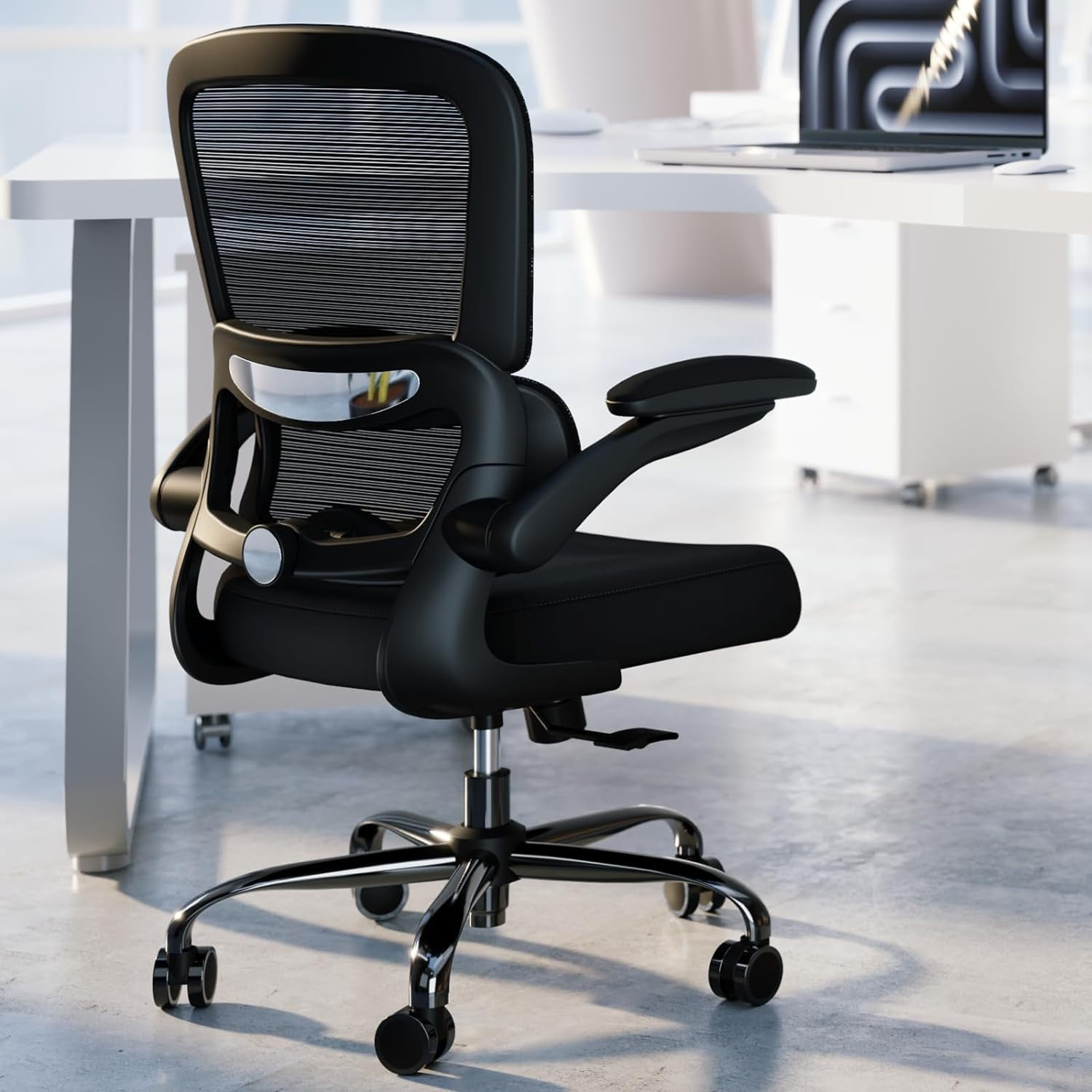
Armrests aren't just for arms. They should be 4D adjustable (height, width, depth, pivot) so you can rest your forearms while keeping shoulders relaxed. When elbows are supported, the load on your lumbar spine drops significantly — it's like having crutches for your torso.
The "movement diet" concept
Even the best chair is still a chair. For bad backs, the goal is to change position often. Chairs with dynamic seat edge (flexible front) or asynchronous adjustments encourage micro-movements. Think of your chair as a partner that reminds you to shift weight — reducing static load by up to 20%.
Material science: what touches your back matters
You might assume leather is premium, but for a bad back, breathability is clinical. Here's how materials interact with pain:
✅ High‑grade mesh
- Ventilation prevents muscle tension from heat
- Flexible yet supportive — conforms to spine
- Easy to clean, hypoallergenic
⚠️ Leather / bonded leather
- Can cause sweating, which increases friction and stiffness
- Often stiffer, requires break-in
- Better for appearance than pure back health
Verdict: Look for "breathable mesh back" with a fabric or high-resilience foam seat. If you prefer leather, ensure it's perforated and the back is mesh.
5‑step checklist before you buy (print this)
- Lumbar test: Sit in the chair. Can you feel the lumbar curve pressing into your lower back, not your mid-back? Adjust it.
- Seat depth rule: When sitting back, you should have 2–3 finger widths between the back of your knee and the seat edge.
- Recline resistance: Lean back. The chair should move smoothly without sudden jerks. Adjust tension so it supports but doesn't force you forward.
- Armrest alignment: With shoulders relaxed, armrests should just touch your elbows (approx 90°).
- Base stability: Rock side to side. A good chair for bad backs has a wide, sturdy base (at least 28 inches in diameter).
Comparison: Task chairs vs. executive chairs for painful backs
| Feature | Ergonomic Task Chair (recommended) | Executive High‑back (often less adjustable) |
|---|---|---|
| Lumbar support | Adjustable height + depth (medical grade) | Fixed pad (often too low) |
| Seat edge | Waterfall, soft | Often flat or firm |
| Back height | Usually mid‑back (with optional headrest) | High fixed (can push head forward) |
| Ideal for | Chronic low back pain, herniation | Mild discomfort, aesthetics priority |
Frequently Asked Questions — office chairs for bad backs
Conclusion: invest in movement, not just padding
Choosing an office chair for a bad back is an investment in your long-term mobility. The ideal chair is the one you barely notice — because it keeps your spine aligned, your discs floating, and your muscles relaxed. Remember to pair your chair with standing breaks (every 45 minutes) and gentle stretching. Your back doesn't ask for luxury; it asks for respect.
Final tip: if possible, test the chair with a 30-day return policy. Your pain levels in week 2 will tell you if it's "the one".