
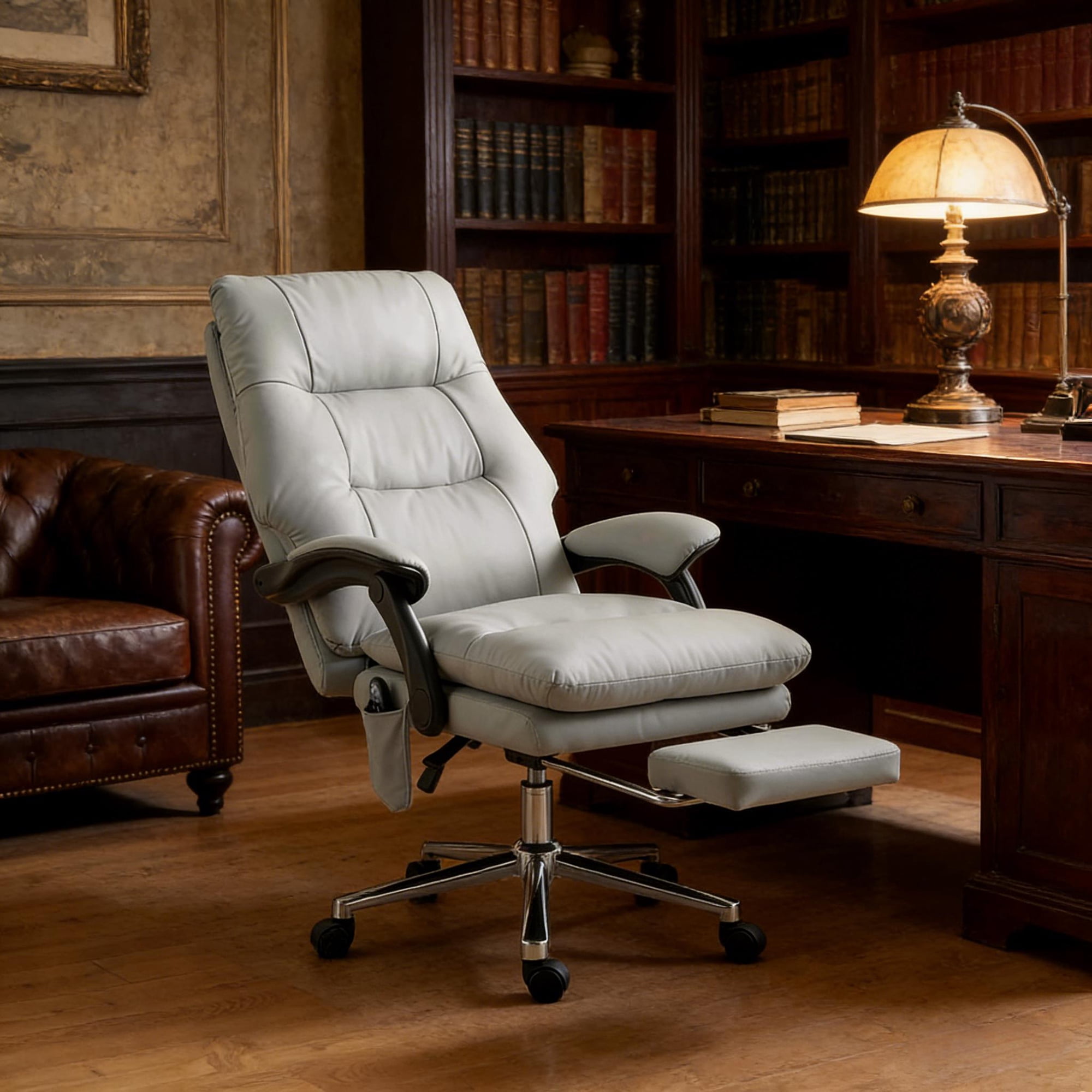
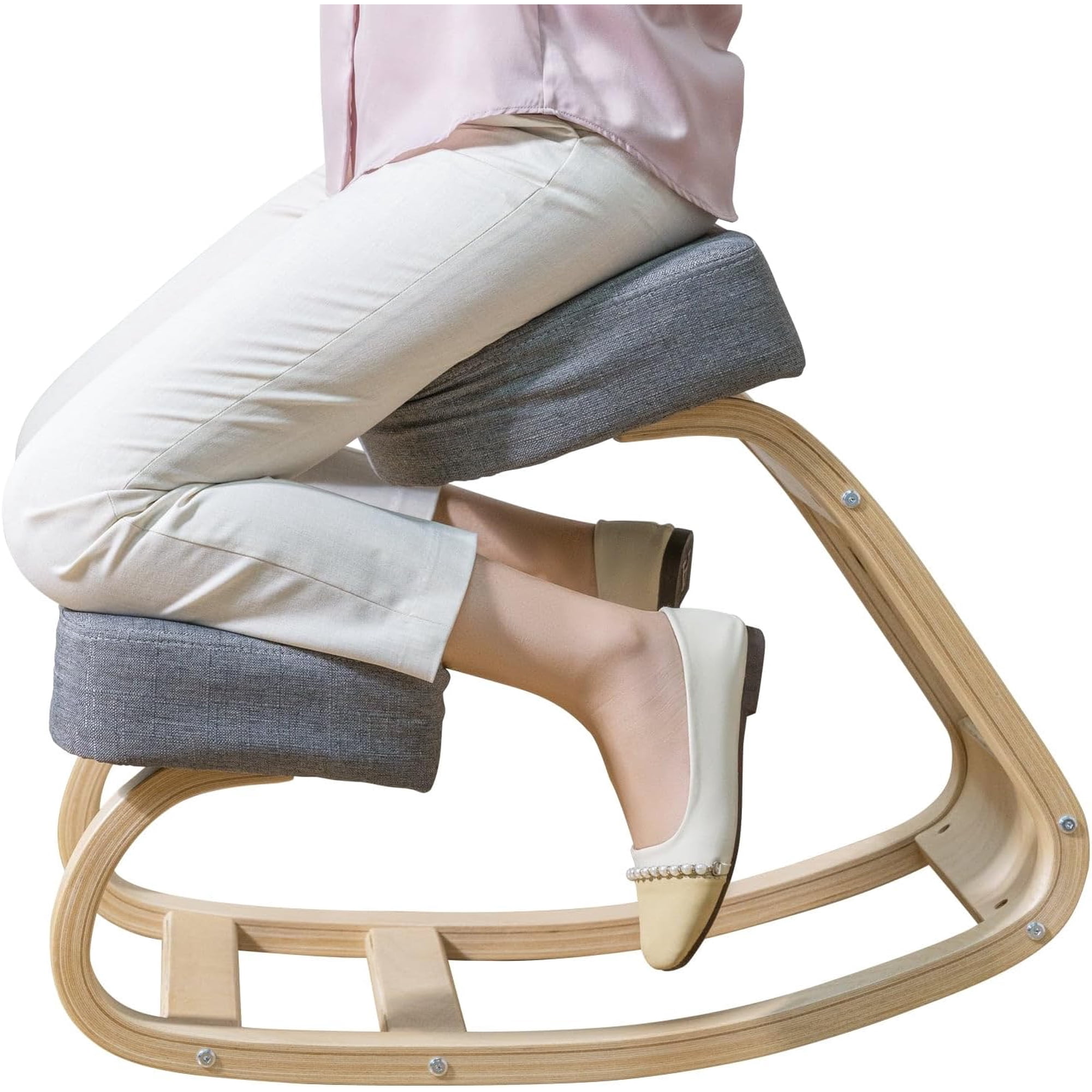
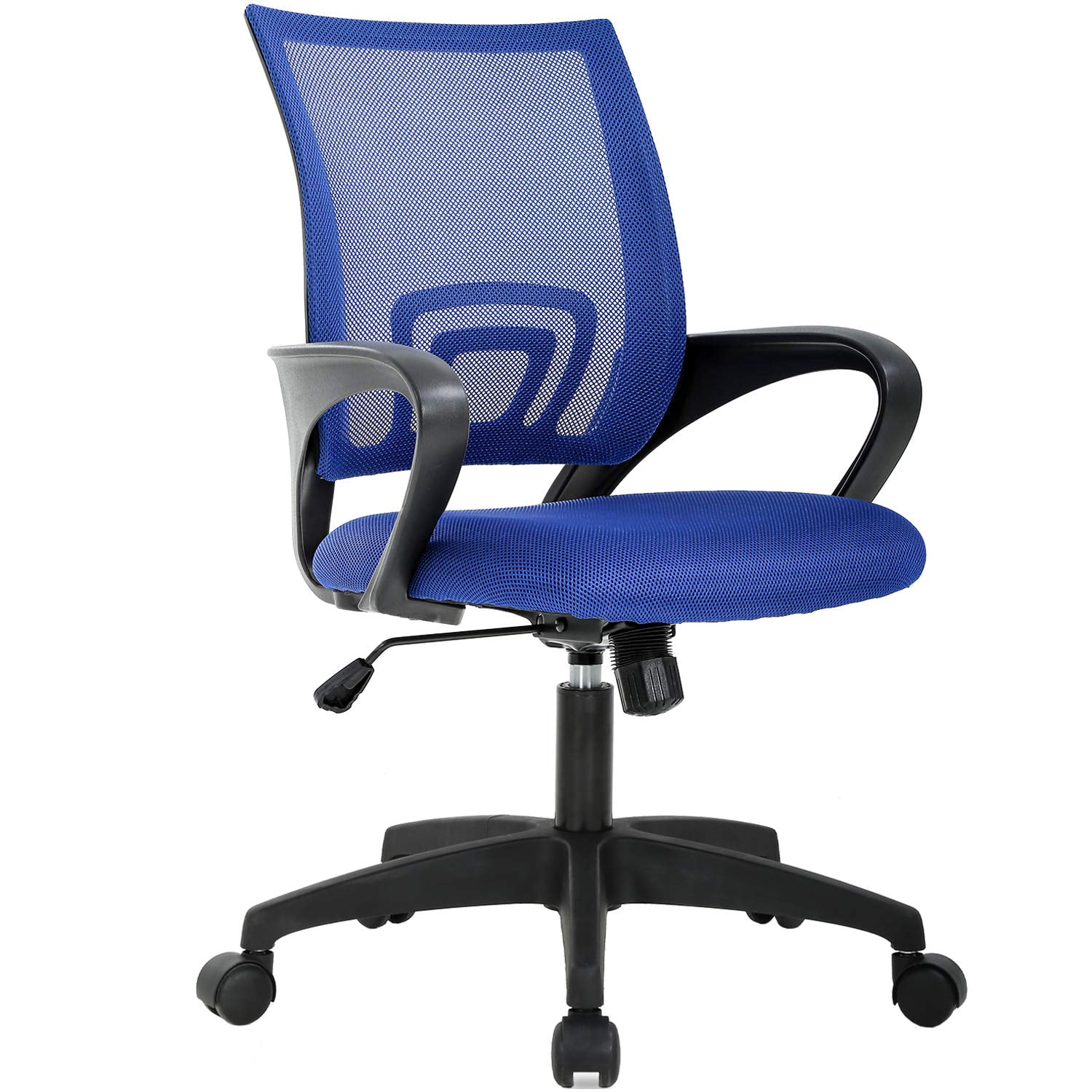
Your Complete Guide to the Perfect Office Chair Ergonomic Desk Chair
Think of your office chair like a high-performance car seat. Just as a race car driver needs precise adjustments for control and comfort during long races, your body craves the same level of support during those 8+ hour work marathons. An office chair ergonomic desk chair isn't just furniture—it's your daily performance partner.
Did You Know? The average office worker sits for approximately 6.5 to 8 hours per day. According to the American Posture Institute, poor sitting posture can increase spinal disc pressure by up to 40%, leading to chronic back issues. The right ergonomic chair can reduce this pressure by providing proper support and promoting better posture.
The Science Behind Ergonomic Seating
Understanding why ergonomic design matters helps you make smarter choices. Your spine naturally forms an "S" curve when standing, but sitting often flattens this curve, especially in the lower back. This flattening strains muscles, compresses discs, and reduces blood flow. Quality ergonomic chairs counter this through strategic support.
🔧 Lumbar Support
Maintains the natural inward curve of your lower spine, reducing muscle fatigue and disc pressure. Adjustable lumbar support allows positioning exactly where your back needs it most.
📏 Seat Depth Adjustment
Ensures proper thigh support without pressure behind the knees. When adjusted correctly, you should fit 2-3 finger widths between the seat edge and your calves.
🔄 Dynamic Movement
Encourages micro-movements throughout the day, promoting blood circulation and reducing stiffness. Syncro-tilt and multi-position lock mechanisms are key features.
🎯 4D Armrests
Adjustable in height, width, depth, and angle to support arms in any position, reducing shoulder and neck tension during typing and mouse work.
7 Critical Adjustments You Need in Your Ergonomic Desk Chair
A truly ergonomic chair isn't a one-size-fits-all solution. It's a customizable tool that you adjust to fit your unique body. Here are the essential adjustments to look for:
- Seat Height Adjustment: Your feet should rest flat on the floor with thighs parallel to the ground. Pneumatic lift mechanisms should offer smooth, continuous adjustment from approximately 16 to 21 inches.
- Lumbar Support Depth and Height: The most critical feature. Look for chairs that allow you to move the lumbar support forward/backward AND up/down to target your specific spinal curve.
- Backrest Recline Tension: Controls how much force is needed to lean back. Adjustable tension lets you customize resistance based on your weight and preference.
- Seat Depth (Slider): Allows you to move the seat pan forward or backward to ensure proper thigh support without cutting off circulation behind your knees.
- Armrest Adjustability: 4D armrests (up/down, left/right, forward/backward, pivot) provide the most flexibility for different tasks and body types.
- Headrest Position: Particularly important for taller users or those who lean back frequently. Should adjust in height and angle to support the natural curve of your neck.
- Tilt Lock Mechanisms: Allows you to lock the chair at specific recline angles, giving you stability for focused work and flexibility for relaxation breaks.
Material Matters: Choosing Your Ergonomic Chair's Construction
The materials used in your ergonomic desk chair directly impact comfort, durability, and maintenance requirements. Each option offers distinct advantages depending on your work environment and personal preferences.
Premium Mesh: The Breathable Choice
High-quality mesh backrests have revolutionized ergonomic seating. Unlike traditional padded backs, mesh conforms to your spine while allowing continuous airflow. This prevents the dreaded "sweaty back" syndrome during long work sessions. Look for chairs with varying mesh densities—tighter weave for lumbar support, looser for upper back comfort. The best mesh chairs maintain their tension for years without sagging.
Multi-Layer Foam: Pressure Distribution Excellence
Modern ergonomic chairs often use multiple foam densities in the seat. Firmer foam at the edges provides stability when sitting, while softer foam in the center cushions your sitting bones. Some premium chairs incorporate memory foam layers that conform to your unique shape while maintaining enough resilience to prevent "bottoming out" after hours of use.
Hybrid Designs: Best of Both Worlds
Many top-tier ergonomic chairs now feature hybrid construction: breathable mesh backrests combined with well-padded, contoured foam seats. This combination addresses the primary limitation of all-mesh chairs (potential discomfort for some users) while maintaining the breathability benefits of mesh. The result is a chair that stays cool while providing plush, comfortable support.
Your Ergonomic Adjustment Checklist
Follow these steps when setting up your new ergonomic chair:
The Health Impact: By the Numbers
Investing in a quality ergonomic chair isn't just about comfort—it's a health decision with measurable outcomes:
- 62% reduction in musculoskeletal disorders reported by workers using properly adjusted ergonomic chairs (Journal of Occupational Rehabilitation)
- 43% improvement in focus and productivity when discomfort is eliminated (Cornell University Ergonomics Research)
- 32% decrease in sick leave usage among employees with ergonomic workstations (Occupational Safety and Health Administration)
- 75% of workers report reduced lower back pain after switching to adjustable ergonomic chairs (Mayo Clinic Proceedings)
Proper Posture: Your Daily Practice
The 90-90-90 Rule
- Ankles at 90°: Feet flat on floor or footrest
- Knees at 90°: Thighs parallel to ground
- Hips at 90°: Upper body aligned with thighs
- Elbows at 90°: Forearms parallel to desk surface
- Monitor at eye level: No neck bending
- Wrists straight: Neutral typing position
Common Posture Mistakes to Avoid
- ❌ Slouching forward: Increases disc pressure by 40%
- ❌ Sitting on wallet: Causes pelvic misalignment
- ❌ Perching on edge: No back support, muscle fatigue
- ❌ Locked knees: Restricts blood circulation
- ❌ Reclining too far: Neck strain, eye fatigue
5-Year Cost Analysis: The True Value of Quality
| Chair Category | Initial Cost | Typical Lifespan | Cost Per Year | Cost Per Work Hour* |
|---|---|---|---|---|
| Budget/Basic | $150-$300 | 2-3 years | $50-$150 | $0.03-$0.08 |
| Mid-Range Ergonomic | $400-$800 | 5-7 years | $57-$160 | $0.03-$0.09 |
| Premium Ergonomic | $900-$1,500 | 10-12 years | $75-$150 | $0.04-$0.08 |
| High-End/Designer | $1,600-$3,000+ | 12-15 years | $107-$250 | $0.06-$0.14 |
*Based on 2,000 work hours per year (40 hours × 50 weeks)
Smart Shopping: Your Ergonomic Chair Buying Timeline
Finding the perfect ergonomic chair isn't an impulse purchase. Follow this systematic approach to ensure you invest wisely:
Who Needs an Ergonomic Desk Chair?
While everyone benefits from proper seating, certain groups find ergonomic chairs particularly transformative:
💻 Remote Workers
With home offices becoming permanent, investing in professional-grade ergonomic seating prevents the back pain that plagues many work-from-home professionals.
🖥️ Programmers & Designers
Extended, focused screen time demands chairs that maintain comfort and support during marathon coding or design sessions.
📞 Call Center Staff
High-volume phone work combined with data entry creates repetitive strain that proper ergonomic support can mitigate.
🎓 Students
Long study sessions and increasing online learning make ergonomic chairs valuable for academic success and physical health.
⚕️ Chronic Pain Sufferers
Those with existing back, neck, or shoulder conditions often find significant relief with properly adjusted ergonomic seating.
📊 Executives & Managers
Leadership roles involving long meetings and decision-making benefit from chairs that maintain comfort and professional presence.
Red Flags: When to Replace Your Current Chair
Even the best chairs eventually wear out. Watch for these signs that it's time for an upgrade:
- Visible wear and tear: Cracked leather, compressed foam, or frayed fabric that affects comfort
- Mechanism failure: Gas lift that won't hold height, tilt lock that slips, or armrests that won't stay adjusted
- Increased discomfort: If you're experiencing more back pain or fatigue than when the chair was new
- Noise and instability: Squeaking, wobbling, or creaking that persists after maintenance
- Outdated ergonomics: Your current chair lacks adjustments that modern chairs offer and that your body now needs