
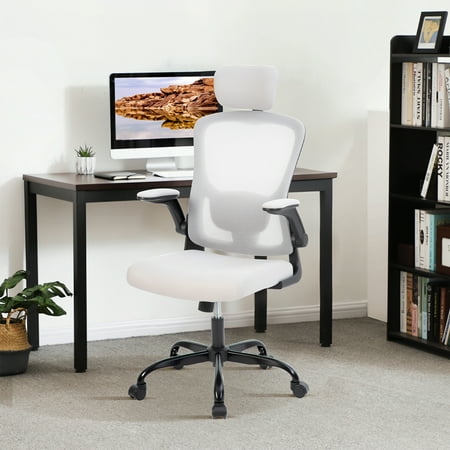
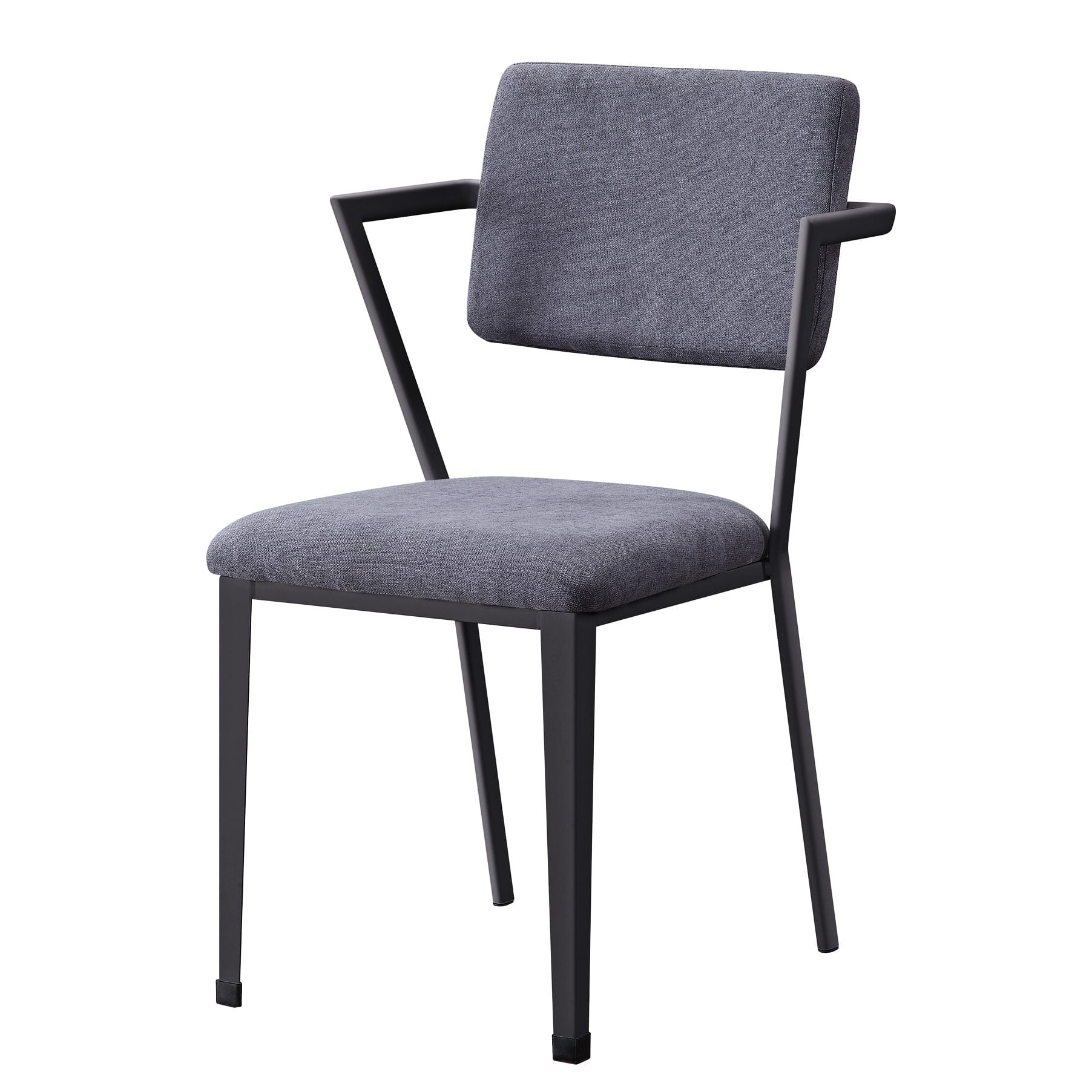
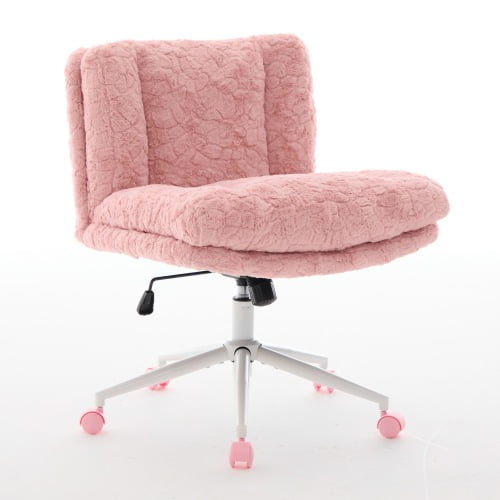
Why Your Bad Back Demands More Than Just a Chair
If you've ever winced standing up after a long meeting or felt a dull ache radiating from your lower back during deep work, you already know: traditional office chairs are often designed for aesthetics, not anatomy. For millions of professionals, chronic back pain isn't just an inconvenience—it’s the primary barrier to focus, energy, and long-term health.
Choosing the most comfortable office chair for bad back isn’t a luxury; it’s a medical and productivity necessity. Modern ergonomic chairs are engineered with biomechanics in mind, acting as a 24/7 support system that mirrors the spine’s natural curvature. According to the Occupational Safety and Health Administration (OSHA), musculoskeletal disorders account for one-third of all worker injury cases, with lower back pain being the leading culprit. The right chair can reduce these risks by up to 60%.
Anatomy of Relief: Key Ergonomic Features That Matter
Not all ergonomic chairs are equal. When your goal is alleviating existing back issues, you need to look beyond the “ergonomic” label. Here’s a breakdown of features that define the most comfortable office chair for bad back.
🦴 Dynamic Lumbar Support
Static lumbar pillows are obsolete. The best chairs offer height-adjustable and depth-adjustable lumbar that moves with you. This ensures the lordotic curve (inward curve of lower back) is supported whether you’re leaning forward typing or reclining during a call.
🪑 Seat Depth & Waterfall Edge
A common cause of back pain is seat pans that are too long, cutting off circulation behind the knees. Look for adjustable seat depth (2-3 inches) and a waterfall edge that reduces pressure on the hamstrings, keeping your pelvis in a neutral position.
⚙️ Synchronous Tilt Mechanism
Static sitting is the enemy. A synchronous tilt allows the seat and backrest to move in a coordinated ratio (often 2:1), enabling you to shift postures naturally without losing spinal alignment. This mimics the movement of standing and reduces static muscle fatigue.
🖐️ 4D Adjustable Armrests
Armrests that adjust up/down, pivot, width, and depth allow you to relax your shoulders and prevent slouching. When your elbows rest at 90 degrees and wrists are neutral, tension in the upper back and neck dissipates significantly.
Material Science: Mesh vs. Cushioning for Back Pain
One of the most debated topics is which material provides superior support for a bad back. Let’s analyze both based on ergonomic principles:
- Premium Mesh (e.g., high-tension elastomer): Offers adaptive contouring and breathability. It prevents heat buildup—crucial for inflammation. Mesh supports the spine by distributing weight evenly and is highly recommended for lower back pain sufferers because it never sags and maintains consistent tension.
- High-Density Foam + Fabric/Leather: Provides a plush, “cradled” sensation. Modern cold-cure foam with memory foam top layers can reduce pressure peaks. However, ensure the foam is dense enough (at least 3.5 lbs/cu ft) to avoid premature sagging, which exacerbates back pain.
Expert recommendation: For chronic bad backs, a hybrid approach works best: a mesh backrest for continuous lumbar contact and a well-padded, adjustable seat pan for comfort.
The 5-Step Assessment: How to Choose Your Ideal Chair
- Identify Your Pain Zone: Is your pain primarily lower back (lumbar), mid-back (thoracic), or neck/shoulders? Lower back requires deep adjustable lumbar; thoracic needs a taller backrest; neck pain demands a height-adjustable headrest.
- Measure Your Workspace: Measure desk height (standard 28-30 inches). Your chair should allow your feet to rest flat while thighs are parallel to the floor. Account for armrest height to avoid shoulder shrug.
- Test Adjustability Range: Ensure lumbar support can reach the curve of your spine. Seat depth should allow 2-3 fingers between the back of your knee and the seat edge.
- Weight Capacity & Build: For long-term durability and stability, look for chairs rated for at least 300 lbs even if you weigh less. Reinforced steel base and Class 4 gas lift ensure the chair remains stable and safe.
- Warranty & Trial: Back-friendly chairs are investments. Prioritize brands offering at least 5-year warranty on components and a 30-day return policy to truly test comfort over extended periods.
Top Ergonomic Features That Target Common Back Conditions
If you suffer from specific conditions like herniated discs, sciatica, or scoliosis, the following chair features become even more critical:
| Condition | Critical Chair Feature | Why It Helps |
|---|---|---|
| Herniated Disc / Sciatica | Active Lumbar & Seat Angle Tilt | Reduces pressure on the sciatic nerve by maintaining the pelvis in a neutral tilt. A forward seat tilt option helps shift weight to thighs and decompress the lumbar spine. |
| Chronic Lower Back Strain | Dynamic Lumbar (multi-directional) | Allows you to fine-tune the contact point, preventing hyperextension. Breathable mesh prevents heat-induced muscle tension. |
| Upper Back / Thoracic Pain | High Backrest with Adjustable Headrest | A tall backrest (26 inches or more) supports the entire thoracic region. Pair with a headrest to align cervical spine, reducing compensatory slouching. |
| Posture-Related Pain | Synchronous Mechanism & 4D Arms | Encourages natural movement and offloads the shoulders. Prevents rounded shoulders that pull the spine out of alignment. |
Beyond the Chair: Habits That Amplify Comfort
Even the most comfortable office chair for bad back works best when paired with healthy sitting practices. Integrate these habits to maximize relief:
- 20-8-2 Rule: Every 20 minutes, stand for 8 minutes and move for 2 minutes. Micro-breaks reset spinal discs and rehydrate tissues.
- Monitor Height Alignment: The top of your screen should be at or slightly below eye level. Craning forward creates tension that starts in the neck and cascades down the spine.
- Foot Positioning: Use a footrest if your feet don’t touch the floor. Unsupported feet increase pressure on the lumbar spine by up to 30%.
- Seated Stretches: Incorporate seated cat-cow stretches and pelvic tilts every hour to keep the back mobile.
The Investment Perspective: Health ROI
If you’re hesitant about spending $800+ on an ergonomic chair, consider the cost of untreated back pain. The American Chiropractic Association reports that back pain costs employers over $100 billion annually in lost productivity, and individuals spend thousands on pain management, physical therapy, and missed work. A premium chair that lasts 10 years often costs less than a single month of specialized physical therapy. Moreover, tax-advantaged accounts (HSA/FSA) frequently cover ergonomic chairs with a doctor’s note.
Frequently Asked Questions About Chairs for Bad Backs
Conclusion: Reclaim Your Comfort and Productivity
Your back is the structural pillar of your professional life. Investing in the most comfortable office chair for bad back is one of the most impactful decisions you can make for your health and career longevity. The ideal chair bridges the gap between medical necessity and workplace performance, allowing you to focus on strategy rather than discomfort.
As you evaluate the chairs featured in our product grid, pay close attention to adjustable lumbar, seat depth, and material quality. Remember that your body is unique—the right chair will offer enough customization to feel like it was built just for you. Prioritize warranties, read user experiences with similar pain profiles, and never compromise on the features that directly support your spine.
Final Takeaways
Take action today. Browse the selection of clinically-inspired ergonomic chairs below, and make the switch to a seat that supports not just your body, but your future.