
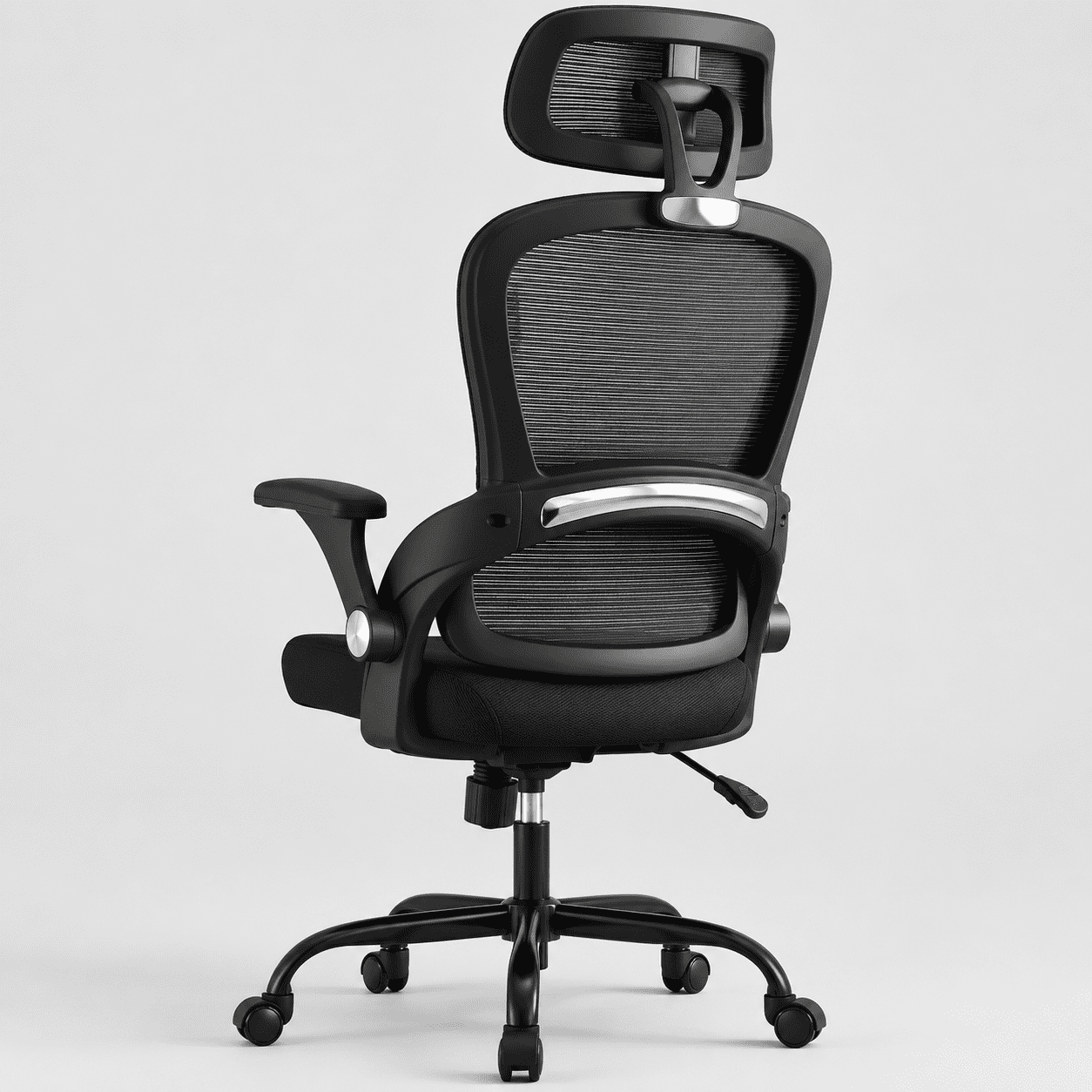
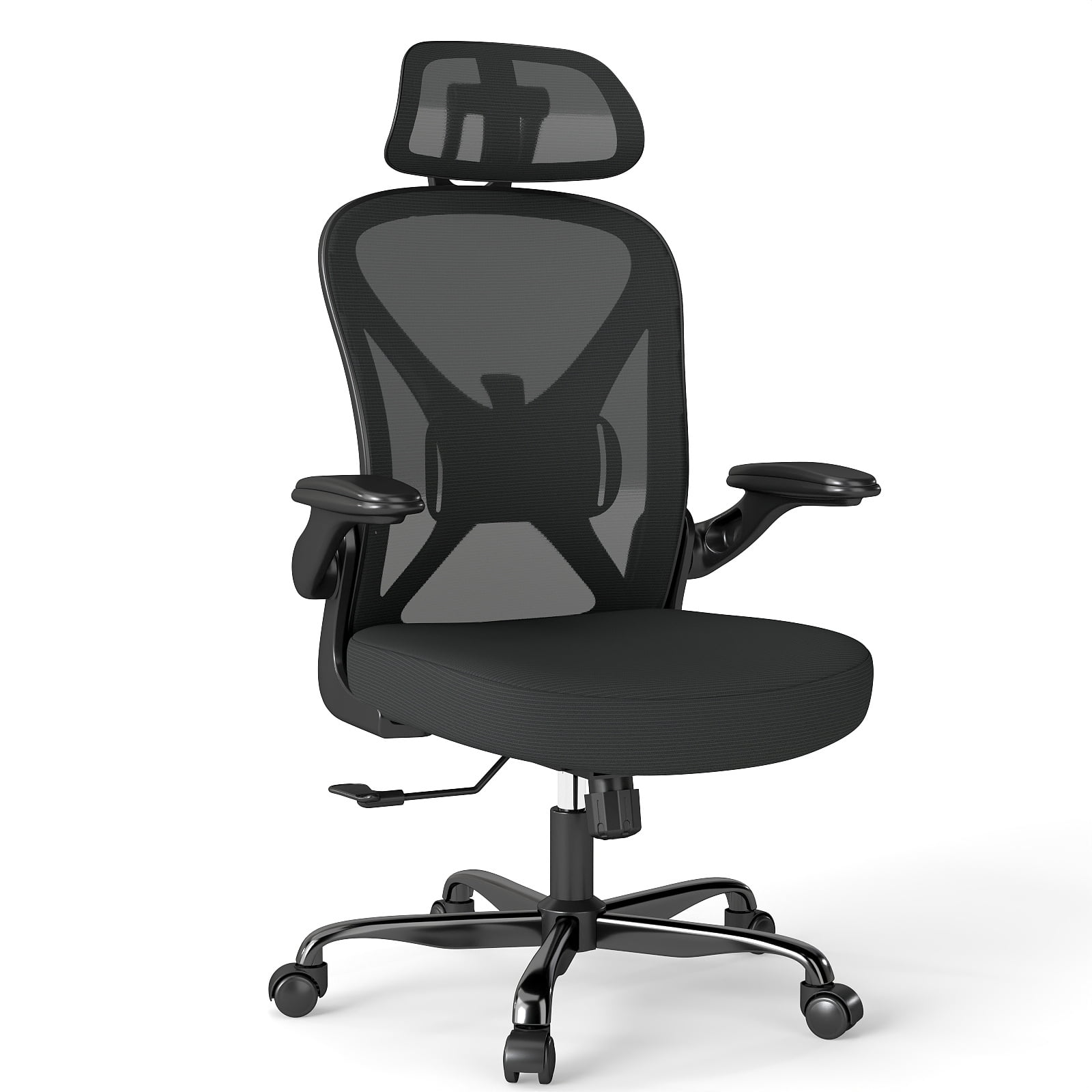
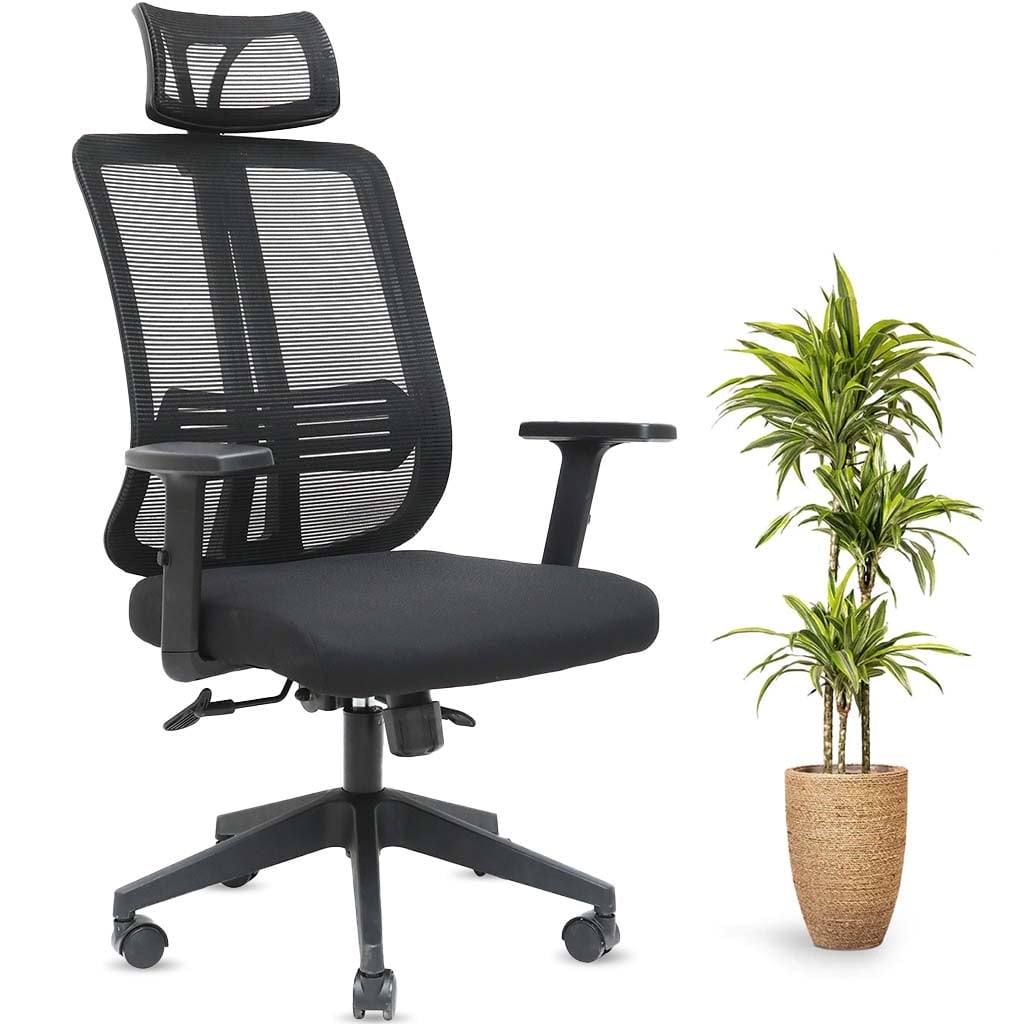
Why Your Workspace Demands an Ergonomic Office Chair with Head Support
For professionals spending extended hours at a desk, neck pain has become an epidemic. Unlike standard office chairs, an ergonomic office chair with head support is engineered to counteract the gravitational pull on your head—which weighs about 10-12 pounds—and the forward head posture common in screen-based work. This isn't just about luxury; it's about maintaining your musculoskeletal health and cognitive clarity.
Ergonomic Insight: Studies indicate that for every inch your head moves forward, the load on your neck muscles increases by approximately 10 pounds. An adjustable headrest helps maintain neutral alignment, reducing this strain by up to 40% and lowering the risk of chronic tension headaches and cervical spine degeneration.
The Anatomy of Superior Head Support
Not all headrests are created equal. A truly ergonomic head support system integrates with the chair's backrest to provide continuous spinal alignment from the pelvis to the head. Here's what distinguishes premium models:
- Multi-Dimensional Adjustment: 2D or 3D headrests that move vertically, pivot, and sometimes adjust depth to precisely fit your unique cervical curve.
- Curved Contour: Ergonomically shaped to cradle the neck's natural lordosis without pushing the head forward.
- Breathable Materials: High-quality mesh or perforated leather that prevents heat buildup, encouraging frequent leaning back.
- Integrated Synchronized Recline: The headrest moves in harmony with the backrest during recline, ensuring continuous support whether you're sitting upright or leaning back for a strategic thought.
✔️ Key Advantages of Head Support Chairs
- Reduces neck tension and risk of 'tech neck'
- Encourages proper upper back posture
- Enhances comfort during phone calls or video meetings
- Allows full relaxation during breaks or deep thinking sessions
- Prevents forward head posture (FHP) development
❌ Considerations Before Buying
- Can feel restrictive if not properly adjusted
- Premium models with advanced adjustments cost more
- Not ideal for users who prefer minimalist, low-back chairs
- Requires learning correct adjustment for optimal benefit
Choosing the Right Headrest Type for Your Needs
Selecting the perfect ergonomic chair with head support involves understanding the different headrest configurations available:
| Headrest Type | Best For | Key Features |
|---|---|---|
| Fixed Headrest | Users of average height who rarely share the chair | Simple, cost-effective; provides basic support but limited customization. |
| Height-Adjustable | Multiple users or varying torso heights | Vertical slide mechanism ensures headrest aligns with the neck's curve regardless of user height. |
| 2D (Height + Angle) | Most users seeking a balance of adjustability and simplicity | Allows precise tilt to match the natural angle of your neck, ideal for both upright and reclined postures. |
| 3D / 4D (Height, Angle, Depth + Pivot) | Executive users, those with specific neck issues, or ultimate comfort seekers | Maximum customization; depth adjustment moves the headrest forward/backward, critical for those with pronounced spinal curvatures. |
Beyond the Headrest: Integrated Ergonomic Features
While head support is crucial, it works in harmony with other ergonomic elements. For optimal results, your chair should also offer:
Holistic Support Philosophy: A chair with a headrest must also have dynamic lumbar support and seat depth adjustment. Without proper lower back support, the headrest can't perform effectively because the spine won't be properly aligned from the base. Think of it as a chain: the seat anchors the hips, lumbar supports the lower spine, and the headrest finishes the alignment at the top.
- Independent Back Tension: Allows you to recline with variable resistance, so the headrest remains supportive without being forced.
- Height-Controlled Armrests (4D): Reduce shoulder elevation, which directly impacts neck tension.
- Waterfall Seat Edge: Promotes leg circulation, encouraging you to sit deeper into the chair, allowing the headrest to work correctly.
The Health Impact: What Science Says About Neck Support
The benefits of a proper ergonomic chair with headrest extend beyond immediate comfort. Longitudinal ergonomic studies highlight significant long-term advantages:
- Reduced Cervical Disc Pressure: Proper support can decrease pressure on the C5-C6 and C6-C7 discs, common sites for herniation.
- Lower Incidence of Tension-Type Headaches: By reducing suboccipital muscle strain, users report up to a 55% decrease in frequency of work-related headaches.
- Improved Breathing and Focus: Neutral head posture opens the airway, increasing oxygen flow and cognitive performance during afternoon slumps.
Step-by-Step Guide to Adjusting Your Headrest Correctly
Even the best chair is useless without proper setup. Follow these steps to fine-tune your ergonomic office chair with head support:
- Set Your Seat Height: Feet flat on floor, thighs parallel to ground. This establishes your base.
- Adjust Lumbar Support: Position it firmly into the curve of your lower back.
- Lean Back Naturally: Sit fully back in the chair with your shoulders relaxed and eyes level with the top of your monitor.
- Position the Headrest: Adjust height so the widest part of the headrest contacts the curve of your neck (occipital region), not the back of your skull. For most people, this is about 1–2 inches below the top of the headrest.
- Set the Angle: Tilt the headrest so it supports your head without pushing it forward. You should feel a gentle cradle, not pressure.
- Test Recline: Recline back slightly; the headrest should maintain contact and not create a gap.