
Why "Comfortable" and "Back Support" Must Go Hand in Hand
Imagine your favorite armchair at home—soft, enveloping, perfect for a short rest. Now imagine sitting in it for eight hours of focused work. You'd likely sink in, your posture would crumble, and within an hour, your back would start to ache. This is the fundamental paradox of the office chair: true comfort isn't about how a chair feels for the first five minutes, but how it supports you over the long haul. A truly comfortable office chair with back support is a tool for sustained well-being, not just a soft place to land.
The modern professional spends an average of 7 to 10 hours a day seated. During this time, the spine is under constant load. Without proper support, this leads to muscle fatigue, compressed discs, and chronic pain. The quest for the perfect chair is therefore a quest for a device that actively promotes health while you work. This guide moves beyond simple padding to explore the engineering and design principles that create a chair you can sit in all day without discomfort.
Did You Know? Research published in the journal 'Applied Ergonomics' suggests that using an ergonomic chair with dynamic back support can reduce self-reported discomfort by over 50% compared to using a standard, non-adjustable office chair. It's an investment in your most valuable asset: your health.
The Science of Sitting: What Defines True Back Support?
To find the right chair, you need to understand what your back actually needs. It's not a single block; it's a beautifully complex S-curve. A chair's job is to maintain this natural alignment. This section breaks down the key anatomical and mechanical elements.
1. Decoding Lumbar Support: More Than Just a Bump
The lower back, or lumbar region, bears the brunt of sitting. A static, non-adjustable lumbar support is like a one-size-fits-all hat—it fits almost no one perfectly. Here’s what to look for:
- Adjustability is King: The best chairs offer lumbar support that adjusts both in height and depth. Height adjustment ensures the support hits the right spot on your spine. Depth adjustment controls how much it pushes into your back, allowing you to dial in the perfect amount of pressure.
- Active vs. Passive Support: Passive support is a fixed curve in the backrest. Active support (like a separate, adjustable pad or a mechanism that moves with you) provides more dynamic and personalized support. For all-day comfort, prioritize active lumbar systems.
- The "Goldilocks" Zone: The support shouldn't be so aggressive that it pokes you, nor so soft that it collapses. It should fill the gap in your lower back firmly but gently, encouraging you to sit upright without forcing it.
2. Seat Depth and Edge: The Foundation of Comfort
Your thighs are the foundation of your seated posture. A chair that's too short won't support your thighs, leading to pressure on your buttocks. A chair that's too long will press against the back of your knees, cutting off circulation. This is often called the "waterfall edge."
- The Two-Finger Rule: As mentioned in the FAQ, this is the golden rule. After adjusting the seat depth (a feature often found on higher-end chairs), you should be able to slide your fingers between the front edge of the seat and your calf.
- Contoured vs. Flat Seats: A slightly contoured seat pan can help position your hips correctly and prevent you from sliding forward, which is a common cause of slouching.
3. The Unsung Hero: Recline and Tilt Mechanism
A chair that locks you into one rigid position is a recipe for stiffness. Your body craves movement. A good recline mechanism is not for napping; it's for dynamic sitting.
- Synchronous Tilt: This is the premium feature to look for. It allows the backrest and seat to move in a coordinated ratio (e.g., for every 3 degrees the backrest tilts, the seat tilts 1 degree). This keeps you supported and your feet on the floor while reclining, preventing a feeling of being tilted too far back.
- Tilt Tension Adjustment: This controls how much force is needed to recline. You should be able to adjust it so you can lean back with gentle pressure but the chair still provides enough resistance to support you in any position.
- Multi-Position Lock: Being able to lock the chair in a few different recline angles allows you to change your posture throughout the day, shifting the load on your spine and keeping muscles engaged.
4. Material Matters: Breathability and "Hammock Effect"
The material covering your chair directly impacts long-term comfort. It's the interface between you and the support structure.
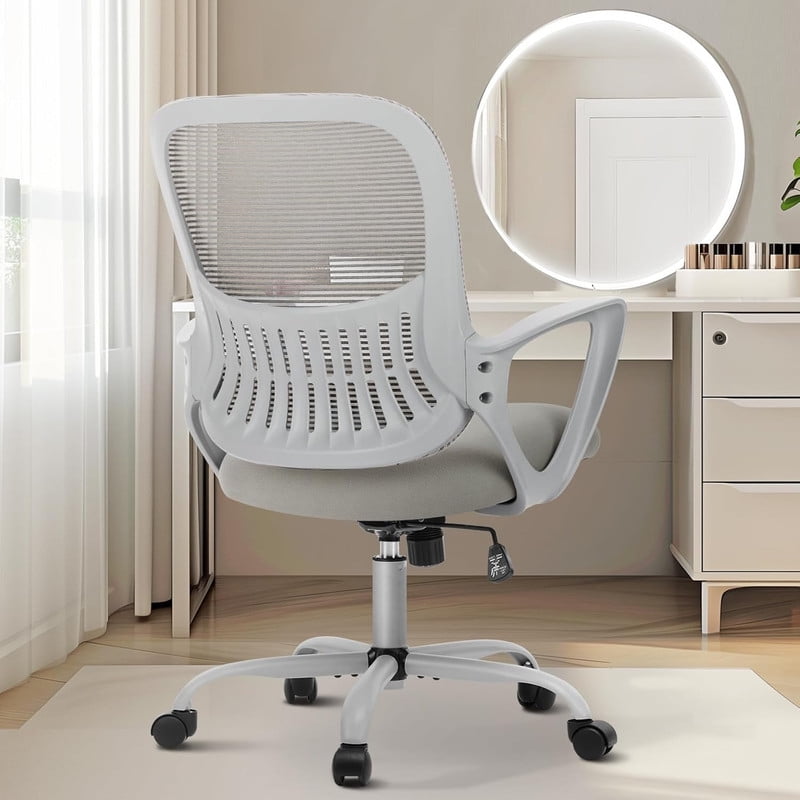
- High-Quality Mesh: Modern mesh is a fantastic choice for back support. It's breathable, preventing the sweaty back syndrome, and it acts like a hammock, conforming to the exact shape of your back and providing even support across the entire surface. It's self-adjusting in a way that foam isn't.
- Performance Fabric: High-end fabrics are durable, breathable, and can offer more cushioning than mesh. Look for fabrics with a bit of stretch, as they also conform to your movements.
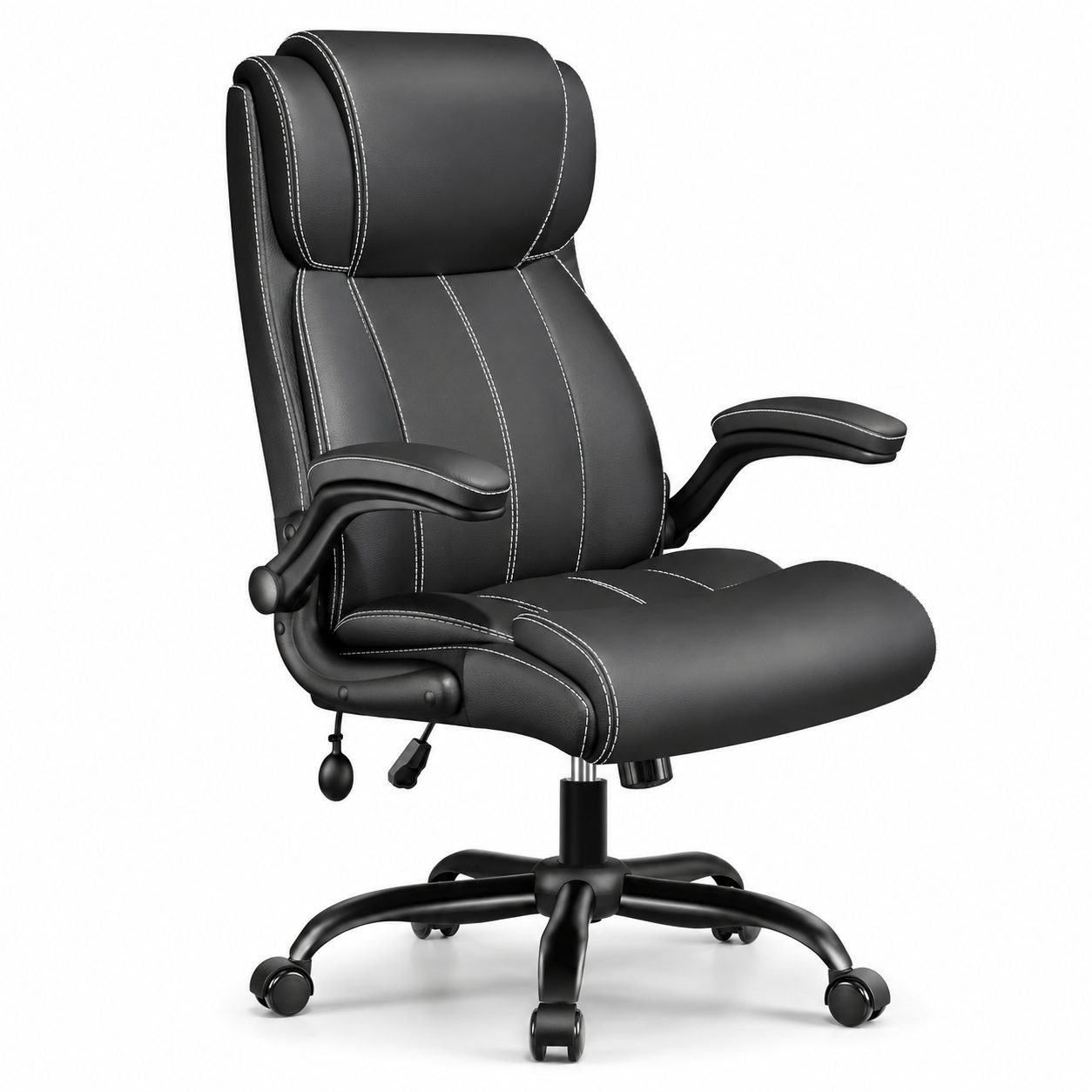
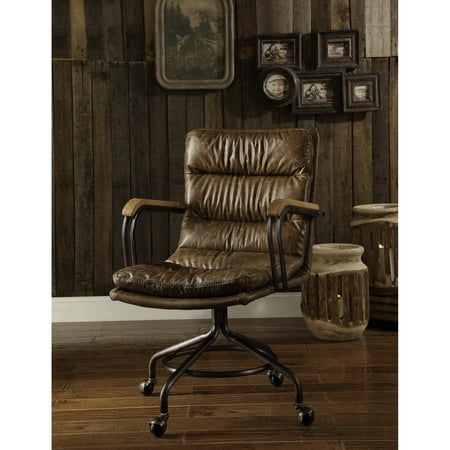
- Leather and Faux Leather: While aesthetically pleasing, they are less breathable. If you prefer leather, consider chairs with leather on the exterior and a fabric or mesh back panel, or ensure your office is well air-conditioned. For true all-day comfort, breathable materials generally win.
The Impact of Adjustability: A study by Cornell University found that providing workers with chairs that have a high degree of adjustability (seat height, backrest height/angle, armrests) led to a 22% reduction in reported musculoskeletal discomfort. Don't just look for a chair that feels good—look for one you can fine-tune.
5. Armrests: Shoulder and Neck Support's Best Friend
Back support doesn't stop at the lumbar area. Your arms, shoulders, and neck are all connected. Poor arm support leads to hunching, which strains the upper back.
- 4D Armrests are Ideal: This means they adjust in height, width, depth, and pivot angle. This level of customization allows you to keep your elbows at a 90-degree angle and your shoulders relaxed, preventing upper back tension.
- Material and Padding: Armrests should be wide enough and padded enough to support your forearms comfortably without creating pressure points.
6. Headrest: The Overlooked Component for Upper Back
If you ever lean back during phone calls, reading, or simply to think, a headrest is a game-changer for upper back and neck support.
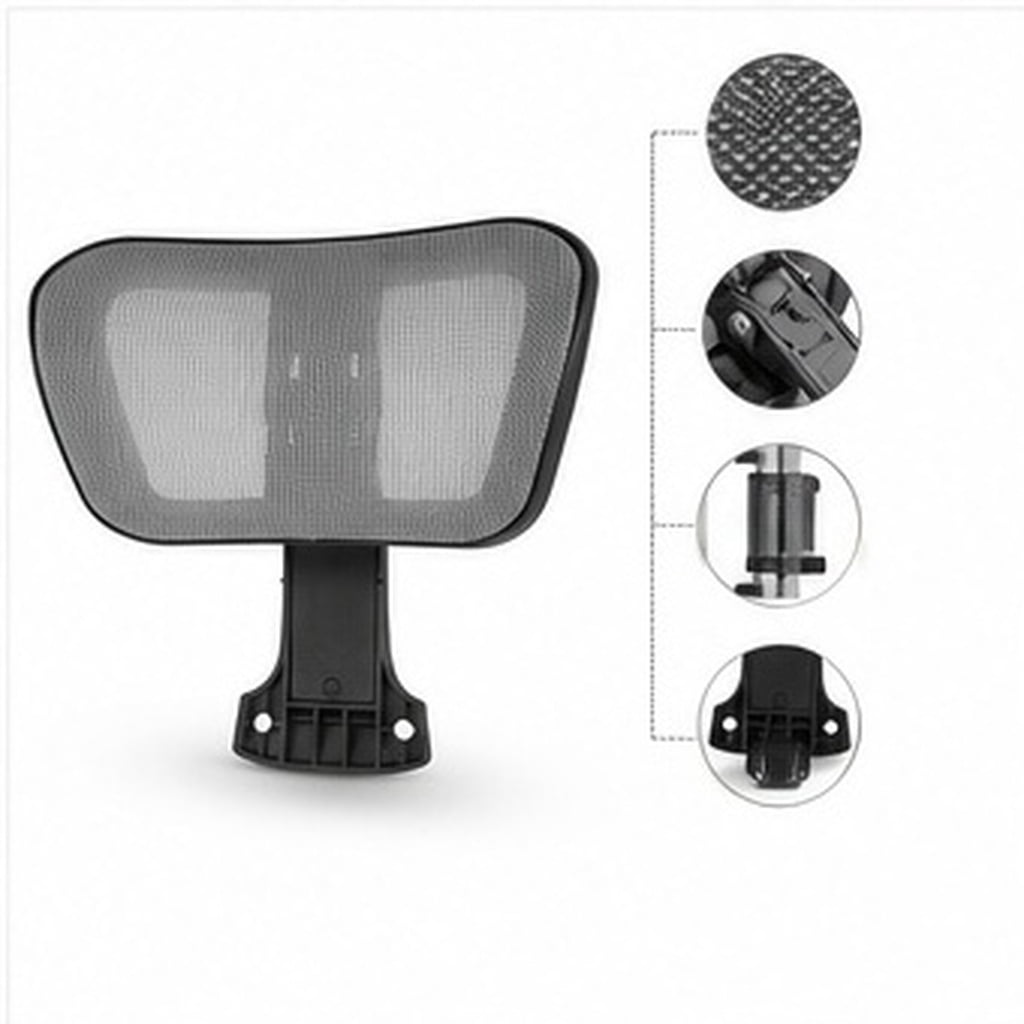
- Support for Reclining: When you recline, your head wants to go back with your body. Without a headrest, your neck muscles have to work overtime to hold your head up, leading to fatigue. A good headrest supports the natural curve of your neck.
- Adjustability is Key: Like lumbar support, a fixed headrest rarely aligns with your neck. Look for a headrest that adjusts in height and angle.
Quick Reference: Key Features for Back Support
| Feature | Why It Matters for Back Support | What to Look For |
|---|---|---|
| Lumbar Support | Maintains the spine's natural inward curve, preventing slouching. | Adjustable in height and depth; active/ dynamic mechanism preferred. |
| Seat Depth Adjustment | Ensures proper thigh support without pressure behind the knees. | Seat pan that slides forward/backward; waterfall edge. |
| Recline Mechanism | Allows dynamic sitting, shifting spinal load, and reducing static fatigue. | Synchronous tilt with adjustable tension and multi-position lock. |
| Backrest Height | Determines the level of spinal coverage. High backs support shoulders and neck. | Adjustable height or a tall, contoured design that supports the entire back. |
| Armrest Adjustability | Prevents shoulder hunching, reducing strain on the upper back and neck. | 4D adjustability (height, width, depth, pivot). |
The Consequences of Compromising on Back Support
Choosing a chair based on looks or price alone can have tangible consequences. It's helpful to think of the costs involved:
- Short-Term Discomfort: This is the most obvious sign. Aching lower back, stiff neck, and tired muscles at the end of the day are direct results of poor support.
- Reduced Productivity: Discomfort is a powerful distraction. When you're constantly shifting to find a comfortable position, your focus on work diminishes. Cornell's research links ergonomic comfort with improved task performance.
- Long-Term Health Issues: Chronic poor posture can lead to more serious conditions like herniated discs, sciatica, and chronic back pain that persists even when you're not at work.
- Hidden Financial Costs: The money "saved" on a cheaper chair can be dwarfed by the cost of medical treatments, physical therapy, or lost workdays due to back problems.
Frequently Asked Questions About Comfortable Office Chairs with Back Support
Conclusion: Your Path to a Pain-Free Workday
Finding the right comfortable office chair with back support is a personal journey, but it's guided by universal principles of ergonomics. It's not about finding a magic bullet, but about understanding your own body and seeking a chair with the right tools to support it. Think of a chair not as a passive piece of furniture, but as an active partner in your workday health.
Prioritize adjustability—especially in the lumbar region, seat depth, and armrests. Choose breathable materials that will keep you comfortable hour after hour. And remember, the best chair in the world still requires you to move. Use its dynamic features to change your posture regularly, stand up and stretch, and listen to what your body tells you. By combining the right chair with mindful sitting habits, you're not just investing in comfort; you're investing in your long-term productivity and well-being.
Final Thought: When you test a chair, sit in it for at least 15-20 minutes. Notice if any pressure points develop. Adjust every feature you can find. A chair that feels good for a minute can reveal its flaws after a short while. Trust the science of support, not just the initial plushness.